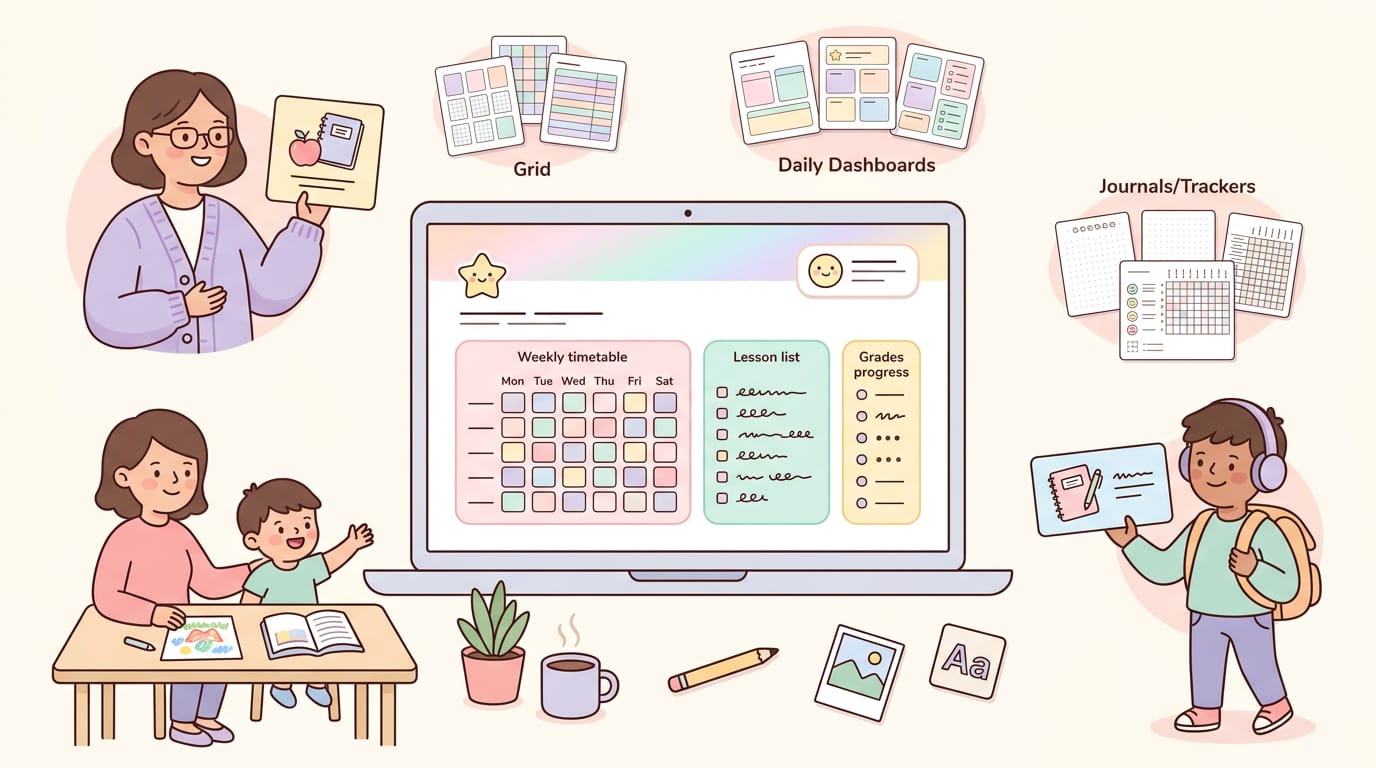
Aesthetic Notion Templates for Teachers and Students

An aesthetic Notion template is one with a calm, matching look: a cover picture, icons that go together, a few soft colors and a tidy layout, so the page is pleasant to open every day. Here are 18 of them in three groups: planners for teachers and students, daily planners and dashboards, and journals and trackers. Where we have a template of our own in a group, it comes first, with a link to its own page, and every pick says whether it is free or paid.
If you read no further: a teacher should start with the Ultimate Teacher Planner (paid), a homeschooling parent with the Ultimate Homeschool Planner (paid) and a tutor with the Ultimate Tutor Planner (paid). Students will find study hubs and dashboards in the first group, and many of the picks from Notion's own gallery are free. Whatever you choose, the last section shows how to give it your own cover, icon and font in a few clicks.
Still grading everything by hand?
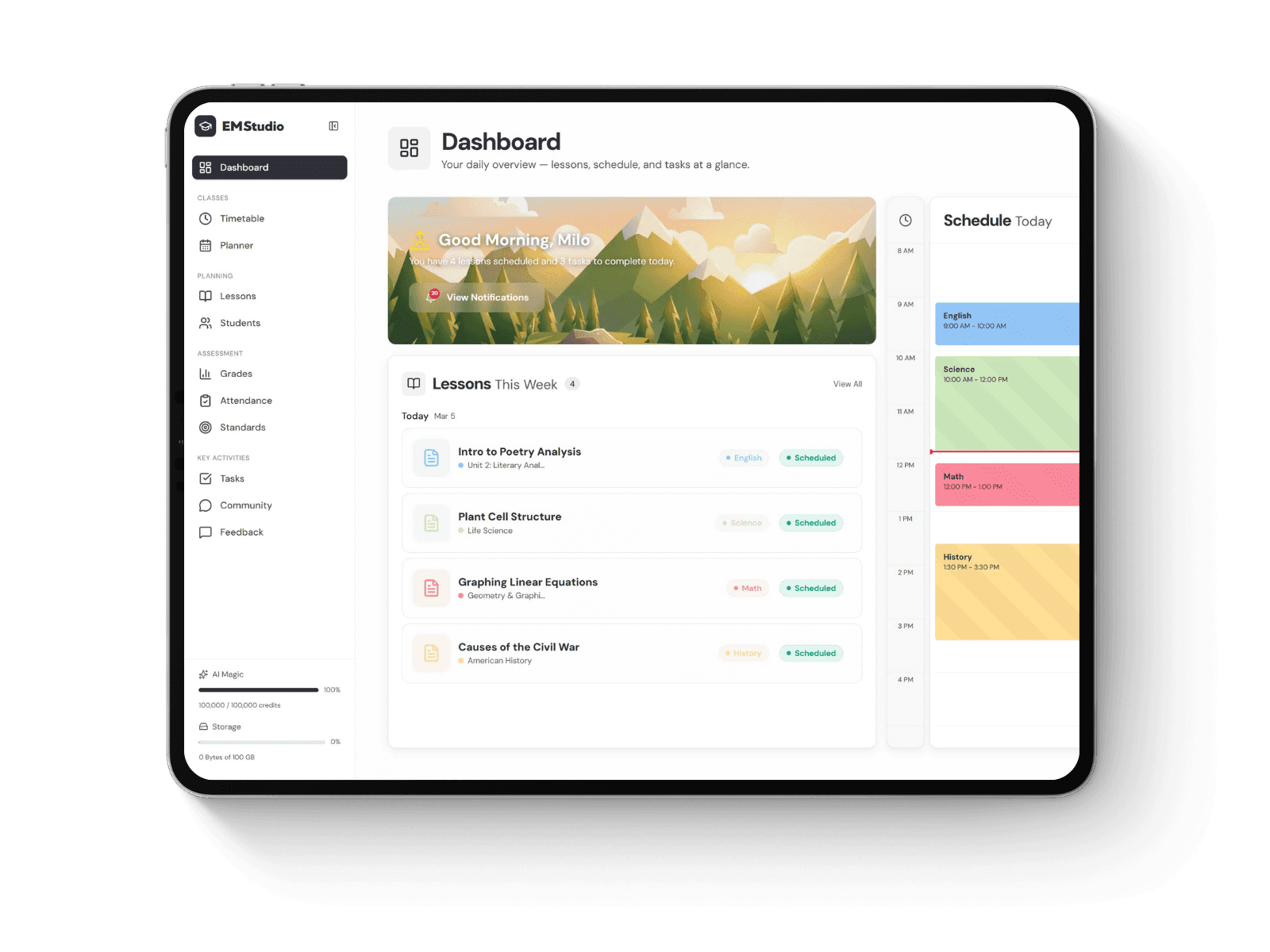
EMStudio is a free teaching management app — manage your classes, students, lessons, and more!
Aesthetic Notion planners for teachers and students
These planners do the school work: classes, a weekly timetable, lessons, assignments and grades, laid out so they look good as well as work. A teacher can plan the week's lessons in one, and a student can keep every course and deadline in one place. For more student picks, see our list of the best Notion student planners; for teachers, our best Notion templates for teachers.
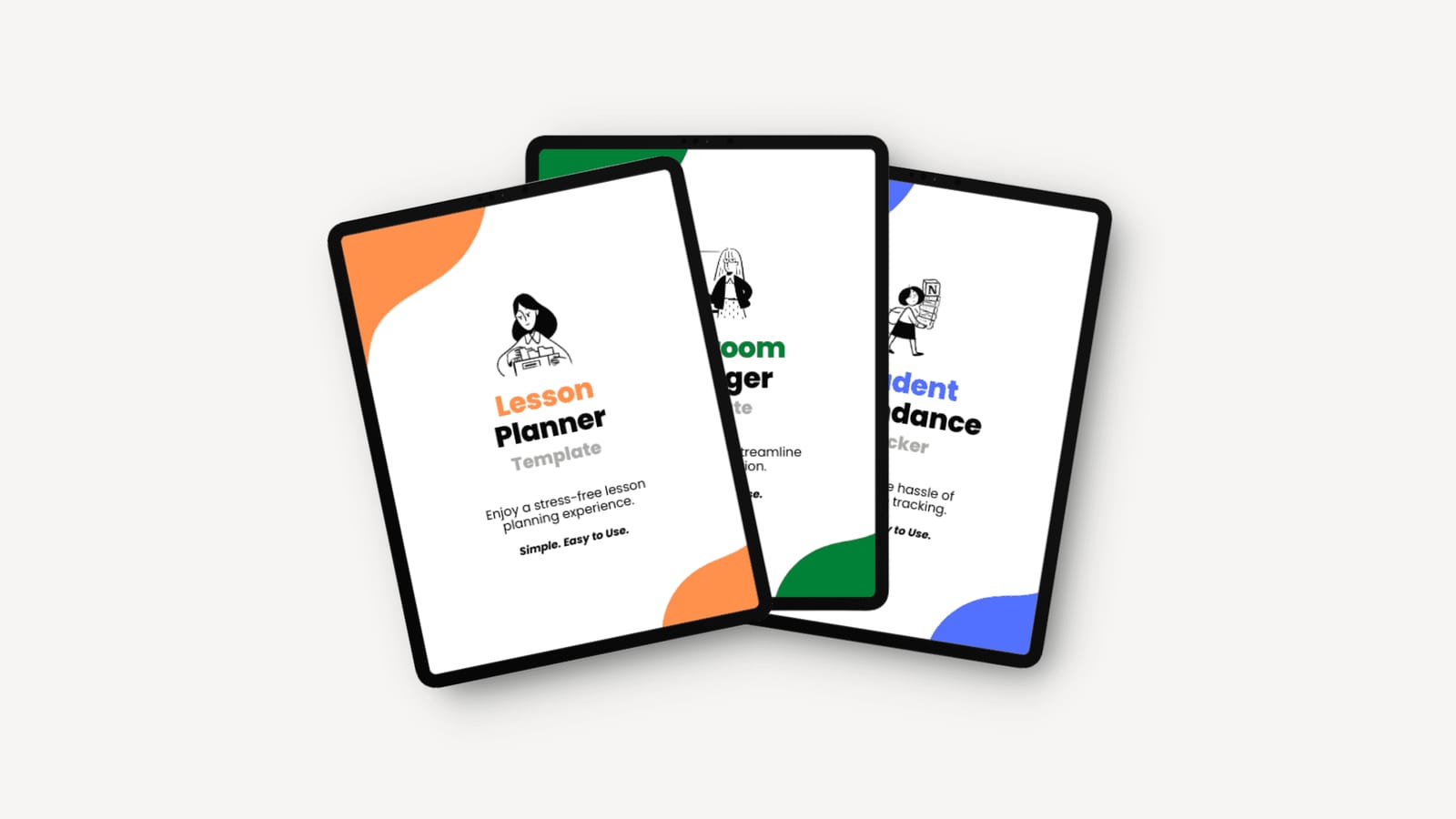
Ultimate Teacher Planner
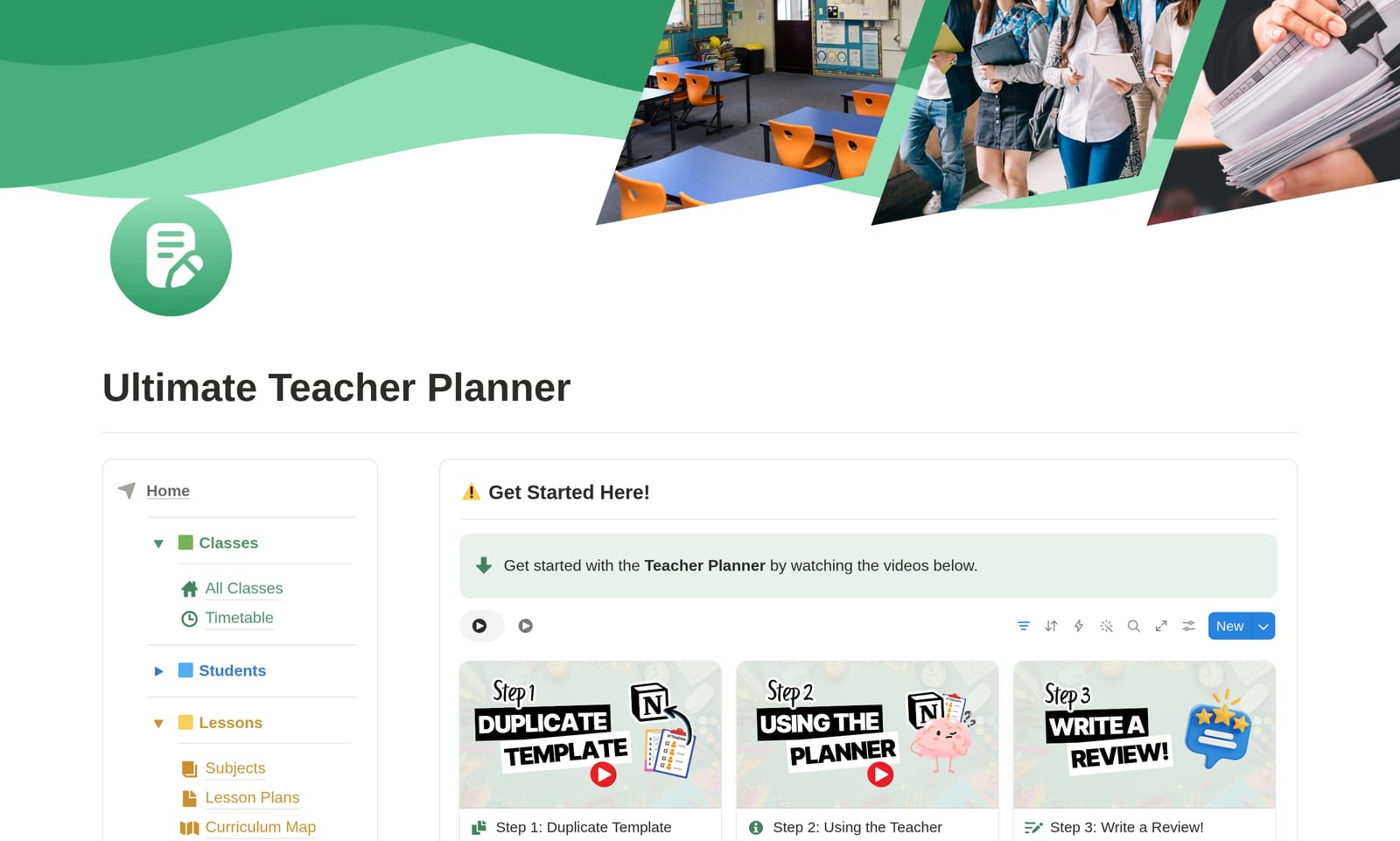
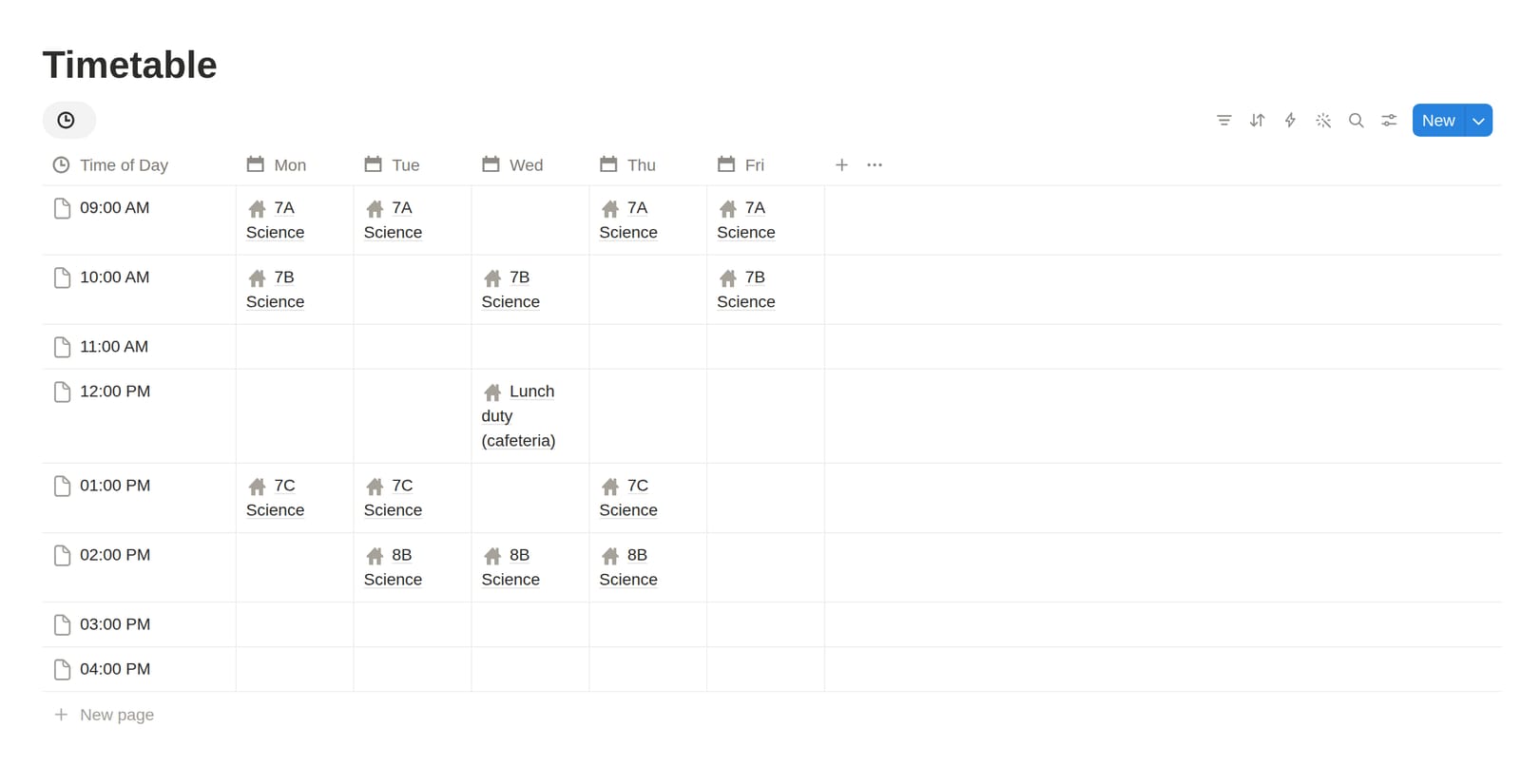
Our planner for classroom teachers. Its home page has a green cover of classroom photos, a matching green icon and a menu down the left: Classes (All Classes, Timetable), Students and Lessons (Subjects, Lesson Plans, Curriculum Map), each section in its own color. Timetable shows the week as a grid, Mon to Fri across and the hours down, with each class in its slot. Get Started Here! holds three short how-to videos. Paid.
Get the Ultimate Teacher Planner
Ultimate Homeschool Planner
Our planner for parents who teach at home: one Notion workspace, its page says, for all your homeschool planning. The preview opens on its Classes page, laid out in white panels side by side: Get Started Here! on the left and All Classes on the right, one list of every class with its timing, days and number of students. Paid.
Get the Ultimate Homeschool Planner
Ultimate Tutor Planner
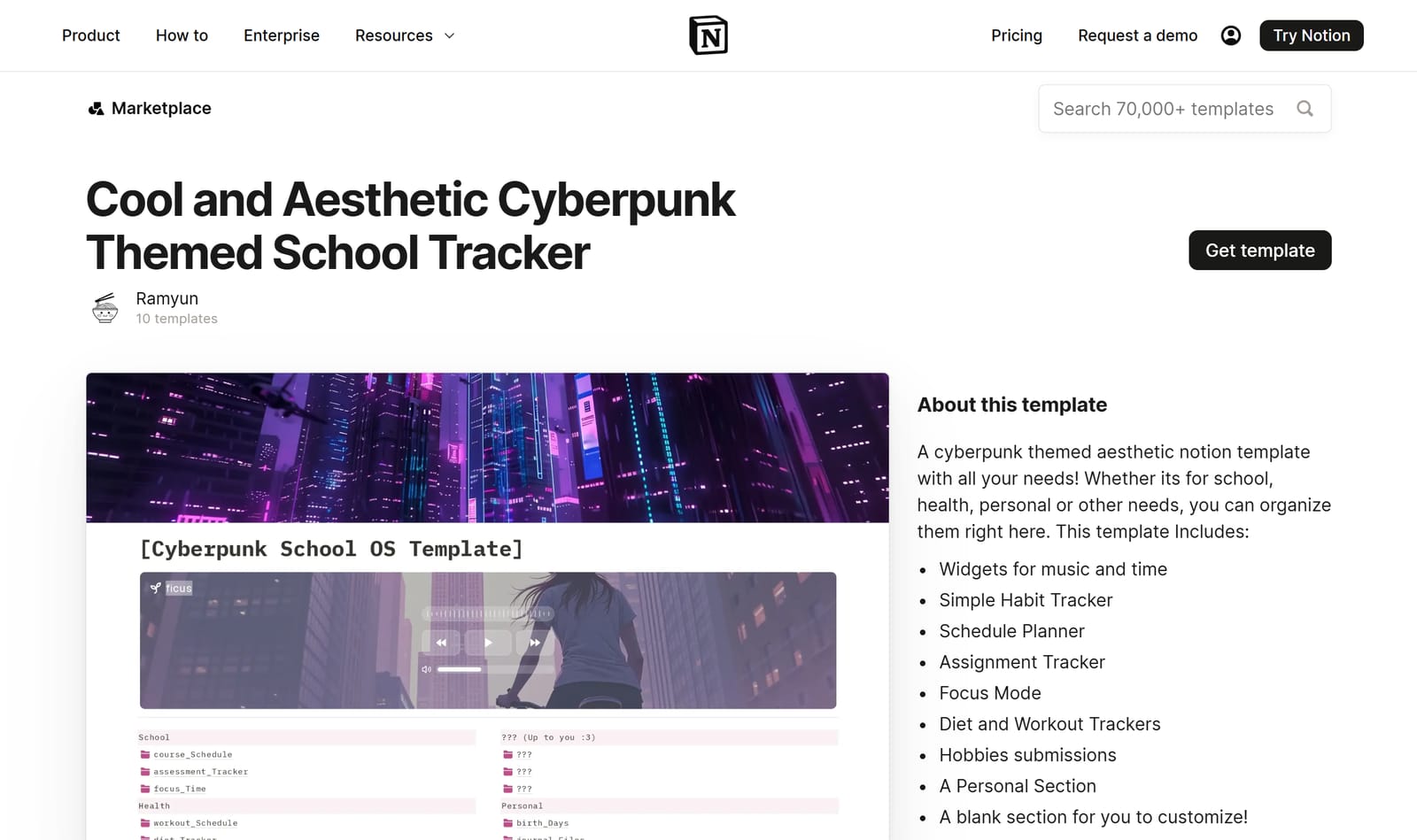
Our planner for private tutors. Its page sums it up: no more juggling Google Docs, calendars and spreadsheets, with everything kept connected in one place. The preview shows a Home menu on the left and a Calendar page beside it, in clean white panels. Suits a tutor whose lessons, schedule and notes now live in separate apps. Paid.
Get the Ultimate Tutor Planner
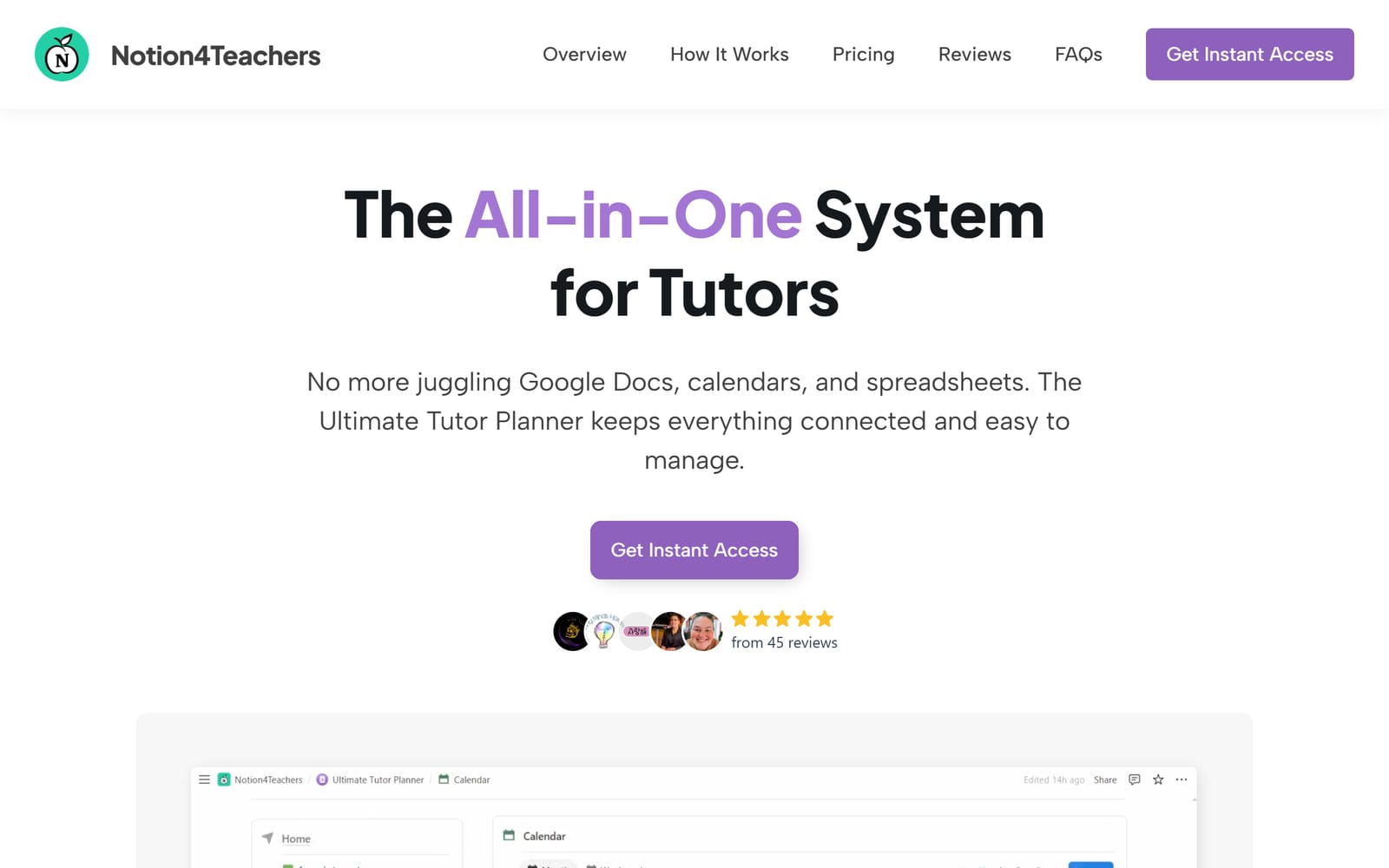
Glamour Aesthetic University Hub
Free. A university hub in pink, under a collage banner of a leopard, disco balls and a flower. Its dashboard has a navigation list (classes, assignments, weekly plan, daily planner, study room, graduation path, notes), an All Courses gallery with a picture for each class, and a clock. Its page says it also holds a playlist, reminders, quotes and goals. For a college student.
Get the Glamour Aesthetic University Hub
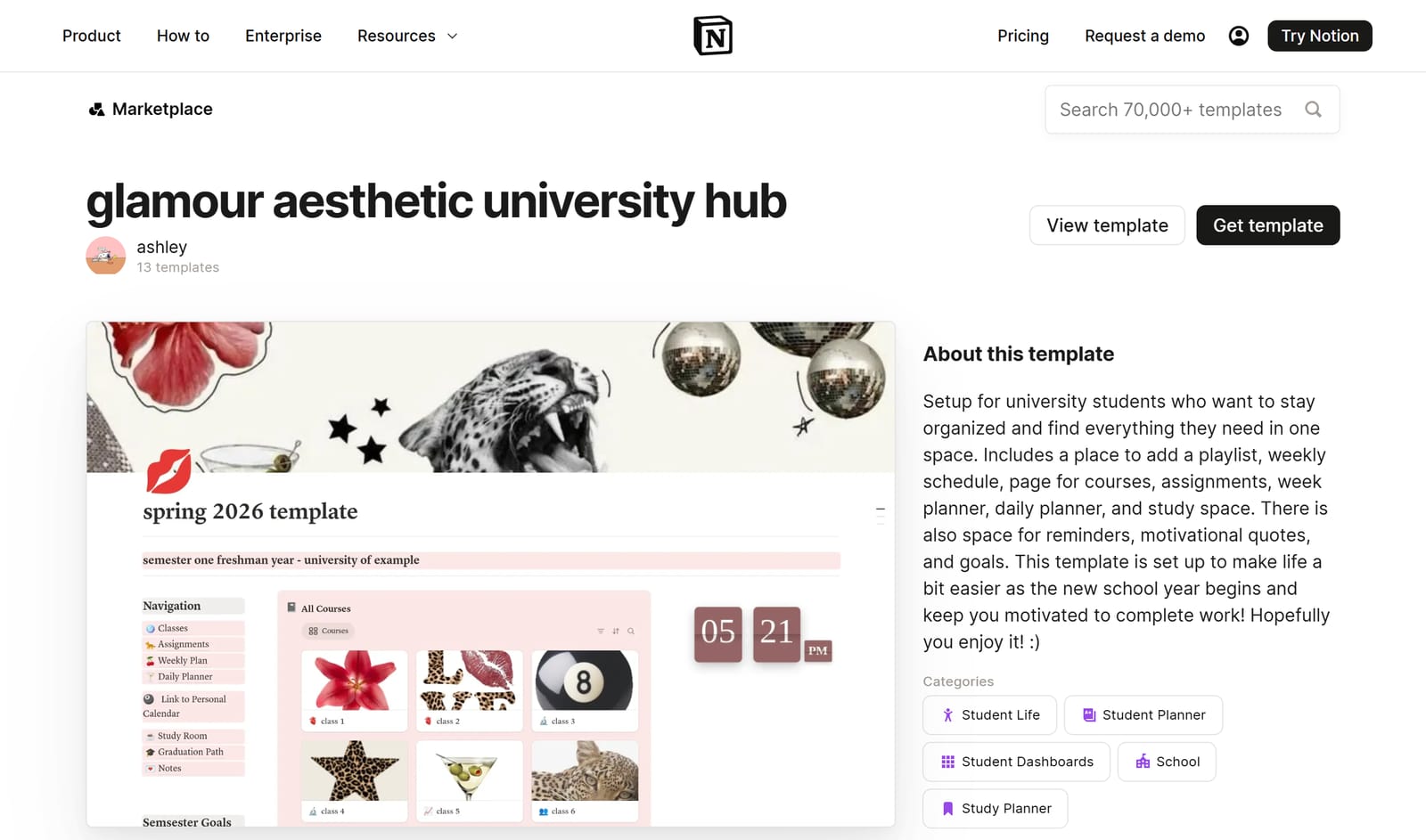
Aesthetic Minimalist Study Room
Free. A study page in beige and cream under a strip of photos: a flip clock, Today's Tasks split into Urgent and Regular checkboxes, a small month calendar, a daily reminder and a quote at the top. Its page lists quotes and a life tracker as well. For a student planning one day's study at a time.
Get the Aesthetic Minimalist Study Room
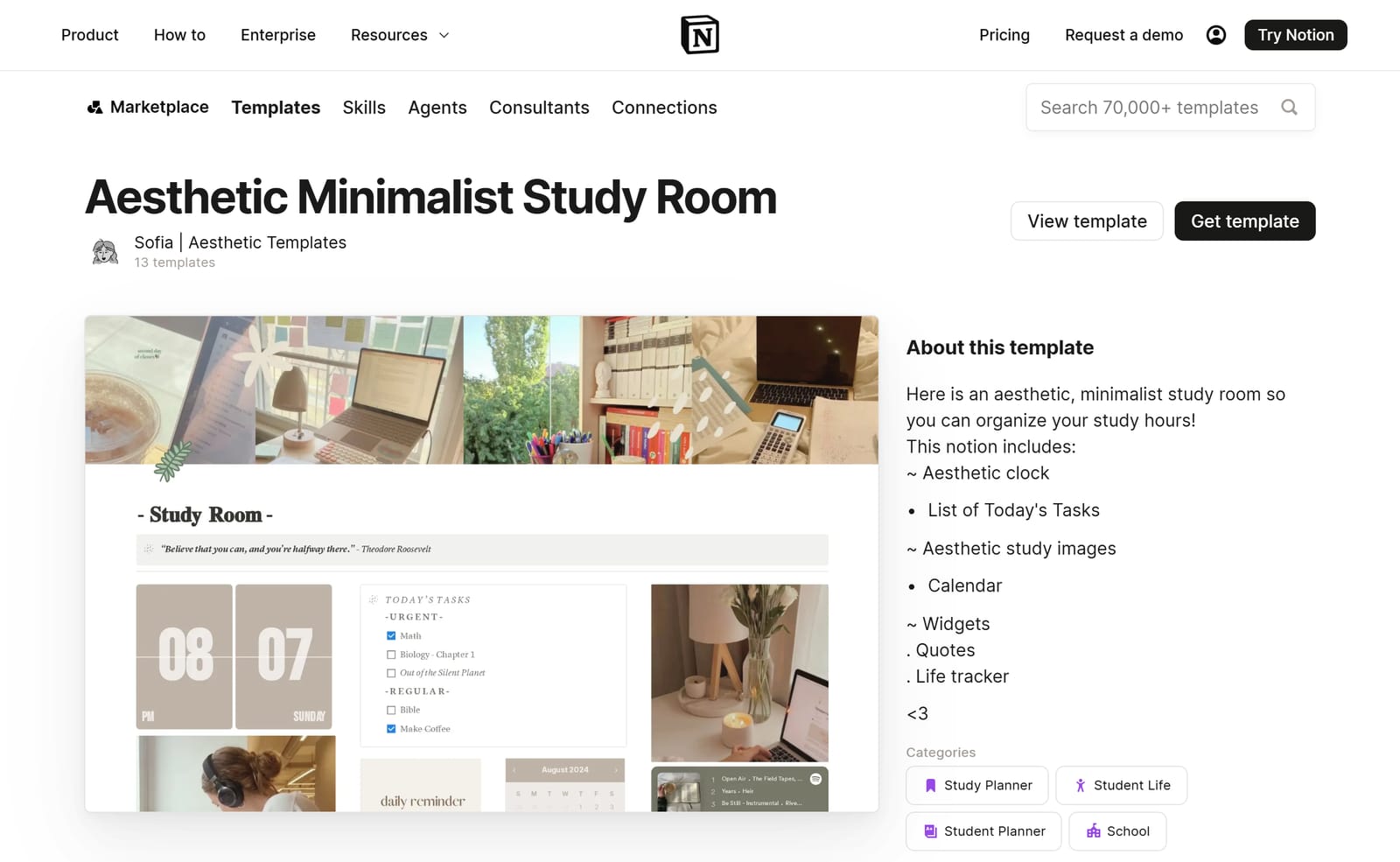
Cyberpunk-Themed School Tracker
Free. A dark neon-city theme in a typewriter font, titled Cyberpunk School OS Template. Under a music player it lists pages for School (course schedule, assessment tracker, focus time), Health (workout schedule, diet tracker) and Personal (birthdays, journal files, wish list), plus a section left for you to name. Its page also lists a habit tracker and a focus mode. For a student who wants school and the rest of life on one page.
Get the Cyberpunk-Themed School Tracker
Academic Student Dashboard
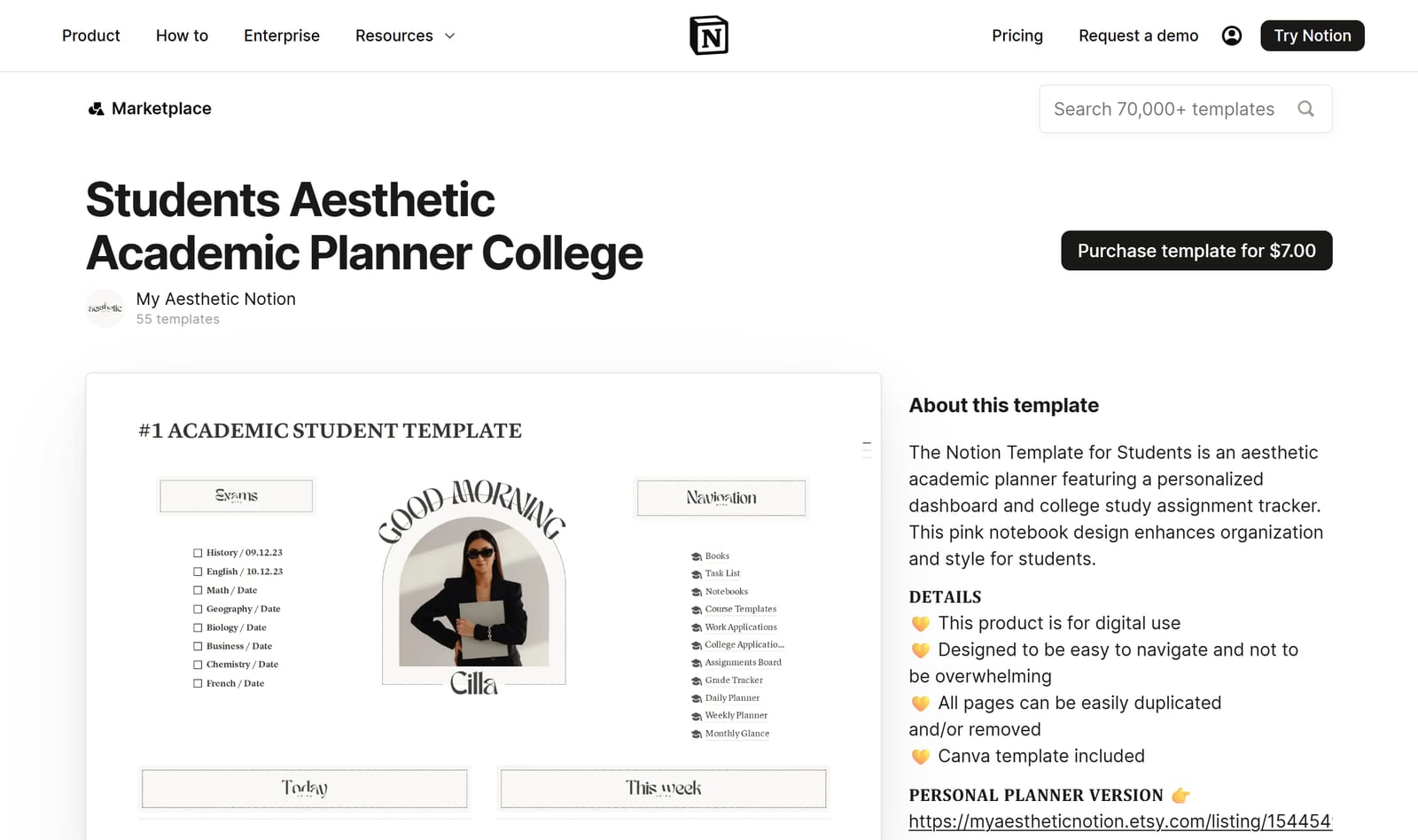
Paid, $7 on its page, where it is listed as Students Aesthetic Academic Planner College. A cream dashboard with a Good Morning photo frame, an Exams checklist with dates, a navigation list (task list, notebooks, grade tracker, college applications, assignments board, daily and weekly planners) and Today, This week and To-do boxes. Its page says a Canva template is included. For a college student.
Get the Academic Student Dashboard
Aesthetic daily planners and Notion dashboards
A daily planner or a dashboard is the page you open first thing in the morning: today's tasks, a calendar, a few links and some notes on one screen. Teachers use one to keep school and home apart from their class planner, and students use one to plan the day around lectures and homework.
Daily Diary Planner & Calendar
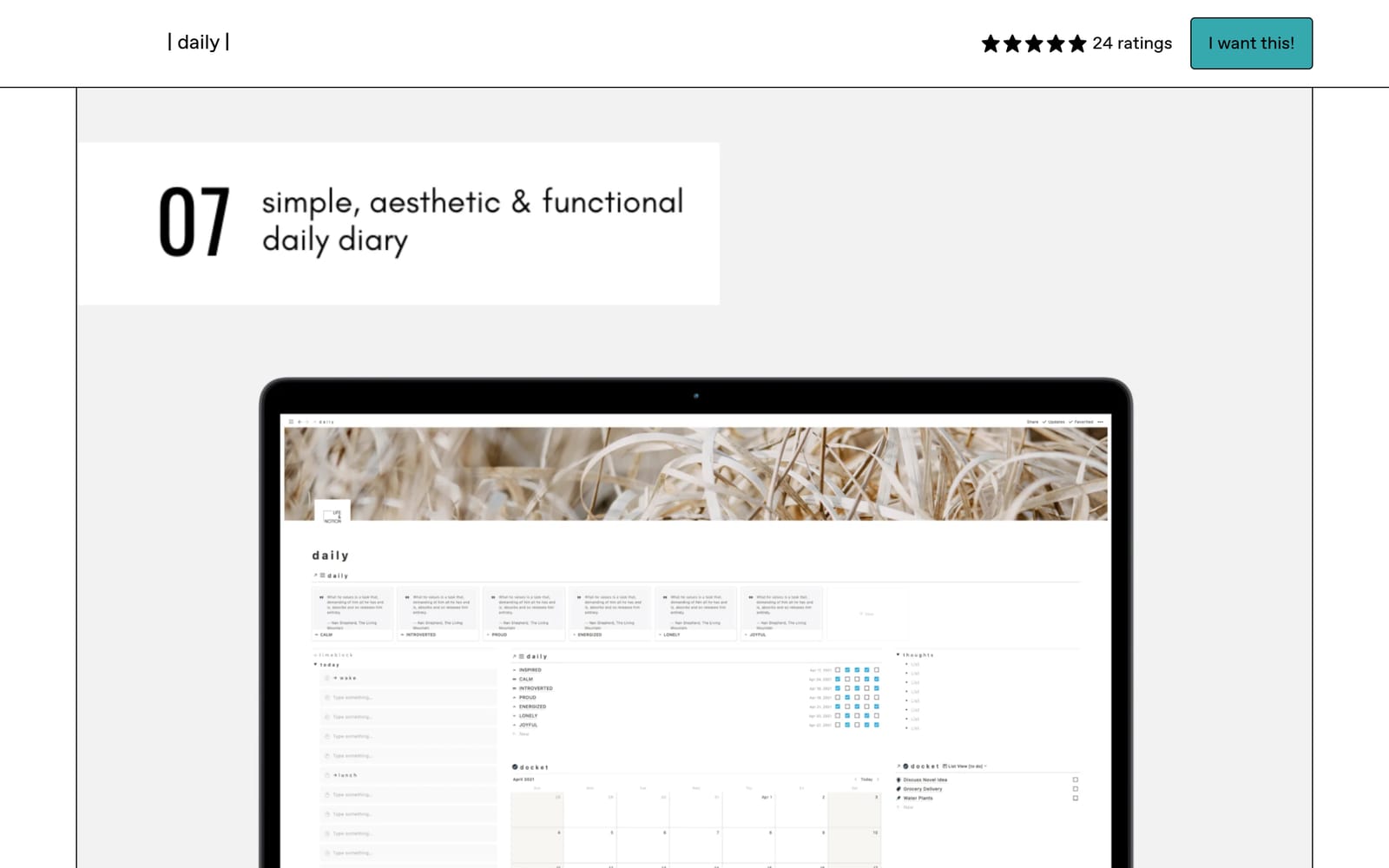
A one-page daily diary in soft neutral tones under a dried-grass cover. Its preview shows a row of daily entry cards, short lists down the left side, a grid of tick boxes by date and a month calendar below. A student could keep homework and a short daily note in one place; a teacher could track a daily routine. Free.
Get the Daily Diary Planner & Calendar
Life OS Dashboard
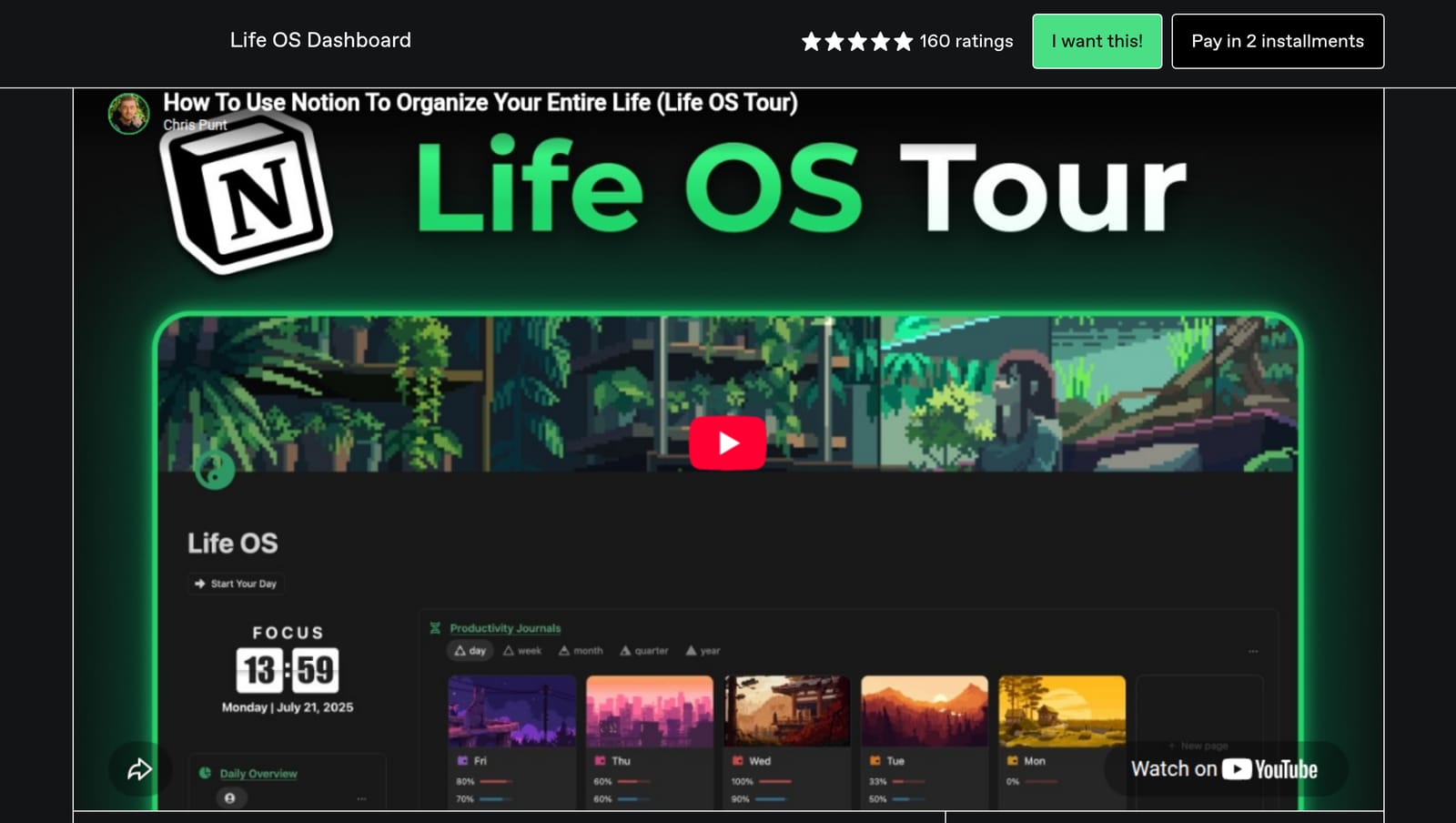
A dark-themed all-in-one dashboard. Its preview, inside the seller's tour video, shows a Focus clock with the date, a Daily Overview panel and Productivity Journals that switch between day, week, month, quarter and year, as cards with pixel-art scenes and progress bars. Suits an older student or a teacher who likes planning on a dark page. Paid; the page offers to split the cost into two payments.
Aesthetic Dashboard by macqiato
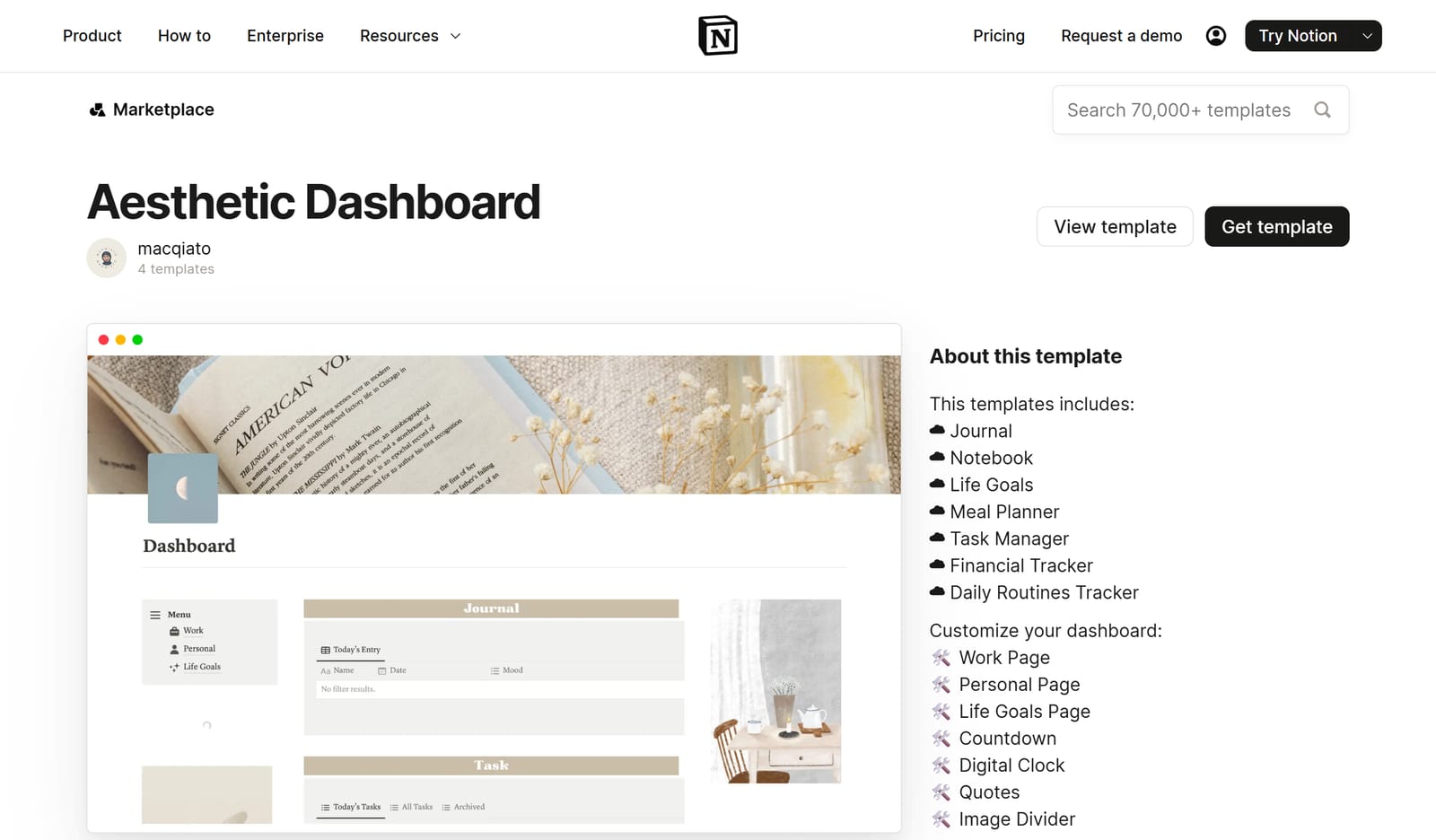
A cream-and-beige dashboard under a cover of an open book and dried flowers. The page lists what it holds: a journal, notebook, life goals, meal planner, task manager, financial tracker and daily routines tracker, plus work and personal pages, a countdown, a digital clock and quotes. The preview shows a side menu, a journal table with date and mood, and today's tasks. Free.
Get the Aesthetic Dashboard by macqiato
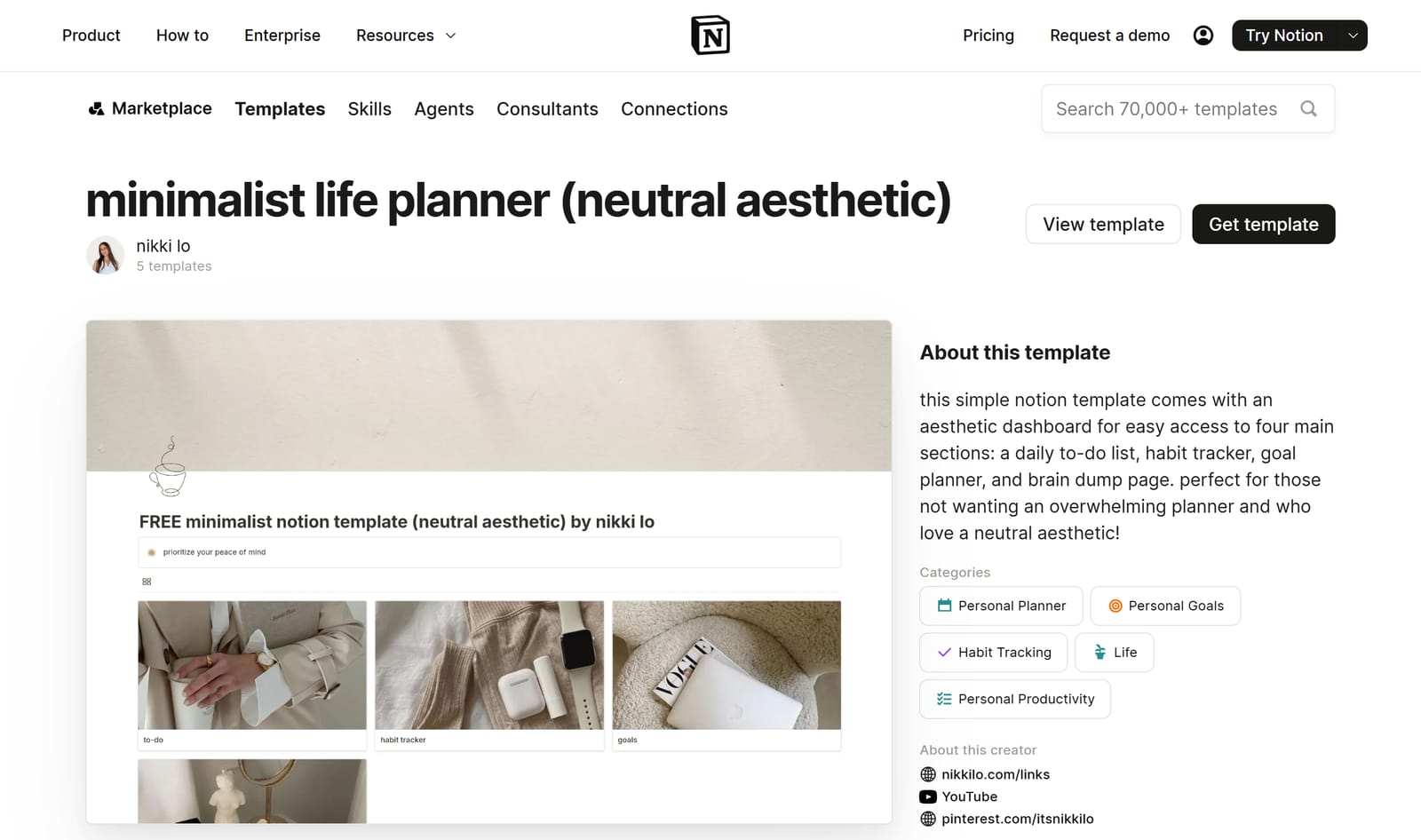
Neutral Minimal Life Planner by nikki lo
A quiet planner in beige and white with a line-drawn cup icon. Its dashboard opens onto four sections shown as photo cards: a daily to-do list, a habit tracker, a goal planner and a brain-dump page. Made, its page says, for people who do not want an overwhelming planner: a good fit for a teacher who wants a few pages, not a full system. Free.
Get the Neutral Minimal Life Planner by nikki lo
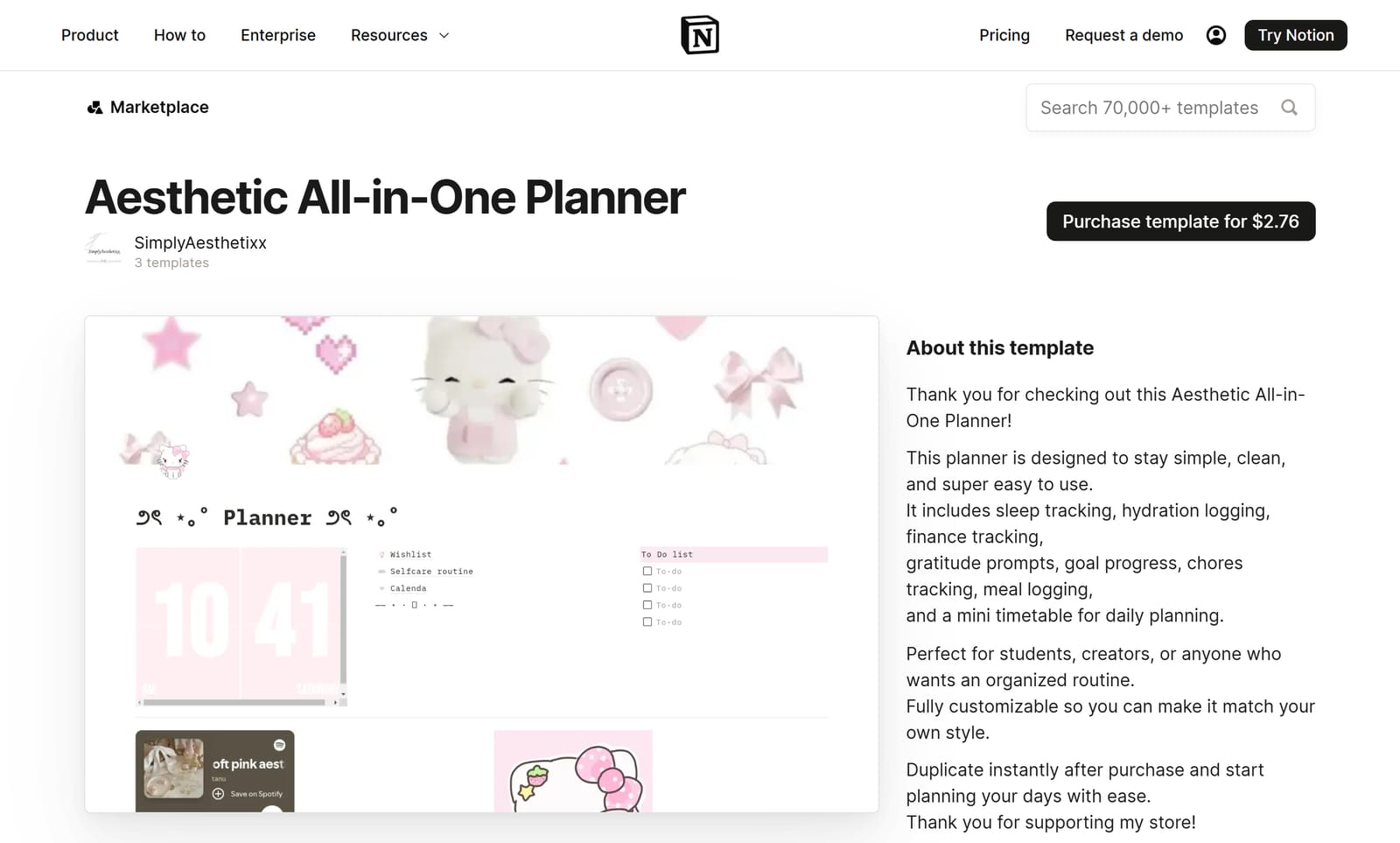
Aesthetic All-in-One Planner
A pink planner with a pixel-art cover of stars, hearts and bows. The preview shows a large clock, links to a wishlist, self-care routine and calendar, a to-do list with tick boxes and a Spotify playlist. The page says it tracks sleep, water, money, gratitude, goals, chores and meals, with a small daily timetable, and names students among its users. Paid: $2.76 on its page when we looked.
Get the Aesthetic All-in-One Planner
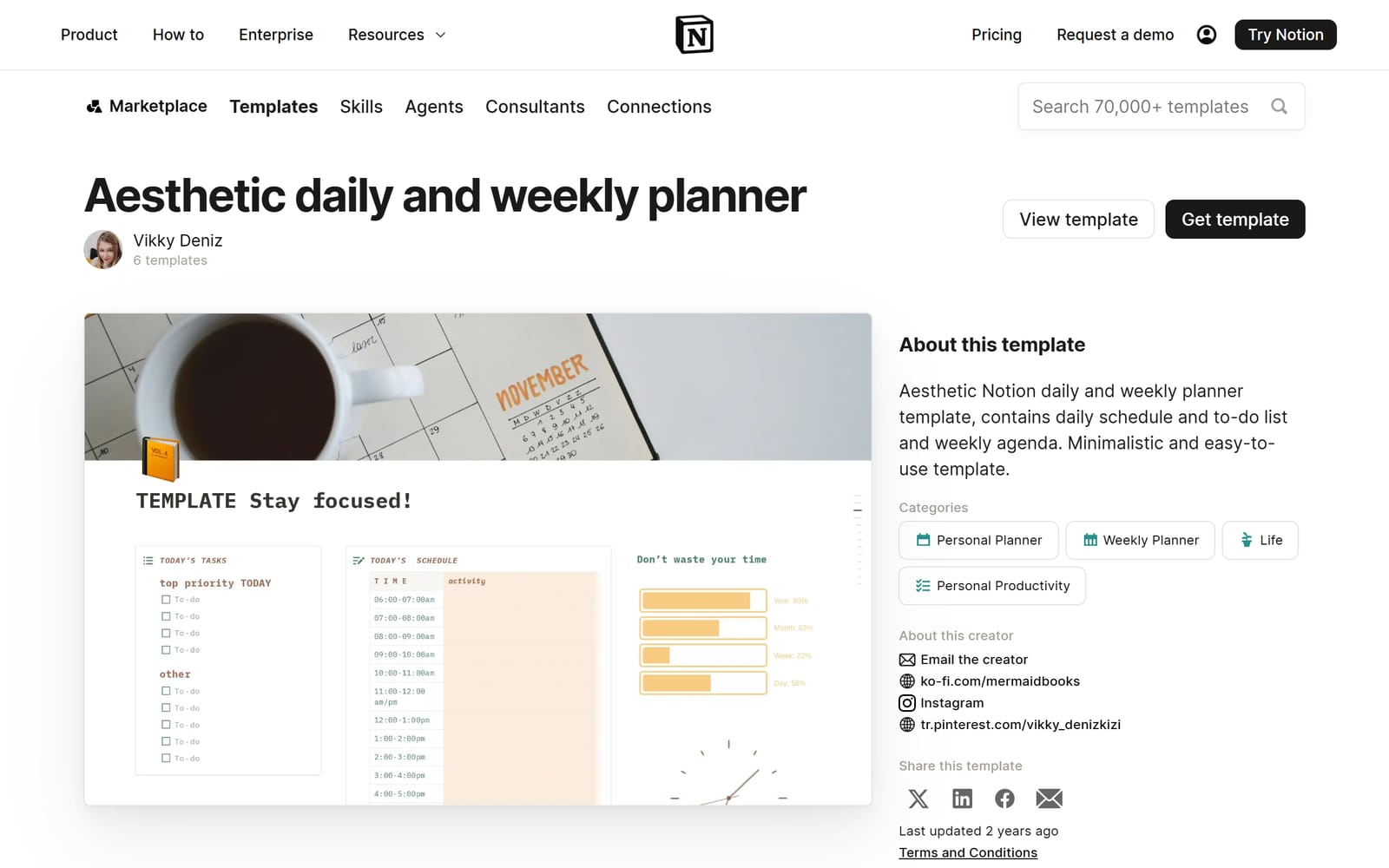
Aesthetic Daily and Weekly Planner
A warm, orange-toned planner under a cover of a coffee cup on a November calendar. Its daily page has Today's Tasks with a top priority and other to-dos, Today's Schedule in one-hour slots from 6 a.m., progress bars headed Don't waste your time, and a clock. The page says it adds a weekly agenda. Fits a teacher who plans the day hour by hour. Free.
Get the Aesthetic Daily and Weekly Planner
Aesthetic journals, habit trackers and reading lists
Journals and trackers are the smaller, personal pages: how you slept, what you read, which habits you kept this week. They suit a teacher who wants a calm corner away from marking, and a student who wants to see a streak of reading or exercise grow.
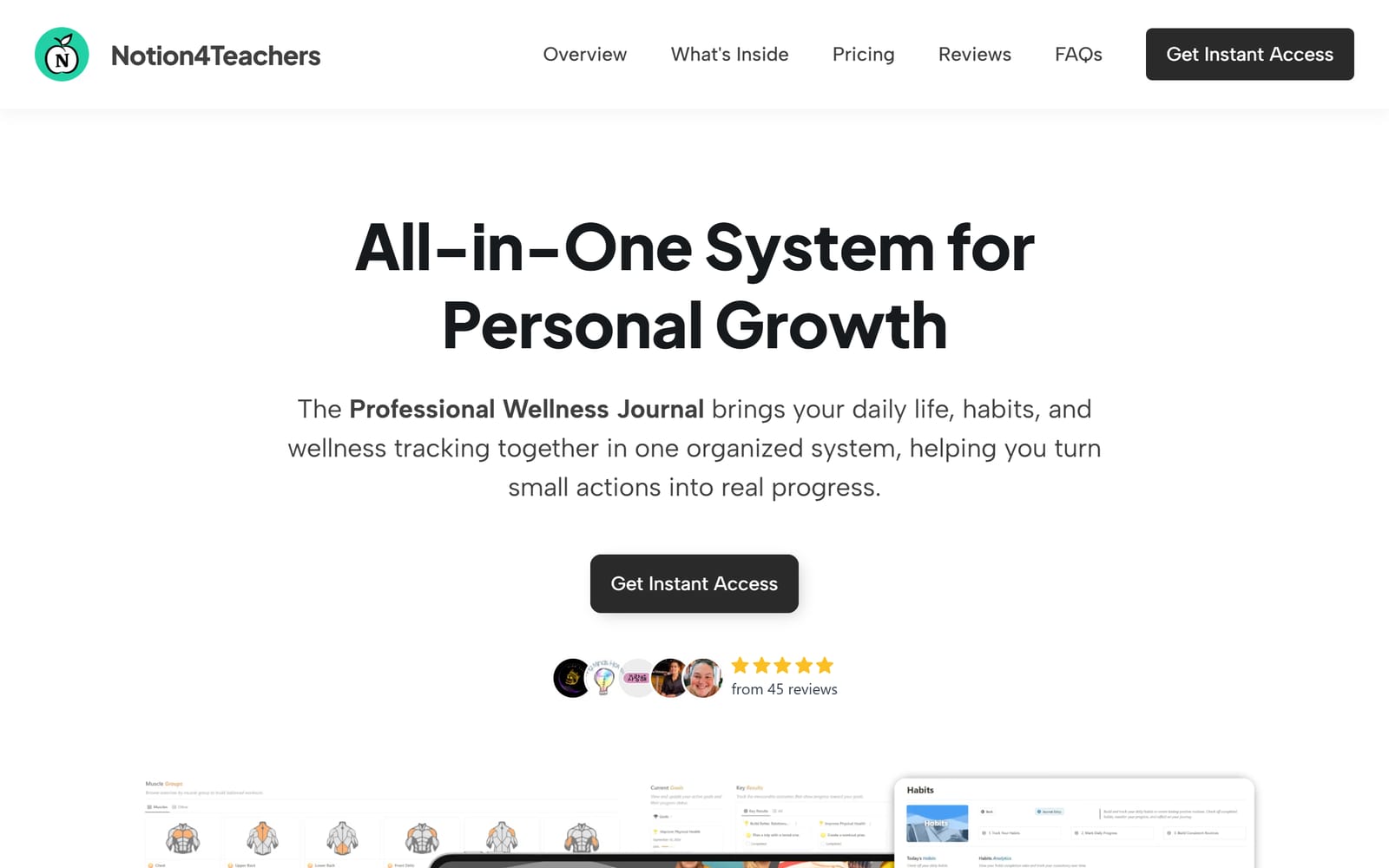
Wellness Journal & Habit Tracker
Our journal for your own well-being, the Professional Wellness Journal: daily life, habits and wellness tracking in one place. The preview shows a Habits page under a sky-blue banner with three steps (Track Your Habits, Mark Daily Progress, Build Consistent Routines), Today's Habits and Habits Analytics, a Current Goals and Key Results board, and Muscle Groups, exercise cards by body part. Suits a teacher who wants one calm place for routines outside school. Paid.
Get the Wellness Journal & Habit Tracker
Aesthetic Book Tracker
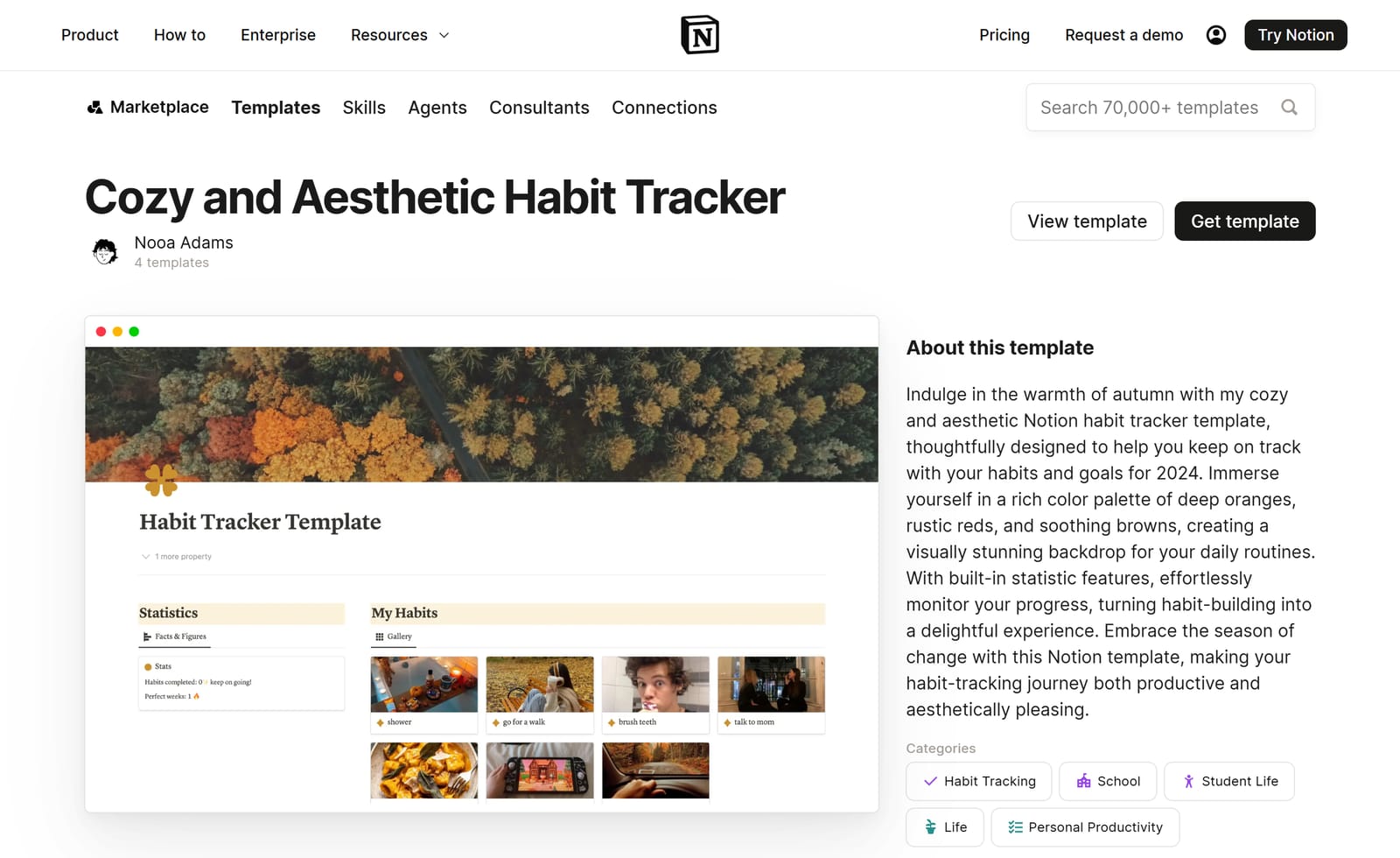
Our reading tracker, under a painted cover of an open book, a teacup and plants by a window, with the words Journey for the mind. Its Book Tracker page has four picture cards: Library (your books by genre and author, with reading progress), Journal (your book notes), Goals (reading goals and a reading schedule) and Resources (podcasts, videos and interviews about books). Suits a teacher or student who wants to log what they read. Paid.
Get the Aesthetic Book Tracker
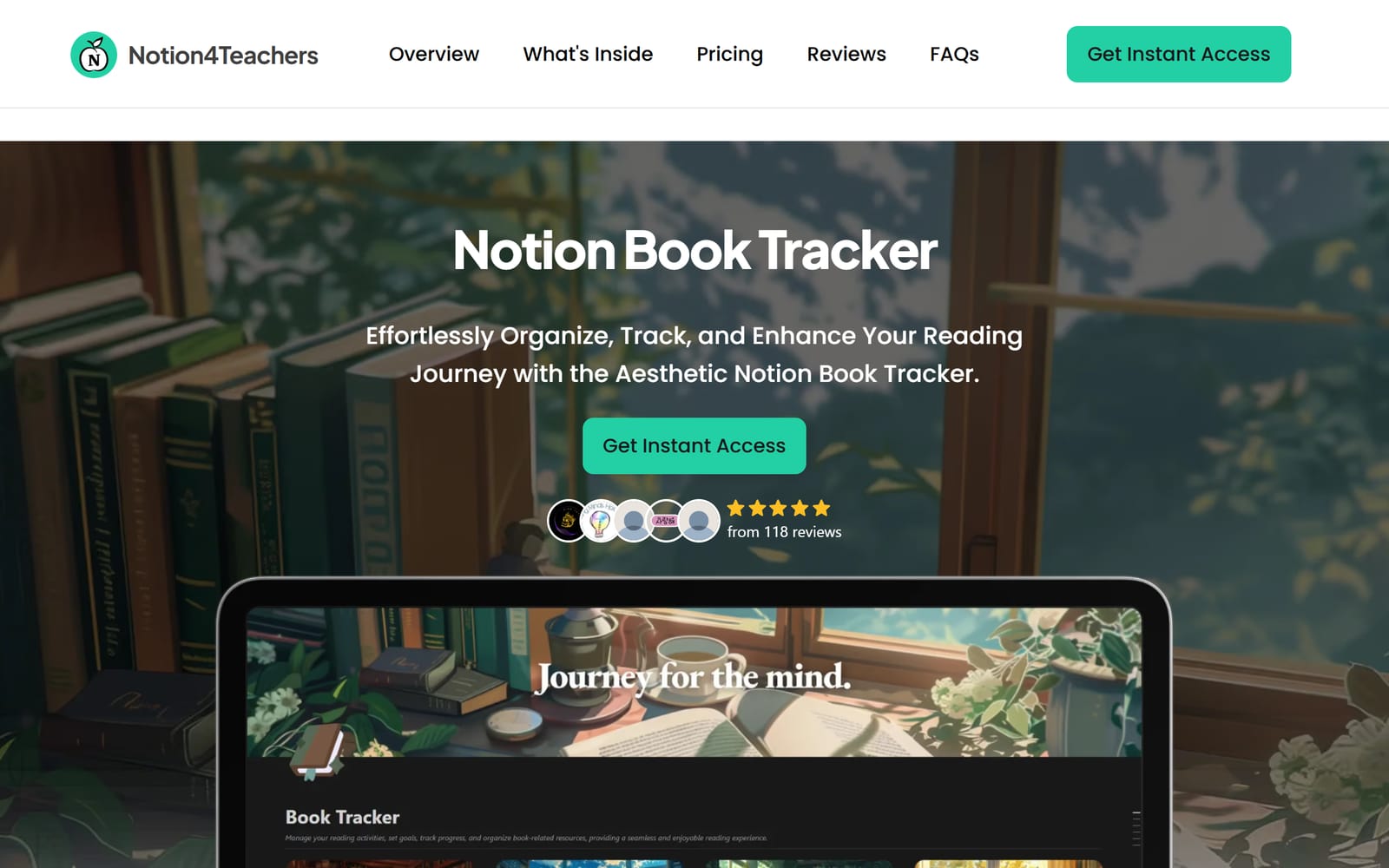
Anime Journal Tracker
A tracker for anime, films and series, laid out as a Review List gallery with picture cards. Its views show favorites, sort by ratings, and split movies, series, plan to watch, watching and finished. The page says it also works for Kdrama, Jdrama and TV shows. A light pick for a student's free-time log rather than schoolwork. Free (pay what you want).
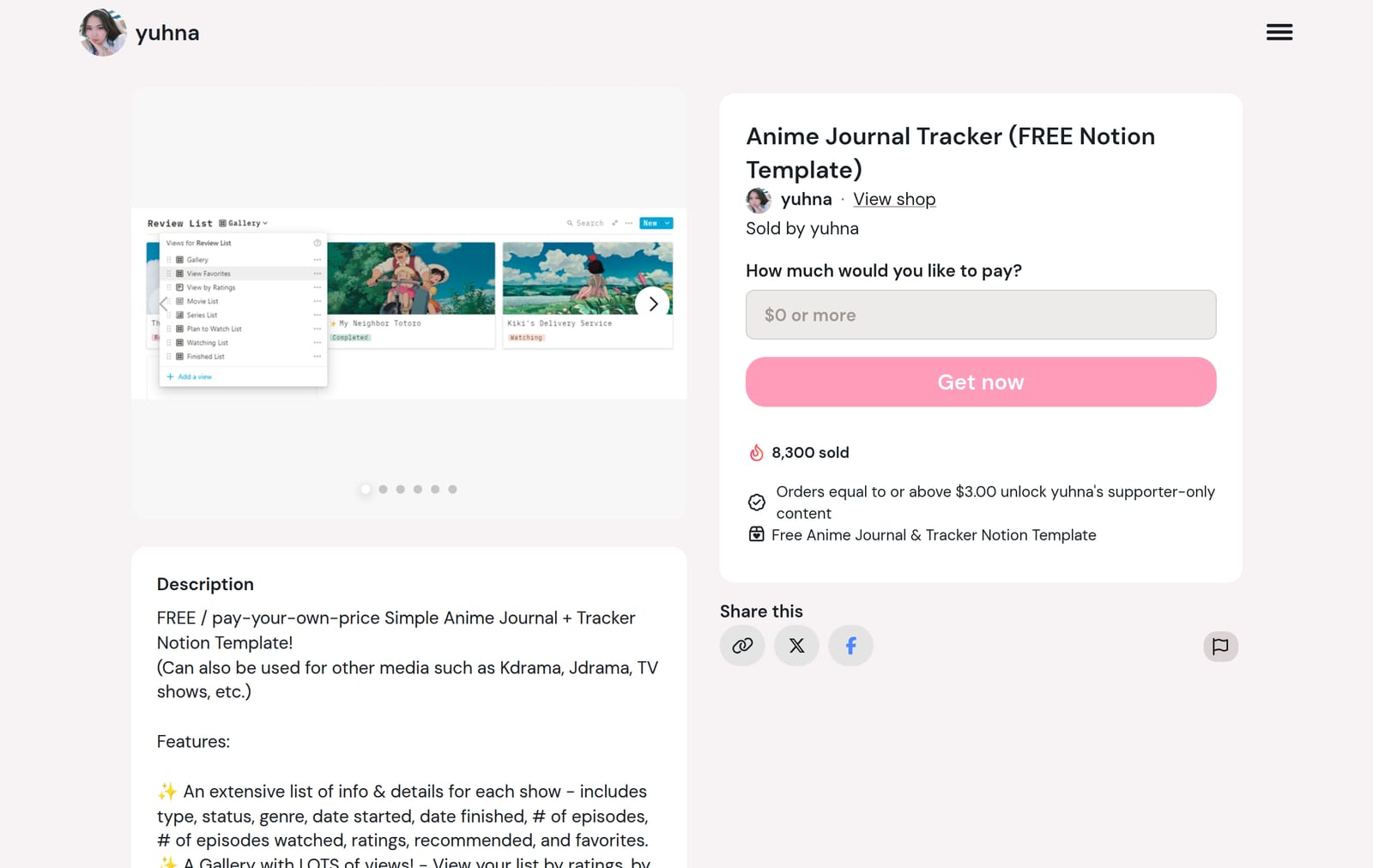
Aesthetic Pink Life Planner & Journal
A soft pink planner under a pink gradient cover with a cloud icon. The preview shows a gratitude line, a month calendar, a pink heart and a treat people with kindness card. The page says it holds a weekly planner, a journal with prompts, a vision board and room for widgets and playlists, and is made for people new to Notion. Free.
Get the Aesthetic Pink Life Planner & Journal
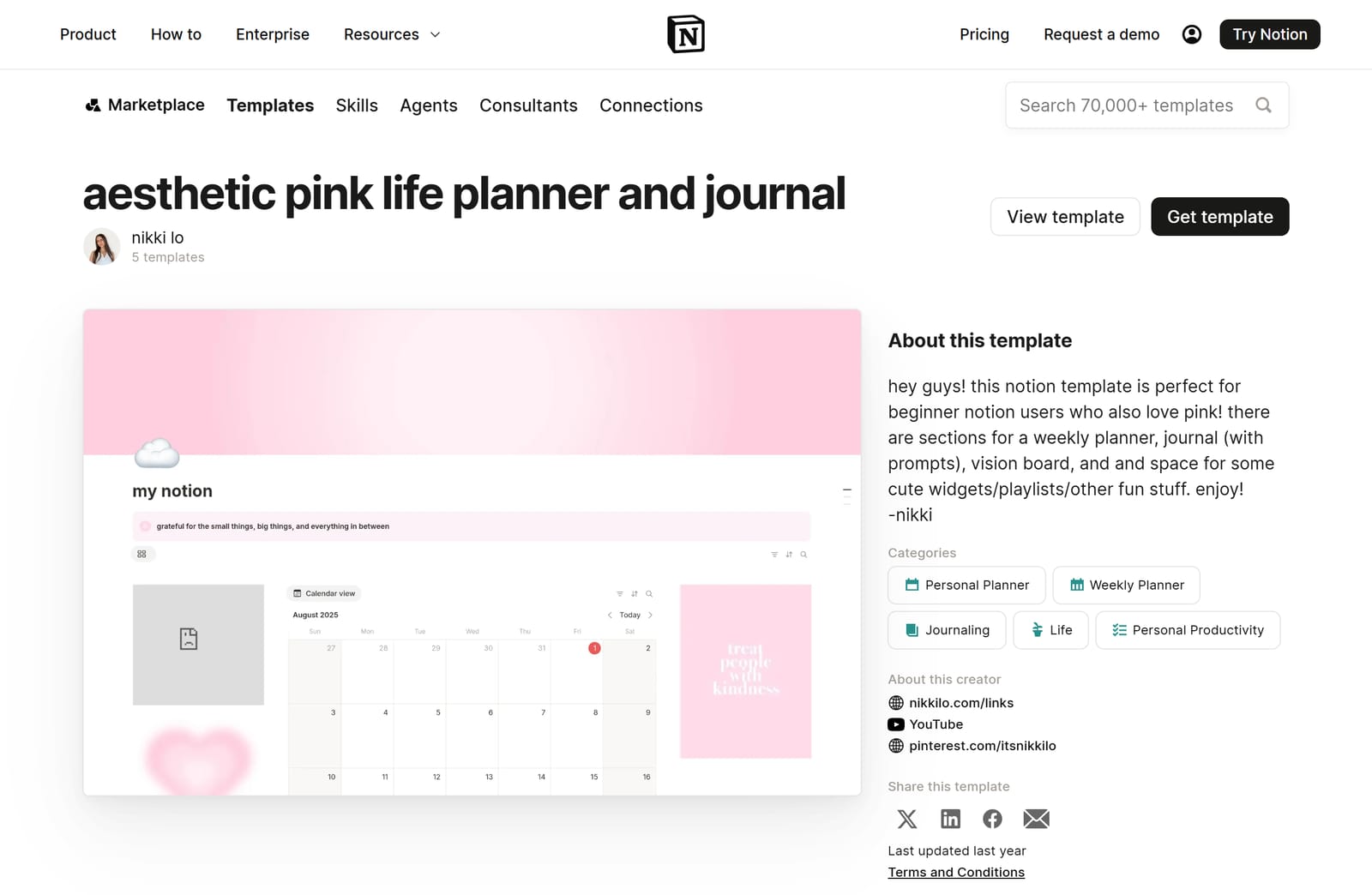
Cozy and Aesthetic Habit Tracker
An autumn-colored habit tracker under an aerial photo of an orange and red forest. A Statistics panel counts habits completed and perfect weeks, and My Habits is a gallery of photo cards such as going for a walk and brushing teeth. Its page files it under School and Student Life. A simple start for a student building one or two routines. Free.
Get the Cozy and Aesthetic Habit Tracker
How to get an aesthetic template into your Notion
Every template in this list lives on a web page of its own. You get it the same way each time:
Open the template's page from the list above.
Press its button. The words on it tell you whether it is free or paid:
Our own templates: the button is Get Instant Access, at the top of each template's page in our store, for example the Ultimate Teacher Planner.
Templates in Notion's own gallery (notion.com): a free template has a Get template button. A paid one says Purchase template for and its price.
Templates on Gumroad: the button is I want this!, which opens Gumroad's checkout.
A template on Ko-fi: under How much would you like to pay?, type what you want to pay ($0 or more) and press Get now.
When you are asked where the copy should go, choose your own workspace.
Here is what one looks like once it is in your Notion: the home page of our Ultimate Teacher Planner. It has a green cover with classroom photos, a round icon, and a menu down the left side with Classes (All Classes, Timetable), Students, Lessons (Subjects, Lesson Plans, Curriculum Map) and more. Next to it, Get Started Here! holds three short videos: Duplicate Template, Using the Teacher Planner and Write a Review.
Press Timetable under Classes and you get the week as a grid: the days Mon to Fri across the top, the hours from 09:00 AM to 04:00 PM down the side, and each class in its slot. In our example, 7A Science sits at 09:00 AM four days a week and Lunch duty (cafeteria) at 12:00 PM on Wednesday.
How to make any Notion template look like your own
A template looks like yours once it carries your cover, your icon and the font you like. Here we did it on a new class page, Ms. Rivera's Science Hub; the steps are the same on the home page of any template.
Change the cover
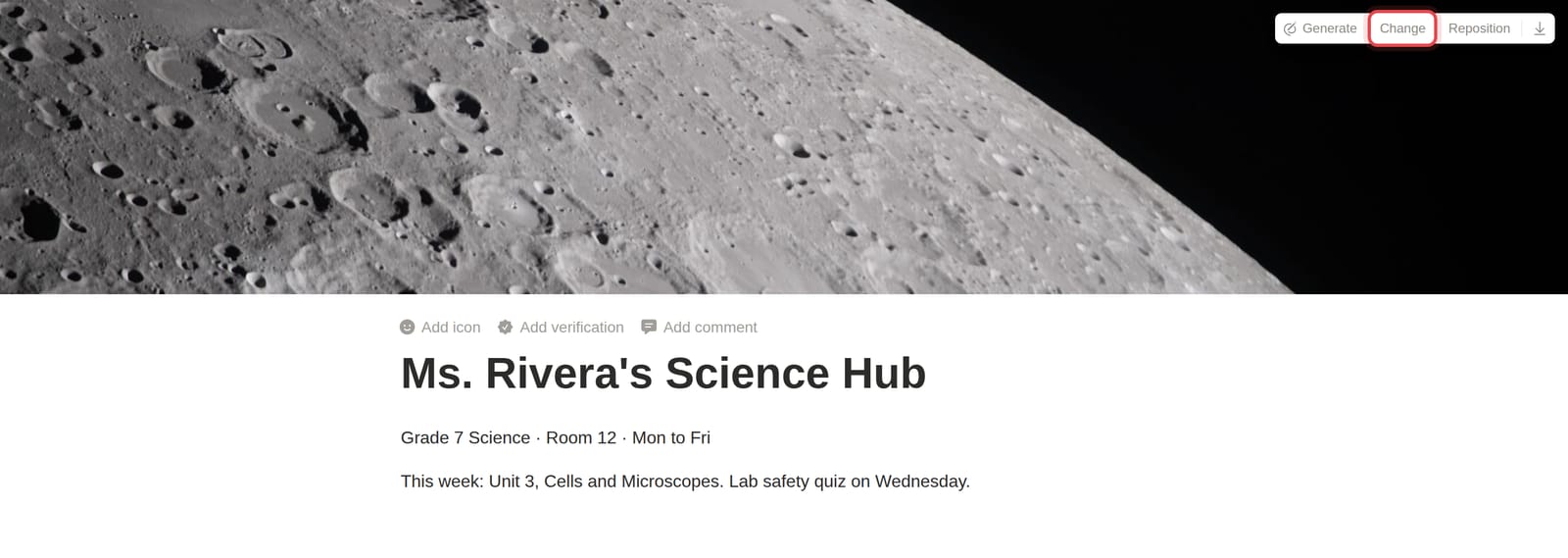
Point at the cover. Three buttons appear at its top right: Generate, Change and Reposition. Press Change. (A page with no cover yet shows Add cover when you point at its title. Pressing it put a picture there at once; ours got a photo of the Moon.)
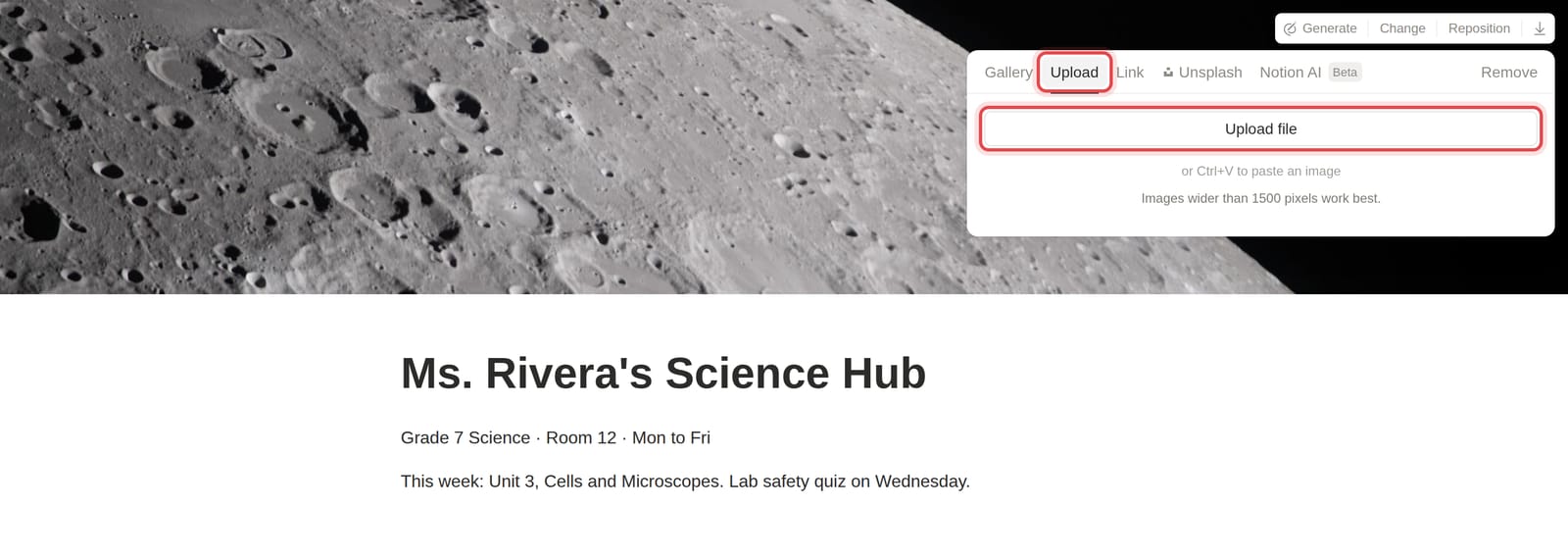
A panel opens with the tabs Gallery, Upload, Link, Unsplash and Notion AI, and Remove on the right. Gallery has plain colors, gradients and textures. To use your own picture, choose Upload, then Upload file, and pick the image on your computer. The panel says that images wider than 1500 pixels work best, and that you can paste an image with Ctrl+V instead.
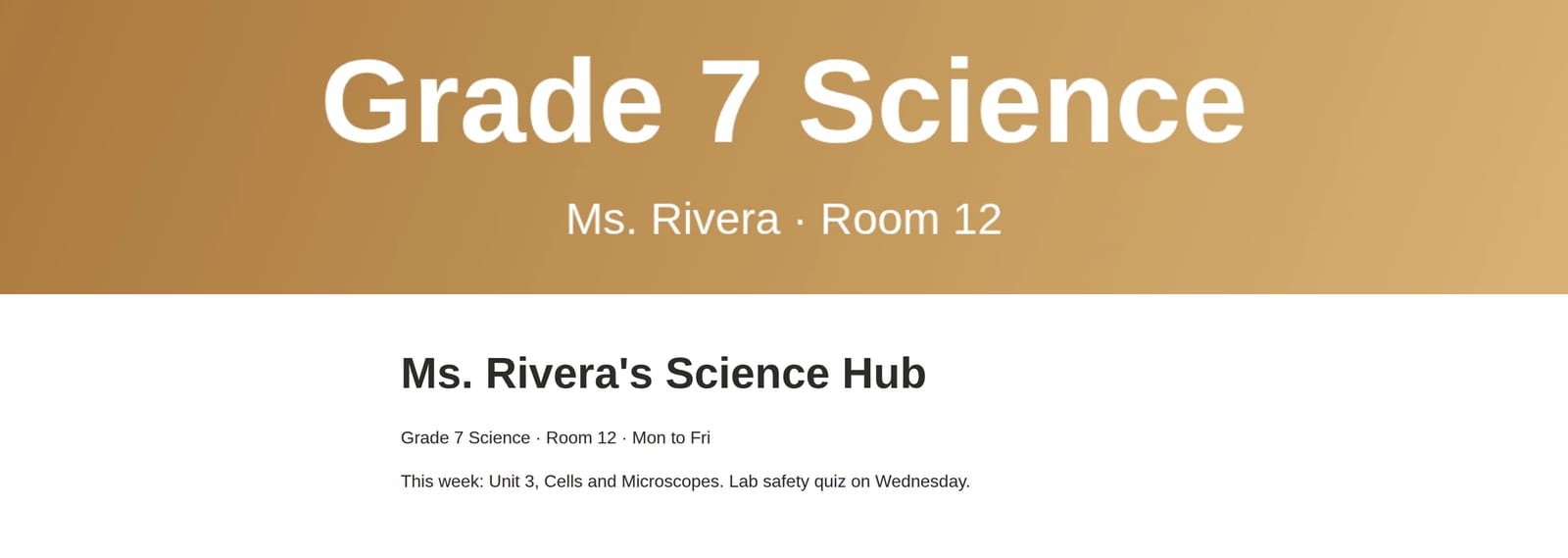
The new cover shows at once. Ours is a banner that reads "Grade 7 Science, Ms. Rivera, Room 12", made 1500 by 600 pixels.
Add an icon
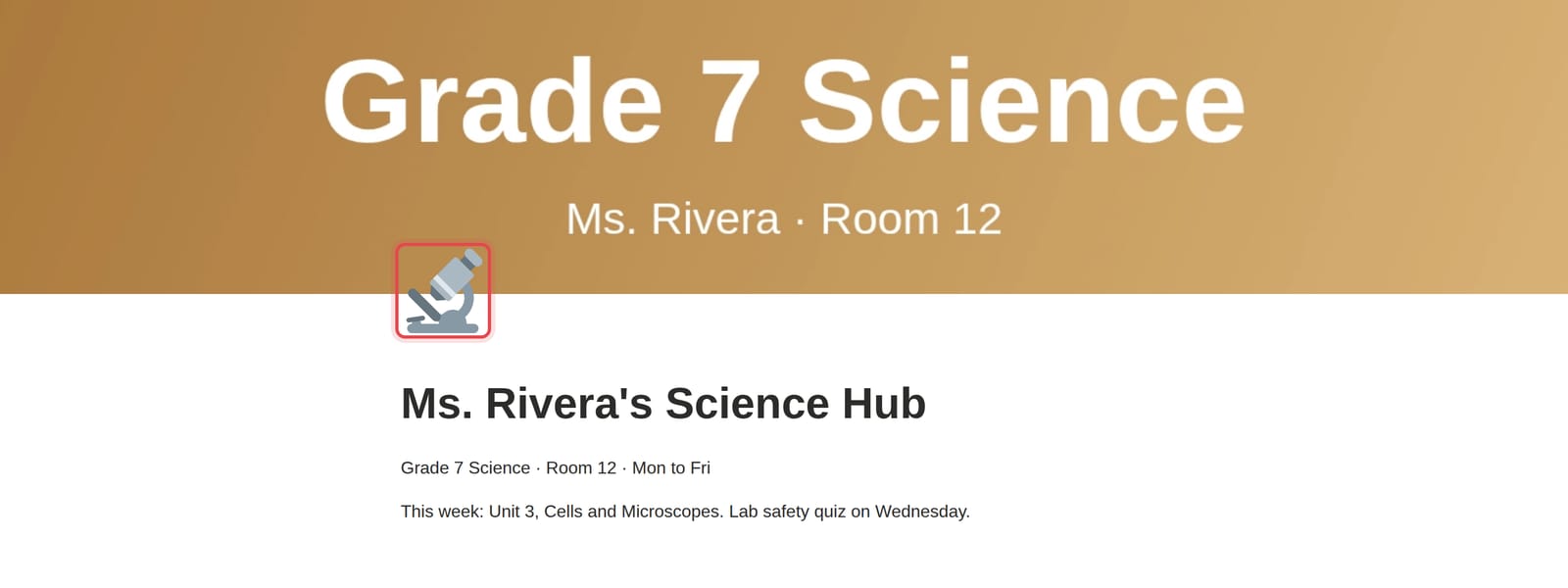
Point at the page's title and press Add icon.
A picker opens with the tabs Emoji, Icons and Upload, a Filter box to search and a Random button. We chose the microscope. It sits between the cover and the title.
Change the font
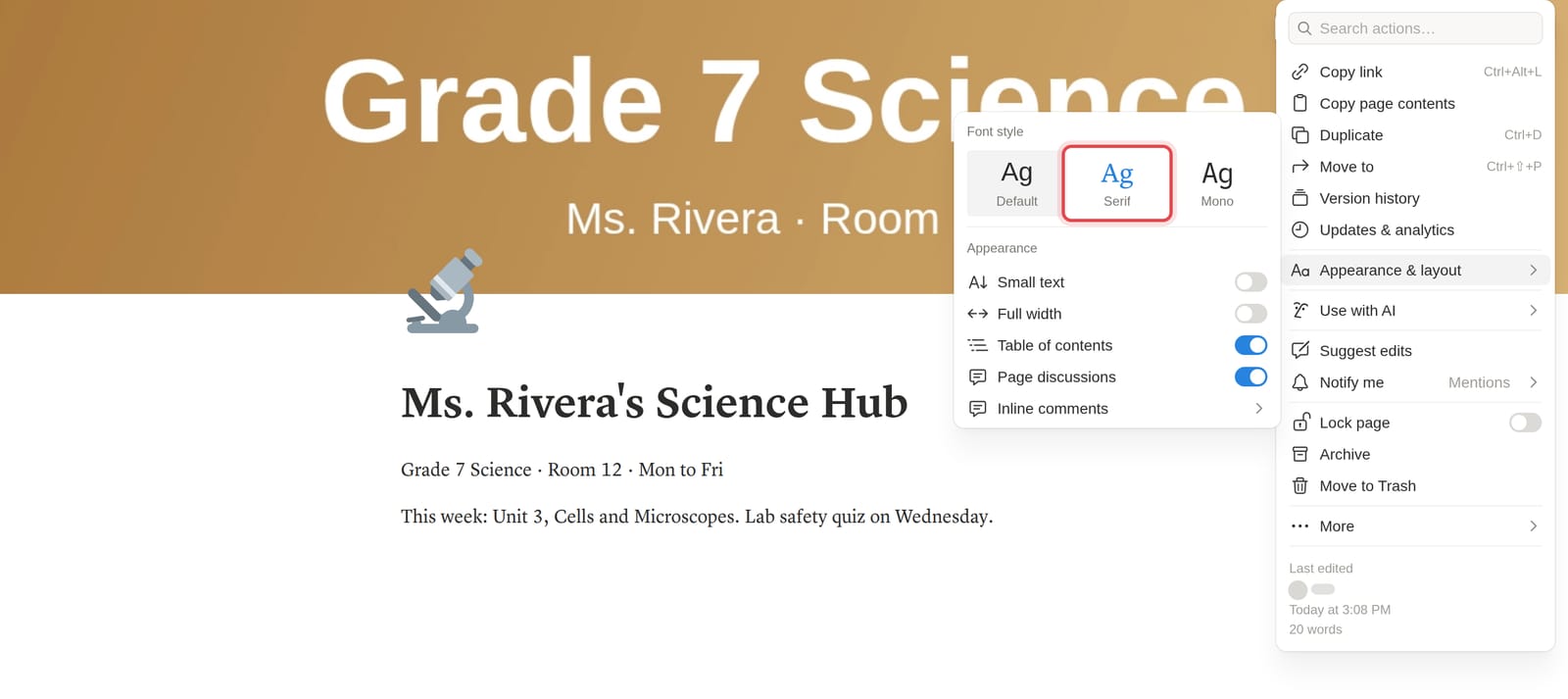
Press the ••• button at the top right of the page.
Choose Appearance & layout. Under Font style there are three: Default, Serif and Mono. We chose Serif, and the title and text changed at once. The same menu has switches for Small text and Full width.
Add a widget
A small widget, such as a clock or the weather, makes a dashboard feel finished. Our list of the best Notion widgets has ones to choose from.
FAQ
Are aesthetic Notion templates free?
Some are and some are not; every pick in this list says which. In Notion's own gallery a free template has a Get template button and a paid one says Purchase template for with its price. Our own templates are paid.
Which aesthetic Notion template is best for a teacher?
Start with the Ultimate Teacher Planner (paid). It has classes, a weekly timetable, students, lesson plans and a curriculum map in one place. If you teach at home or tutor, the Ultimate Homeschool Planner and the Ultimate Tutor Planner are built for that.
Can I make the template I already use look aesthetic?
Yes. Change its cover (point at the cover, press Change), add an icon (Add icon above the title) and pick a font (•••, then Appearance & layout). These three take a few minutes and work on any page.
What size should a Notion cover image be?
Notion's own upload panel says that images wider than 1500 pixels work best. Our banner was 1500 by 600 pixels and filled the cover well.
Which fonts can I choose in Notion?
Three: Default, Serif and Mono. You find them under Font style in the page's ••• menu, at Appearance & layout.
Can I add widgets to an aesthetic template?
Yes. A widget is another site's page shown inside yours, such as a clock or the weather. Our list of the best Notion widgets has ones to choose from.
Still grading everything by hand?
EMStudio is a free teaching management app — manage your classes, students, lessons, and more!