
How to Build a Student Study Plan in Notion (And What to Do When a Student Still Needs Extra Help)
How to Build a Student Study Plan in Notion (And What to Do When a Student Still Needs Extra Help)

Article by
Milo
ESL Content Coordinator & Educator
ESL Content Coordinator & Educator
All Posts
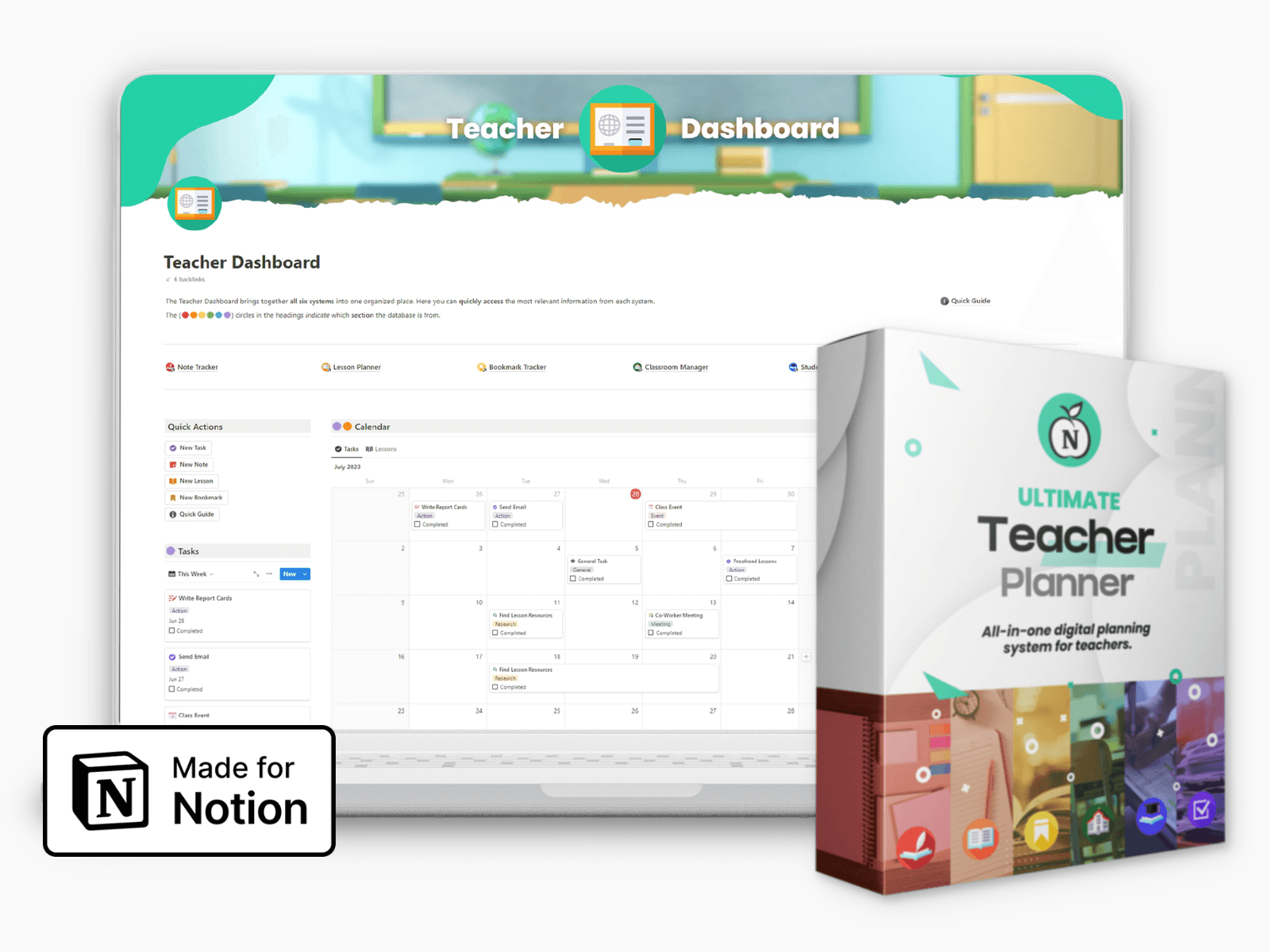
Ultimate Teacher Planner
The ultimate all-in-one education management system in Notion.
Learn More
Ultimate Teacher Planner
The ultimate all-in-one education management system in Notion.
Learn More
Table of Contents
How to Build a Student Study Plan in Notion (And What to Do When a Student Still Needs Extra Help)
You have adjusted your lessons, given detailed feedback, and checked in with the student more than once. The effort is there. The gap is still there too.
Most of the time the missing piece is not more classroom intervention. It is structure around what the student does independently, outside your lessons. What they revise, in what order, for how long, and whether any of it is actually targeted at their real weak points.
That is exactly what this guide helps you do: build a simple, practical student study plan inside Notion that you can maintain across a full term without it becoming a burden. And it covers what to do when even a solid plan is not enough.
Why Most Student Study Plans Stop Working After Two Weeks
The problem with most student plans is not the intention behind them. It is that they are too vague to follow and too static to stay relevant.
Telling a student to "revise Chemistry on Tuesday" gives them almost nothing to work with. Which topics? What should they actually do for that hour? How will they know if they understood it? Without answers to those questions, most students default to rereading notes they have already read, which feels like studying but produces very little.
The other issue is that plans are usually created once and never updated. By week three they no longer reflect what the student is actually covering, where new gaps have appeared, or what has changed. An outdated plan gets ignored. An ignored plan is just a document.
What works is a plan that is specific enough to give clear direction for every session, and flexible enough to be updated week by week as the student's needs shift. Notion is well suited for exactly this.
Step 1: Build a Central Student Tracker
Start with a Notion database where each student has their own page. Keep the properties simple so you actually maintain it:
Subject - what you are tracking
Status - On Track, Needs Attention, or Requires Intervention
Last Updated - a date field so nothing goes stale unnoticed
Next Action - one specific thing you want the student to do before the next session
Set up a board view grouped by Status. At the start of each week, a two-minute scan of this board tells you immediately which students need your attention and which are progressing well. No digging through notes or relying on memory.
Add a filtered view showing only Needs Attention and Requires Intervention students. These are the pages you open first when you sit down to review.
Step 2: Write a Specific Study Plan Inside Each Student's Page
Open the page for a student who is falling behind. At the top, write two or three sentences in plain language about what you are observing — which topics are causing difficulty, how long it has been showing up, what you have tried. This gives context that is useful for your own records and invaluable if you need to speak to a parent.
Below that, use a productivity planners to organize the weekly study plan, listing one subject and two to four concrete tasks for each study session. The key word is concrete.
Not: "revise Maths."
Instead: "Complete questions 1 to 8 on simultaneous equations, mark using the answer key, and write out in your own words the method used for question 6."
That level of specificity removes the decision-making burden from the student. Many students who struggle with independent study are not disengaged — they are overwhelmed. The moment they have to decide what to do, they freeze or drift toward something easier. A clear task removes that obstacle entirely.
Update the plan weekly. Note what was completed, what was skipped, and what that tells you about where to focus next.
Step 3: Use the Tracker to Spot Problems Early
Without a system, a quiet student who is falling behind can go unnoticed for weeks. With a Notion database updated weekly, the patterns surface early.
A student sitting in Needs Attention for three consecutive weeks is a clear signal. A Next Action field that keeps carrying over unchanged tells you the student is not completing the tasks, which points to something worth investigating rather than simply setting the same task again.
Set a recurring reminder on Friday afternoons to review your board. Ten minutes. It keeps you proactive rather than reactive, and it means you always have specific, current information when you need to speak to a student or their parents.
Step 4: Know When the Plan Has Done What It Can
A Notion study plan creates structure and surfaces gaps. What it cannot do is replace targeted one-to-one instruction for a student whose difficulty runs deeper than organisation.
If a student has been following the plan, completing the tasks, engaging with your feedback, and still not making meaningful progress in a particular subject, the problem is usually a specific gap in understanding that has not been correctly identified. That kind of gap needs individual diagnostic attention, the sort of focused session where someone works through exactly where the student's reasoning breaks down and addresses that precise point.
When you reach this stage, recommending specialist tutoring to a student's family is one of the most useful things you can do. And because your Notion tracker gives you a clear record of what has been tried and where the difficulty lies, that conversation with parents becomes specific and credible rather than vague. Platforms likeThe Tutors Globe offer live one-to-one online sessions matched to a student's exact curriculum and level, which means the support they receive connects directly to what they are working on in school.
The Subjects That Most Often Reach This Point
Across most age groups and curricula, Maths and Physics are the subjects that most consistently move from Needs Attention' into 'Requires Intervention', and it is worth understanding why.
Both subjects are highly cumulative. A gap in foundational Maths does not stay contained to one topic. It compounds across everything that follows. A student who leaves one year with shaky algebraic reasoning will find the next year progressively harder regardless of how clearly new content is taught, because the difficulty is in the base, not the new material.
Physics adds the additional challenge of requiring students to move between conceptual understanding and mathematical application precisely, a combination many students find difficult to develop without focused individual guidance.
If your tracker is regularly flagging a student in these two areas and your classroom interventions are not producing movement, connecting their family with a specialistonline Physics and Maths tutor gives the kind of targeted, subject-specific support that is very difficult to replicate in a group setting.
Keeping the System Running All Term
The most common reason teacher tracking systems collapse is that they start too ambitious. Five properties in your database, a board view, a filtered view for struggling students, and a weekly ten-minute review is all you need. Brief notes rather than detailed reports. A specific next action rather than a full intervention plan.
A system you maintain consistently throughout the year is worth more than a perfect system you abandon by November. Keep it lean. Keep it honest. And let what it shows you guide where you spend your energy.
Author Bio:
This article was contributed by an education specialist with experience supporting teachers and students across secondary and international school curricula.
How to Build a Student Study Plan in Notion (And What to Do When a Student Still Needs Extra Help)
You have adjusted your lessons, given detailed feedback, and checked in with the student more than once. The effort is there. The gap is still there too.
Most of the time the missing piece is not more classroom intervention. It is structure around what the student does independently, outside your lessons. What they revise, in what order, for how long, and whether any of it is actually targeted at their real weak points.
That is exactly what this guide helps you do: build a simple, practical student study plan inside Notion that you can maintain across a full term without it becoming a burden. And it covers what to do when even a solid plan is not enough.
Why Most Student Study Plans Stop Working After Two Weeks
The problem with most student plans is not the intention behind them. It is that they are too vague to follow and too static to stay relevant.
Telling a student to "revise Chemistry on Tuesday" gives them almost nothing to work with. Which topics? What should they actually do for that hour? How will they know if they understood it? Without answers to those questions, most students default to rereading notes they have already read, which feels like studying but produces very little.
The other issue is that plans are usually created once and never updated. By week three they no longer reflect what the student is actually covering, where new gaps have appeared, or what has changed. An outdated plan gets ignored. An ignored plan is just a document.
What works is a plan that is specific enough to give clear direction for every session, and flexible enough to be updated week by week as the student's needs shift. Notion is well suited for exactly this.
Step 1: Build a Central Student Tracker
Start with a Notion database where each student has their own page. Keep the properties simple so you actually maintain it:
Subject - what you are tracking
Status - On Track, Needs Attention, or Requires Intervention
Last Updated - a date field so nothing goes stale unnoticed
Next Action - one specific thing you want the student to do before the next session
Set up a board view grouped by Status. At the start of each week, a two-minute scan of this board tells you immediately which students need your attention and which are progressing well. No digging through notes or relying on memory.
Add a filtered view showing only Needs Attention and Requires Intervention students. These are the pages you open first when you sit down to review.
Step 2: Write a Specific Study Plan Inside Each Student's Page
Open the page for a student who is falling behind. At the top, write two or three sentences in plain language about what you are observing — which topics are causing difficulty, how long it has been showing up, what you have tried. This gives context that is useful for your own records and invaluable if you need to speak to a parent.
Below that, use a productivity planners to organize the weekly study plan, listing one subject and two to four concrete tasks for each study session. The key word is concrete.
Not: "revise Maths."
Instead: "Complete questions 1 to 8 on simultaneous equations, mark using the answer key, and write out in your own words the method used for question 6."
That level of specificity removes the decision-making burden from the student. Many students who struggle with independent study are not disengaged — they are overwhelmed. The moment they have to decide what to do, they freeze or drift toward something easier. A clear task removes that obstacle entirely.
Update the plan weekly. Note what was completed, what was skipped, and what that tells you about where to focus next.
Step 3: Use the Tracker to Spot Problems Early
Without a system, a quiet student who is falling behind can go unnoticed for weeks. With a Notion database updated weekly, the patterns surface early.
A student sitting in Needs Attention for three consecutive weeks is a clear signal. A Next Action field that keeps carrying over unchanged tells you the student is not completing the tasks, which points to something worth investigating rather than simply setting the same task again.
Set a recurring reminder on Friday afternoons to review your board. Ten minutes. It keeps you proactive rather than reactive, and it means you always have specific, current information when you need to speak to a student or their parents.
Step 4: Know When the Plan Has Done What It Can
A Notion study plan creates structure and surfaces gaps. What it cannot do is replace targeted one-to-one instruction for a student whose difficulty runs deeper than organisation.
If a student has been following the plan, completing the tasks, engaging with your feedback, and still not making meaningful progress in a particular subject, the problem is usually a specific gap in understanding that has not been correctly identified. That kind of gap needs individual diagnostic attention, the sort of focused session where someone works through exactly where the student's reasoning breaks down and addresses that precise point.
When you reach this stage, recommending specialist tutoring to a student's family is one of the most useful things you can do. And because your Notion tracker gives you a clear record of what has been tried and where the difficulty lies, that conversation with parents becomes specific and credible rather than vague. Platforms likeThe Tutors Globe offer live one-to-one online sessions matched to a student's exact curriculum and level, which means the support they receive connects directly to what they are working on in school.
The Subjects That Most Often Reach This Point
Across most age groups and curricula, Maths and Physics are the subjects that most consistently move from Needs Attention' into 'Requires Intervention', and it is worth understanding why.
Both subjects are highly cumulative. A gap in foundational Maths does not stay contained to one topic. It compounds across everything that follows. A student who leaves one year with shaky algebraic reasoning will find the next year progressively harder regardless of how clearly new content is taught, because the difficulty is in the base, not the new material.
Physics adds the additional challenge of requiring students to move between conceptual understanding and mathematical application precisely, a combination many students find difficult to develop without focused individual guidance.
If your tracker is regularly flagging a student in these two areas and your classroom interventions are not producing movement, connecting their family with a specialistonline Physics and Maths tutor gives the kind of targeted, subject-specific support that is very difficult to replicate in a group setting.
Keeping the System Running All Term
The most common reason teacher tracking systems collapse is that they start too ambitious. Five properties in your database, a board view, a filtered view for struggling students, and a weekly ten-minute review is all you need. Brief notes rather than detailed reports. A specific next action rather than a full intervention plan.
A system you maintain consistently throughout the year is worth more than a perfect system you abandon by November. Keep it lean. Keep it honest. And let what it shows you guide where you spend your energy.
Author Bio:
This article was contributed by an education specialist with experience supporting teachers and students across secondary and international school curricula.
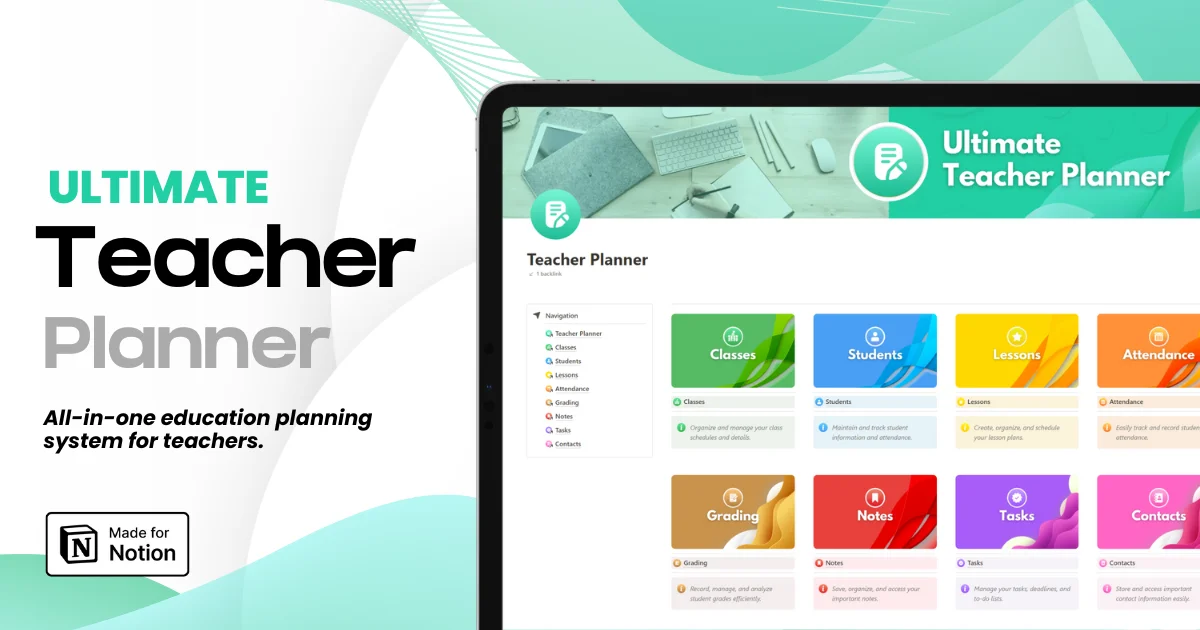
Ultimate Teacher Planner
The ultimate all-in-one education management system in Notion.
Learn More
Ultimate Teacher Planner
The ultimate all-in-one education management system in Notion.
Learn More



Notion4Teachers
Notion templates to simplify administrative tasks and enhance your teaching experience.



2026 Notion4Teachers. All Rights Reserved.
Notion4Teachers
Notion templates to simplify administrative tasks and enhance your teaching experience.
2026 Notion4Teachers. All Rights Reserved.
Notion4Teachers
Notion templates to simplify administrative tasks and enhance your teaching experience.
2026 Notion4Teachers. All Rights Reserved.