
10 Best Interview Practice App Options for Teachers
10 Best Interview Practice App Options for Teachers

Article by
Milo
ESL Content Coordinator & Educator
ESL Content Coordinator & Educator
All Posts
Table of Contents
A teacher candidate has rehearsed answers in the car, but freezes when the panel asks how classroom management would work during a demo lesson. The problem usually isn't a lack of experience. It's the gap between knowing an answer and saying it clearly under pressure, on camera, with a follow-up question arriving before the last sentence has landed.
The best interview practice app depends on the job it needs to do. Some tools provide free rehearsal for students and first-time candidates. Others analyze pace and filler words, support peer practice, manage institutional cohorts, or provide expert technical mocks. The strongest workflow pairs one of these tools with a Notion question bank and reflection log, so each response becomes reusable evidence rather than another isolated practice attempt. Notion4Teachers' guides on preparing for a first job interview in Notion show how that record can include employer research, STAR answers, practice notes, and post-interview reflection.
1. Interview Pilot
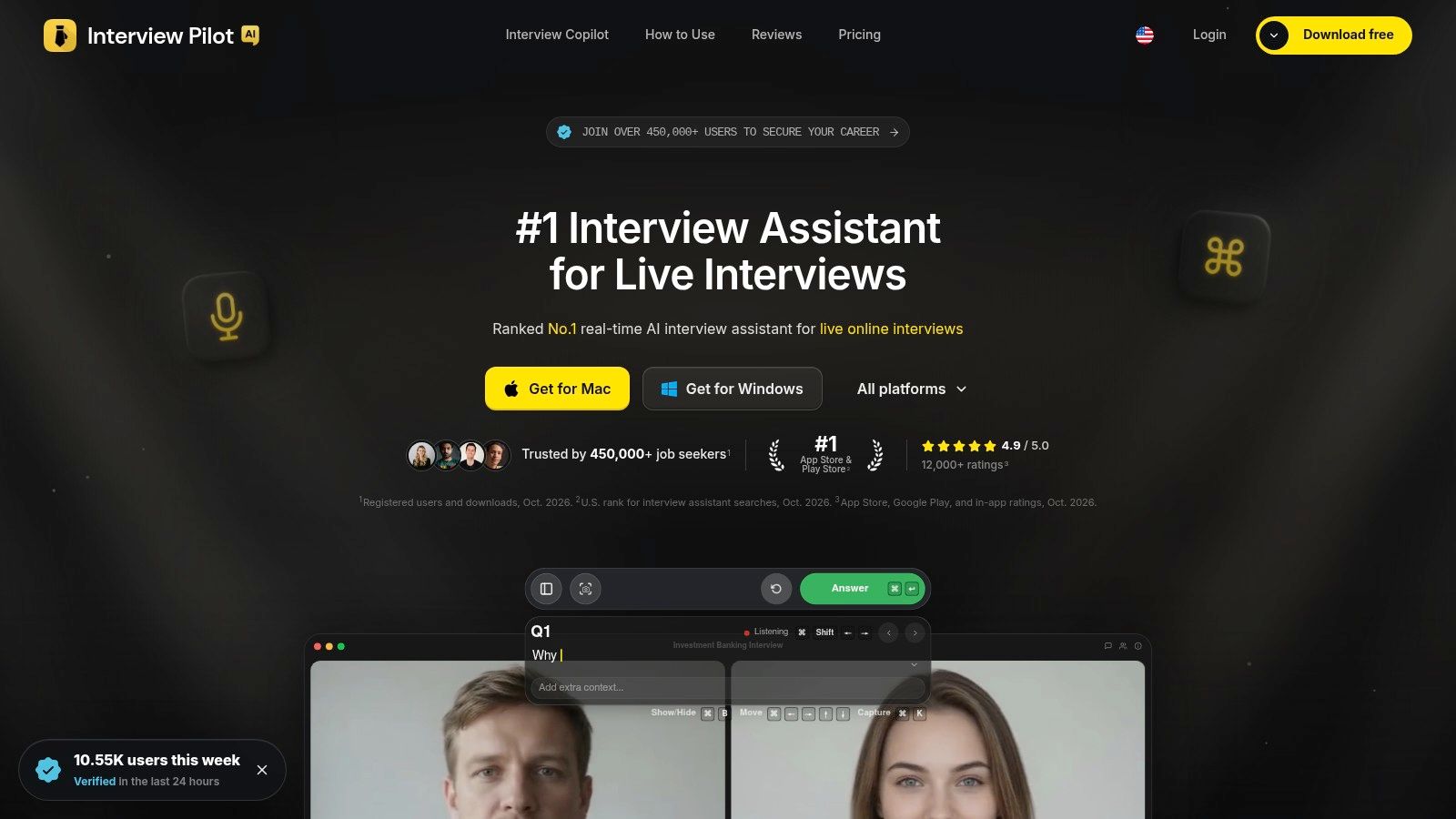
A candidate has twenty minutes before a remote panel interview, knows the examples they want to use, and still worries about going blank once the follow-up questions start. Interview Pilot, an interview practice app is built for that moment. It combines mock interview practice with live online support, which makes it broader than a standard rehearsal tool and also raises a clear integrity question for educators.
For teaching and teacher-adjacent roles, the strongest use is the practice side. Candidates can load profile or document context, rehearse behavioral and technical-style prompts, and adjust tone or answer depth so the session feels closer to the role they are targeting. In practice, that matters most for candidates switching sectors, applying internationally, or preparing for interview formats that feel unfamiliar.
The platform also includes a large question bank on paid plans, coverage across multiple career tracks, and apps for desktop and mobile. It states support for many languages and accents, which can make repeated practice easier for multilingual candidates or for educators coaching diverse cohorts. That flexibility is useful. It also means candidates need guidance on how to use the tool without sounding scripted.
Where it fits an educator workflow
I would place Interview Pilot in the stack for candidates who need more than first-timer rehearsal but are not yet ready for a high-stakes human mock. It works well for repeated answer reps, role-specific prompt variation, and confidence-building before peer practice or panel simulation. Pair it with a Notion question bank and reflection log, then review which examples held up under pressure, which answers drifted off point, and which stories still need sharper evidence.
The service lists Free, Weekly, Monthly, and Yearly plans. It also mentions priority support on paid tiers, service-status information, and industry-standard encryption. Schools and training providers should still check local data policy before asking candidates to upload CVs, recordings, or sensitive employment details.
Practical rule: Use live assistance only when the employer clearly allows outside support. Use mock interviews and the question bank for legitimate preparation when expectations are strict or unclear.
The trade-off is straightforward. Interview Pilot can reduce panic, widen question exposure, and support practice across devices, but suggested responses can create dependence if a candidate stops doing the harder work of building genuine examples. It is a strong fit for flexible, repeated rehearsal. It should not be the only tool used to judge warmth, professional judgment, or the natural delivery a school panel will notice immediately.
2. Interview Warmup by Google
Interview Warmup by Google is the best starting point for a student, first-time candidate, or teacher running a low-friction classroom demonstration. It works in a browser and doesn't require an account, which removes the sign-up barrier that often stops learners before practice begins.
Candidates choose general or role-related questions, speak their answers, and receive an instant transcript with highlighted terms and themes. The experience is intentionally approachable. A careers tutor can project the workflow, let students try it individually, or use one question to discuss what makes an answer specific without requiring paid accounts or complicated setup.
What it does well
Fast first rehearsal: Candidates can begin speaking almost immediately instead of spending time configuring a profile.
Accessible classroom entry point: Teachers can demonstrate the tool without asking every learner to create an account.
Useful transcription: The transcript helps candidates notice whether they named an action, result, responsibility, or example.
Role-based prompts: Learners can move beyond generic “tell me about yourself” practice and try questions connected to a target field.
The limitations are important. Interview Warmup doesn't provide live video recording, detailed delivery analytics, peer matching, or human coaching. It can show what a candidate said, but it won't replace a teacher's judgment about whether the answer sounds credible, relevant, or appropriate for a school context.
For an educator, the strongest pairing is a short prompt cycle. A learner answers one question, copies the useful part of the transcript into a reflection log, and rewrites the answer using a concrete classroom example. The tool is best for getting reluctant speakers to begin, not for completing an entire interview-preparation programme.
3. Pramp
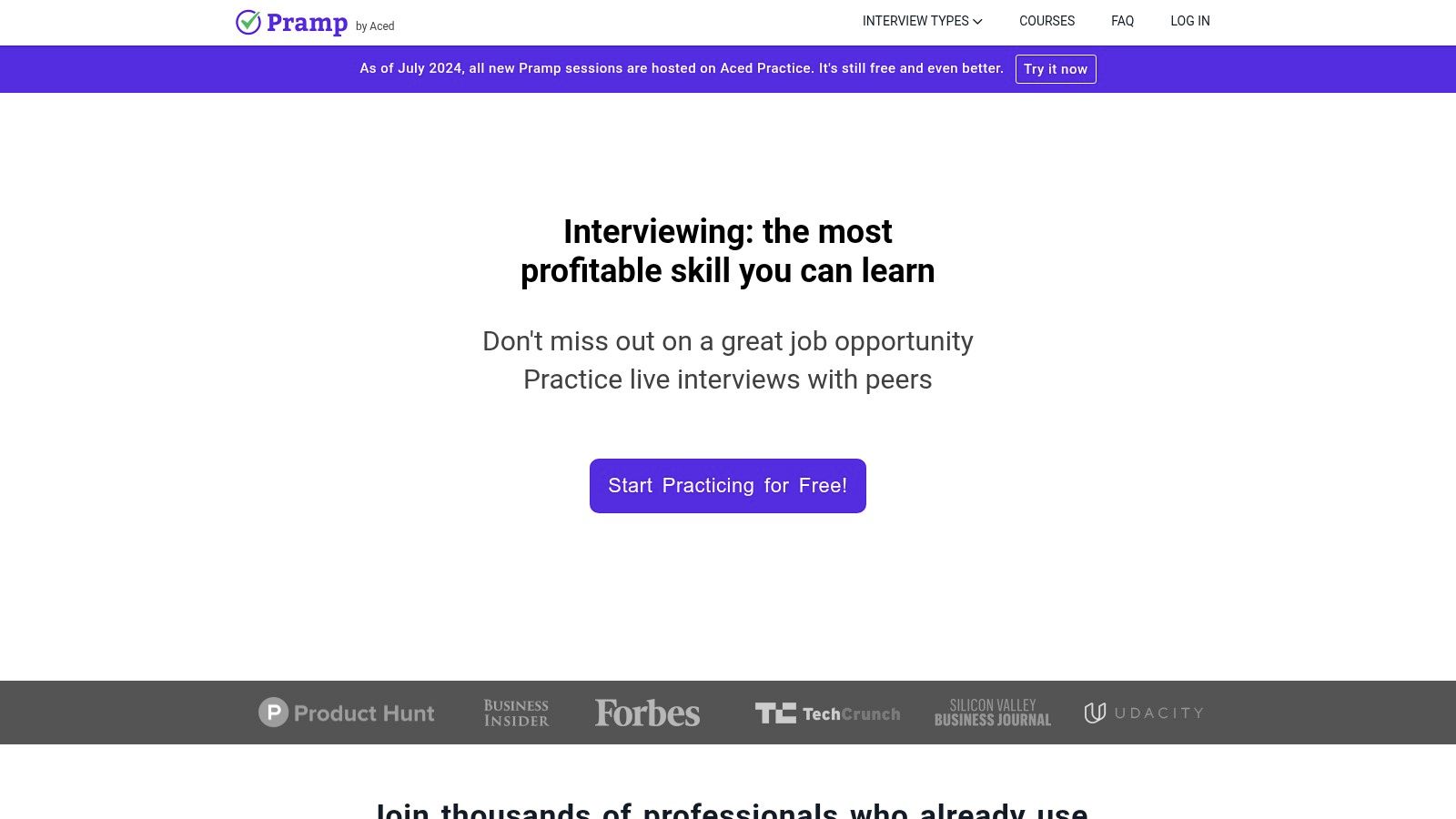
Pramp solves a different problem. Instead of giving a candidate an automated audience, it matches people for live peer mock interviews. Participants alternate between interviewer and interviewee, which teaches both sides of the conversation and makes the exercise more demanding than reading questions from a screen.
The platform is particularly strong for technical preparation because it includes a shared coding environment. Behavioral tracks are also available, making it useful for students who need to practise explaining decisions, asking clarifying questions, and giving feedback. A lecturer can assign peer sessions as part of a workshop, provided the class has clear expectations about punctuality, confidentiality, and constructive critique.
Why peer practice works
A peer interviewer notices things an automated transcript may miss. The candidate may answer the question but avoid eye contact, rush through the example, or fail to ask what the interviewer wants to know next. Taking the interviewer role also reveals how difficult it is to distinguish a strong answer from a vague one.
The weakness is consistency. Feedback quality depends on the partner's preparation, communication style, and understanding of the rubric. A student may receive a useful observation, or may hear a personal preference presented as universal interview advice.
A peer mock should end with evidence, not just encouragement. Each participant should record one strength, one missing detail, and one change for the next attempt.
Pramp suits budget-conscious students and groups that can create their own structure. It isn't the best standalone choice for a candidate who needs expert correction or a predictable scoring system. Teachers can improve the experience by supplying three shared criteria, such as relevance, evidence, and concise structure, then asking students to log the feedback in Notion after each session.
4. My Interview Practice
A candidate finishes a school day, opens a laptop at home, and records the same answer twice. On the second try, the example is tighter, the pacing is calmer, and the ending finally lands. That is the job My Interview Practice does well. It gives educators a straightforward way to assign repeated rehearsal, collect submissions, and review visible progress rather than one-off performance.
Users can work from prepared questions, build custom sets, record video or audio answers, replay them, and share recordings for feedback. In practice, that makes it useful for homework, employability modules, and supervised preparation for first interviews. I would use it when a student needs reps and accountability, not a complex dashboard.
A useful assignment pattern
For education roles, the value is in the review loop. Ask the candidate to record one first attempt and one revision to the same prompt. Then assess whether the second version improves structure, specificity, and relevance. That gives a tutor or mentor something concrete to discuss, especially with students who struggle to hear their own filler words, rushed phrasing, or weak endings until they replay the clip.
A teaching assistant candidate, for example, might practise responses on behaviour support, teamwork, inclusion, and conflict. The reviewer can check for a clear situation, action, and outcome, then ask the student to log the prompt, draft, recording link, and next change in a Notion workspace for a first job interview. That pairing works well for teacher job interviews and professional development because it keeps rehearsal evidence in one place.
The trade-off is plain. My Interview Practice is a recording and review tool, not a delivery analytics platform and not a built-in coaching marketplace. It also may not cover every school-specific scenario out of the box, so educators should add their own questions instead of relying only on the preset library.
Choose it when you need dependable submission, replay, and revision. Look elsewhere if the candidate needs live interaction, expert technical assessment, or detailed speaking metrics.
5. Prepfully
Prepfully combines two stages that are often separated. Candidates can start with an AI interviewer for timed, role-specific drills, then book a live mock with an expert coach when automated repetition no longer exposes weakness.
The AI sessions can be shaped around companies and roles, with transcripts and feedback reports after practice. That makes them useful for accumulating repetitions before spending time with a human. A teacher adviser can ask a student to complete several AI sessions, identify a repeated problem, and take that problem into a coaching appointment rather than using the appointment for basic introductions.
The human upgrade matters
A marketplace model gives candidates choice, but it also creates variation. Coaches differ in background, teaching ability, interview style, and familiarity with a particular role. Candidates should read the coach profile carefully, check the session policy, and arrive with a focused question. “Help with my interview” is weaker than “Help me make my behavior-management example more concise and evidence-led.”
The platform's published coaching policies and scheduling information help reduce uncertainty, but the AI interviewer remains structured. It may not reproduce the interruptions, follow-ups, silence, or conversational shifts of a real panel. Candidates should therefore use the AI mode for volume and the human mode for judgment.
Prepfully is a good choice for learners who need a progression from accessible practice to targeted coaching. It's less compelling for a classroom that needs one common workflow for an entire cohort, since individual coaching selection adds coordination. For a serious candidate with a specific interview approaching, the combination can be more useful than either an AI-only tool or a single expensive mock.
6. Yoodli
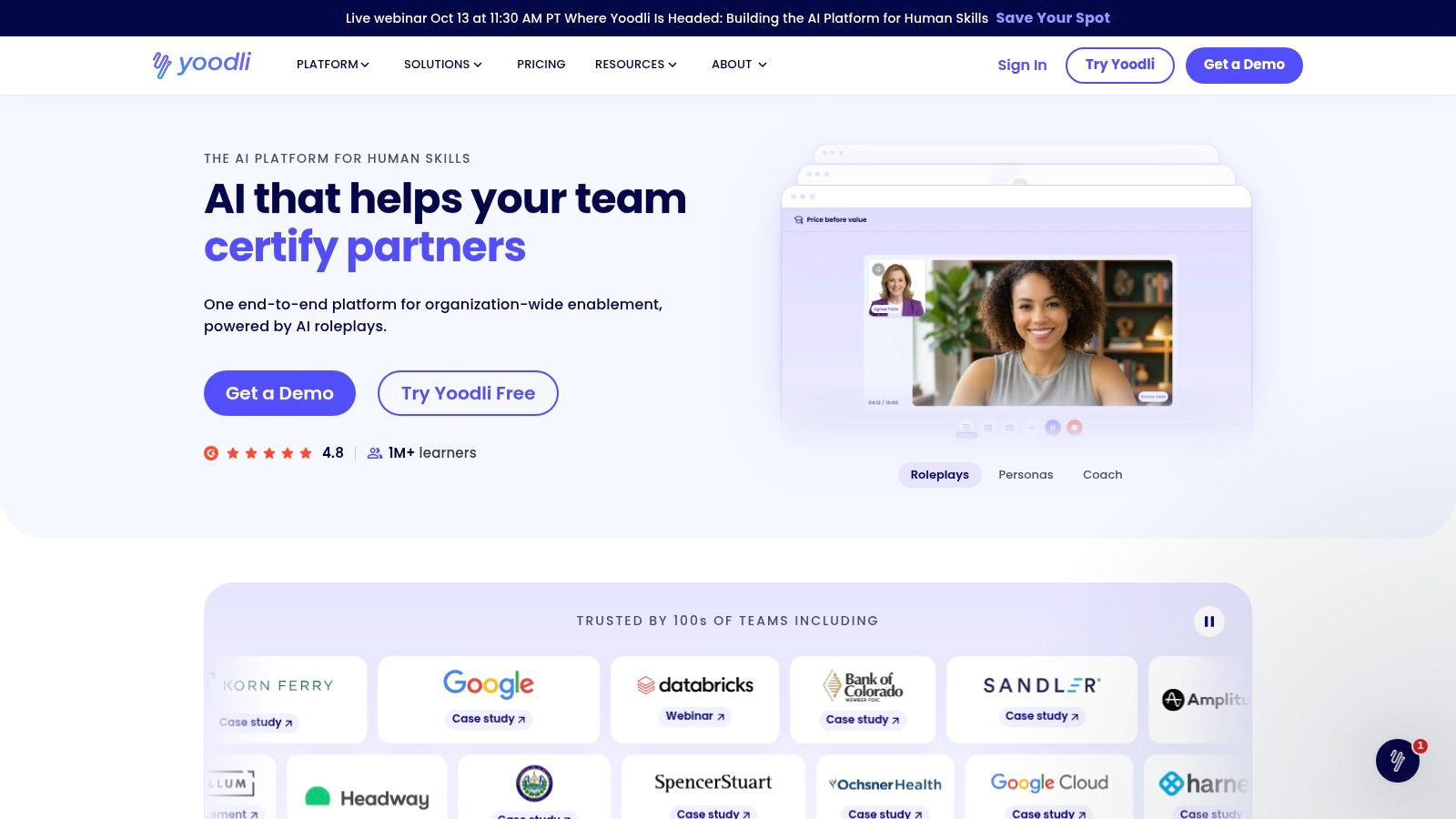
Yoodli is best understood as a speaking coach that includes interview practice, not merely an interview question library. It analyzes delivery features such as pace, filler words, and clarity, and it can analyze uploaded recordings. Optional private coaching overlays can also support practice during Zoom, Meet, or Teams sessions.
That focus makes Yoodli valuable for communication-skills courses, teacher professional development, and candidates whose answers contain strong ideas but sound rushed or overextended. A speaker may know the content and still lose the listener through long pauses, repeated fillers, or an uneven pace. Delivery analytics give the candidate something concrete to review.
Where delivery analytics help
Pace awareness: A candidate can see whether a carefully prepared answer becomes rushed under pressure.
Filler-word review: Repeated “um,” “like,” or “you know” can become visible across recordings.
Transfer beyond interviews: The same practice can support presentations, staff meetings, parent conversations, and classroom explanations.
Recording analysis: Candidates can bring an existing response into the tool instead of starting every exercise from scratch.
Yoodli's question and content libraries are lighter than those of broader interview platforms. Some features and data controls may also depend on the plan, so institutions should review privacy settings before asking students to upload sensitive recordings.
The useful score is the one that changes the next rehearsal. A delivery metric should prompt a specific adjustment, not become a verdict on confidence or employability.
Educators using Yoodli can pair it with a communication-skills training workflow for educators. The candidate logs one delivery observation and one content observation after each session. Yoodli is the stronger choice when speaking style is the central problem. It isn't the best standalone option for deep role research or technical question coverage.
7. Big Interview
Big Interview is designed as a broader career-readiness suite rather than a single-purpose mock interview. It combines video lessons, interview simulation, structured feedback, role and industry question sets, and learning paths that can include resumes and negotiation.
That wider curriculum makes it a strong institutional option. Universities, libraries, workforce programmes, and career centres can use it when learners need more than question-and-answer rehearsal. A teacher educator can place interview preparation alongside lessons on presenting experience, researching employers, discussing salary, and preparing application materials.
Why institutions consider it
Big Interview's strongest feature is its programme shape. Candidates can move from instruction to practice instead of opening a blank recording screen with no framework. Admin tools for schools and workforce programmes also make it more suitable for cohorts than many consumer-focused apps.
The trade-off is access and procurement. Individual pricing details may vary, and the strongest value often depends on an institutional licence. A teacher should confirm whether the school, library, university, or workforce partner already provides access before recommending that learners purchase an individual plan.
The platform is less ideal for a quick, informal practice task. Its breadth can feel heavy for a student who only needs to rehearse two answers before a part-time job interview. It works best when an educator wants a structured sequence that supports broader career readiness and can be embedded into a course or service.
A Notion log can keep the experience personal. Students record which lesson or question they completed, save a link to the practice response, and write a short reflection about what they would change in a real panel. That prevents the platform's curriculum from becoming passive video consumption.
8. VMock Interview Suite
VMock is built for scalable university and institutional practice. Its Interview Suite supports video mock interviews, content and delivery analytics, question generation from resumes and job descriptions, sharing workflows, and reporting for advisers or faculty.
That institutional orientation changes the buying question. The candidate isn't only asking whether the app gives useful feedback. The programme manager also needs to know whether students can practise consistently, whether advisers can review submissions, and whether faculty can connect the activity to employability teaching.
Best use in a cohort
VMock can support a staged assignment. Students upload or select the relevant role information, complete a recorded response, review the analytics, and share the recording with an adviser or peer. Faculty can then ask students to revise one answer rather than marking a generic reflection about confidence.
The system's analysis of non-verbal cues, speech, and content may be helpful, but it can also feel prescriptive. Eye contact, facial expression, pace, and vocal patterns don't have one universally correct form. Educators should frame the feedback as a prompt for reflection, not as an objective judgment about professionalism.
Access is another constraint. VMock is primarily sold through institutional licences, so individual availability depends on the school or university. It isn't the easiest recommendation for a private candidate who wants to practise immediately.
For teachers helping students translate experience into evidence, a Notion record can sit alongside guidance on using teaching experience in a strong resume. The candidate stores the job description, selected example, transcript, feedback, and revised answer. VMock works best where a career service needs dashboards, repeatable assessment, and shared workflows. It's less suitable for an unstructured one-off mock.
9. Aced
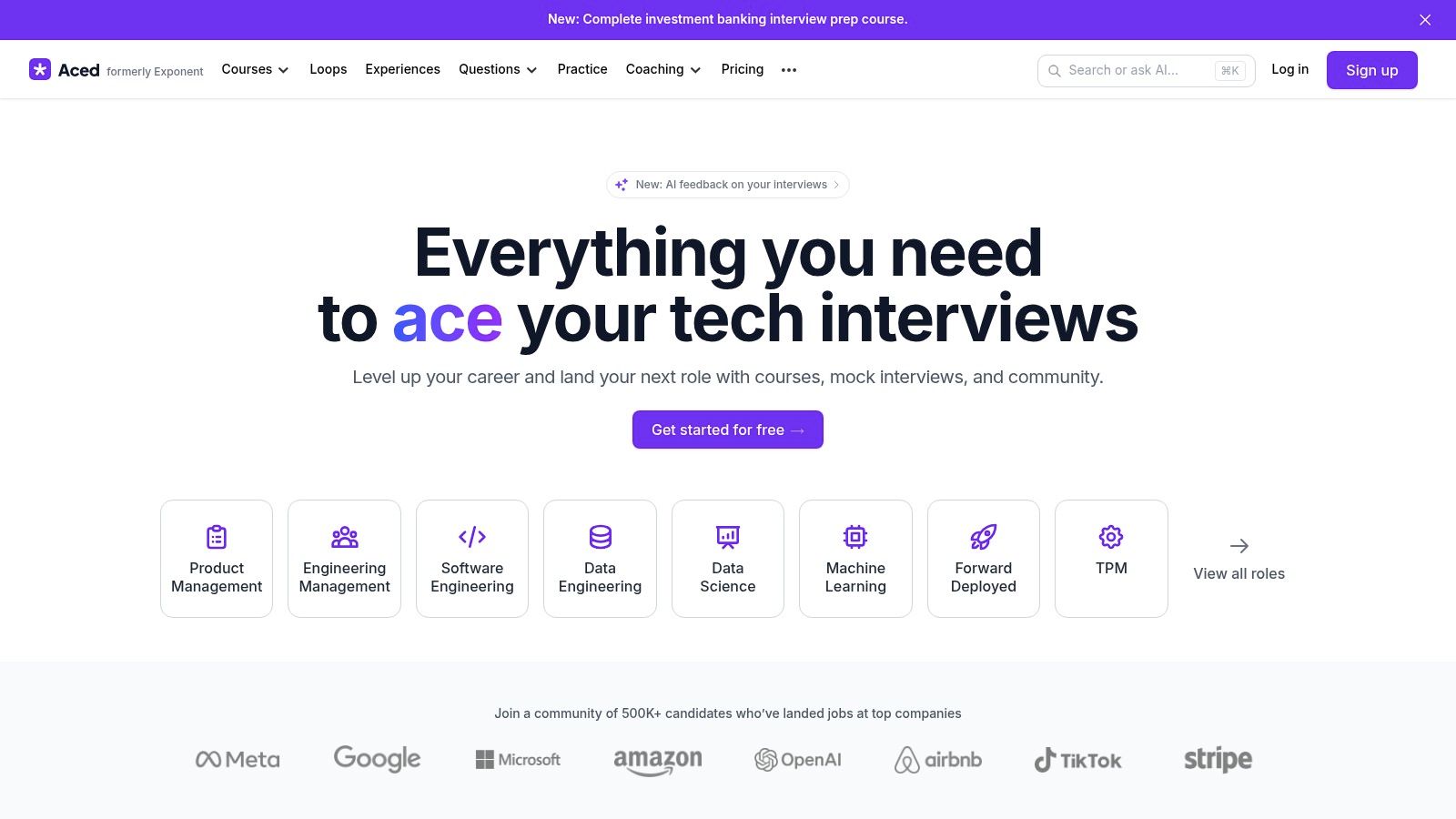
Aced, formerly Exponent, offers a broad preparation environment for product, product marketing, data, software engineering, and related technology roles. Its mix includes courses, video lessons, company guides, question banks, peer mocks, and AI interview features on higher tiers.
The platform suits capstone candidates who need a path through a demanding technical or product interview process. Product candidates can study frameworks and company-specific material, then test their responses through peer practice. Educators advising students on technology careers can use it when the challenge involves role knowledge as much as speaking performance.
A balanced but specialised option
Aced's advantage is variety. Candidates can move between structured instruction, community practice, and simulated interviews instead of relying on one feedback source. Unlimited peer mocks on the Pro tier can make repeated practice more practical for users who want live interaction without booking every session with an expert.
The limitations are commercial and analytical. The strongest value may depend on an annual plan, while month-to-month access can be expensive. The platform also provides less delivery analysis than a speech-focused tool such as Yoodli. A candidate who already knows the technical content but speaks too quickly may need a separate delivery workflow.
Aced isn't the natural choice for a general teacher interview unless the candidate is moving into an education technology, product, data, or software role. For those transitions, its role-specific materials can be more relevant than generic behavioral prompts. The educator's job is to keep the preparation grounded in evidence. Students should save the question, outline the response, and note whether the practice improved clarity or merely increased familiarity with jargon.
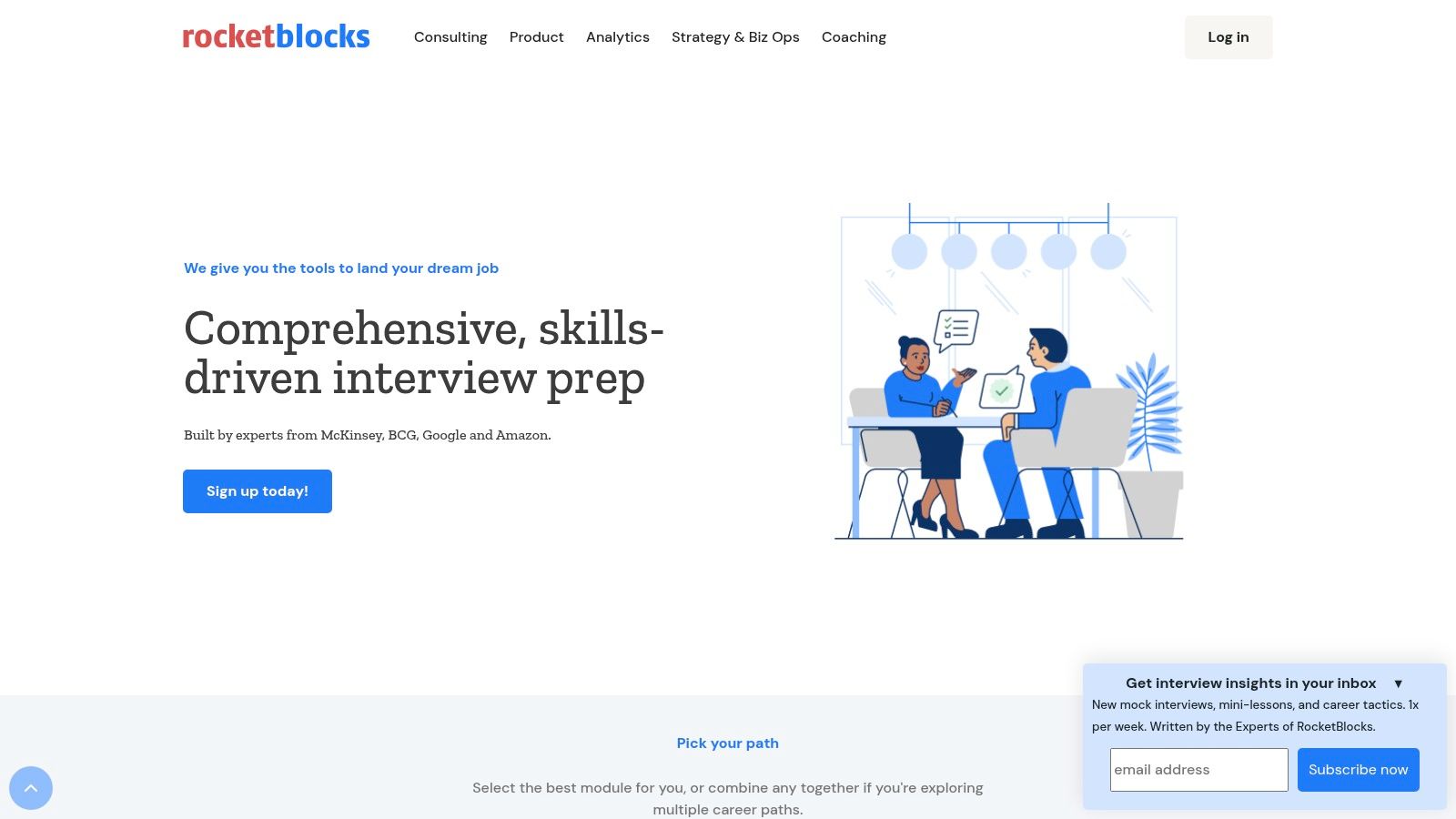
10. RocketBlocks
RocketBlocks focuses on consulting, product, strategy, and analytics interviews. Its drills cover case work, product sense, and analytical reasoning, while a coaching marketplace connects candidates with experts for targeted one-to-one sessions.
This is the option for advanced candidates who need domain correction rather than general encouragement. Case interviews require structured thinking aloud, sensible assumptions, clear calculations, and a conclusion that answers the actual business question. A generic interview practice app can offer repetition, but it usually can't replace an experienced coach who knows where the reasoning broke down.
When expert coaching earns its place
RocketBlocks is particularly useful when a candidate has already completed basic preparation and can identify a narrow weakness. A coaching session might focus on clarifying a case structure, improving synthesis, or handling product trade-offs without wandering into unrelated details.
The cost trade-off is clear. One-to-one expert coaching is more expensive than automated drills, and the platform is less suitable for pure coding preparation or general school interviews. Candidates should arrive with recorded attempts, written feedback, or specific cases to review so the session produces a usable action plan.
A teacher advising a student toward consulting or product management can use RocketBlocks for the high-stakes final stage, while keeping everyday practice in a free or lower-friction tool. The candidate logs each case type, recurring error, and revised approach in Notion. That record helps prevent coaching sessions from becoming isolated conversations.
11. interviewing.io
interviewing.io provides live technical mock interviews with experienced engineers, focusing on coding, data, and system design. Sessions are anonymous by default and voice-only, which can reduce some social pressure while keeping the technical exchange close to a demanding real interview.
The platform is best reserved for advanced candidates preparing for technical screens or system-design rounds. Expert interviewers can probe assumptions, ask follow-ups, and provide a written debrief that automated practice often cannot match. Candidates receive high-signal feedback about reasoning, communication, and technical decisions in context.
A capstone tool, not a first step
The price per session is higher than that of automated tools, and the scope is narrow. interviewing.io won't prepare a general behavioral interview for a teacher, nor will it help a beginner who still needs to learn the basic structure of a coding response. A candidate should already have some technical fluency before booking an expert mock.
For educators, the tool belongs at the end of a progression. Students first build a question bank, practise explanations aloud, complete peer or AI sessions, and then use the expert mock to test whether those habits hold under pressure. The written debrief should become a short action plan in Notion, with one technical improvement and one communication improvement before the next attempt.
11 Interview Practice Apps: Feature Comparison
Tool | Core features | Best for / Classroom fit | Standout strengths | Price / Access |
|---|---|---|---|---|
Interview Pilot | Real-time in-interview suggestions, AI mock sessions, 10k Q bank, 99+ languages, native desktop/mobile apps | Older students & staff who want real-time support and role-specific prep | Live interview assistance, multilingual support, large role coverage, cross-platform apps | Freemium (Free + weekly/monthly/yearly paid plans) |
Interview Warmup (Google) | Role-based questions, real-time transcription, instant highlights, no sign-up | Beginner students, classroom demos, quick warm-ups | Zero friction, privacy-forward, unlimited free practice in browser | Free |
Pramp | Live 1:1 peer mocks, collaborative coding pad, role alternation | Classroom peer-practice, budget-conscious coding students | Community-driven, practice both interviewer/interviewee roles | Free / community (operated by Aced/Exponent) |
My Interview Practice | Video/voice recording, shareable recordings, curated question sets | Homework practice, teacher assessments, self-review assignments | Easy assignment workflow, simple replay & sharing for feedback | Free/basic; paid upgrades |
Prepfully | Company/role AI simulations, transcripts, feedback reports, coaching marketplace | Students who want quick AI reps then paid human coaching | Low-cost AI drills + on-demand expert coaches, clear coaching policies | Paid (AI sessions low-cost; coaching paid) |
Yoodli (AI Speech & Interview Coach) | Delivery analytics (pace, fillers), upload analysis, live meeting nudges | Communication skills classes, presentation coaching | Detailed delivery analytics, live coaching overlays for meetings | Freemium; paid tiers for advanced features |
Big Interview | Video lessons, interview simulator, admin dashboards, curricula | Universities, workforce programs, libraries, large cohorts | Robust career-readiness curriculum and institutional tools | Paid (individual & institutional licenses; best value institutional) |
VMock (Interview Suite) | AI scoring (non‑verbal, speech, content), resume-driven questions, sharing workflows | University programs and advisor-managed classrooms | Scalable institutional reporting and advisor sharing | Institutionally sold (limited individual access) |
Aced (formerly Exponent) | Role-specific curricula, question banks, peer mocks, AI interviewer | Tech-track students (Product, PMM, Data, SWE) advised by educators | Balanced content + practice + community, strong non-coding tech prep | Paid (best value on annual plans) |
RocketBlocks | Structured drills (case, product, analytics), vetted coaching network | Consulting & product interview prep, targeted coaching | Domain-focused drills and high-signal expert coaches | Paid (premium coaching rates) |
interviewing.io | Anonymous live technical interviews with senior engineers, written debriefs | Advanced technical candidates preparing for FAANG-style screens | Very realistic mocks and high-quality expert feedback | Paid per session (higher cost than automated tools) |
Build Your Practice Stack and Start Next Week
The strongest setup isn't one perfect interview practice app. It's a small stack in which each tool has a defined job. A free browser tool can create daily speaking reps. A recording platform can make self-review and teacher feedback manageable. A delivery coach can expose pace and filler habits. A peer platform can add unpredictability. Institutional suites can give advisers visibility across a cohort, while expert mocks can test advanced candidates when the basics are already stable.
Teachers should match the tool to the learner's access and the interview's demands. A student with limited equipment may need browser-based rehearsal and asynchronous reflection rather than a video-heavy platform. An English learner may benefit from transcripts, repeated attempts, and explicit vocabulary work. A candidate with a disability may need adjustable practice conditions and a conversation about which feedback reflects the role and which feedback rewards a narrow communication style.
Privacy needs the same attention as features. Data can include recordings, transcripts, resumes, and personal employment histories. Educators should check retention, deletion, sharing, account ownership, and whether a platform infers confidence, personality, accent, or emotion. AI feedback isn't a neutral hiring standard, and a score should never become the only evidence used to judge a learner's readiness.
A practical Notion workflow can remain simple:
Question bank: Store common, role-specific, school-specific, and follow-up questions in one database.
Answer evidence: Link each question to a STAR story, teaching example, project, placement, or professional-development experience.
Practice log: Record the date, tool, question, response link, feedback, and one change for the next attempt.
Reflection field: Note what sounded clear, where the answer drifted, and what evidence was missing.
Readiness view: Filter for questions that have no recording, no revision, or no human review.
The research supports repeated, reflective practice without proving that any app guarantees a job. A university technical-interview programme embedded mock interviews in a course serving 3,526 students across 12 consecutive semesters. In its retrospective sample, 74% recalled the activities and reported greater familiarity with interview procedures, self-confidence, and opportunities for self-evaluation. The authors also reported that 7 of 347 respondents, or 2%, attributed clearing a technical interview or securing an internship to those activities, but that self-report must not be treated as a causal placement rate. Read the university study for the distinction between perceived benefit and employment outcome.
Another multimodal mock-interview study found that 76% of entry-level participants agreed or strongly agreed that their skills improved, while 87% said they could identify areas for improvement and 84% understood likely interview questions better. Among upper-level participants, the corresponding figures were 89%, 91%, and 95%. Those findings support reflection features such as recordings, transcripts, competency tags, and next-step recommendations, not blind trust in an overall score. Review the multimodal interview study.
Start next week with one free tool for daily reps, one feedback tool for delivery or content, and a Notion question bank that preserves every useful lesson. Schedule the first practice block, record one answer about classroom management or a demo lesson, and review it against the log before the next session. That small routine turns interview preparation from anxious last-minute memorisation into a visible professional-development habit.
A teacher candidate has rehearsed answers in the car, but freezes when the panel asks how classroom management would work during a demo lesson. The problem usually isn't a lack of experience. It's the gap between knowing an answer and saying it clearly under pressure, on camera, with a follow-up question arriving before the last sentence has landed.
The best interview practice app depends on the job it needs to do. Some tools provide free rehearsal for students and first-time candidates. Others analyze pace and filler words, support peer practice, manage institutional cohorts, or provide expert technical mocks. The strongest workflow pairs one of these tools with a Notion question bank and reflection log, so each response becomes reusable evidence rather than another isolated practice attempt. Notion4Teachers' guides on preparing for a first job interview in Notion show how that record can include employer research, STAR answers, practice notes, and post-interview reflection.
1. Interview Pilot
A candidate has twenty minutes before a remote panel interview, knows the examples they want to use, and still worries about going blank once the follow-up questions start. Interview Pilot, an interview practice app is built for that moment. It combines mock interview practice with live online support, which makes it broader than a standard rehearsal tool and also raises a clear integrity question for educators.
For teaching and teacher-adjacent roles, the strongest use is the practice side. Candidates can load profile or document context, rehearse behavioral and technical-style prompts, and adjust tone or answer depth so the session feels closer to the role they are targeting. In practice, that matters most for candidates switching sectors, applying internationally, or preparing for interview formats that feel unfamiliar.
The platform also includes a large question bank on paid plans, coverage across multiple career tracks, and apps for desktop and mobile. It states support for many languages and accents, which can make repeated practice easier for multilingual candidates or for educators coaching diverse cohorts. That flexibility is useful. It also means candidates need guidance on how to use the tool without sounding scripted.
Where it fits an educator workflow
I would place Interview Pilot in the stack for candidates who need more than first-timer rehearsal but are not yet ready for a high-stakes human mock. It works well for repeated answer reps, role-specific prompt variation, and confidence-building before peer practice or panel simulation. Pair it with a Notion question bank and reflection log, then review which examples held up under pressure, which answers drifted off point, and which stories still need sharper evidence.
The service lists Free, Weekly, Monthly, and Yearly plans. It also mentions priority support on paid tiers, service-status information, and industry-standard encryption. Schools and training providers should still check local data policy before asking candidates to upload CVs, recordings, or sensitive employment details.
Practical rule: Use live assistance only when the employer clearly allows outside support. Use mock interviews and the question bank for legitimate preparation when expectations are strict or unclear.
The trade-off is straightforward. Interview Pilot can reduce panic, widen question exposure, and support practice across devices, but suggested responses can create dependence if a candidate stops doing the harder work of building genuine examples. It is a strong fit for flexible, repeated rehearsal. It should not be the only tool used to judge warmth, professional judgment, or the natural delivery a school panel will notice immediately.
2. Interview Warmup by Google
Interview Warmup by Google is the best starting point for a student, first-time candidate, or teacher running a low-friction classroom demonstration. It works in a browser and doesn't require an account, which removes the sign-up barrier that often stops learners before practice begins.
Candidates choose general or role-related questions, speak their answers, and receive an instant transcript with highlighted terms and themes. The experience is intentionally approachable. A careers tutor can project the workflow, let students try it individually, or use one question to discuss what makes an answer specific without requiring paid accounts or complicated setup.
What it does well
Fast first rehearsal: Candidates can begin speaking almost immediately instead of spending time configuring a profile.
Accessible classroom entry point: Teachers can demonstrate the tool without asking every learner to create an account.
Useful transcription: The transcript helps candidates notice whether they named an action, result, responsibility, or example.
Role-based prompts: Learners can move beyond generic “tell me about yourself” practice and try questions connected to a target field.
The limitations are important. Interview Warmup doesn't provide live video recording, detailed delivery analytics, peer matching, or human coaching. It can show what a candidate said, but it won't replace a teacher's judgment about whether the answer sounds credible, relevant, or appropriate for a school context.
For an educator, the strongest pairing is a short prompt cycle. A learner answers one question, copies the useful part of the transcript into a reflection log, and rewrites the answer using a concrete classroom example. The tool is best for getting reluctant speakers to begin, not for completing an entire interview-preparation programme.
3. Pramp
Pramp solves a different problem. Instead of giving a candidate an automated audience, it matches people for live peer mock interviews. Participants alternate between interviewer and interviewee, which teaches both sides of the conversation and makes the exercise more demanding than reading questions from a screen.
The platform is particularly strong for technical preparation because it includes a shared coding environment. Behavioral tracks are also available, making it useful for students who need to practise explaining decisions, asking clarifying questions, and giving feedback. A lecturer can assign peer sessions as part of a workshop, provided the class has clear expectations about punctuality, confidentiality, and constructive critique.
Why peer practice works
A peer interviewer notices things an automated transcript may miss. The candidate may answer the question but avoid eye contact, rush through the example, or fail to ask what the interviewer wants to know next. Taking the interviewer role also reveals how difficult it is to distinguish a strong answer from a vague one.
The weakness is consistency. Feedback quality depends on the partner's preparation, communication style, and understanding of the rubric. A student may receive a useful observation, or may hear a personal preference presented as universal interview advice.
A peer mock should end with evidence, not just encouragement. Each participant should record one strength, one missing detail, and one change for the next attempt.
Pramp suits budget-conscious students and groups that can create their own structure. It isn't the best standalone choice for a candidate who needs expert correction or a predictable scoring system. Teachers can improve the experience by supplying three shared criteria, such as relevance, evidence, and concise structure, then asking students to log the feedback in Notion after each session.
4. My Interview Practice
A candidate finishes a school day, opens a laptop at home, and records the same answer twice. On the second try, the example is tighter, the pacing is calmer, and the ending finally lands. That is the job My Interview Practice does well. It gives educators a straightforward way to assign repeated rehearsal, collect submissions, and review visible progress rather than one-off performance.
Users can work from prepared questions, build custom sets, record video or audio answers, replay them, and share recordings for feedback. In practice, that makes it useful for homework, employability modules, and supervised preparation for first interviews. I would use it when a student needs reps and accountability, not a complex dashboard.
A useful assignment pattern
For education roles, the value is in the review loop. Ask the candidate to record one first attempt and one revision to the same prompt. Then assess whether the second version improves structure, specificity, and relevance. That gives a tutor or mentor something concrete to discuss, especially with students who struggle to hear their own filler words, rushed phrasing, or weak endings until they replay the clip.
A teaching assistant candidate, for example, might practise responses on behaviour support, teamwork, inclusion, and conflict. The reviewer can check for a clear situation, action, and outcome, then ask the student to log the prompt, draft, recording link, and next change in a Notion workspace for a first job interview. That pairing works well for teacher job interviews and professional development because it keeps rehearsal evidence in one place.
The trade-off is plain. My Interview Practice is a recording and review tool, not a delivery analytics platform and not a built-in coaching marketplace. It also may not cover every school-specific scenario out of the box, so educators should add their own questions instead of relying only on the preset library.
Choose it when you need dependable submission, replay, and revision. Look elsewhere if the candidate needs live interaction, expert technical assessment, or detailed speaking metrics.
5. Prepfully
Prepfully combines two stages that are often separated. Candidates can start with an AI interviewer for timed, role-specific drills, then book a live mock with an expert coach when automated repetition no longer exposes weakness.
The AI sessions can be shaped around companies and roles, with transcripts and feedback reports after practice. That makes them useful for accumulating repetitions before spending time with a human. A teacher adviser can ask a student to complete several AI sessions, identify a repeated problem, and take that problem into a coaching appointment rather than using the appointment for basic introductions.
The human upgrade matters
A marketplace model gives candidates choice, but it also creates variation. Coaches differ in background, teaching ability, interview style, and familiarity with a particular role. Candidates should read the coach profile carefully, check the session policy, and arrive with a focused question. “Help with my interview” is weaker than “Help me make my behavior-management example more concise and evidence-led.”
The platform's published coaching policies and scheduling information help reduce uncertainty, but the AI interviewer remains structured. It may not reproduce the interruptions, follow-ups, silence, or conversational shifts of a real panel. Candidates should therefore use the AI mode for volume and the human mode for judgment.
Prepfully is a good choice for learners who need a progression from accessible practice to targeted coaching. It's less compelling for a classroom that needs one common workflow for an entire cohort, since individual coaching selection adds coordination. For a serious candidate with a specific interview approaching, the combination can be more useful than either an AI-only tool or a single expensive mock.
6. Yoodli
Yoodli is best understood as a speaking coach that includes interview practice, not merely an interview question library. It analyzes delivery features such as pace, filler words, and clarity, and it can analyze uploaded recordings. Optional private coaching overlays can also support practice during Zoom, Meet, or Teams sessions.
That focus makes Yoodli valuable for communication-skills courses, teacher professional development, and candidates whose answers contain strong ideas but sound rushed or overextended. A speaker may know the content and still lose the listener through long pauses, repeated fillers, or an uneven pace. Delivery analytics give the candidate something concrete to review.
Where delivery analytics help
Pace awareness: A candidate can see whether a carefully prepared answer becomes rushed under pressure.
Filler-word review: Repeated “um,” “like,” or “you know” can become visible across recordings.
Transfer beyond interviews: The same practice can support presentations, staff meetings, parent conversations, and classroom explanations.
Recording analysis: Candidates can bring an existing response into the tool instead of starting every exercise from scratch.
Yoodli's question and content libraries are lighter than those of broader interview platforms. Some features and data controls may also depend on the plan, so institutions should review privacy settings before asking students to upload sensitive recordings.
The useful score is the one that changes the next rehearsal. A delivery metric should prompt a specific adjustment, not become a verdict on confidence or employability.
Educators using Yoodli can pair it with a communication-skills training workflow for educators. The candidate logs one delivery observation and one content observation after each session. Yoodli is the stronger choice when speaking style is the central problem. It isn't the best standalone option for deep role research or technical question coverage.
7. Big Interview
Big Interview is designed as a broader career-readiness suite rather than a single-purpose mock interview. It combines video lessons, interview simulation, structured feedback, role and industry question sets, and learning paths that can include resumes and negotiation.
That wider curriculum makes it a strong institutional option. Universities, libraries, workforce programmes, and career centres can use it when learners need more than question-and-answer rehearsal. A teacher educator can place interview preparation alongside lessons on presenting experience, researching employers, discussing salary, and preparing application materials.
Why institutions consider it
Big Interview's strongest feature is its programme shape. Candidates can move from instruction to practice instead of opening a blank recording screen with no framework. Admin tools for schools and workforce programmes also make it more suitable for cohorts than many consumer-focused apps.
The trade-off is access and procurement. Individual pricing details may vary, and the strongest value often depends on an institutional licence. A teacher should confirm whether the school, library, university, or workforce partner already provides access before recommending that learners purchase an individual plan.
The platform is less ideal for a quick, informal practice task. Its breadth can feel heavy for a student who only needs to rehearse two answers before a part-time job interview. It works best when an educator wants a structured sequence that supports broader career readiness and can be embedded into a course or service.
A Notion log can keep the experience personal. Students record which lesson or question they completed, save a link to the practice response, and write a short reflection about what they would change in a real panel. That prevents the platform's curriculum from becoming passive video consumption.
8. VMock Interview Suite
VMock is built for scalable university and institutional practice. Its Interview Suite supports video mock interviews, content and delivery analytics, question generation from resumes and job descriptions, sharing workflows, and reporting for advisers or faculty.
That institutional orientation changes the buying question. The candidate isn't only asking whether the app gives useful feedback. The programme manager also needs to know whether students can practise consistently, whether advisers can review submissions, and whether faculty can connect the activity to employability teaching.
Best use in a cohort
VMock can support a staged assignment. Students upload or select the relevant role information, complete a recorded response, review the analytics, and share the recording with an adviser or peer. Faculty can then ask students to revise one answer rather than marking a generic reflection about confidence.
The system's analysis of non-verbal cues, speech, and content may be helpful, but it can also feel prescriptive. Eye contact, facial expression, pace, and vocal patterns don't have one universally correct form. Educators should frame the feedback as a prompt for reflection, not as an objective judgment about professionalism.
Access is another constraint. VMock is primarily sold through institutional licences, so individual availability depends on the school or university. It isn't the easiest recommendation for a private candidate who wants to practise immediately.
For teachers helping students translate experience into evidence, a Notion record can sit alongside guidance on using teaching experience in a strong resume. The candidate stores the job description, selected example, transcript, feedback, and revised answer. VMock works best where a career service needs dashboards, repeatable assessment, and shared workflows. It's less suitable for an unstructured one-off mock.
9. Aced
Aced, formerly Exponent, offers a broad preparation environment for product, product marketing, data, software engineering, and related technology roles. Its mix includes courses, video lessons, company guides, question banks, peer mocks, and AI interview features on higher tiers.
The platform suits capstone candidates who need a path through a demanding technical or product interview process. Product candidates can study frameworks and company-specific material, then test their responses through peer practice. Educators advising students on technology careers can use it when the challenge involves role knowledge as much as speaking performance.
A balanced but specialised option
Aced's advantage is variety. Candidates can move between structured instruction, community practice, and simulated interviews instead of relying on one feedback source. Unlimited peer mocks on the Pro tier can make repeated practice more practical for users who want live interaction without booking every session with an expert.
The limitations are commercial and analytical. The strongest value may depend on an annual plan, while month-to-month access can be expensive. The platform also provides less delivery analysis than a speech-focused tool such as Yoodli. A candidate who already knows the technical content but speaks too quickly may need a separate delivery workflow.
Aced isn't the natural choice for a general teacher interview unless the candidate is moving into an education technology, product, data, or software role. For those transitions, its role-specific materials can be more relevant than generic behavioral prompts. The educator's job is to keep the preparation grounded in evidence. Students should save the question, outline the response, and note whether the practice improved clarity or merely increased familiarity with jargon.
10. RocketBlocks
RocketBlocks focuses on consulting, product, strategy, and analytics interviews. Its drills cover case work, product sense, and analytical reasoning, while a coaching marketplace connects candidates with experts for targeted one-to-one sessions.
This is the option for advanced candidates who need domain correction rather than general encouragement. Case interviews require structured thinking aloud, sensible assumptions, clear calculations, and a conclusion that answers the actual business question. A generic interview practice app can offer repetition, but it usually can't replace an experienced coach who knows where the reasoning broke down.
When expert coaching earns its place
RocketBlocks is particularly useful when a candidate has already completed basic preparation and can identify a narrow weakness. A coaching session might focus on clarifying a case structure, improving synthesis, or handling product trade-offs without wandering into unrelated details.
The cost trade-off is clear. One-to-one expert coaching is more expensive than automated drills, and the platform is less suitable for pure coding preparation or general school interviews. Candidates should arrive with recorded attempts, written feedback, or specific cases to review so the session produces a usable action plan.
A teacher advising a student toward consulting or product management can use RocketBlocks for the high-stakes final stage, while keeping everyday practice in a free or lower-friction tool. The candidate logs each case type, recurring error, and revised approach in Notion. That record helps prevent coaching sessions from becoming isolated conversations.
11. interviewing.io
interviewing.io provides live technical mock interviews with experienced engineers, focusing on coding, data, and system design. Sessions are anonymous by default and voice-only, which can reduce some social pressure while keeping the technical exchange close to a demanding real interview.
The platform is best reserved for advanced candidates preparing for technical screens or system-design rounds. Expert interviewers can probe assumptions, ask follow-ups, and provide a written debrief that automated practice often cannot match. Candidates receive high-signal feedback about reasoning, communication, and technical decisions in context.
A capstone tool, not a first step
The price per session is higher than that of automated tools, and the scope is narrow. interviewing.io won't prepare a general behavioral interview for a teacher, nor will it help a beginner who still needs to learn the basic structure of a coding response. A candidate should already have some technical fluency before booking an expert mock.
For educators, the tool belongs at the end of a progression. Students first build a question bank, practise explanations aloud, complete peer or AI sessions, and then use the expert mock to test whether those habits hold under pressure. The written debrief should become a short action plan in Notion, with one technical improvement and one communication improvement before the next attempt.
11 Interview Practice Apps: Feature Comparison
Tool | Core features | Best for / Classroom fit | Standout strengths | Price / Access |
|---|---|---|---|---|
Interview Pilot | Real-time in-interview suggestions, AI mock sessions, 10k Q bank, 99+ languages, native desktop/mobile apps | Older students & staff who want real-time support and role-specific prep | Live interview assistance, multilingual support, large role coverage, cross-platform apps | Freemium (Free + weekly/monthly/yearly paid plans) |
Interview Warmup (Google) | Role-based questions, real-time transcription, instant highlights, no sign-up | Beginner students, classroom demos, quick warm-ups | Zero friction, privacy-forward, unlimited free practice in browser | Free |
Pramp | Live 1:1 peer mocks, collaborative coding pad, role alternation | Classroom peer-practice, budget-conscious coding students | Community-driven, practice both interviewer/interviewee roles | Free / community (operated by Aced/Exponent) |
My Interview Practice | Video/voice recording, shareable recordings, curated question sets | Homework practice, teacher assessments, self-review assignments | Easy assignment workflow, simple replay & sharing for feedback | Free/basic; paid upgrades |
Prepfully | Company/role AI simulations, transcripts, feedback reports, coaching marketplace | Students who want quick AI reps then paid human coaching | Low-cost AI drills + on-demand expert coaches, clear coaching policies | Paid (AI sessions low-cost; coaching paid) |
Yoodli (AI Speech & Interview Coach) | Delivery analytics (pace, fillers), upload analysis, live meeting nudges | Communication skills classes, presentation coaching | Detailed delivery analytics, live coaching overlays for meetings | Freemium; paid tiers for advanced features |
Big Interview | Video lessons, interview simulator, admin dashboards, curricula | Universities, workforce programs, libraries, large cohorts | Robust career-readiness curriculum and institutional tools | Paid (individual & institutional licenses; best value institutional) |
VMock (Interview Suite) | AI scoring (non‑verbal, speech, content), resume-driven questions, sharing workflows | University programs and advisor-managed classrooms | Scalable institutional reporting and advisor sharing | Institutionally sold (limited individual access) |
Aced (formerly Exponent) | Role-specific curricula, question banks, peer mocks, AI interviewer | Tech-track students (Product, PMM, Data, SWE) advised by educators | Balanced content + practice + community, strong non-coding tech prep | Paid (best value on annual plans) |
RocketBlocks | Structured drills (case, product, analytics), vetted coaching network | Consulting & product interview prep, targeted coaching | Domain-focused drills and high-signal expert coaches | Paid (premium coaching rates) |
interviewing.io | Anonymous live technical interviews with senior engineers, written debriefs | Advanced technical candidates preparing for FAANG-style screens | Very realistic mocks and high-quality expert feedback | Paid per session (higher cost than automated tools) |
Build Your Practice Stack and Start Next Week
The strongest setup isn't one perfect interview practice app. It's a small stack in which each tool has a defined job. A free browser tool can create daily speaking reps. A recording platform can make self-review and teacher feedback manageable. A delivery coach can expose pace and filler habits. A peer platform can add unpredictability. Institutional suites can give advisers visibility across a cohort, while expert mocks can test advanced candidates when the basics are already stable.
Teachers should match the tool to the learner's access and the interview's demands. A student with limited equipment may need browser-based rehearsal and asynchronous reflection rather than a video-heavy platform. An English learner may benefit from transcripts, repeated attempts, and explicit vocabulary work. A candidate with a disability may need adjustable practice conditions and a conversation about which feedback reflects the role and which feedback rewards a narrow communication style.
Privacy needs the same attention as features. Data can include recordings, transcripts, resumes, and personal employment histories. Educators should check retention, deletion, sharing, account ownership, and whether a platform infers confidence, personality, accent, or emotion. AI feedback isn't a neutral hiring standard, and a score should never become the only evidence used to judge a learner's readiness.
A practical Notion workflow can remain simple:
Question bank: Store common, role-specific, school-specific, and follow-up questions in one database.
Answer evidence: Link each question to a STAR story, teaching example, project, placement, or professional-development experience.
Practice log: Record the date, tool, question, response link, feedback, and one change for the next attempt.
Reflection field: Note what sounded clear, where the answer drifted, and what evidence was missing.
Readiness view: Filter for questions that have no recording, no revision, or no human review.
The research supports repeated, reflective practice without proving that any app guarantees a job. A university technical-interview programme embedded mock interviews in a course serving 3,526 students across 12 consecutive semesters. In its retrospective sample, 74% recalled the activities and reported greater familiarity with interview procedures, self-confidence, and opportunities for self-evaluation. The authors also reported that 7 of 347 respondents, or 2%, attributed clearing a technical interview or securing an internship to those activities, but that self-report must not be treated as a causal placement rate. Read the university study for the distinction between perceived benefit and employment outcome.
Another multimodal mock-interview study found that 76% of entry-level participants agreed or strongly agreed that their skills improved, while 87% said they could identify areas for improvement and 84% understood likely interview questions better. Among upper-level participants, the corresponding figures were 89%, 91%, and 95%. Those findings support reflection features such as recordings, transcripts, competency tags, and next-step recommendations, not blind trust in an overall score. Review the multimodal interview study.
Start next week with one free tool for daily reps, one feedback tool for delivery or content, and a Notion question bank that preserves every useful lesson. Schedule the first practice block, record one answer about classroom management or a demo lesson, and review it against the log before the next session. That small routine turns interview preparation from anxious last-minute memorisation into a visible professional-development habit.
Table of Contents



Notion4Teachers
Notion templates to simplify administrative tasks and enhance your teaching experience.



2026 Notion4Teachers. All Rights Reserved.
Notion4Teachers
Notion templates to simplify administrative tasks and enhance your teaching experience.
2026 Notion4Teachers. All Rights Reserved.
Notion4Teachers
Notion templates to simplify administrative tasks and enhance your teaching experience.
2026 Notion4Teachers. All Rights Reserved.