Blog |
Everything Notion
Notion Basics
Essential tips and tricks to help users get started and make the most of Notion's core features.
Notion Basics
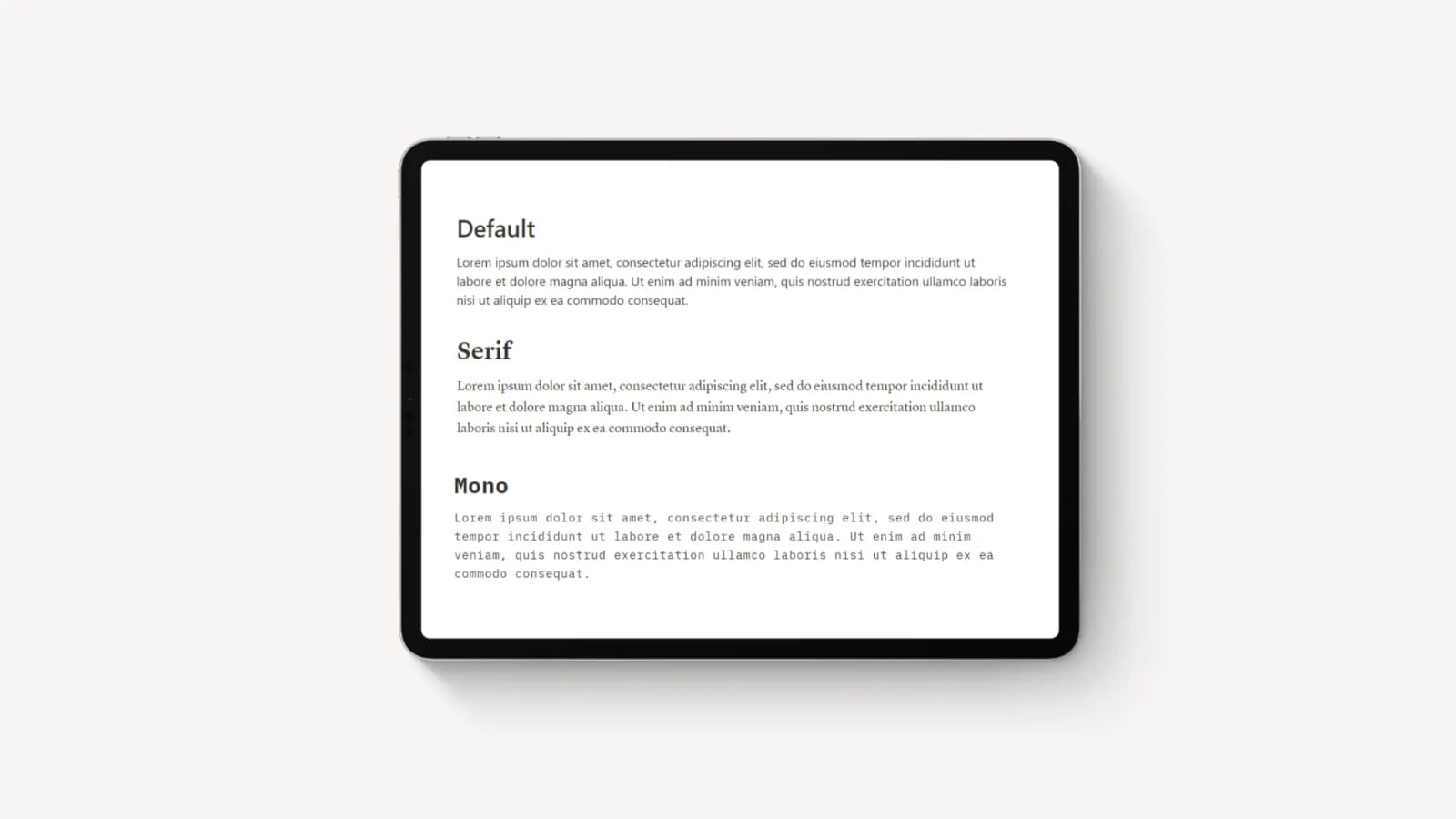
How to Change Font in Notion: Size, Color, & Custom Fonts
Change fonts in Notion to Default, Serif, or Mono from the Style menu, then learn workarounds for smaller text and how to integrate custom fonts.
Notion Basics
Using Notion Offline: A Walkthrough Guide (Everything Explained)
Explore how to use Notion offline effectively with our comprehensive guide. Learn to preload pages, manage edits, and sync data without an internet connection.
Notion Basics
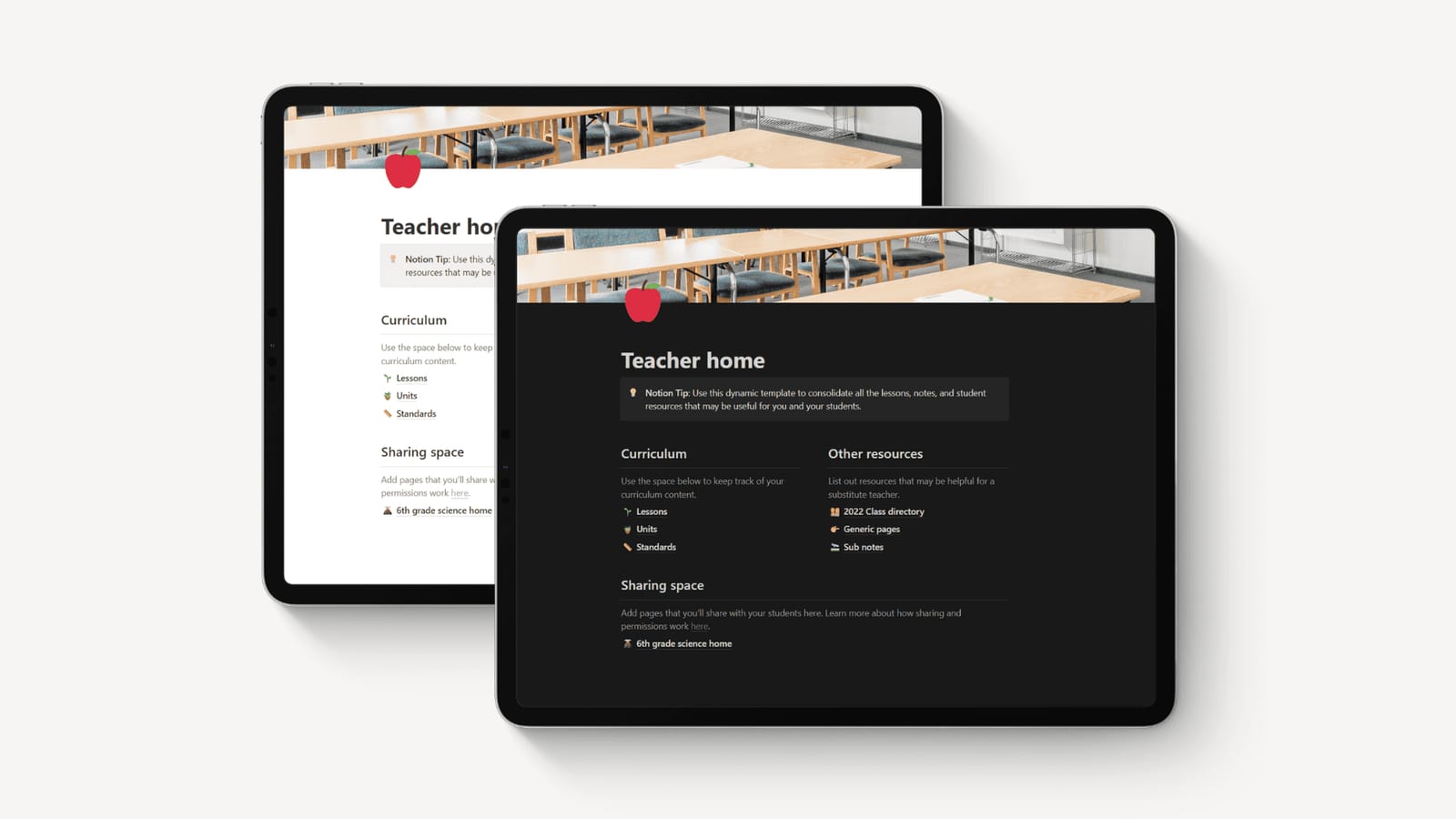
How to Turn On & Off Dark Mode in Notion: The Ultimate Guide
Learn how to turn Notion dark mode on or off on desktop and mobile apps, plus the Cmd/Ctrl+Shift+L shortcut for instant switching between themes.
Notion Basics
Step-by-Step Guide to Setting Up a Notion Account
Create your Notion account in minutes, verify your email, and choose a blank page or template to start organizing your classroom lessons right away.
Notion Basics
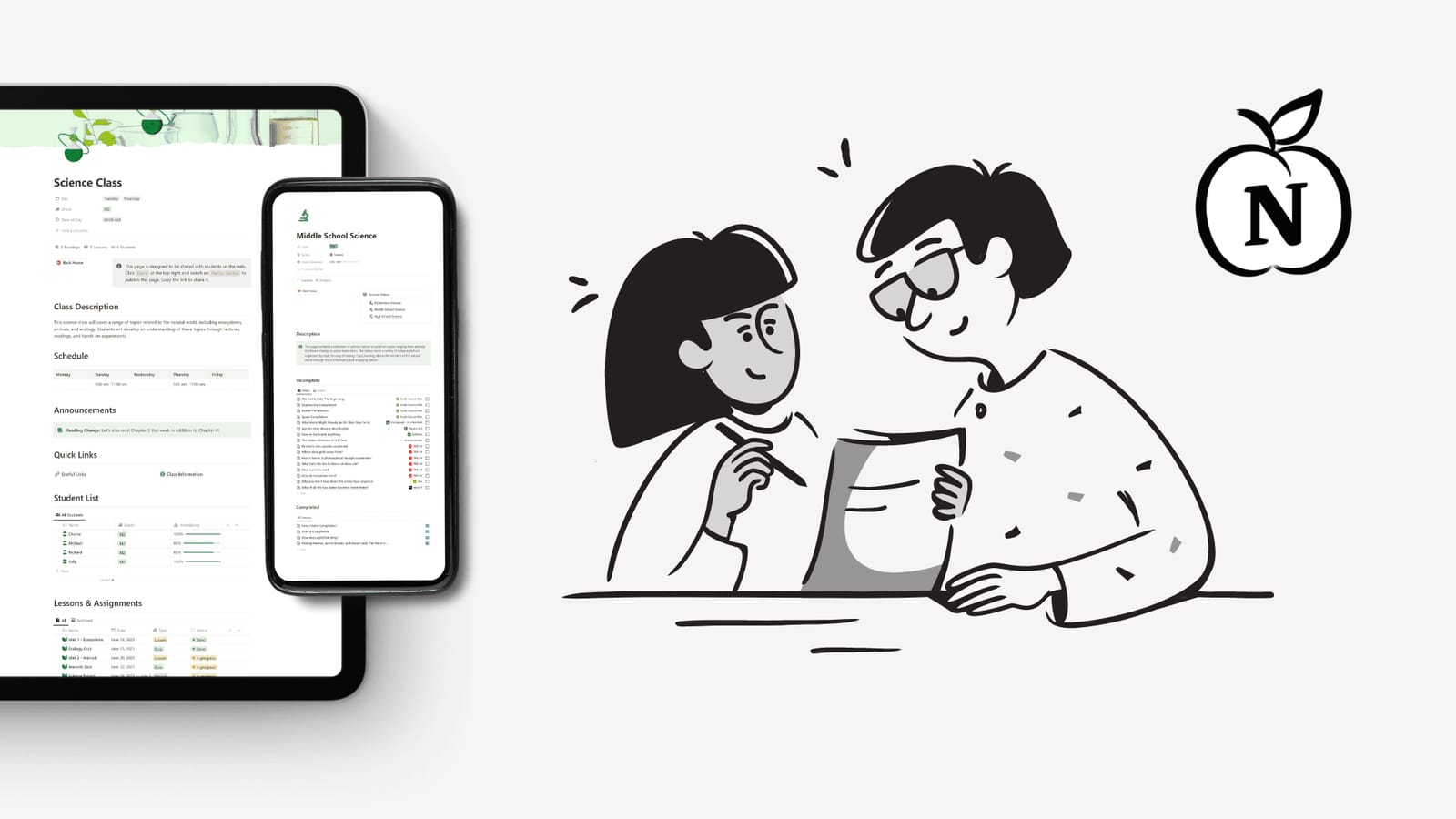
Why Notion is a Teacher's Ultimate Productivity Tool
Learn how teachers use Notion to plan lessons, track students, and organize materials. Lesson templates and unit folders keep every class organized.