A lesson’s videos in order
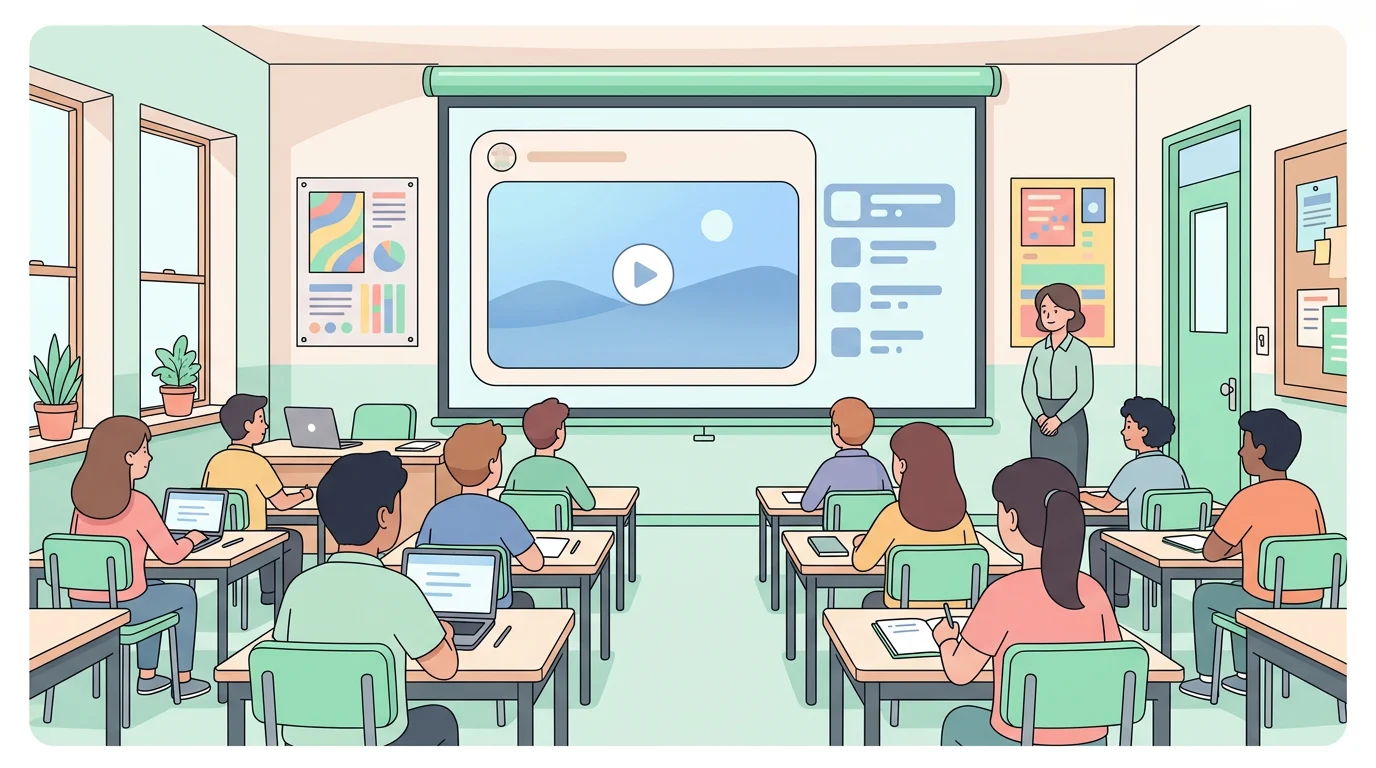
Put the lesson’s videos in one YouTube playlist and add it to the lesson page you project. Each video follows the last, and Start with video picks up where yesterday’s class stopped.
Paste a YouTube playlist, video or Shorts link, choose where it starts and the frame, then copy the link into Notion. YouTube’s privacy-enhanced player, set up for your lesson.
A video, a playlist or a Short. In YouTube: Share, then Copy.
Minutes and seconds, like 1:30.
Tall for a Shorts link, 16:9 for the rest.
Today in Room 12
www.notion4teachers.com/embed/youtube-playlistA YouTube playlist widget for Notion is a small web page that holds YouTube’s own player, made to sit inside a Notion page. Notion can embed a YouTube link by itself. This widget plays the same video or playlist in YouTube’s privacy-enhanced player, inside a frame of yours, and lets you choose the first video, a start time, captions, loop and a tall shape for Shorts. Nothing to install, and no account.
Teacher Home
Whenever videos are part of the lesson. Three moments where a playlist on the page helps:
Put the lesson’s videos in one YouTube playlist and add it to the lesson page you project. Each video follows the last, and Start with video picks up where yesterday’s class stopped.
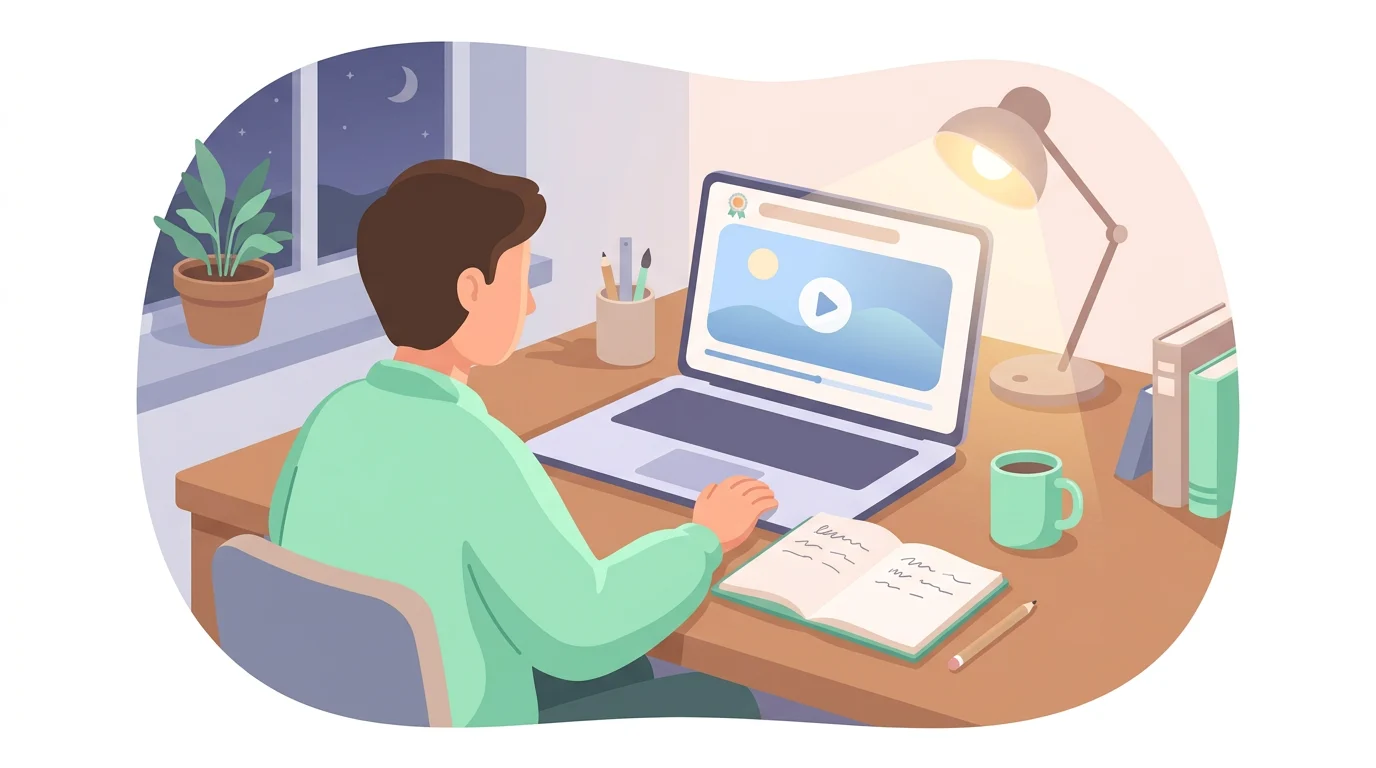
Share a review playlist on the class page before a test. Students open the page at home and watch the videos in order, with captions on if they want them.
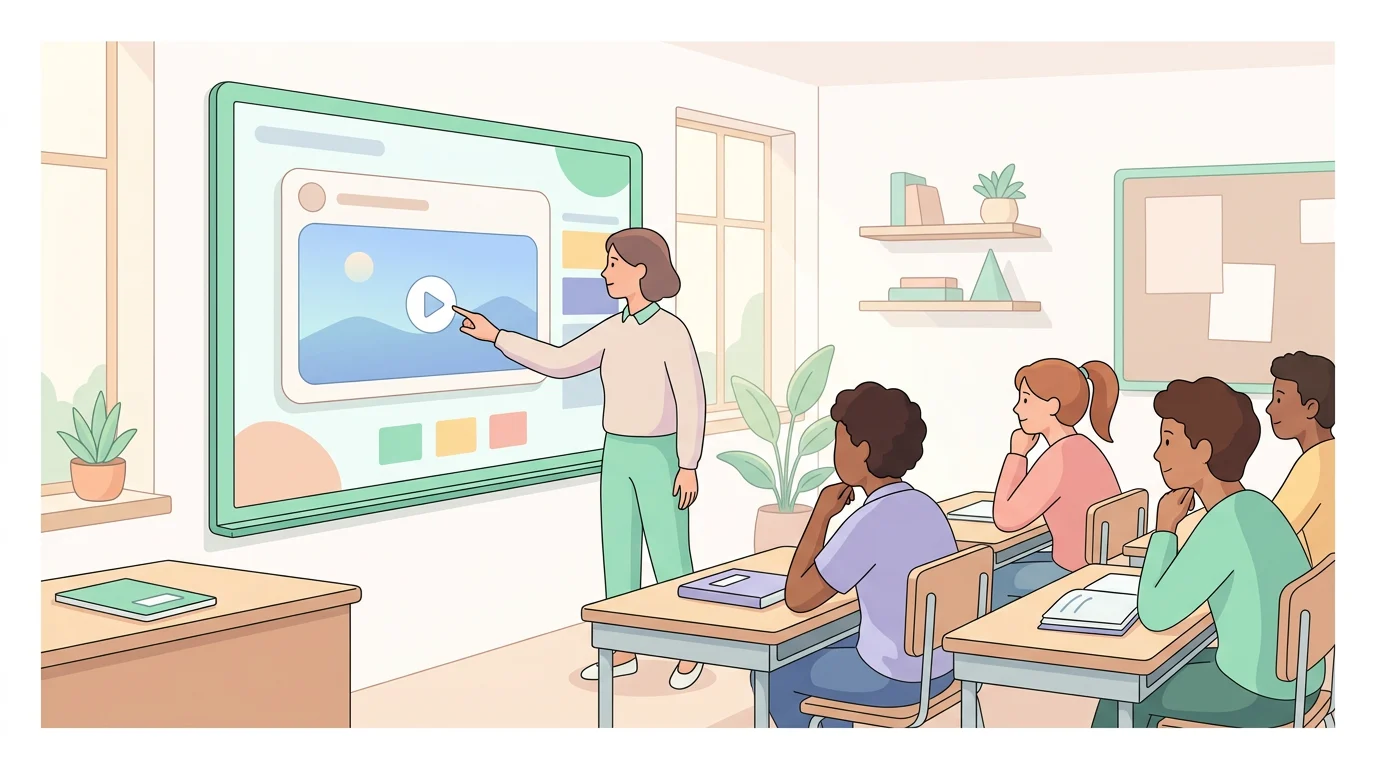
For a single scene, paste the video and type the time it starts, like 2:15. The class sees exactly that part instead of waiting while you scrub through the video.
Paste a link, choose how it plays, and copy it. Here is what you can change before you paste it into Notion.
Paste a watch link, a youtu.be link, a playlist, a Shorts link or YouTube’s embed code. YouTube Music links play too. The title line names what it is, from Video to Playlist and Short.
Choose which video of a playlist plays first, and type a start time like 1:30. A link copied while a playlist video plays starts at that video, and a time in the link is kept.
Turn captions on for every viewer, so a video with captions shows them from the start. Loop plays one video again, or starts a playlist over when its last video ends.
Six frame colors, from white Paper to near-black Night, fill the whole embed block around the player. Add a title line above it that says what the videos are for.
Fit the video keeps Shorts tall and everything else wide, or choose 16:9 or 9:16 yourself. The player grows as big as the block allows and stays in the middle.
Five steps, about a minute. The same steps work for every widget on Notion4Teachers.
Paste the YouTube link, choose where it starts and pick the frame on this page.
Press Copy Widget Link. Everything you chose is part of the link.
Click where the player should go on your Notion page and paste.
Notion asks what to do with the link. Choose Create embed.
Pull the block’s corner until the player is as big as you want.
The Ultimate Teacher Planner sets up your classes, lessons, grades and attendance in Notion. Put your widgets at the top of it in a minute.
See the Teacher PlannerNotion plays a YouTube link on its own. This frame adds privacy-enhanced mode, a place to start and a look that fits.
The player comes from youtube-nocookie.com, the player YouTube made for privacy.
Videos play one after another, starting with the one you choose.
Type 1:30 and the first video starts there, for the class and for you.
Videos with captions show them from the start, for every viewer.
From white Paper to near-black Night, around a wide or tall player.
No account and nothing saved on our side. Change a setting, copy the new link.
Anyone who teaches or learns with videos in Notion.
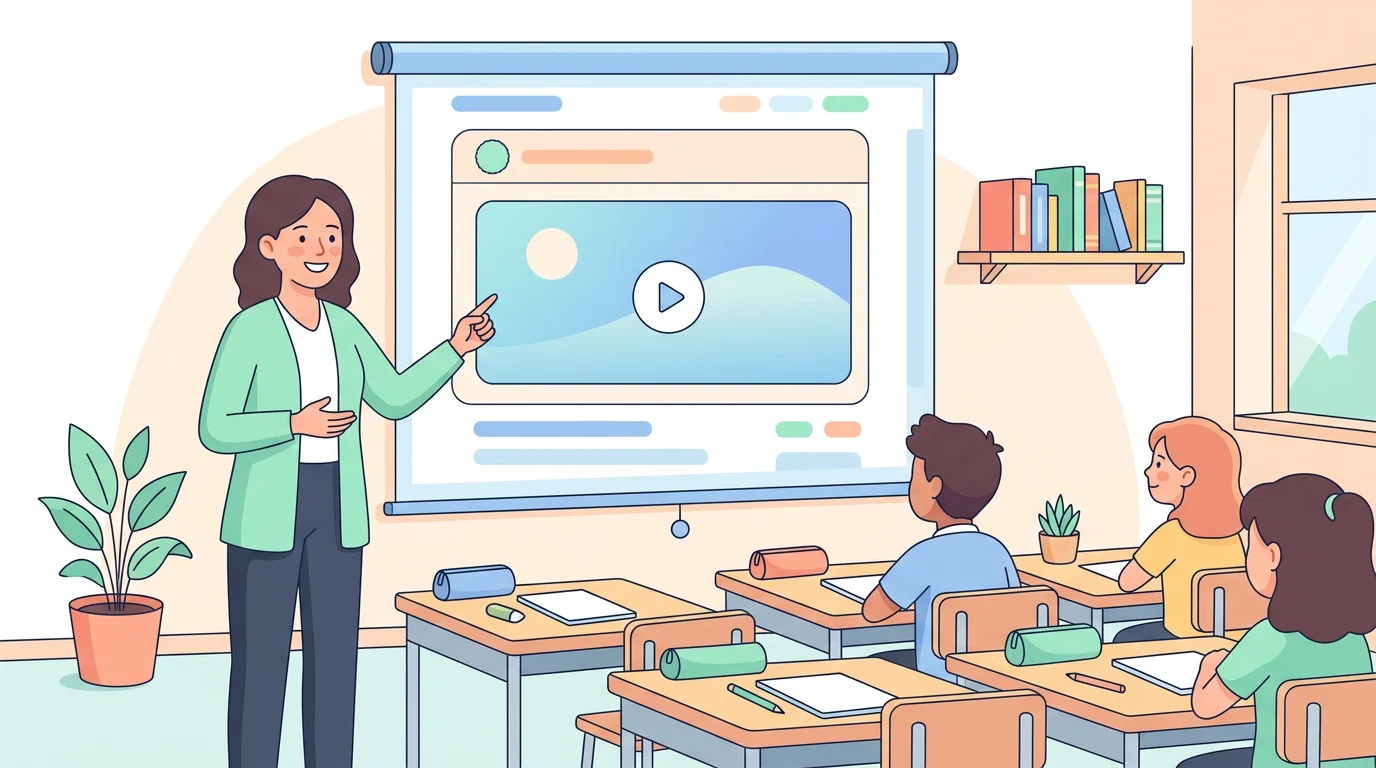
On lesson pages with the videos for the day in a playlist, starting at the right one, with captions on for the whole class. One link on the projected page replaces a row of open tabs.
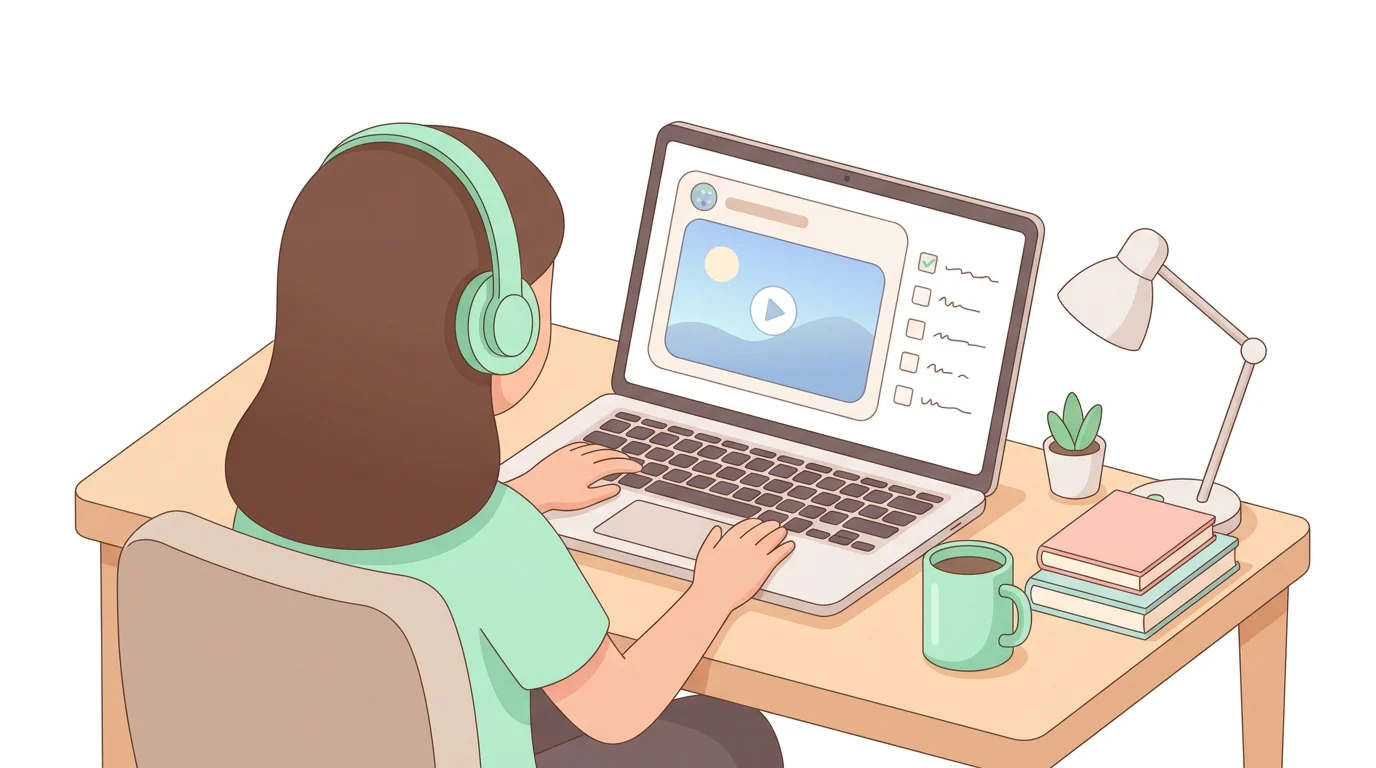
On a study dashboard with a review playlist from class beside the to-do list and a timer. The videos play on the page, in order, without opening YouTube.
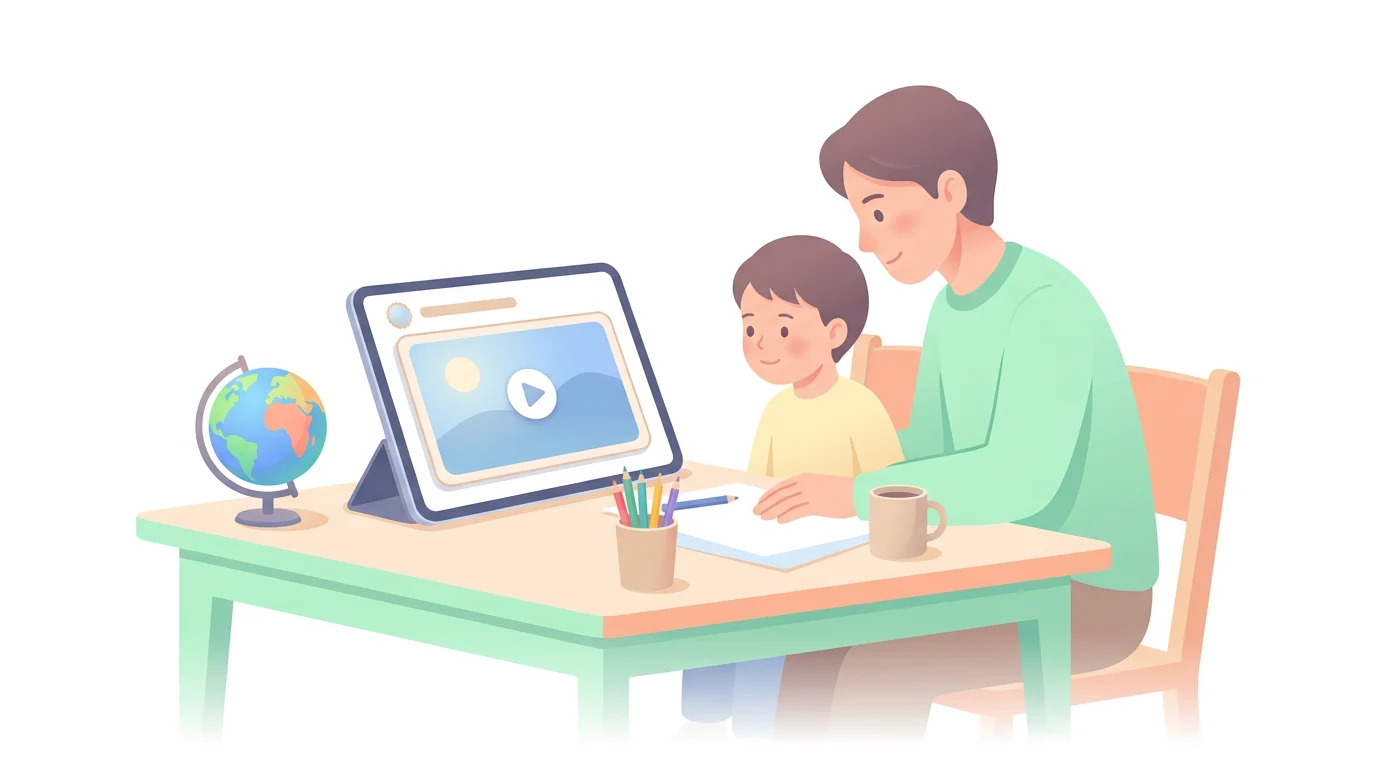
On the day’s lesson page, with a short playlist for science or history time. The video waits on the page until the lesson reaches it, already set to start in the right place.
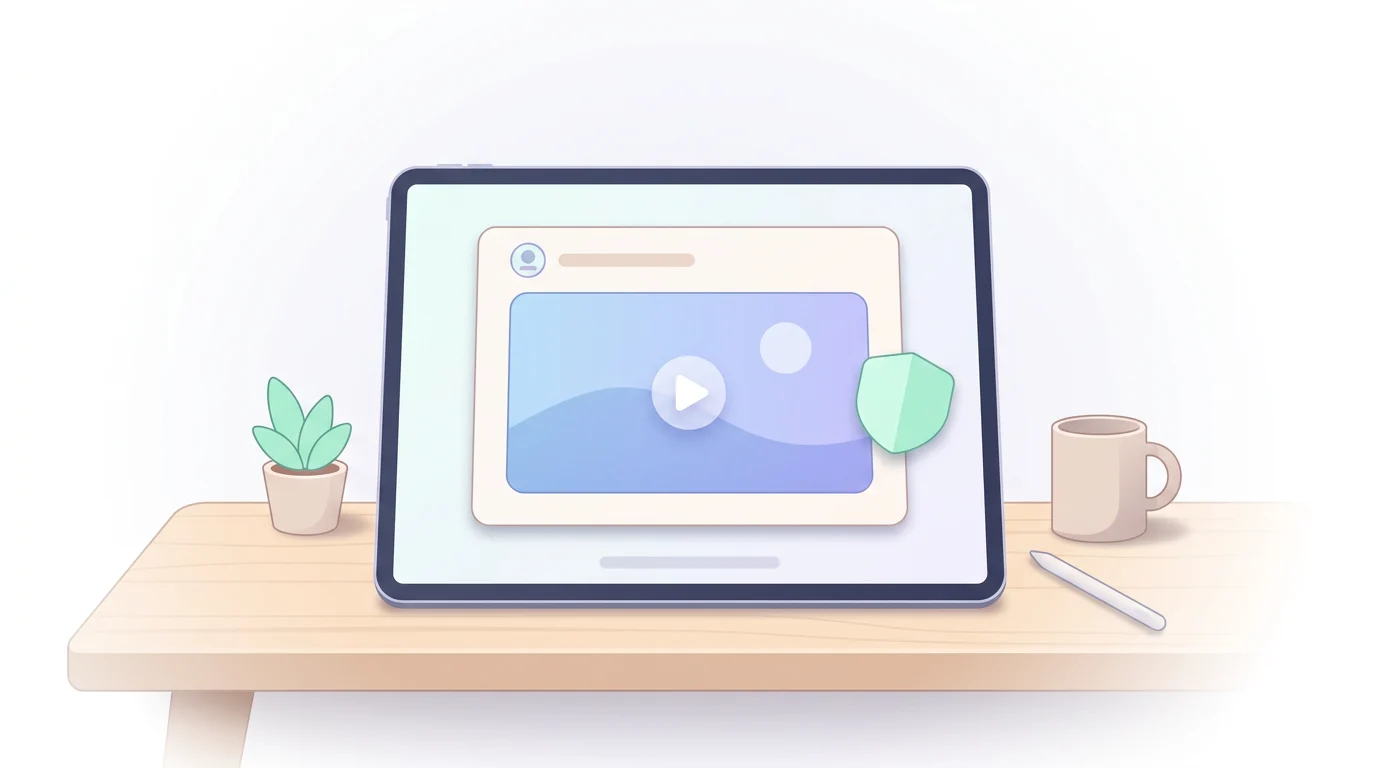
Every video plays in YouTube’s privacy-enhanced player from youtube-nocookie.com. YouTube says views there do not shape what the viewer sees on YouTube, and that its ads there are not personalized.
Pasted straight into Notion, a playlist starts at its first video. Here you choose the video and the time it starts, so the class lands on the right moment.
Many widget sites ask you to sign up before you can copy a link. Here you paste a YouTube link on this page and copy yours: no login, no keys, nothing to pay.
Spotify’s player for a playlist, album or podcast, in a frame that matches your page.
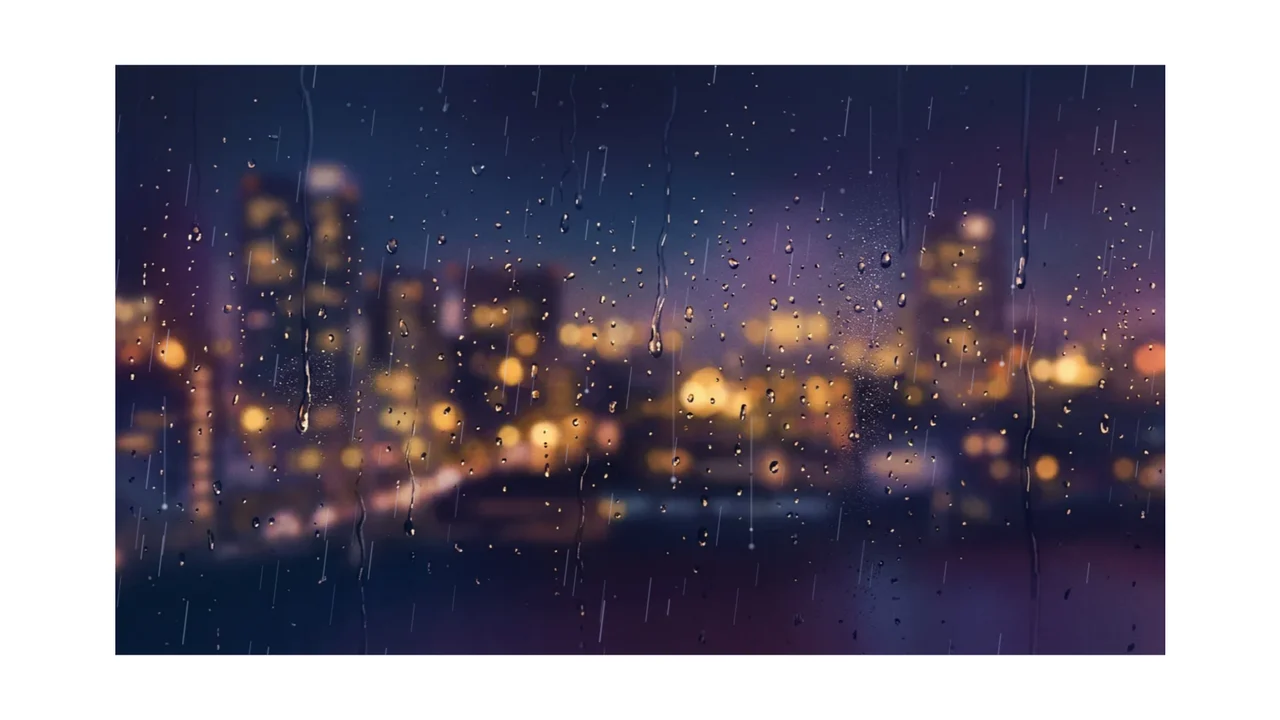
Calm moving scenes for Notion, from rain on a window to fireflies, saved as a GIF too.
Apple Music, SoundCloud or YouTube Music on your page, in a frame that matches it.
In YouTube, open the playlist, choose Share, then Copy. Paste the link at the top of this page, pick the first video, a title and the frame, then press Copy Widget Link. In Notion, paste it and choose Create embed. Notion can also embed the plain YouTube link by itself, in YouTube’s player without these settings.
Yes. The widget is free to set up, copy and use on as many Notion pages as you like. There is no account to make, no trial and no watermark, and the frame holds nothing but YouTube’s player and your title.
The player comes from youtube-nocookie.com, the address YouTube made for it. YouTube says views in this player do not shape what the viewer is shown on YouTube, and that its ads here are not personalized. The video, the controls and any ads are still YouTube’s own.
Yes. Under Start with video, pick the playlist’s video that plays first, and type a time under Start at, like 1:30. A link copied while a playlist video plays starts at that video. A link with a time in it, like youtu.be with t=90, starts there unless you type another time.
Some owners turn off playing their videos on other sites, and YouTube then shows a message with a link to watch on YouTube. Private videos never play. Mixes, Liked videos and Watch later only play inside YouTube, so the frame asks for a public or unlisted playlist instead.
Yes. The player is part of the Notion page, so it shows wherever the page opens: the Notion app on iPhone, iPad and Android, the desktop app and the browser, in the same frame and colors.
Pick the Night or Ocean frame for a dark Notion page, or Paper, Mint, Blush or Sunset for a light one. The frame fills the whole embed block, and YouTube’s player keeps its own dark controls on top of the video.
Videos you add to the same playlist on YouTube show up by themselves. For another playlist or other settings, press Change a widget you added on this page and paste the player’s link (in Notion, ••• then View original shows it). Change what you like and copy the widget link again. In Notion, choose ••• then Replace and paste it: the player keeps its place and size.

The Complete Bundle has every Notion4Teachers template, with the Ultimate Teacher Planner at its heart.
Get Complete Bundle40% OFF!