The top of a study page
A slow rainy window or a starry sky across the top of a study dashboard, above the to-do list and the timer. It moves gently while you work and stops when you scroll past it.
Pick a painted scene, its shape and its speed, add a line of words if you like, and embed it in Notion. Or save it as a GIF for a cover.
Scene
Three times as wide as it is tall: the top of a page.
Today in Room 12
www.notion4teachers.com/embed/aesthetic-gifsAn aesthetic GIF widget brings a calm moving picture into a Notion page. This one starts from twelve still scenes painted for it, like rain on a window or snow over a cabin, and draws gentle motion over them, as a banner, a wide picture, a square or a thin divider. Paste its link into Notion and choose Create embed, or press Download GIF for a file to use as a cover or icon. Nothing to install, and no account.
Teacher Home
Whenever a page should feel calm and a little alive. Three moments:
A slow rainy window or a starry sky across the top of a study dashboard, above the to-do list and the timer. It moves gently while you work and stops when you scroll past it.

Project a fireplace, falling snow or fireflies at dusk while students read or settle after a break. The scene fills the screen and the motion stays slow, with no sound.

Save a banner GIF of cherry blossoms for the page cover and a square one of a steaming cup for its icon. Upload both in Notion, and the page opens on a moving picture of your choice.
Pick a scene and the widget does the moving. Here is what you can change before you paste it into Notion.
Rain on a window, snow over a cabin, a starry sky, a steaming cup, waves, fireflies, cherry blossoms, a fireplace, clouds over hills, a desk at night, autumn leaves and the moon on a lake.
A banner three times as wide as it is tall for the top of a page, the picture's own wide shape, a square for a column or an icon, or a thin divider between two sections.
Add up to 40 characters, like slow mornings or study with me, in a serif, a bold sans or a pixel face. The words sit where the scene leaves room and are drawn into the GIF too.
Every scene loops every six seconds at Normal, slower or faster if you like. On a device set to show less motion the scene stays still, and it stops drawing when it is out of view.
Download GIF on this page draws the loop frame by frame and saves a GIF file in the shape you picked, ready to upload to Notion as a cover, an icon or an image. It is made in your browser.
Five steps, about a minute. The same steps work for every widget on Notion4Teachers.
Pick the scene, the shape, the speed and any words at the top of this page.
Press Copy Widget Link, or press Download GIF for a cover or an icon.
Click where the scene should go on your Notion page and paste.
Notion asks what to do with the link. Choose Create embed.
Pull the block's corner until the scene is as big as you want.
The Ultimate Teacher Planner sets up your classes, lessons, grades and attendance in Notion. Put your widgets at the top of it in a minute.
See the Teacher PlannerA GIF found online is someone else's clip at one size. This one is ours and yours to shape.
The block shows the scene and your words, nothing else.
Painted for this widget, not cut from a film or a show.
The scene grows with the block, from a thin strip to the projector.
The scene sits on a clear background, so it fits either mode.
No account and nothing saved on our side. Change a setting, copy the new link.
It runs in the Notion embed on any computer, tablet or phone that opens the page.
Anyone who wants their Notion pages to feel calm and cozy.

On a study dashboard, a reading log or a planner, as a moving banner or a divider between sections. A rainy window over the to-do list makes a quiet place to start work.
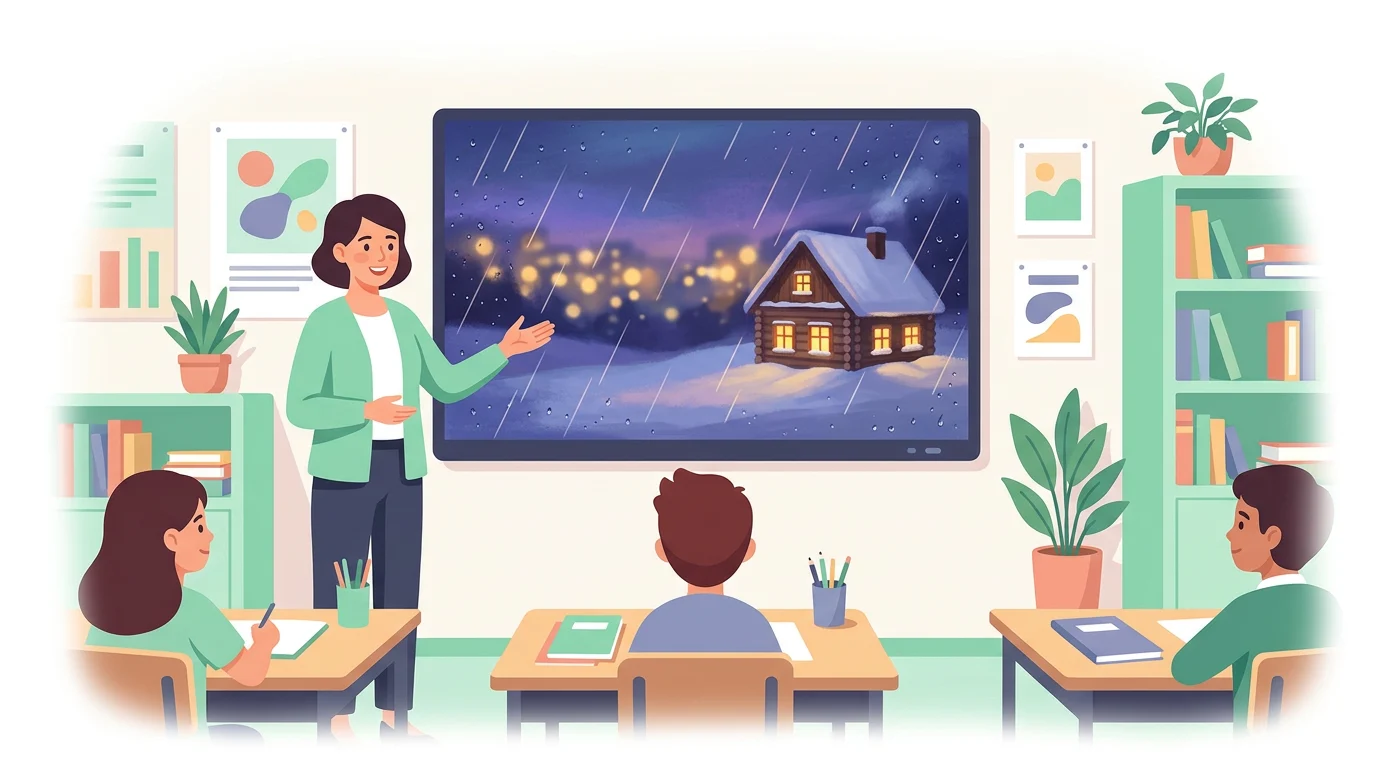
On the classroom screen during reading and quiet work, and as a calm header on a lesson planner. Snow in winter, blossoms in spring and leaves in autumn mark the season for the whole room.

On the day's lesson page, so each session opens on the same calm scene, or as a GIF icon a child picks for their own page. A line of words can name the subject of the day.
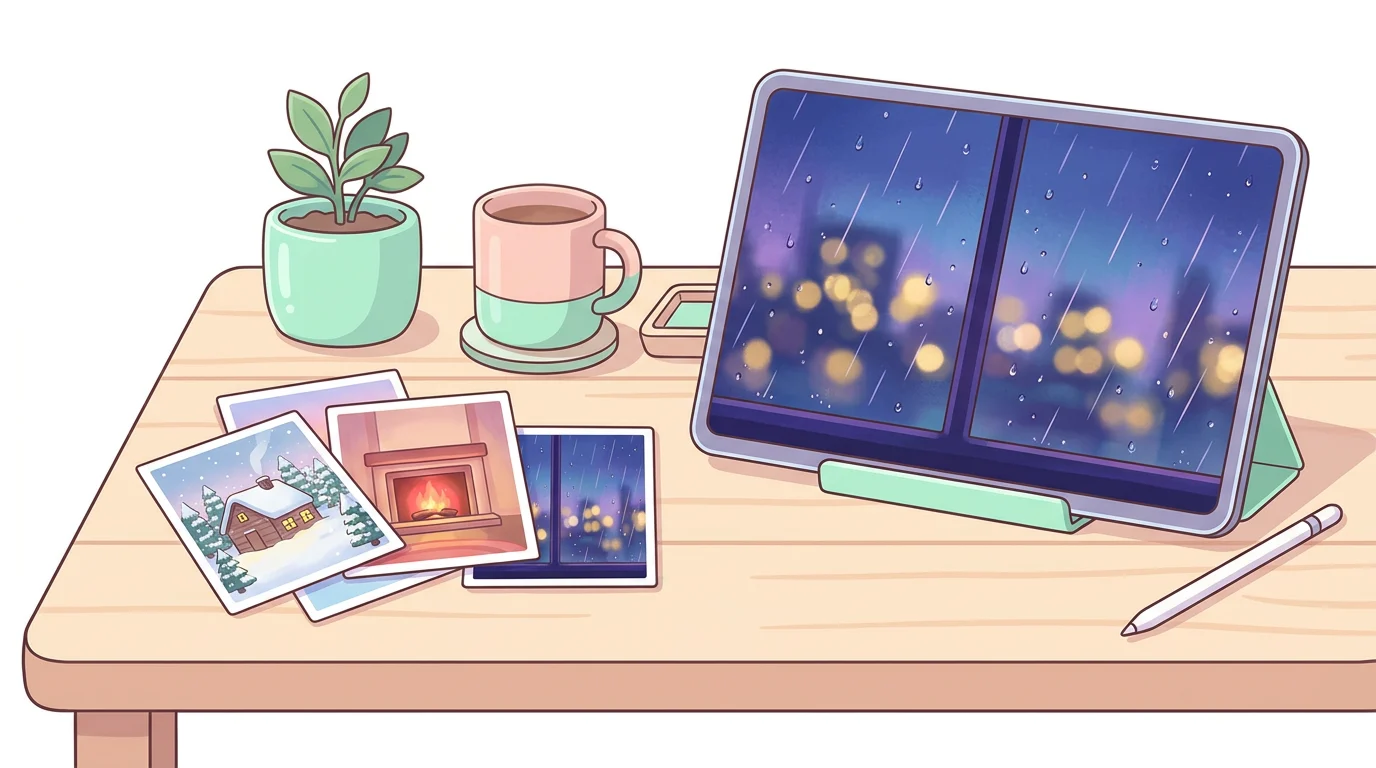
The twelve scenes were made here, not cut from films or shows you would need permission to share. Each is one still picture, and the motion over it is drawn by the widget.

The embed fits any block and can change its speed and words; the GIF works where Notion only takes a picture, as a cover or an icon. You choose which one each page needs.

Set the scene up on this page and copy the link, or save the GIF: nothing to register and nothing to pay. Your settings live in the link, so there is no saved widget to lose.
Spotify’s player for a playlist, album or podcast, in a frame that matches your page.
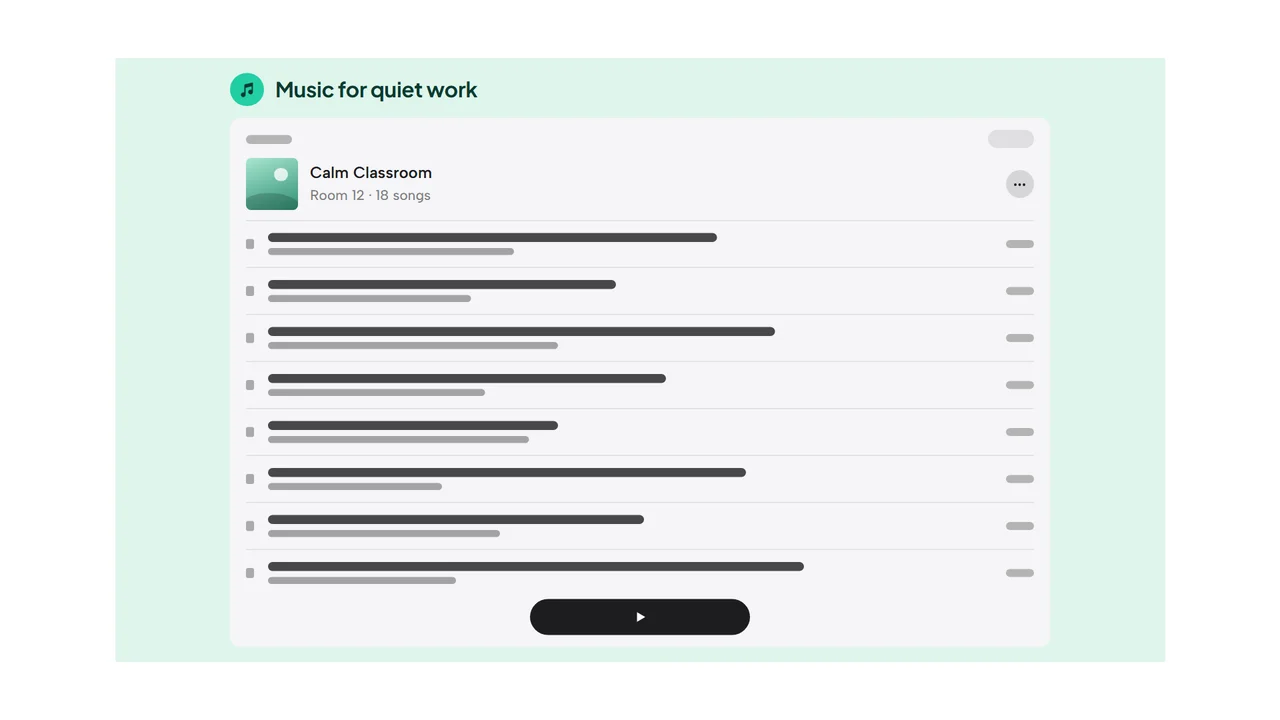
Apple Music, SoundCloud or YouTube Music on your page, in a frame that matches it.
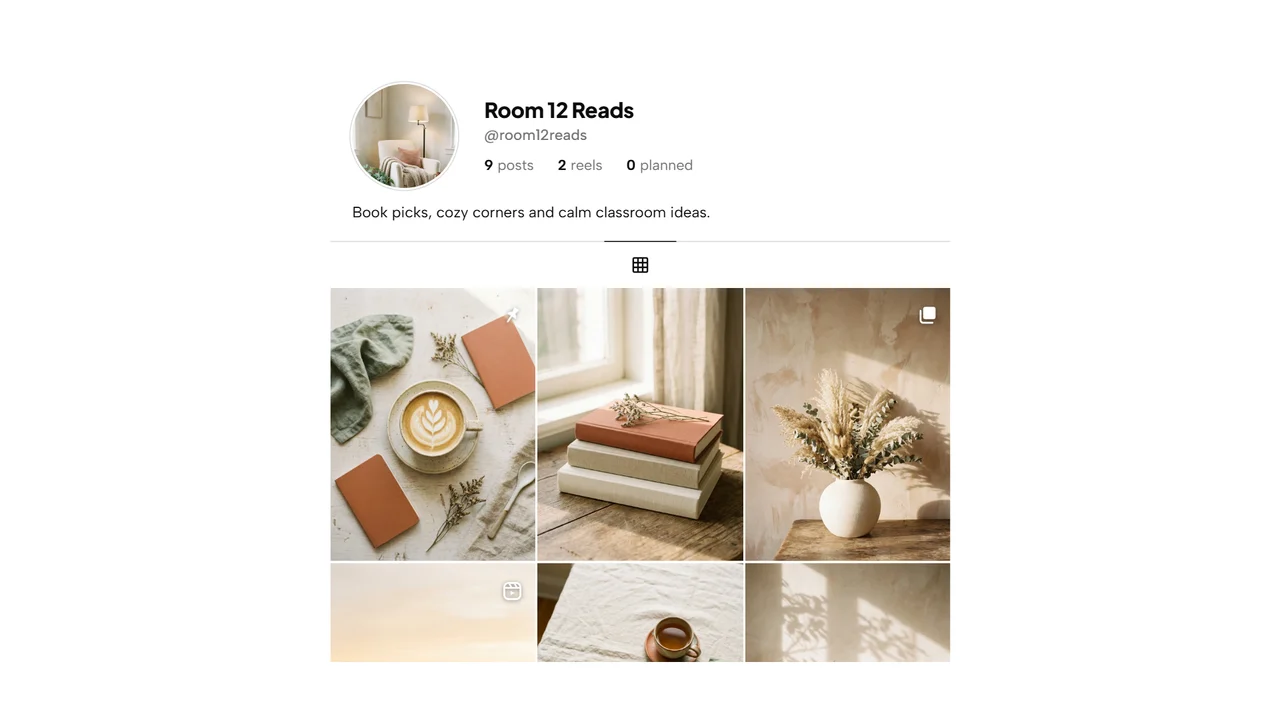
Plan your Instagram grid in Notion with tall 3:4 tiles, reels, carousels and drag to reorder.
Yes. The scenes are free to set up, copy and use on as many Notion pages as you like, and so are the GIFs you save from this page. There is no account to make, no trial and no watermark, and nothing in the block but the scene and your words.
Two ways. Set the scene up at the top of this page, press Copy Widget Link, paste it into Notion and choose Create embed for a moving block. Or press Download GIF and upload the file to Notion as a cover, an icon or an image block.
The embed is not. It is a small web page that draws the motion live over a still picture, so it fits any size of block and its speed and words can change. Download GIF on this page makes a real GIF file of the same scene, looping, in the shape you picked.
A Notion cover or icon has to be a picture, so an embed cannot be one. Pick Banner for a cover or Square for an icon, press Download GIF, then in Notion choose Change cover or Add icon and upload the file. Notion plays a GIF cover or icon as it moves.
A banner is 1200 by 400 pixels, a wide one 800 by 450, a square 480 by 480 and a divider 1200 by 150. Each loops forever and usually weighs between 0.2 and 2.5 MB, under the 5 MB a free Notion workspace can upload. It is made in your browser; nothing is uploaded to us.
The twelve scenes were painted for this widget, so they are not clips from films or shows. The rain, snow, stars, steam and other motion are drawn by the widget itself over each still picture, and they loop every few seconds without a seam.
Only while you can see it. The scene stops drawing when it is scrolled out of view or the tab is hidden, which keeps a laptop cool. On a device set to show less motion, the scene stays still, whatever speed you picked.
Yes. Type up to 40 characters under Words over it and pick serif, sans or pixel type. The words sit where the scene leaves room, in light or dark ink to match it, and they are part of the GIF you download too.

The Complete Bundle has every Notion4Teachers template, with the Ultimate Teacher Planner at its heart.
Get Complete Bundle40% OFF!