A long school day
Between lessons, duty and meetings, a glass of water is easy to forget. Keep the tracker on your daily planner and tap a glass at each break to see how the day is going.
Set a daily goal in glasses, milliliters or ounces, pick glasses, a bottle or drops, copy the link and paste it into any Notion page. Then tap a glass each time you drink.
Today in Room 12
www.notion4teachers.com/embed/water-trackerA water tracker widget is a small web page that counts the glasses of water you drink in a day, made to sit inside a Notion page. You paste its link into Notion, choose Create embed, and tap a glass each time you drink. This one counts in glasses, milliliters or ounces, draws glasses, a bottle or drops, starts a new day at midnight and shows the last seven days. Nothing to install, and no account.
Teacher Home
Whenever you want a glass of water to count for something. Three moments it fits into the day:
Between lessons, duty and meetings, a glass of water is easy to forget. Keep the tracker on your daily planner and tap a glass at each break to see how the day is going.
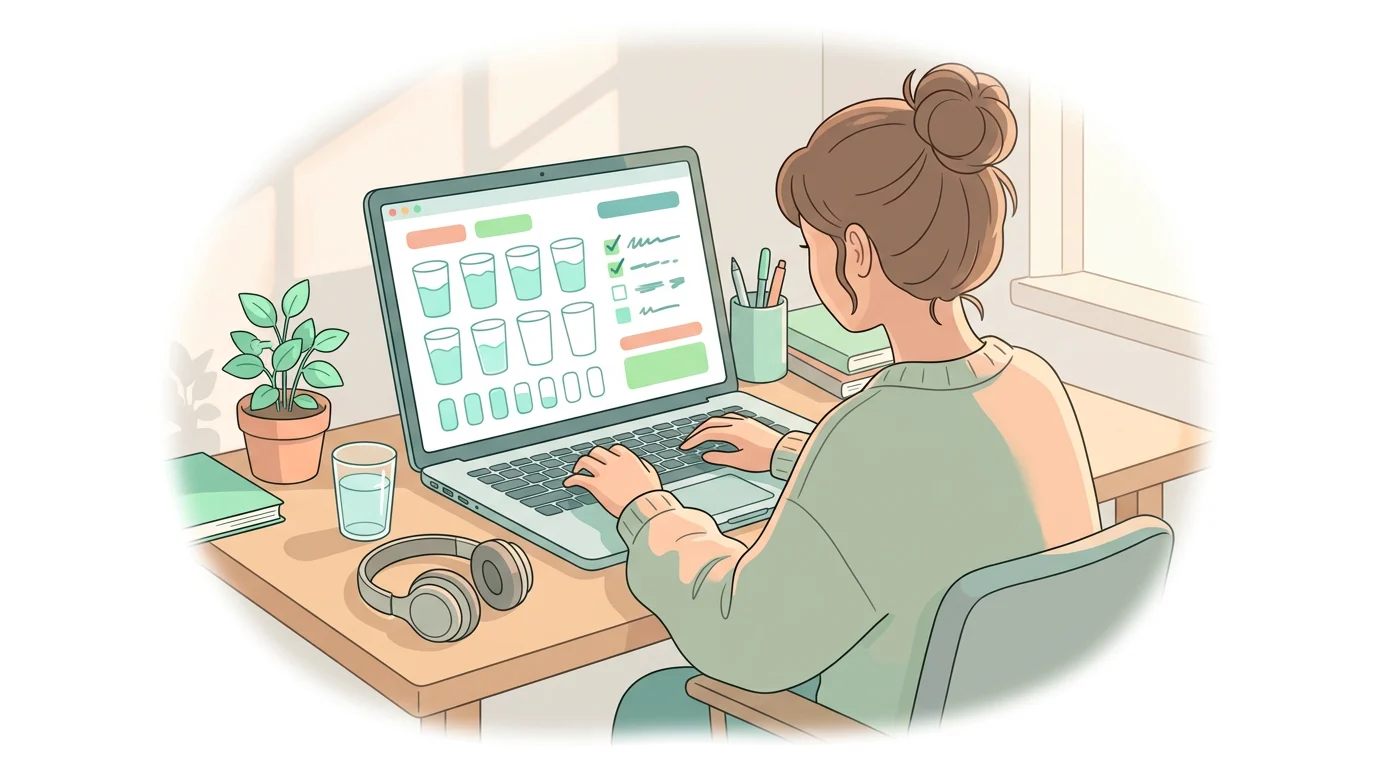
Students who keep a study page in Notion add the tracker beside their to-do list and timer. A tap after each glass is a small habit to build, with the week’s strip right under it.

In a lesson on daily habits, the class can track water for a week on the projected page and look at the strip of seven days together. It counts glasses and gives no advice.
Set it up once, copy the link, and tap as you drink. Here is what you can change before you paste it into Notion.
Tap a glass and every glass up to it fills with a soft rise of water; tap the last full one to empty it. Keys work too, and a soft sound for each glass can be switched on.
Count the day in glasses, or in milliliters or ounces at a glass size you set. You still tap glasses, and the count shows the amount, like 1,250 of 2,000 ml for five glasses.
Draw the day as a row of glasses, one tall bottle with a mark for each glass, or drops. Six soft color sets, from Lagoon and Glacier to Matcha, Peach, Lavender and Night.
Today starts again at midnight on the device that shows it, and the last seven days sit under the glasses as small bars, today outlined and a full bar for each day the goal was reached.
Drag the corners of the embed block and the tracker grows or shrinks to fill it. A wide block makes big glasses for a dashboard; a narrow column makes a small one beside your notes.
Five steps, about a minute. The same steps work for every widget on Notion4Teachers.
Pick the daily goal, the unit, the look and the colors at the top of this page.
Press Copy Widget Link. Everything you chose is part of the link.
Click where the tracker should go on your Notion page and paste.
Notion asks what to do with the link. Choose Create embed.
Pull the block’s corner until the glasses are as big as you want.
The Ultimate Teacher Planner sets up your classes, lessons, grades and attendance in Notion. Put your widgets at the top of it in a minute.
See the Teacher PlannerA picture of water sits still. This tracker counts, fills and starts again every morning.
Today begins again at midnight on your own device, and yesterday joins the week.
Seven small bars show the last seven days, with today outlined.
Your glasses are kept in this browser on this device. Nothing is sent to us.
Glasses, a bottle or drops, in six soft color sets.
A clear background takes your page’s own color, so it fits both modes.
No pop-ups, no logos, no reminders and no sign-up. Just the glasses.
Anyone who keeps a daily page in Notion and wants water on it.

On a daily planner or dashboard, beside the schedule and the to-do list. A tap at each break is quick, and the strip of seven days shows how the week has gone so far.
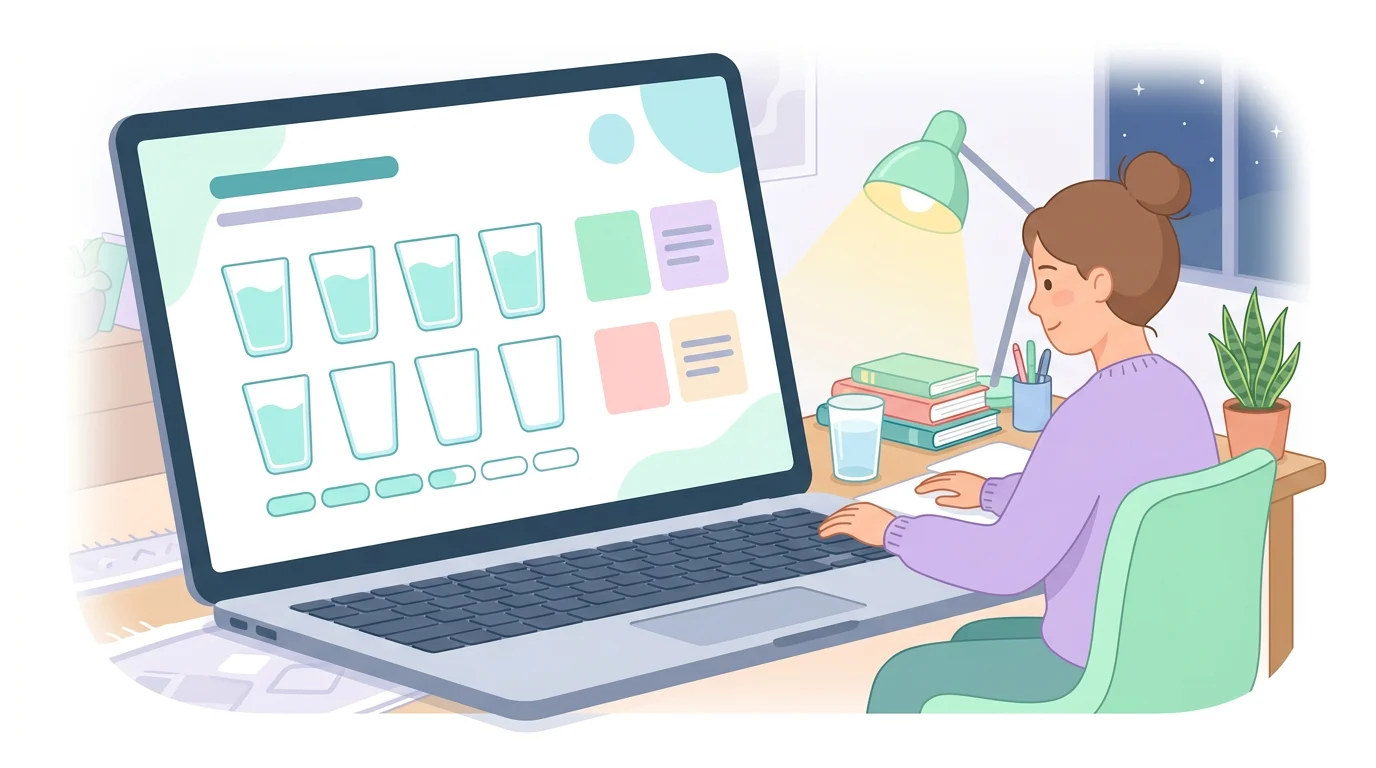
On a study dashboard or a daily habit page, next to a timer and a checklist. The glasses or drops are a calm, small thing to fill up while studying for a test.

On a child’s daily page, where filling a drop after each glass is a small step they can see. The week’s strip makes it easy to look back together at the end of the week.
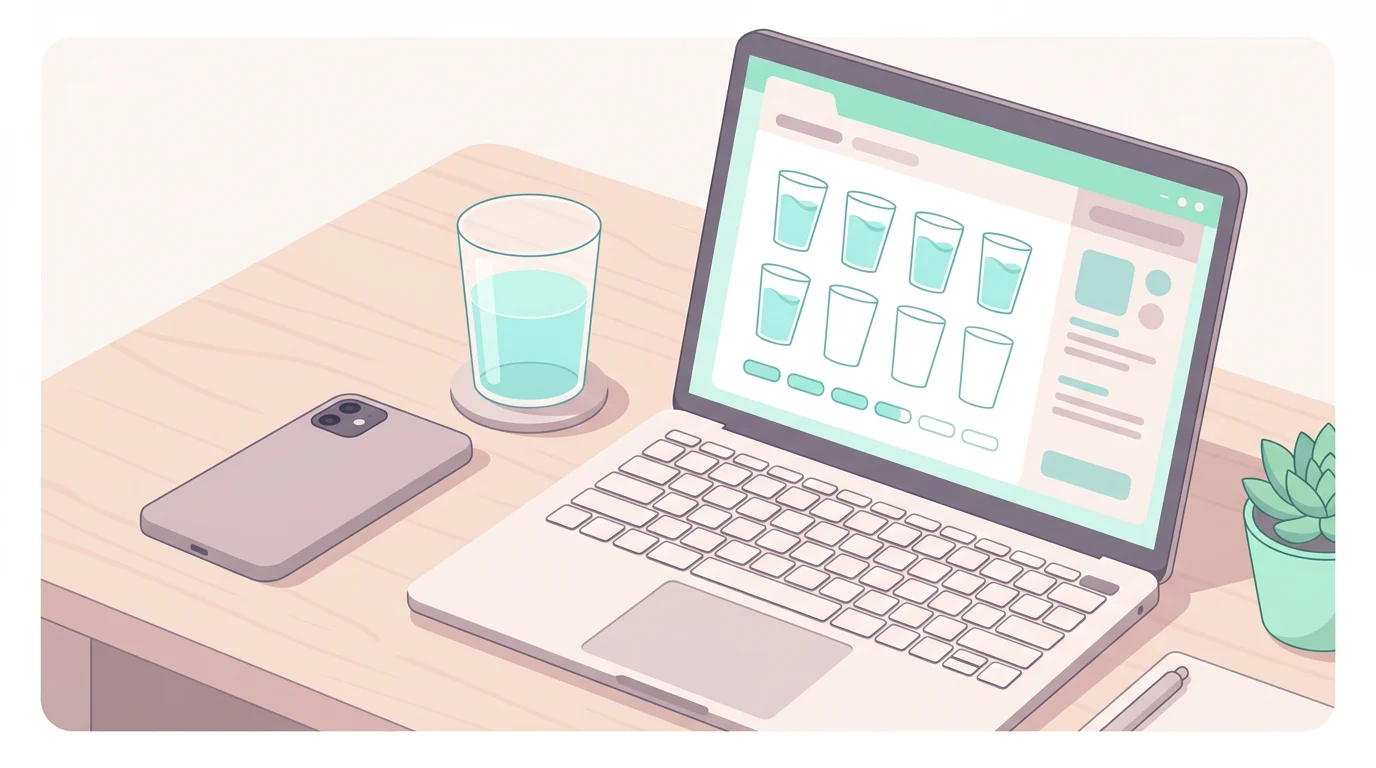
Water tracker apps want an install, an account and notifications. This one lives in your Notion page, set up in a minute, with no account and nothing to download.
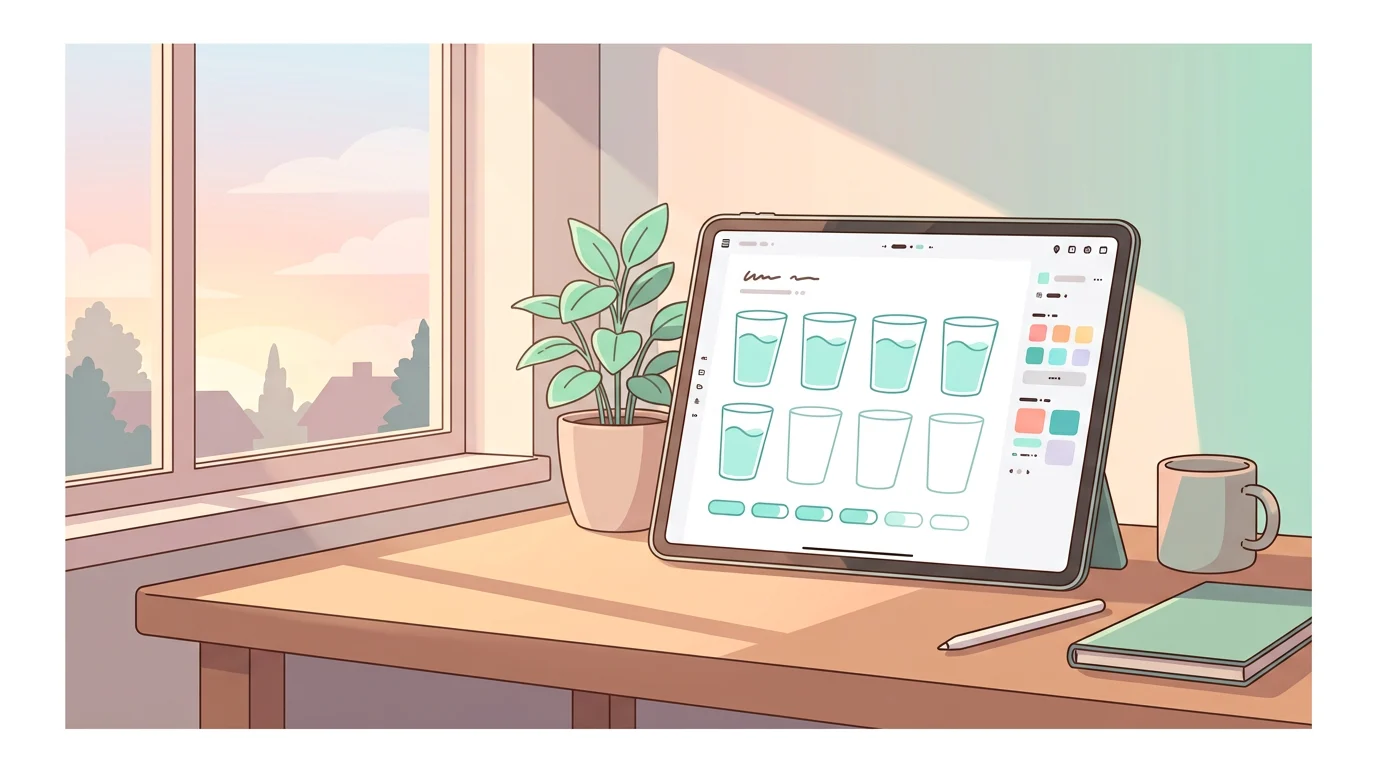
At midnight on your own device today starts again, so there is nothing to reset by hand, and the strip of seven days keeps the week in view.

Six soft color sets, from Lagoon and Glacier to Matcha, Peach and Lavender, and a dark Night set, so the tracker matches an aesthetic study page or a plain one.
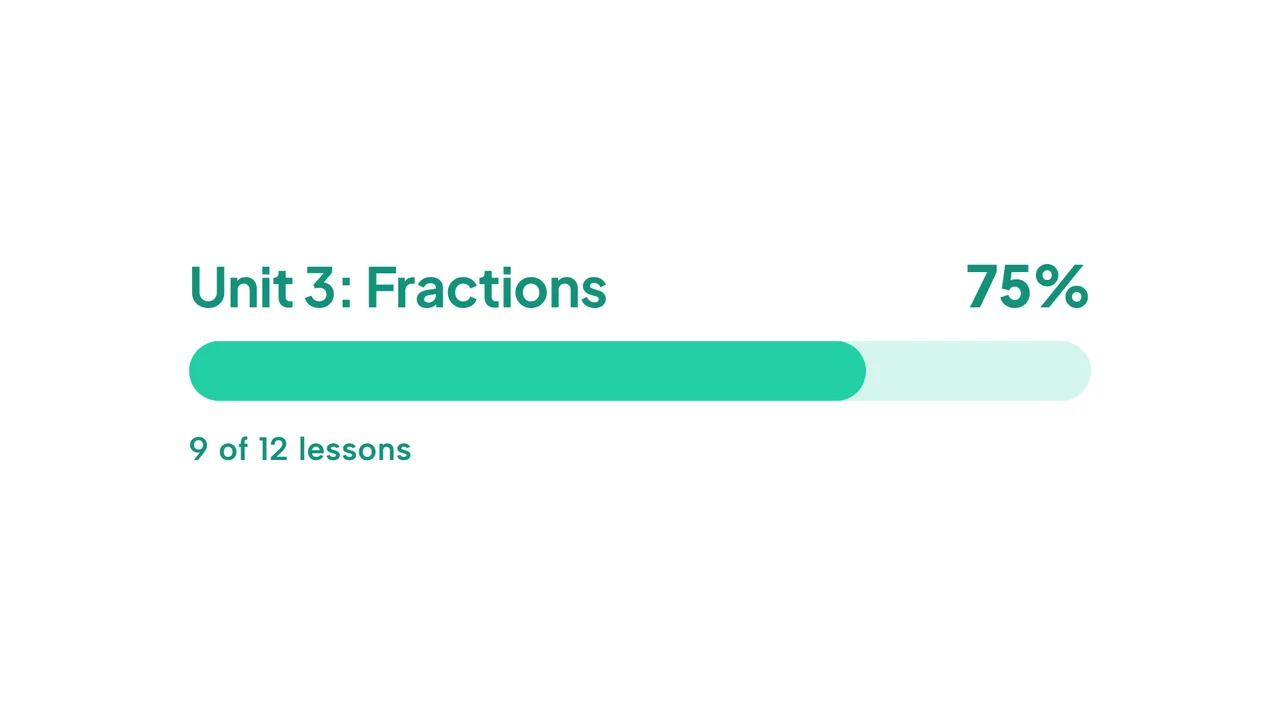
A bar, ring or battery that fills as you count lessons, pages or the days of a term.
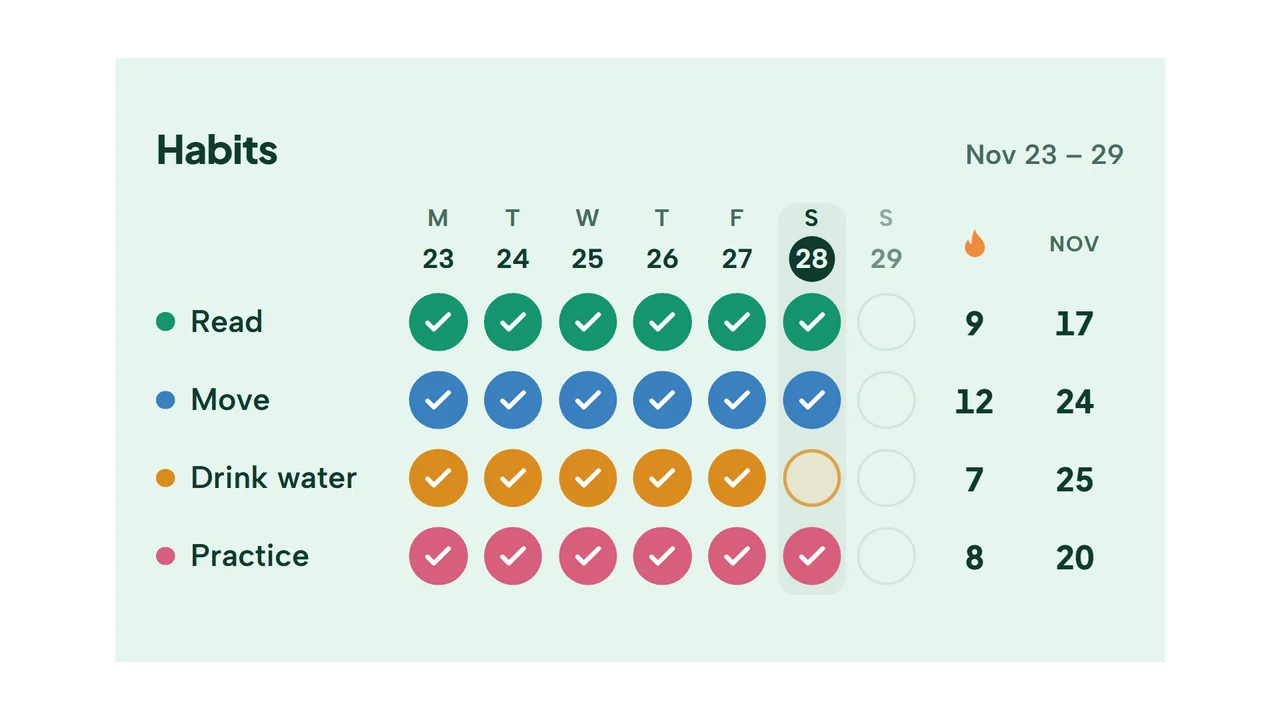
Tick off up to six habits each day and watch the streaks grow, week by week.
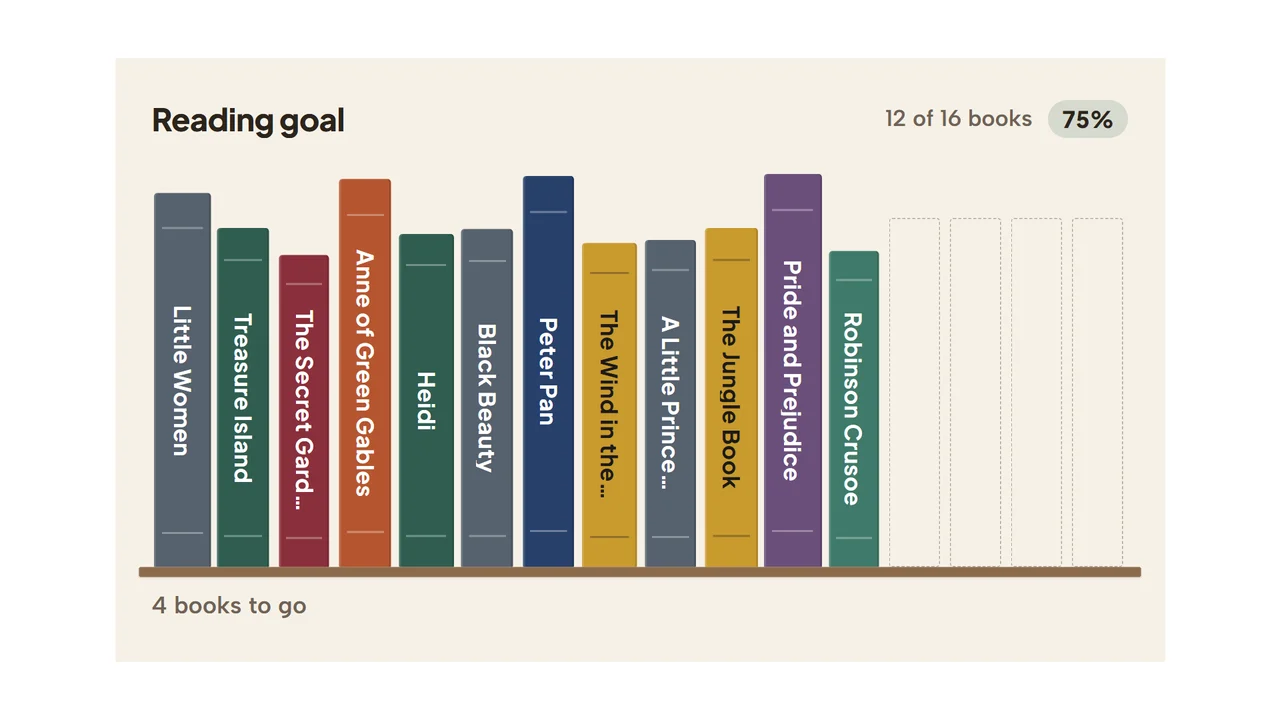
A shelf of books that fills toward your reading goal for the year.
Yes. The water tracker is free to set up, copy and use on as many Notion pages as you like. There is no account to make, no trial, no watermark and no ads, and the glasses you tap are never sent to us.
Set the daily goal and the look at the top of this page and press Copy Widget Link. In Notion, click where you want the tracker, paste the link and choose Create embed from the menu that appears. Then drag the corners of the block to make it the size you want.
At midnight on the device that shows it. Today’s glasses start again from zero, and yesterday moves into the strip of the last seven days, where a full bar marks each day the goal was reached. There is nothing to reset by hand.
Yes, in the browser that tapped it, day by day. The glasses are still there when the Notion page opens again on that computer, tablet or phone. Another device, or the Notion app on your phone, keeps a count of its own. Nothing is sent to us or saved on our side.
Yes. Under Count in, choose ml or oz and set the size of one glass, from 50 to 1,000 ml or 2 to 32 oz. You still tap glasses, and the count shows the amount: 1,250 of 2,000 ml for five of eight 250 ml glasses.
Tap the last full glass or drop and it empties. With the bottle, press −. On a keyboard, click the tracker once, then press − or the down arrow to take a glass away, and Space, + or the up arrow to add one.
Keep the background on Clear and the glasses sit on your Notion page’s own color, light or dark, with outlines and words in a middle tone that reads on both. For a block of color behind them, choose Solid, and the Night set for a dark one.
No. It has no reminders or notifications and gives no health advice. It counts what you tap, one glass at a time, and shows how close you are to the goal you set. For reminders, use the alarms or the calendar on your own phone.

The Complete Bundle has every Notion4Teachers template, with the Ultimate Teacher Planner at its heart.
Get Complete Bundle40% OFF!