A student’s daily study page
Reading, practice and homework each get a row. A tick a day and a streak beside each habit make it easy to see which ones slipped this week and which ones are holding.
Type up to six habits, pick the week, the month or the whole year, then copy the link into any Notion page. Tick each day in one tap and watch the streaks grow.
Up to six. A tick stays with its habit’s name.
Ticks are kept on the device that makes them.
Today in Room 12
www.notion4teachers.com/embed/habit-trackerA habit tracker widget is a small web page with a grid of days to tick, made to sit inside a Notion page. You paste its link into Notion, choose Create embed, and tick your habits right in that block. This one takes up to six habits, shows a week, a month, the last 30 days or a year heatmap, and counts each habit’s streak. Your ticks stay in your own browser. Nothing to install, and no account.
Teacher Home
Whenever a small thing done every day adds up. Three places it earns its spot:
Reading, practice and homework each get a row. A tick a day and a streak beside each habit make it easy to see which ones slipped this week and which ones are holding.

Planning tomorrow, a walk at lunch, marking before Friday. Put the tracker on your planner home page and tick as you go, with the month’s count right beside each habit.
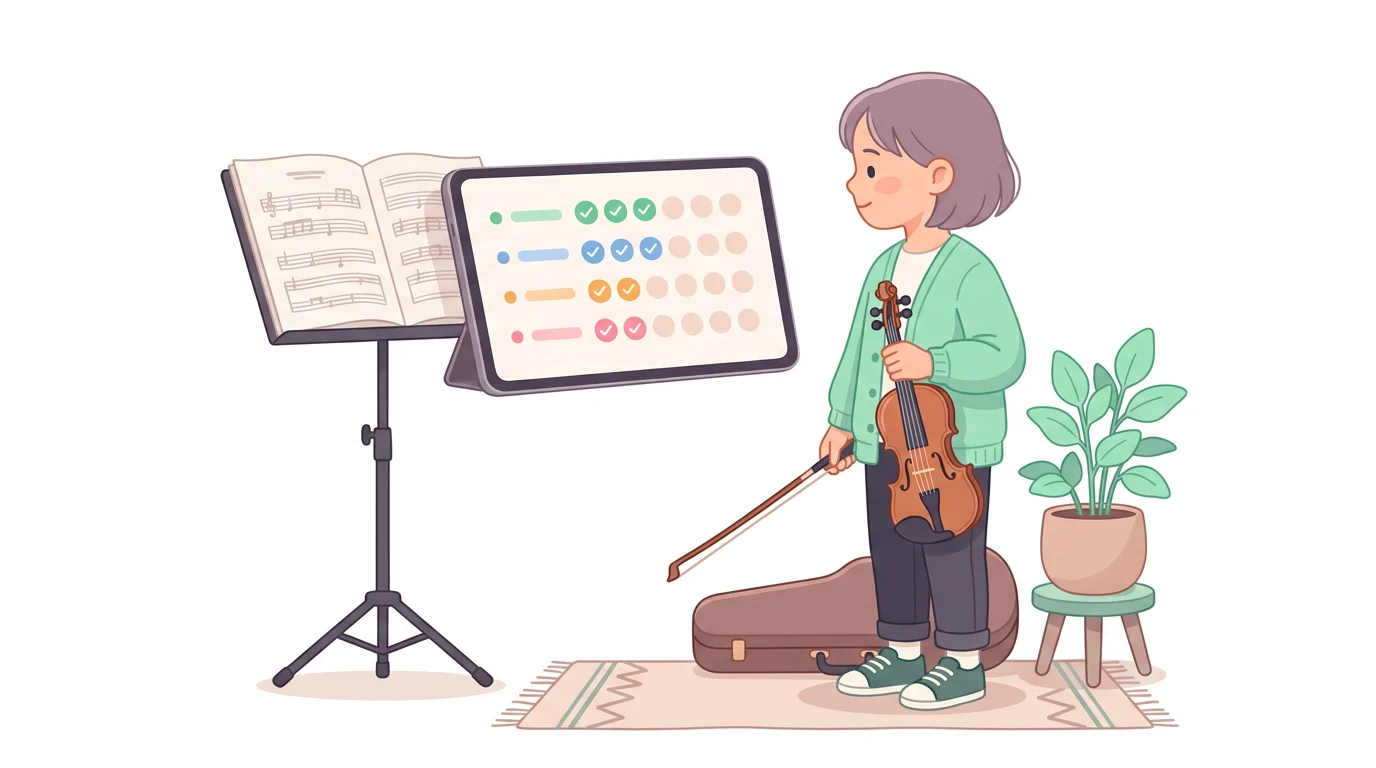
Music practice, reading time or spelling words for a younger child. The colors and the ticks are easy to read, and a streak gives a quick reason to keep going tomorrow.
Set it up once, copy the link, and tick right inside Notion. Here is what you can change before you paste it.
Each habit is a row of days. Tap a circle to tick it and tap again to take the tick away. Today’s column is marked, and the days still to come are drawn faint.
Beside each habit sit its streak, the days in a row ending today, and its count for the month. Turn either off if you want a cleaner grid, and give the tracker a title of your own.
The week shows big circles you can tap on a phone, starting on Monday or Sunday. The month and the last 30 days show the whole stretch at once, like a habit page in a bullet journal.
The Year view draws every day of the year as a small square, darker on the days you ticked more habits. Tap a habit’s chip to see that habit alone, with its total for the year.
Six color sets, from plain Paper to dark Night and Ocean. Give each habit a color of its own or use one color for all, and choose round or square ticks.
Five steps, about a minute. The same steps work for every widget on Notion4Teachers.
Type your habits, then choose the view and the colors at the top of this page.
Press Copy Widget Link. Your habits and choices are part of the link.
Click where the tracker should go on your Notion page and paste.
Notion asks what to do with the link. Choose Create embed.
Pull the block’s corner until the tracker is as big as you want.
The Ultimate Teacher Planner sets up your classes, lessons, grades and attendance in Notion. Put your widgets at the top of it in a minute.
See the Teacher PlannerA database needs a page a day and a formula for streaks. This one is ready the moment you paste it.
Tick today, or any day you missed, right inside the Notion block.
Each habit counts its days in a row and its days this month by itself.
Switch between a week, a month, the last 30 days and a year heatmap.
Kept in your own browser. Nothing is sent to us, and there is no account.
Paper and Mint for light pages, Night and Ocean for dark ones.
Your habits and your ticks, and nothing else. No pop-ups and no logos.
Anyone building a small daily routine on a Notion page.

On a study dashboard beside the timetable and the to-do list. Reading, revision and practice each get a row, and the streaks show what has kept going through a busy week.

On a planner home page for the routines that keep a week on track, from planning ahead to a walk at lunch. A tick takes a second between classes.

On the week’s lesson page, for the daily things a child is building up, like reading time or music practice. Big circles in the week view are easy for small hands to tap.

A Notion habit tracker usually means a database, a page for every day and a formula for streaks. Here you type your habits, copy one link, and the grid, the streaks and the counts are ready.
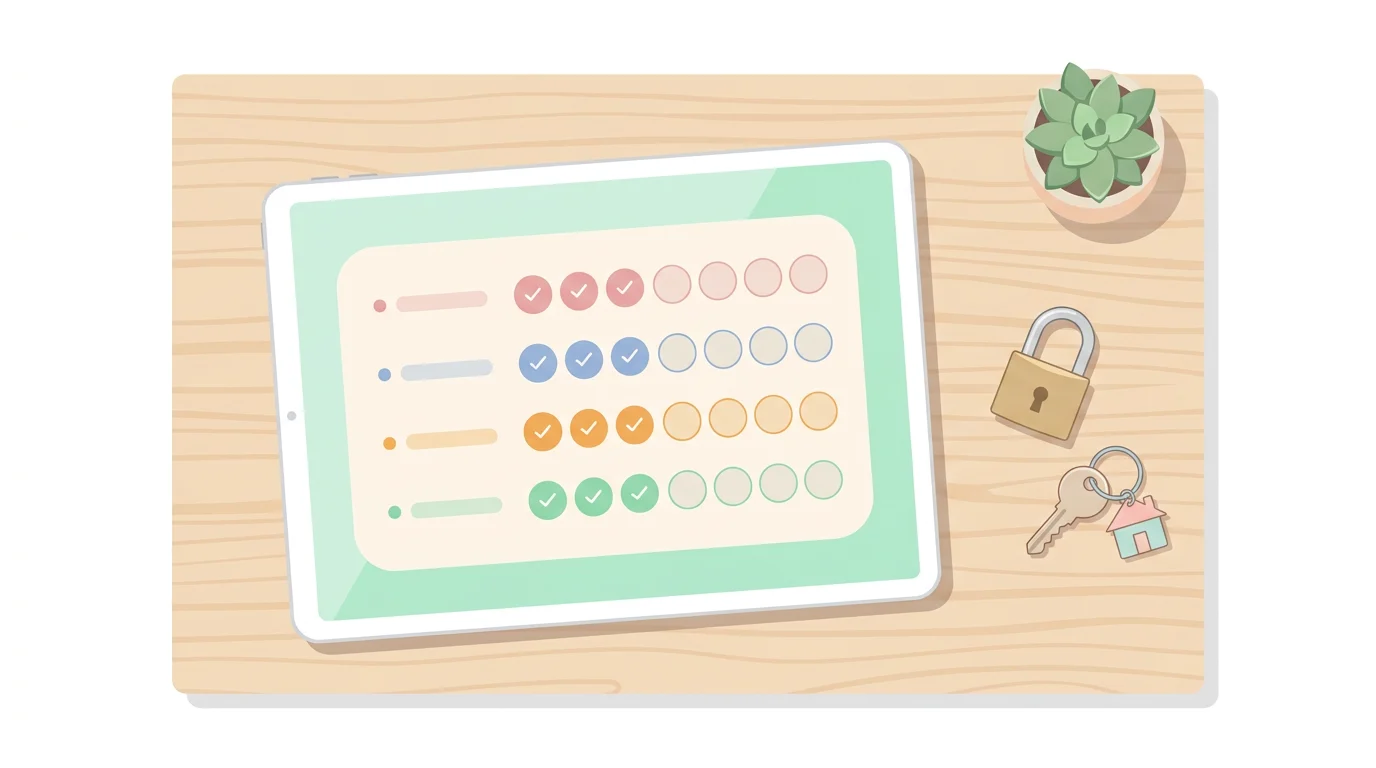
Ticks are kept in the browser on your own device. They are never sent to us, nobody else can see them, and there is no account to sign in to or forget.

Many habit widgets cap how many habits you can track until you pay. This one tracks up to six habits for free: no sign-up, no trial and no watermark.
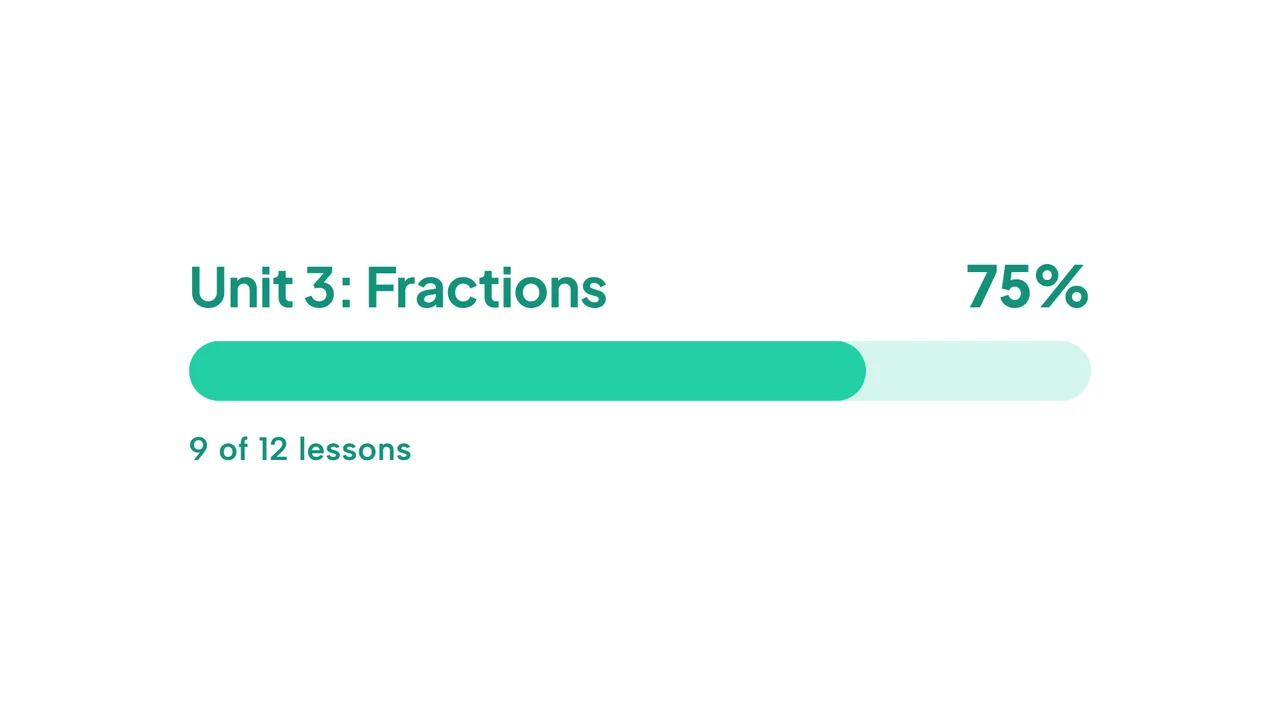
A bar, ring or battery that fills as you count lessons, pages or the days of a term.
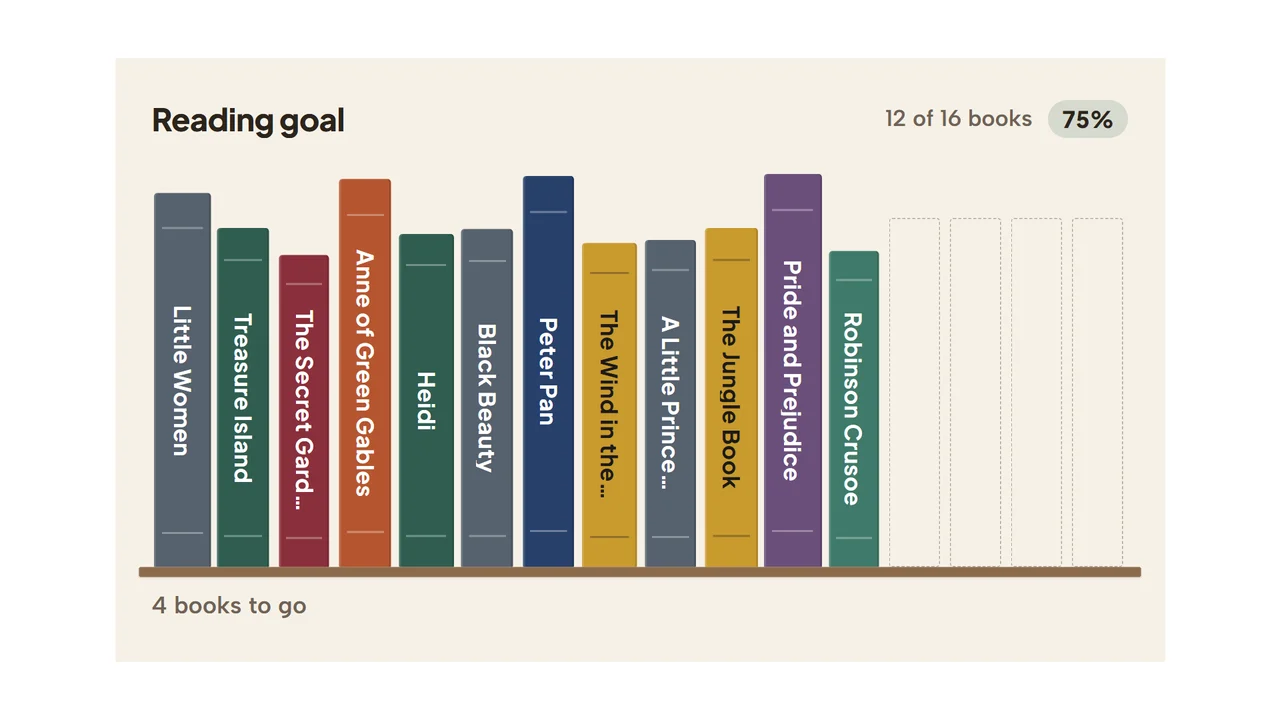
A shelf of books that fills toward your reading goal for the year.
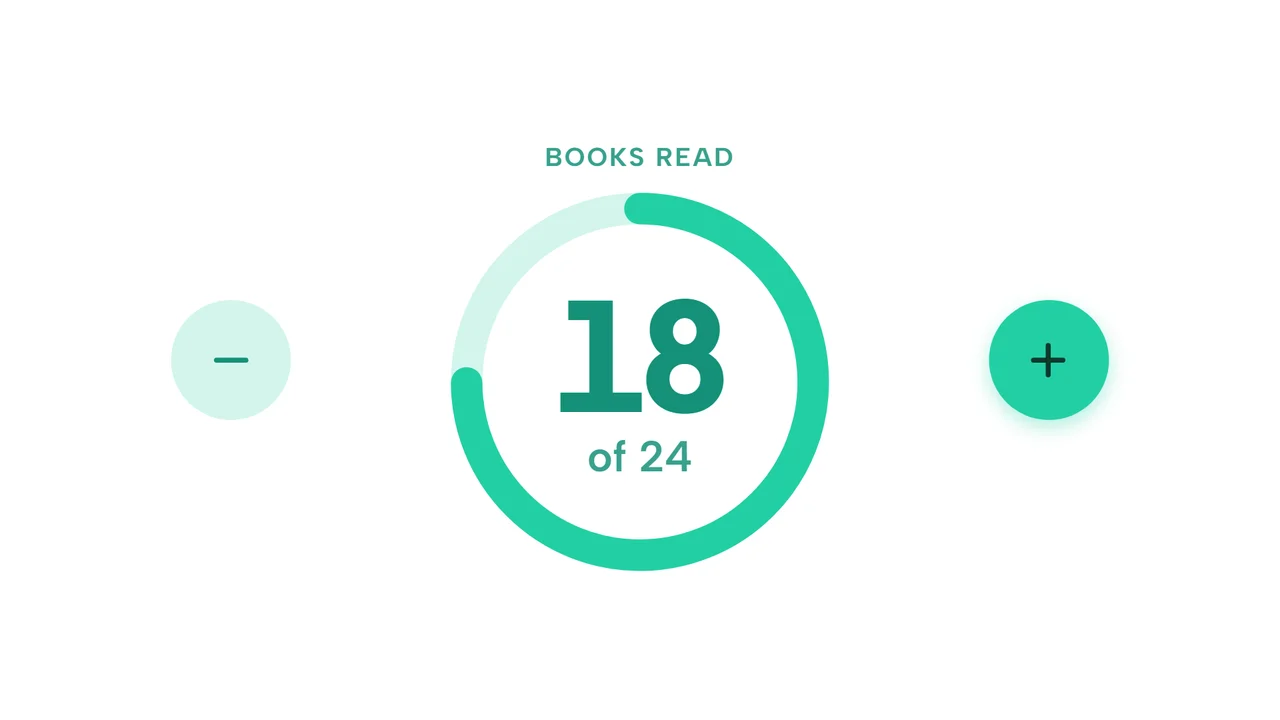
Tap + or − to count anything, with a goal, tally marks or a ring.
Yes. The habit tracker is free to set up, copy and use on as many Notion pages as you like. There is no account to make, no trial, no watermark and no ads, and your ticks are never sent to us.
Type your habits at the top of this page, choose a view and the colors, then press Copy Widget Link. In Notion, click where the tracker should go, paste the link and choose Create embed. Drag the corners of the block to make it the size you want.
In the browser on the device you tick them on, so they are still there the next time that browser opens the page. Nothing is sent to us. Another computer, another browser or the Notion phone app starts with an empty tracker, and a private window or cleared site data starts fresh too.
Use a Notion database, a page a day with a checkbox per habit, when you want your ticks on every device, shared with others, or filtered and charted with formulas. Use the widget when you want to tick in one tap and see streaks right away, with nothing to build. You can also keep both: a database for the details, the widget at the top of the page.
The streak is the number of days in a row the habit is ticked, counting back from today. If today is not ticked yet, it counts back from yesterday, so a streak stays alive until the day is over. The count beside it is the days ticked this month, or in the 30 days view, the last 30 days.
Yes. In the week, month and 30 days views, tap any past day to tick it, and tap it again to take the tick away. Days still to come are drawn faint and cannot be ticked. With a keyboard, Tab into the grid, move with the arrow keys and press Space to tick.
Yes. The tracker is part of the Notion page, so it shows and ticks wherever the page opens: the Notion app on iPhone, iPad and Android, the desktop app and the browser. Each device keeps its own ticks, so pick one device for ticking if you want one record.
Come back to this page and press Change a widget you added, under the preview. Paste the tracker’s link (in Notion, ••• then View original shows it), change your habits and copy the link again. In Notion, choose ••• then Replace and paste it: the tracker keeps its place and size. Ticks stay with each habit’s name, so a habit you rename starts fresh.

The Complete Bundle has every Notion4Teachers template, with the Ultimate Teacher Planner at its heart.
Get Complete Bundle40% OFF!