Science experiments
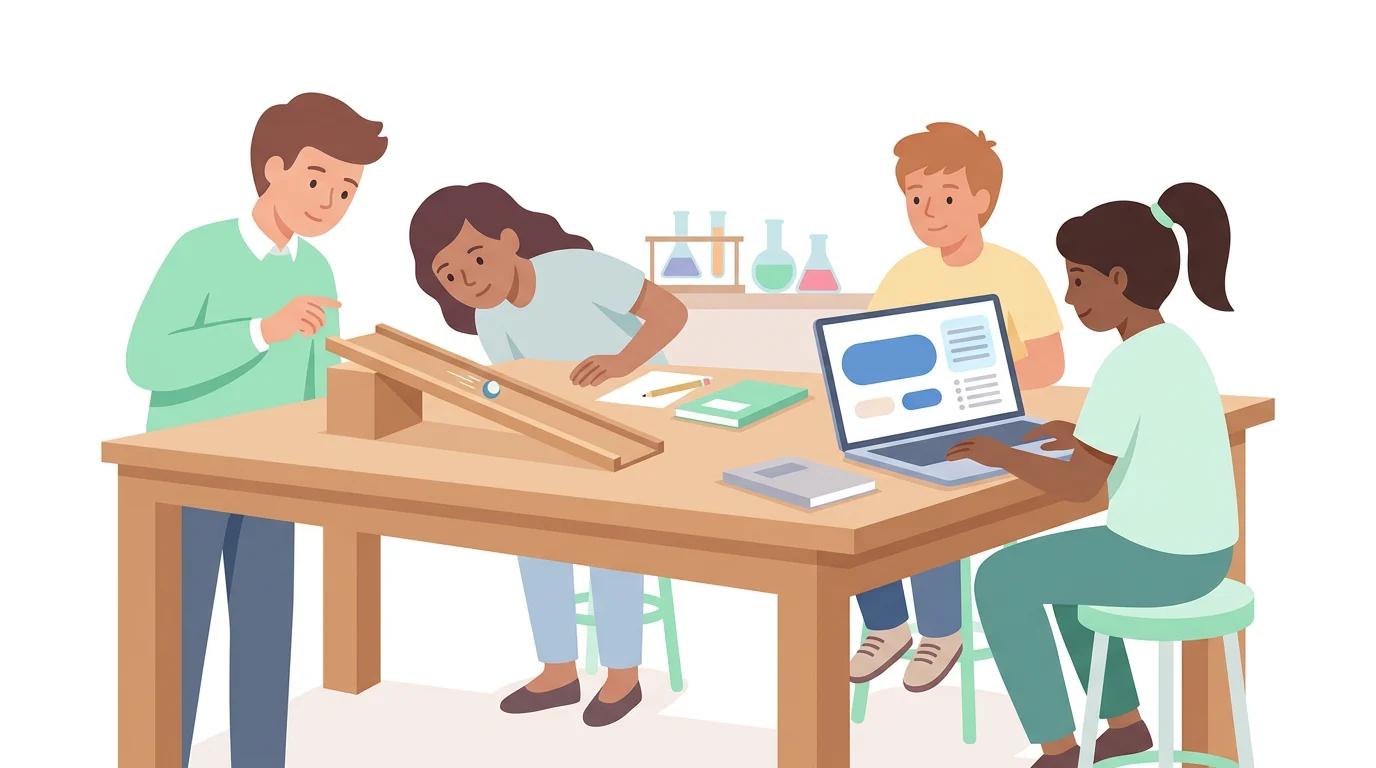
Time each trial of an experiment, a ball rolling down a ramp or ice melting in a cup, and press Lap at the end of each one. The lap list keeps every trial, with the fastest and slowest marked.
Choose seconds, tenths or hundredths, laps and the look, then copy the link and paste it into any Notion page. A stopwatch with laps that keeps running by itself.
Today in Room 12
www.notion4teachers.com/embed/stopwatchA stopwatch widget is a small web page that counts up from zero, made to sit inside a Notion page. You paste its link into Notion, choose Create embed, and the stopwatch runs in that block. This one has Start, Stop, Lap and Reset, a lap list with the fastest and slowest lap marked, tenths or hundredths, and three looks. Nothing to install, and no account.
Teacher Home
Whenever the class needs to time something, not count down to it. Three moments where it helps:
Time each trial of an experiment, a ball rolling down a ramp or ice melting in a cup, and press Lap at the end of each one. The lap list keeps every trial, with the fastest and slowest marked.

Put the stopwatch on a tablet by the track or in the gym. Press Lap as each runner crosses the line or each lap is done, and read the times off the list when the race is over.

Time how long a student takes to read a passage aloud, then stop the stopwatch at the last word. Hundredths are there if you need them, or choose whole seconds for a calmer screen.
Set it up once, copy the link, and the stopwatch is ready for every lesson. Here is what you can change before you paste it into Notion.
One big button starts and stops the time. While it runs, the button beside it takes a lap; once it is stopped, the same button resets it. Space, L and R do the same on a keyboard.
Every lap goes to the top of the list with its own time and the total so far, and the lap under way counts live above it. From the second lap, the fastest and the slowest are marked.
Big digits for the back row, a ring whose dot goes round once a minute, or Split, which shows the lap under way as the big number with the total above it, for timing one runner or trial at a time.
Choose how fine the time is. Hundredths suit races and experiments, tenths are easier to read from a distance, and whole seconds keep the screen calm. The laps follow the same choice.
Six color sets, from Ocean blue to Classic red, Mint, Sunset, Lilac and a dark Night. On a clear background the digits sit on your Notion page’s own color, light or dark; Solid fills the block.
Five steps, about a minute. The same steps work for every widget on Notion4Teachers.
Pick seconds, tenths or hundredths, laps and the look at the top of this page.
Press Copy Widget Link. Everything you chose is part of the link.
Click where the stopwatch should go on your Notion page and paste.
Notion asks what to do with the link. Choose Create embed.
Pull the block’s corner until the stopwatch is as big as you want.
The Ultimate Teacher Planner sets up your classes, lessons, grades and attendance in Notion. Put your widgets at the top of it in a minute.
See the Teacher PlannerA phone stopwatch lives in someone’s pocket. This one sits on the page the whole class can see.
Free stopwatch sites often show ads around the time. This one shows the stopwatch and nothing else.
The digits fill the block, so a wide embed on the projector reads across the room.
A clear background takes your page’s own color, so the stopwatch looks right in both modes.
The running time and the laps stay in that browser, so a reloaded page picks up where it was.
From the second lap, the list marks the fastest and the slowest, so you can read results at a glance.
No account and nothing saved on our side. Change a setting, copy the new link.
Anyone who times things and keeps the plan, the notes or the results in Notion.

On the lesson page for experiments, races and fitness tests. Students see the time on the board, and the lap list keeps each trial or runner until you write the results down.

On a study page to time a practice speech, a quiz run-through or a set of math problems, and to see with the laps which part took the longest.

On the day’s lesson page for science at the kitchen table, timed reading and quick math drills, with no phone in the middle of the lesson.
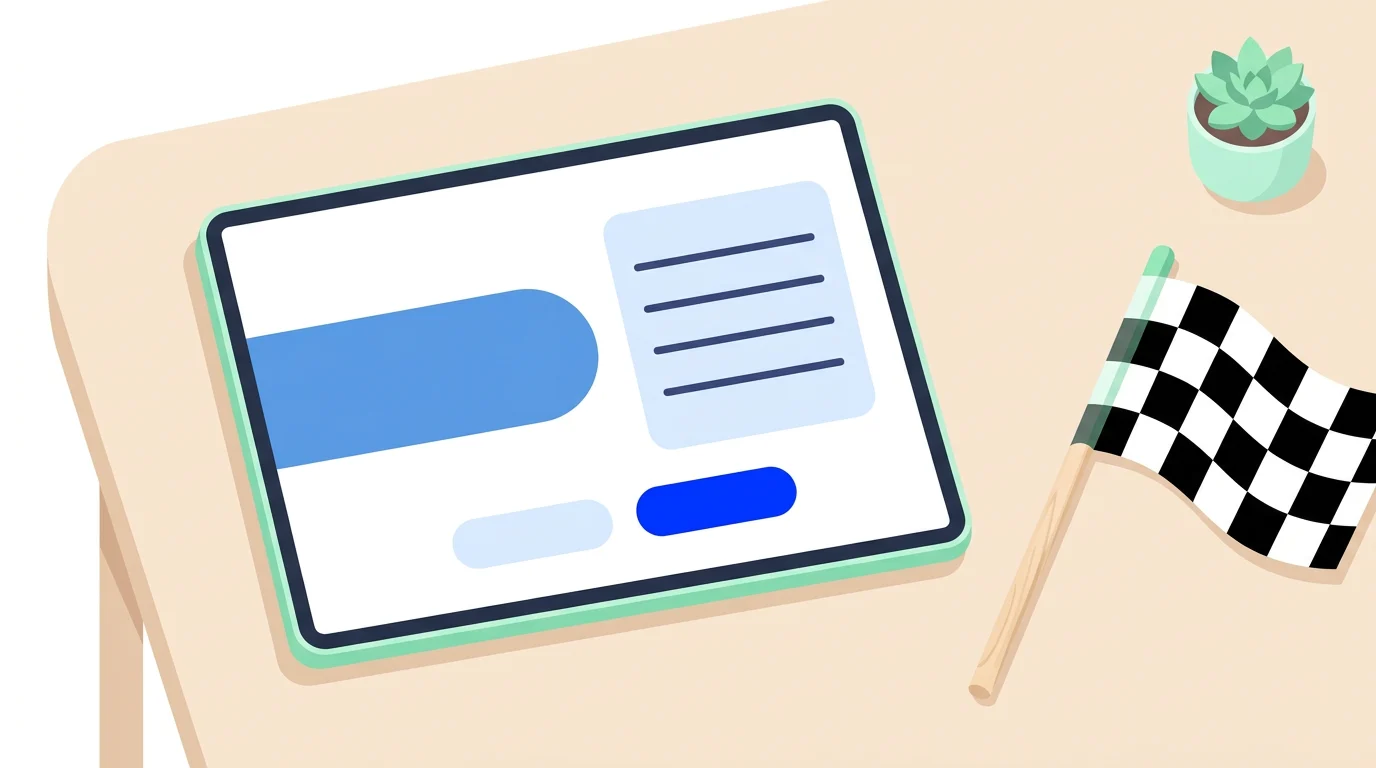
Many stopwatch widgets for Notion are a title and one button. This one takes laps, marks the fastest and the slowest, and shows the time to the hundredth, for real races and experiments.
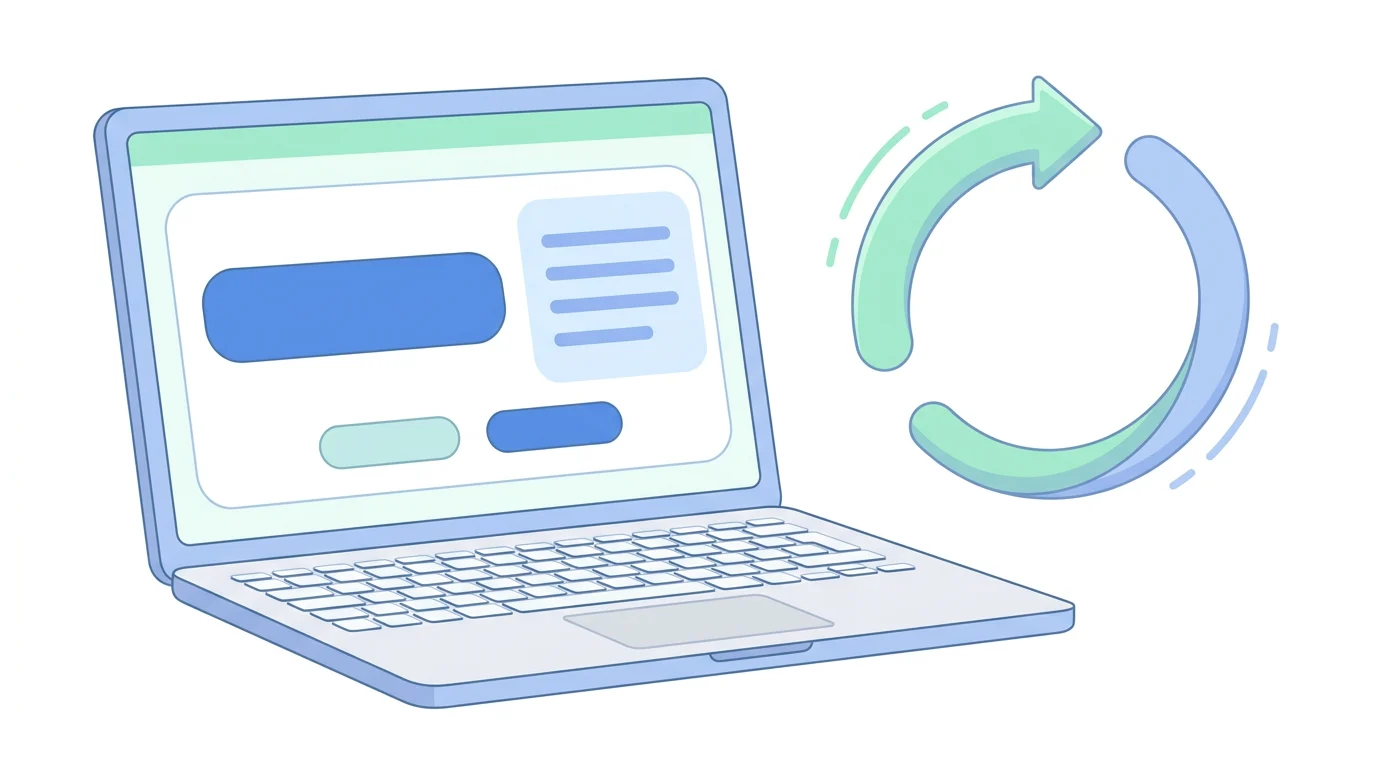
Many web stopwatches lose the time when the page reloads. This one keeps the running time and the laps in that browser, so a reloaded Notion page picks up where it was.

Nothing to sign up for and nothing to pay. You set the stopwatch up on this page and copy its link: the precision, the laps and the look are all part of it.
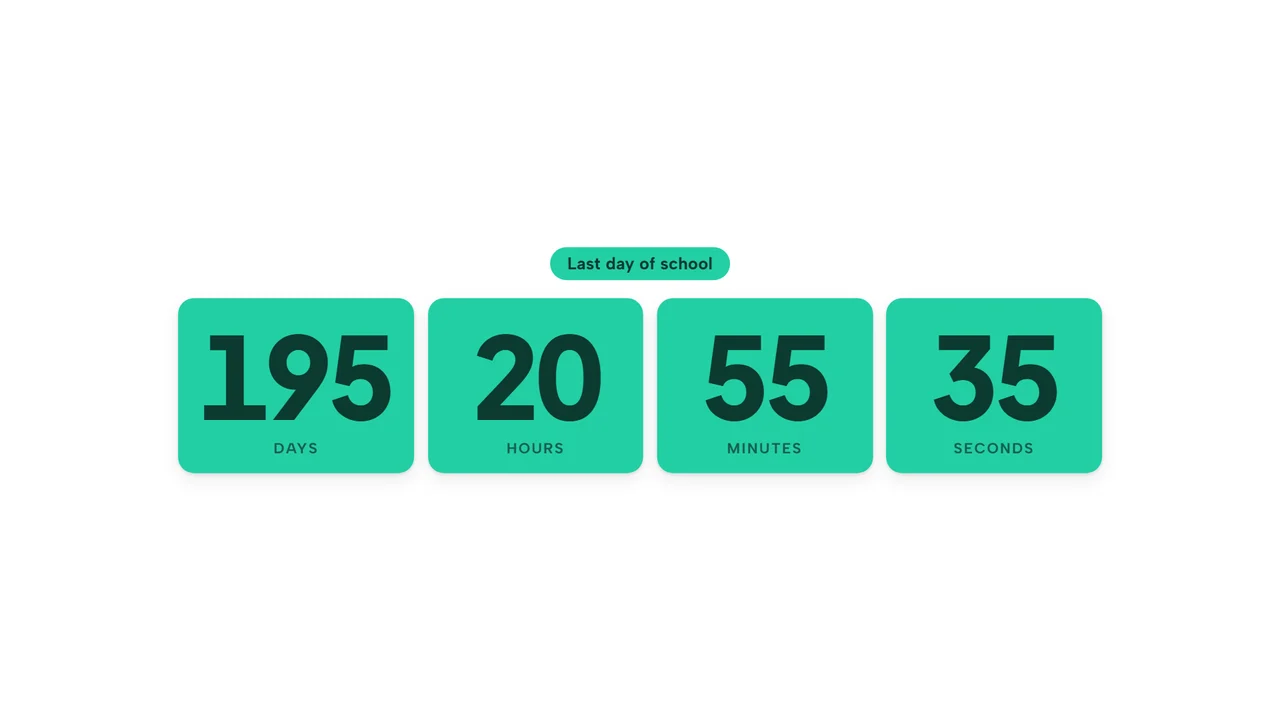
Days, hours, minutes and seconds to an exam, a holiday or the last day of school.
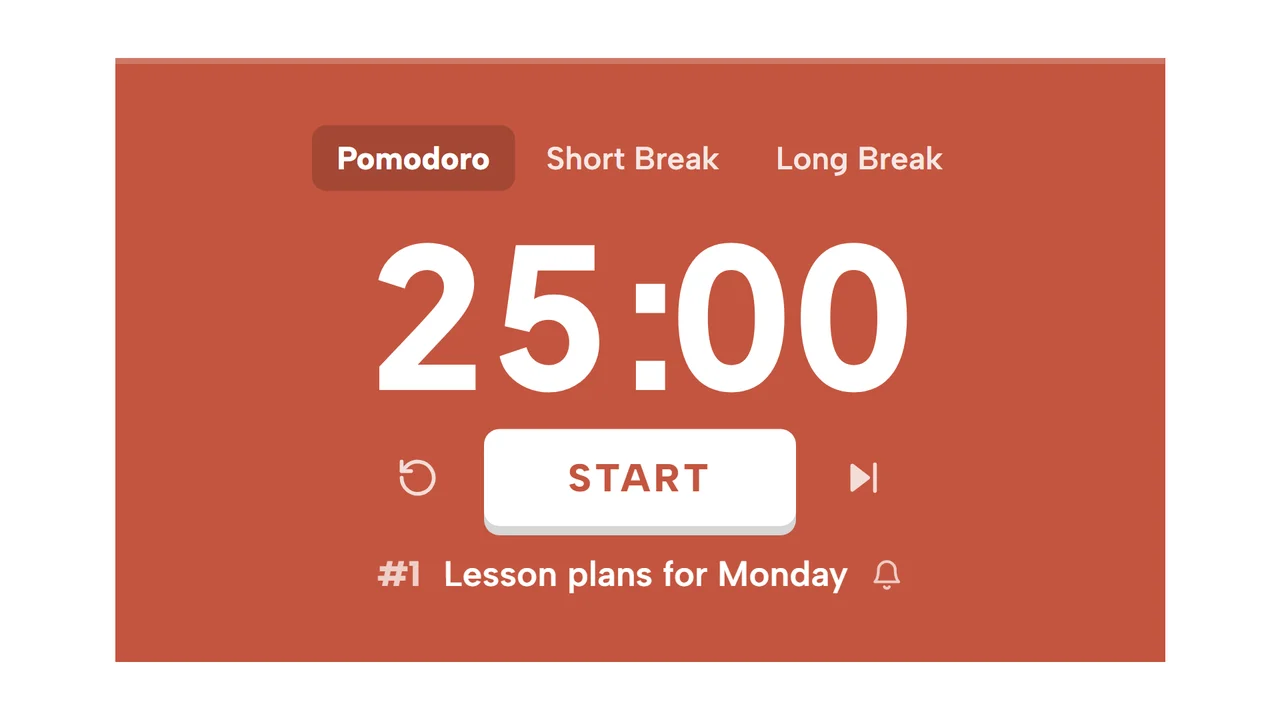
The classic Pomodoro timer with focus and break tabs, rounds and a bell, in your colors.
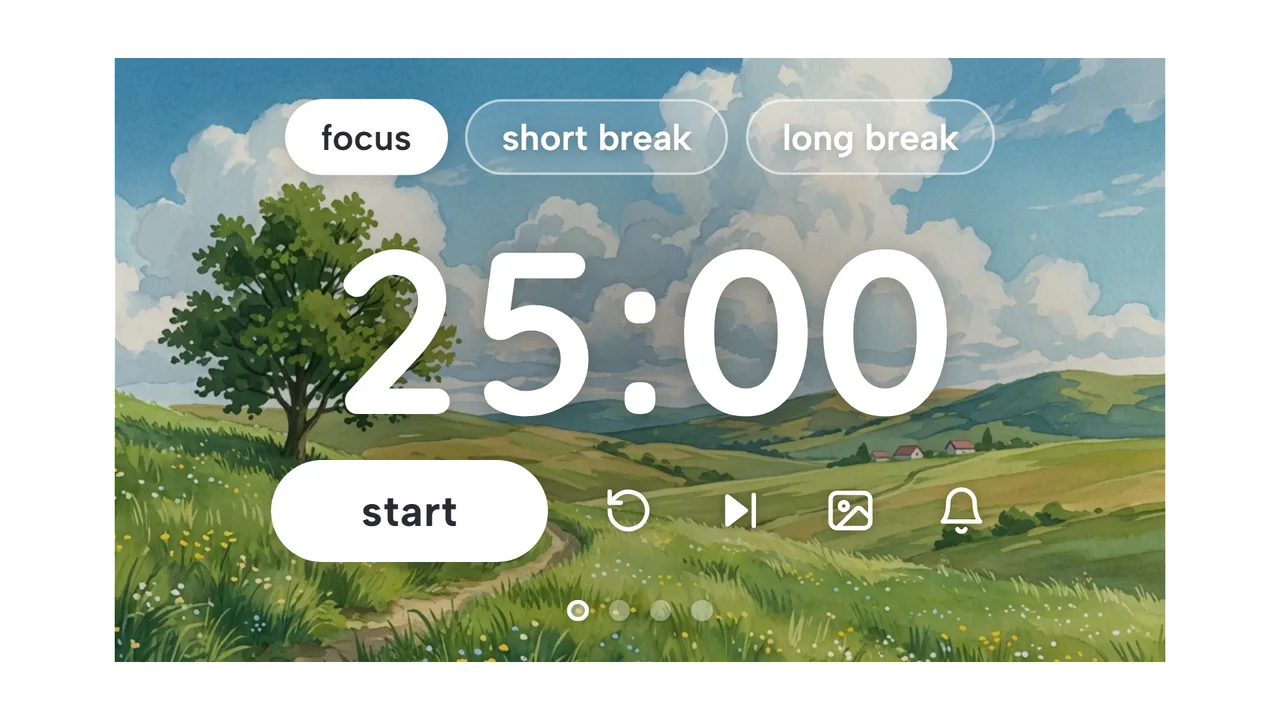
A Pomodoro timer over painted scenes, with gentle motion, a scene picker and three chimes.
Yes. The stopwatch is free to set up, copy and use on as many Notion pages as you like. There is no account to make, no trial and no watermark, and no ads inside the stopwatch, so nothing gets between you and the time.
Set up the stopwatch at the top of this page and press Copy Widget Link. In Notion, click where you want it, paste the link and choose Create embed from the menu that appears. Then drag the corners of the block to make the stopwatch as big as you want.
Yes. Press Lap while it runs and the lap goes to the top of the list, with its own time and the total so far. Once there are two laps, the fastest and the slowest are marked. The stopwatch keeps the last 99 laps until you reset it.
Yes. Under Shows, choose Seconds, Tenths or Hundredths, and the laps follow the same choice. Like a real stopwatch it cuts the time instead of rounding it up, so 9.996 seconds reads 00:09.99. After an hour, the hours show in front of the minutes.
Yes. Space or Enter starts and stops it, L takes a lap and R resets it once it is stopped. Notion gives the keys to an embed after it has been clicked, so press a button in it first. On a touch screen, a tap on the time starts and stops it too.
The stopwatch keeps running, and its laps stay. It remembers them in the browser on that device, so a reload or a closed tab picks up where it was. Nothing is sent to us. Another computer, or the Notion app on a phone, keeps its own stopwatch.
Yes. The stopwatch is part of the Notion page, so it shows wherever the page opens: the Notion app on iPhone, iPad and Android, the desktop app and the browser. Each device keeps its own time and its own laps.
Come back to this page and press Change a widget you added, under the preview. Paste the stopwatch’s link (in Notion, ••• then View original shows it), change what you like and copy the link again. In Notion, choose ••• then Replace and paste it: the block keeps its place and size, and the stopwatch keeps its time and laps, running or stopped.

The Complete Bundle has every Notion4Teachers template, with the Ultimate Teacher Planner at its heart.
Get Complete Bundle40% OFF!