A reminder for the whole class
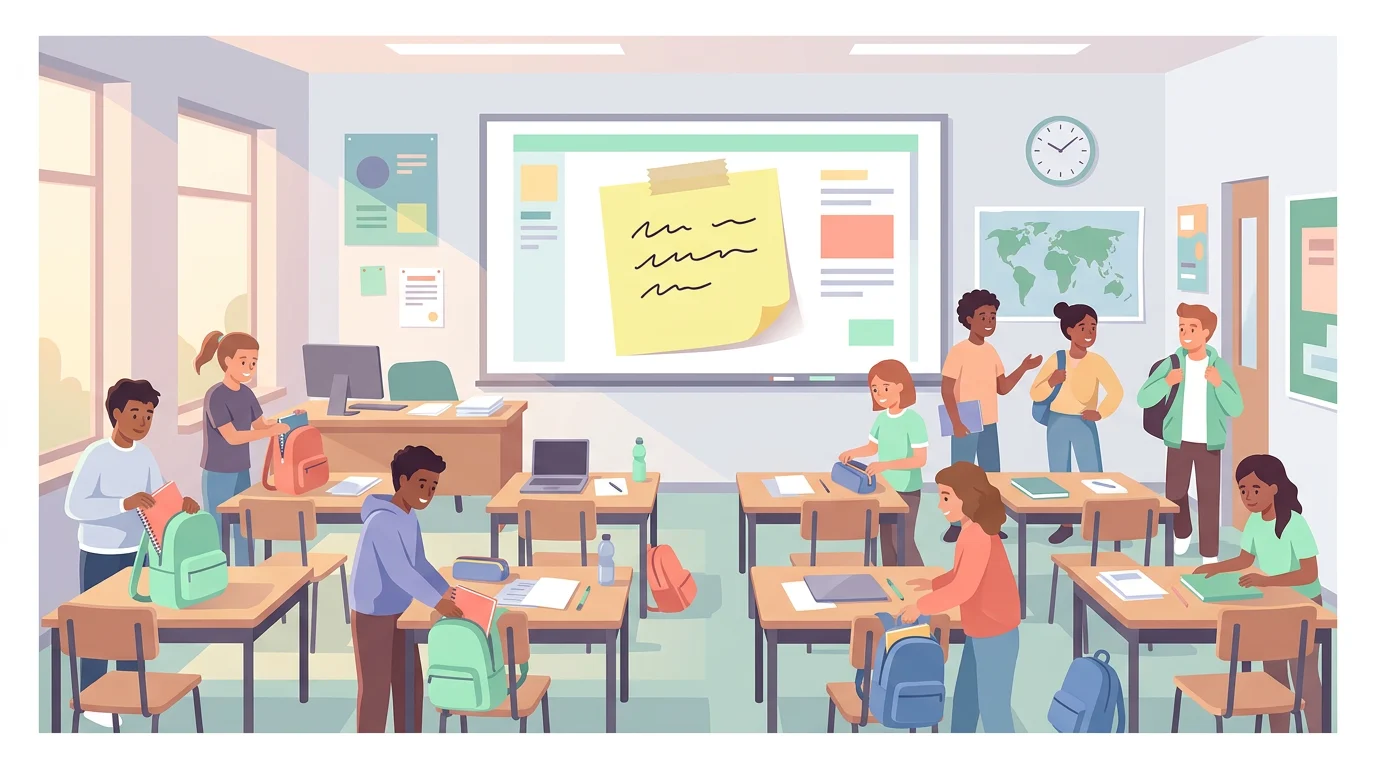
Write the reminder in the settings, choose Read only, and put the note on the page you project. Forms due, a change of room or what to bring tomorrow, in big handwriting nobody misses.
Pick the paper, the handwriting and the tape, copy the link, and paste it into any Notion page. A note you can write in the settings or type on right in the block.
What you type on it is kept in that browser only.
Today in Room 12
www.notion4teachers.com/embed/sticky-noteA sticky note widget is a small web page that shows a paper note, made to sit inside a Notion page. You paste its link into Notion, choose Create embed, and the note sits in that block with your page around it. This one lets you choose the paper color, plain, lined or grid paper, a handwriting face, tape or a pin and a tilt, and you can type on the note itself. Nothing to install, and no account.
Teacher Home
Whenever one thing must not be missed. Three moments where a note earns its place:
Write the reminder in the settings, choose Read only, and put the note on the page you project. Forms due, a change of room or what to bring tomorrow, in big handwriting nobody misses.

Keep a note on your planning page for the thing you must do today. With Type on it, click the note and change the words whenever you like, without opening the settings.
Put a short encouraging line on a student dashboard or a homework page. A lilac note with a pin, tilted a little, makes the page feel looked after.
Set it up once, copy the link, and the note sits in your page. Here is what you can change before you paste it into Notion, and what the note does.
With Type on it, click the note and write. The words shrink to fit as you go, and what you type is kept in that browser, so it is still there next time the page opens on that device.
Yellow, pink, mint, blue, lilac and peach, each with a soft shade toward its lower edge like real paper. Pastel notes read well on Notion’s light pages and its dark mode alike.
Plain paper for a few big words, lined paper with the rules under every line of writing, or a grid for lists and quick sums. Hold it with tape, a push pin or nothing at all.
Hand, Print and Pen are three handwriting faces from Google Fonts, from loose and loopy to neat block letters. Sans is the clean face of this site, for a note that reads like a label.
With a clear background the note sits on your Notion page with the page all around it. Solid fills the block with a soft color, and Cork board pins the note to a board.
Five steps, about a minute. The same steps work for every widget on Notion4Teachers.
Write the note and pick the paper and handwriting at the top of this page.
Press Copy Widget Link. Everything you chose is part of the link.
Click where the note should go on your Notion page and paste.
Notion asks what to do with the link. Choose Create embed.
Pull the block’s corner until the note is the size you want.
The Ultimate Teacher Planner sets up your classes, lessons, grades and attendance in Notion. Put your widgets at the top of it in a minute.
See the Teacher PlannerA Notion callout is flat. This note has paper, handwriting and a bit of tape.
Click the note and write. The words shrink to fit the paper as it fills up.
Yellow, pink, mint, blue, lilac and peach, with lined or grid paper if you like.
Three handwriting faces from Google Fonts, or the clean sans of this site.
Words typed on the note are kept in that browser. Nothing is sent to us.
The widget shows the note and nothing else. No ads, no account and no watermark.
A clear background shows your page around the note, light or dark.
Anyone who would stick a paper note on the page if they could.
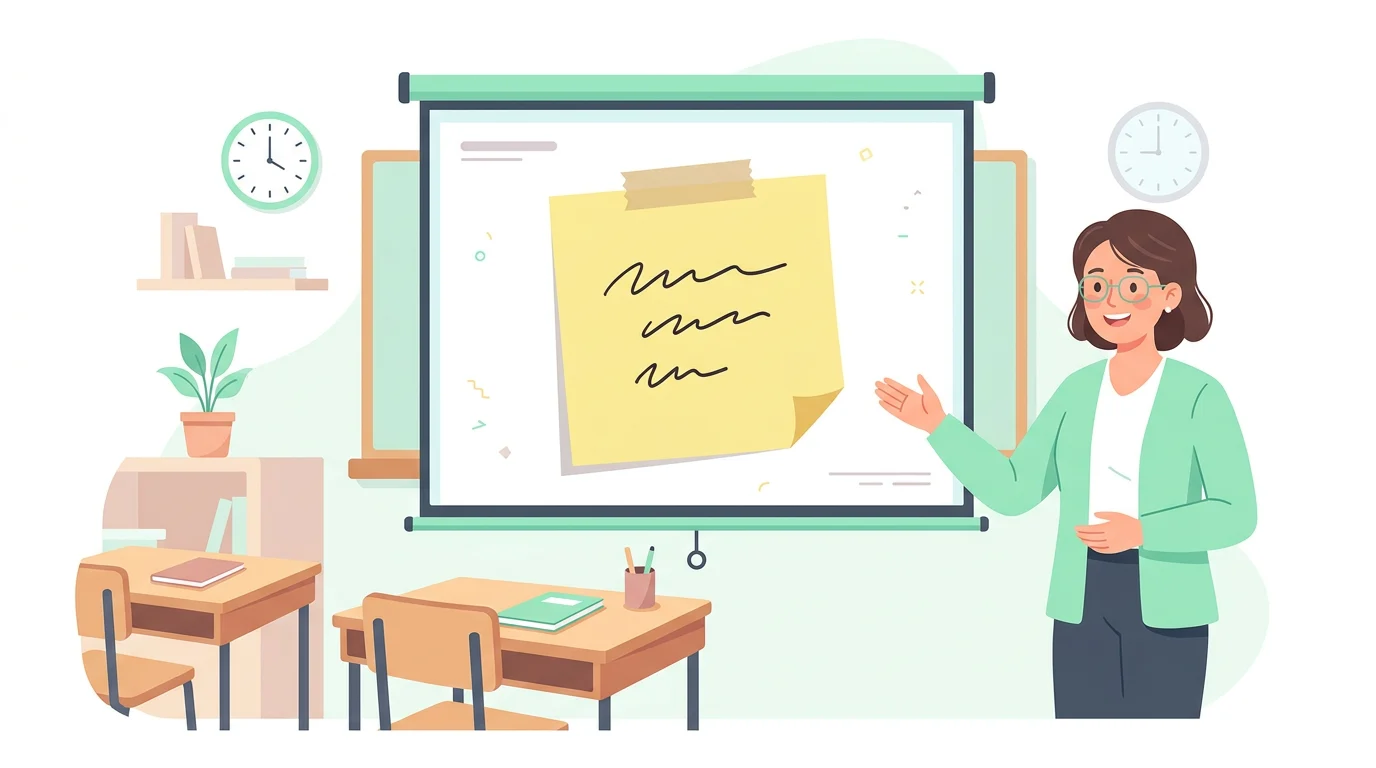
On the projected page for what the class must remember, in handwriting big enough for the back row, and on a planning page for the one thing to do before the bell.

On a study dashboard for a test date, a reading goal or a kind word to themselves. A pastel note with a pin makes a plain study page feel like their own desk.
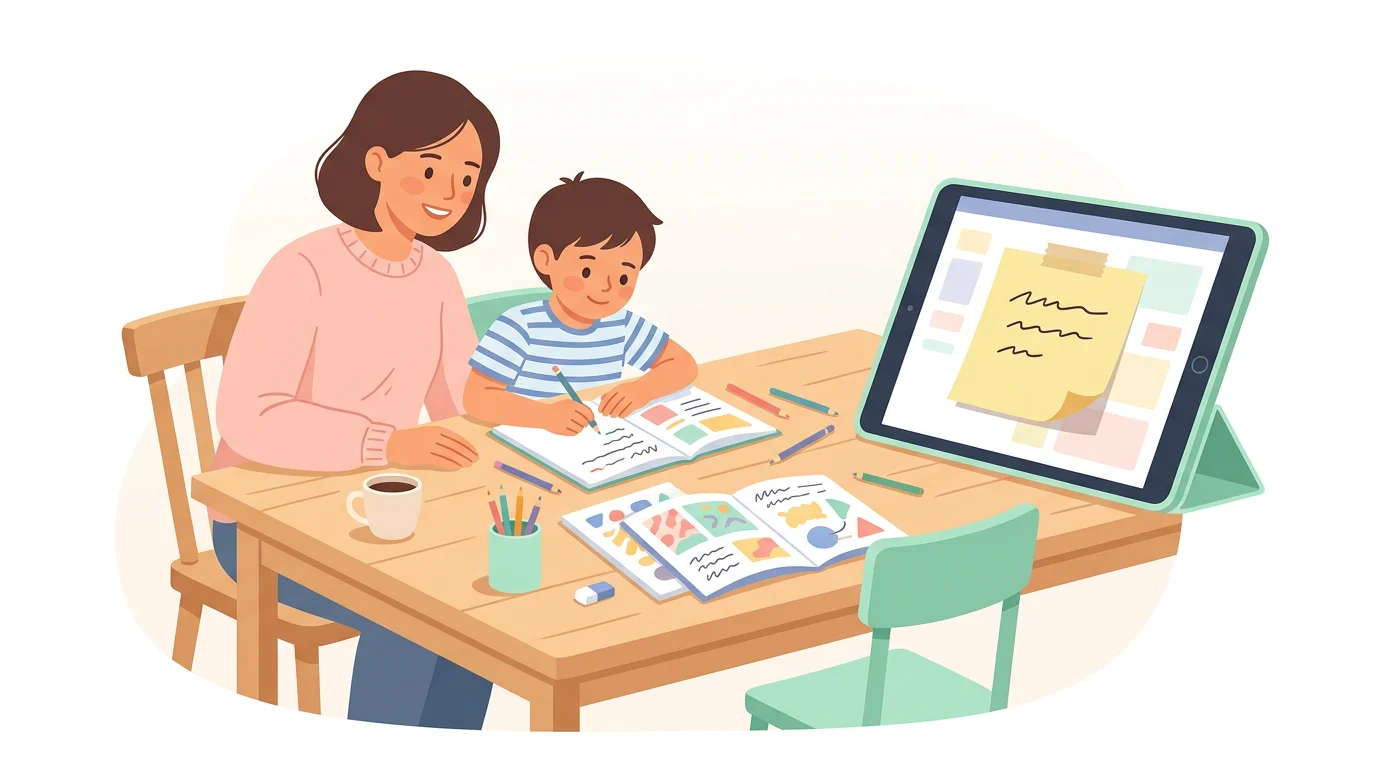
On the day’s lesson page, for the reading pages, the next practice set or a word of praise when a child finishes. Type on the note and change it as the day goes on.

Many sticky note apps show ads or ask for a subscription for more colors. Here you set the note up on this page and copy it: every color, every face, nothing to pay.
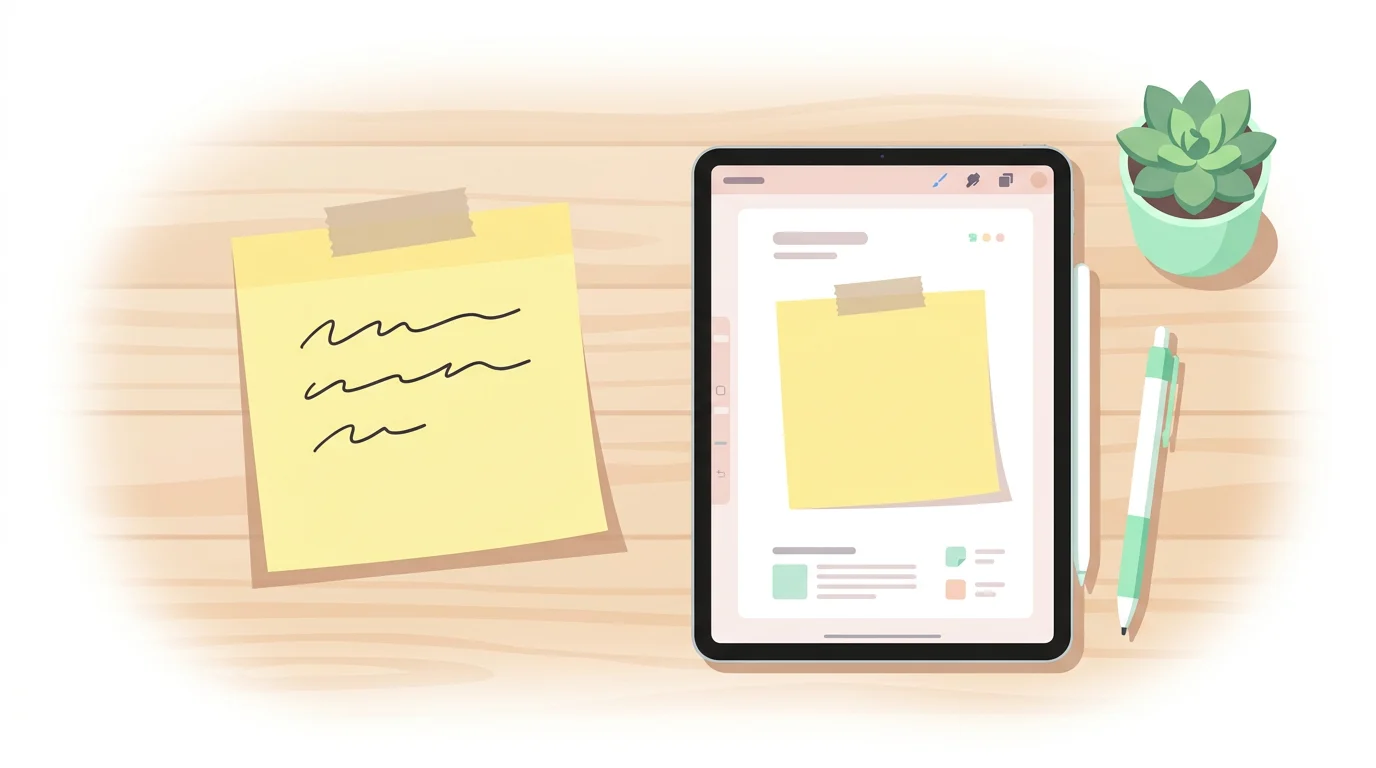
In Notion a sticky note is usually a colored callout. This one is a paper note with a soft shade, a curl of shadow under its corners, tape or a pin and a real handwriting face.
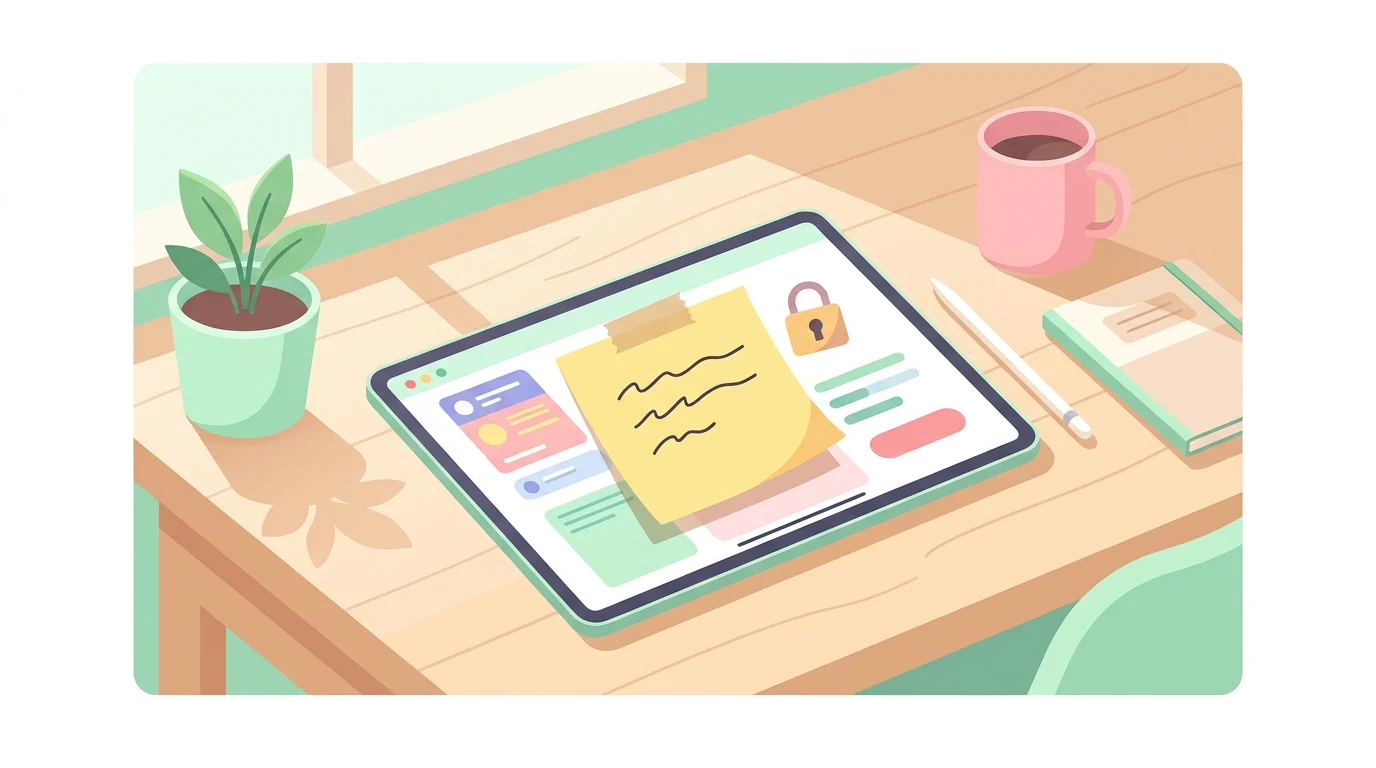
Words typed on the note stay in your own browser and are never sent to us. Words for everyone go in the settings, so you choose what the class sees and what stays yours.
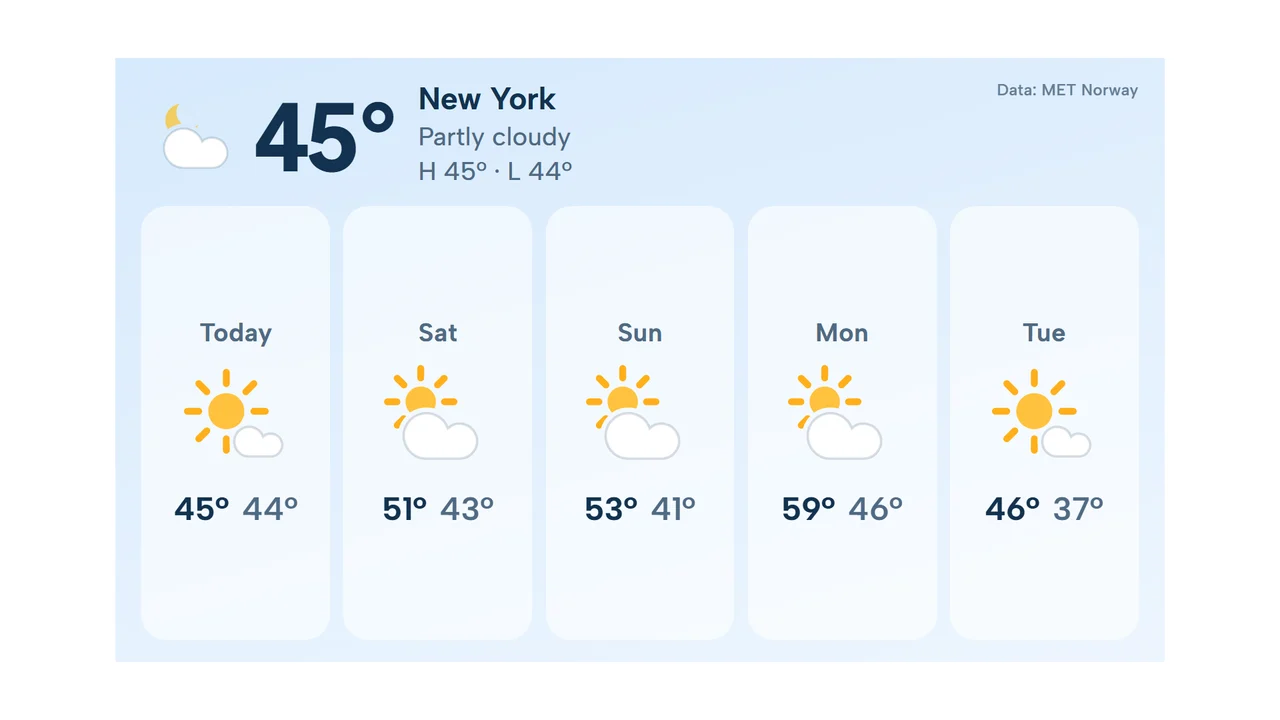
A live forecast card for your city, with the weather now, today, five days or the hours ahead.
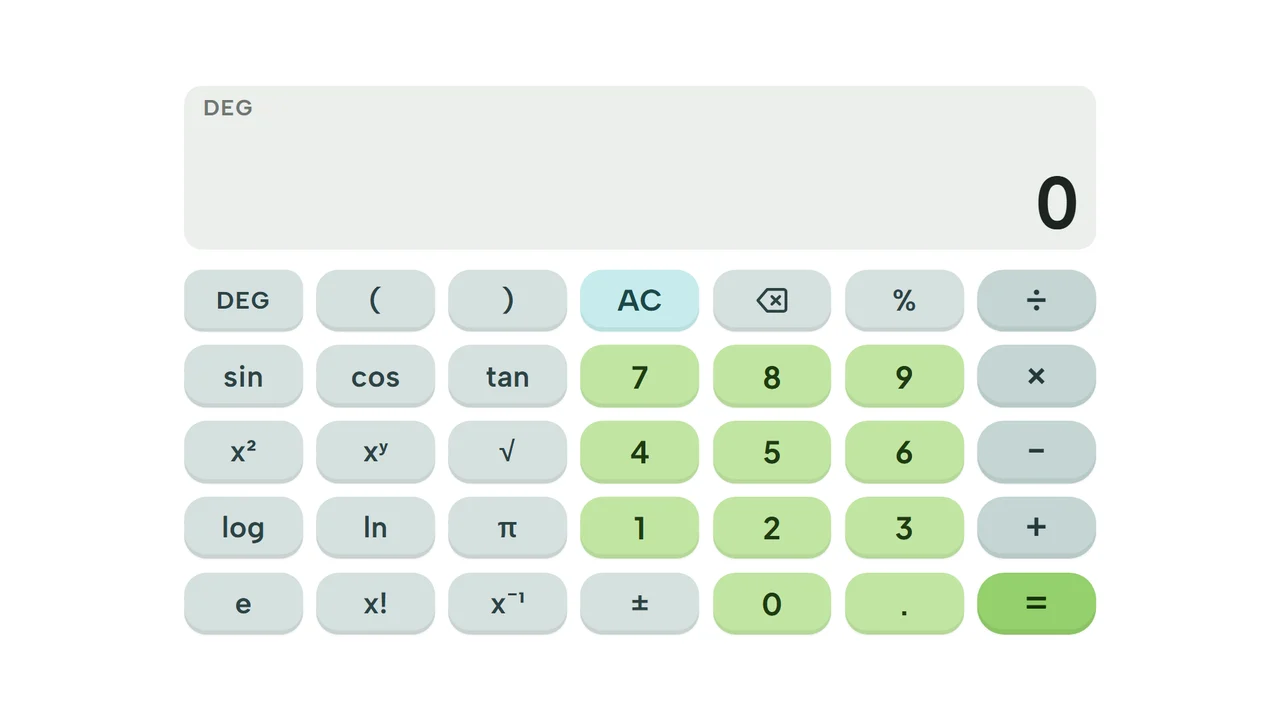
A soft scientific calculator for your Notion page, with trig, powers, roots and logs.
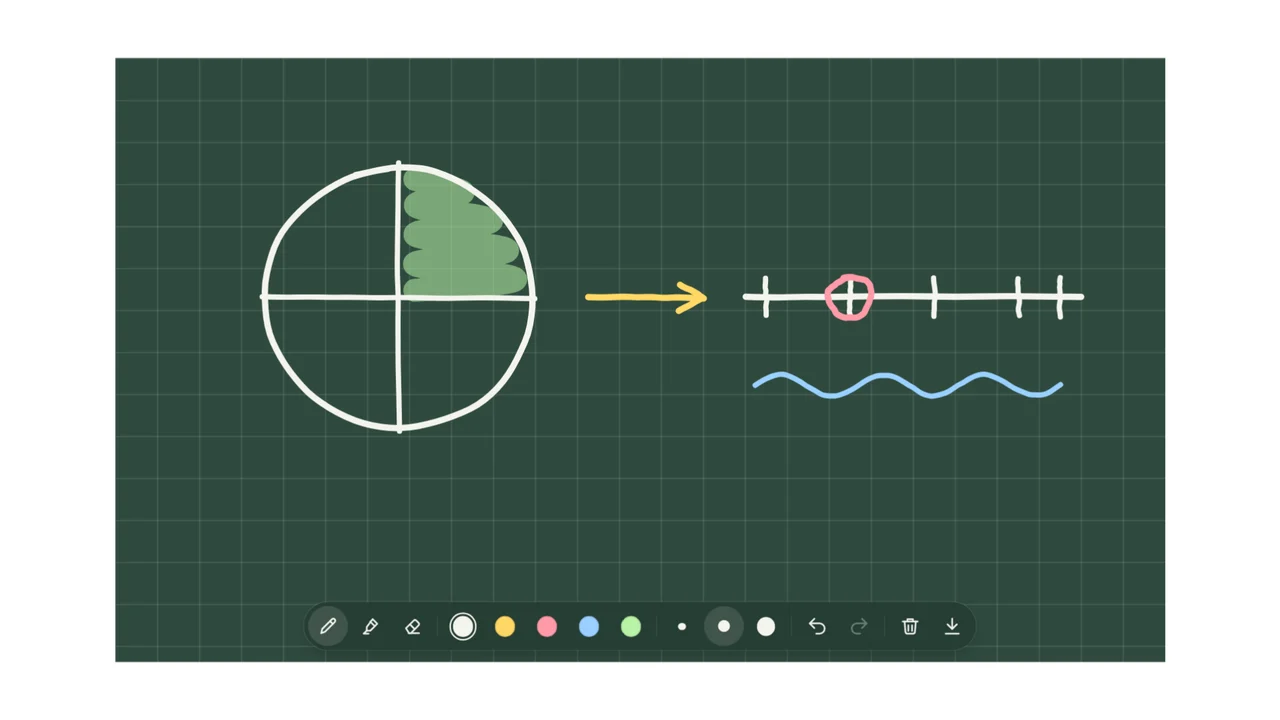
A board to draw on inside Notion, with a pen, highlighter, eraser and four kinds of paper.
Yes. The sticky note is free to set up, copy and use on as many Notion pages as you like. There is no account to make, no trial, no watermark and no ads, and what you type on the note is not sent to us.
Write the note and pick the paper at the top of this page, then press Copy Widget Link. In Notion, click where the note should go, paste the link and choose Create embed. Drag the corners of the block to make the note the size you want.
Yes. With Type on it, click the note and write, and press Enter for a new line. The words shrink to fit as the note fills up. What you type is kept in the browser on that device, so it is still there when the page opens again.
Words typed on the note stay in your browser: nobody else sees them, and nothing is sent to us. Words written in the settings travel in the link, so everyone who opens the page sees them. For a note the whole class sees, write it in the settings and choose Read only.
Yes. Choose from six paper colors (yellow, pink, mint, blue, lilac and peach) and four faces. Hand, Print and Pen are handwriting faces from Google Fonts, free under the SIL Open Font License, and Sans is the clean face of this site.
Yes. With a clear background the page’s own color shows around the note, so a pastel note sits well on Notion’s light and dark pages alike. Solid fills the block with a soft color, and Cork board puts the note on a pin board.
Yes. The note is part of the Notion page, so it shows wherever the page opens: the Notion app on iPhone, iPad and Android, the desktop app and the browser. Words typed on the note stay on the device that typed them.
Come back to this page and press Change a widget you added, under the preview. Paste the note’s link (in Notion, ••• then View original shows it), change what you like and copy the link again. In Notion, choose ••• then Replace and paste it: the note keeps its place and size. Words typed on the note stay unless you change the words written in the settings.

The Complete Bundle has every Notion4Teachers template, with the Ultimate Teacher Planner at its heart.
Get Complete Bundle40% OFF!