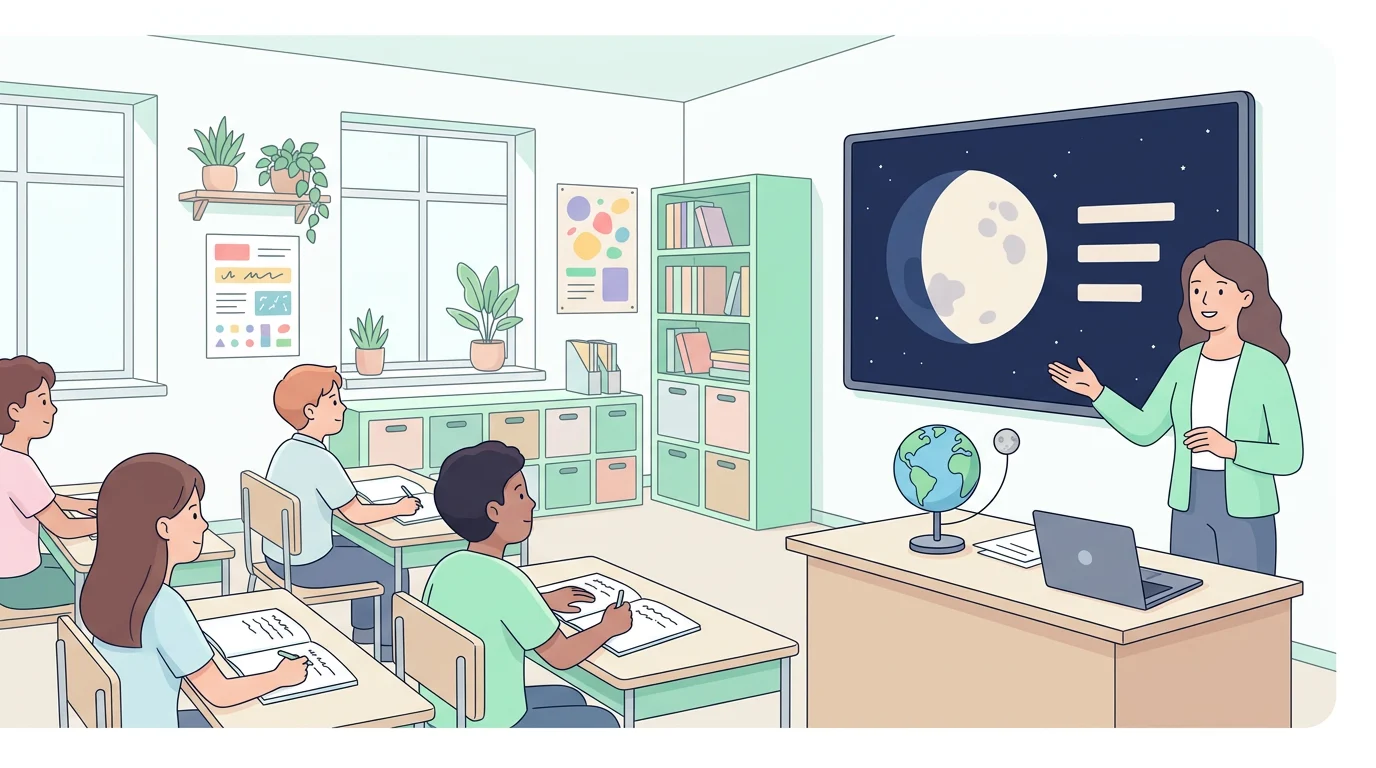
A unit on the moon’s phases
Put tonight’s moon on the class page for the whole unit. Each morning the class sees how it changed overnight, names the phase and checks how many days are left until the full moon.
Pick the colors and what to show, then copy the link into any Notion page. Tonight’s moon appears true to its shape, with the next full and new moon.
A growing moon is lit on the right in the north, on the left in the south.
Today in Room 12
www.notion4teachers.com/embed/moon-phaseA moon phase widget is a small web page that shows tonight’s moon, made to sit inside a Notion page. You paste its link into Notion, choose Create embed, and the moon shows in that block and changes with the nights. This one draws the moon true to how much of it is lit and shows the phase’s name, the percent lit and the days to the next full and new moon. Nothing to install, and no account.
Teacher Home
Whenever the moon is part of the lesson, or part of your evening. Three moments where it helps:
Put tonight’s moon on the class page for the whole unit. Each morning the class sees how it changed overnight, names the phase and checks how many days are left until the full moon.

Students draw the moon each night in a notebook and compare their drawing with the widget the next day. The phase name and percent lit give them the words for what they saw.

For a stargazing evening, a camping trip or a walk under the full moon, the dates of the next full and new moon sit on your planner, right beside the plans.
Set it up once, copy the link, and the moon keeps up with the nights. Here is what you can change before you paste it into Notion.
The moon is drawn from how much of it is lit right now, so a thin crescent, a half moon and a nearly full one each look the way the real one does. The shadow edge moves a little every night.
Beside the moon go the phase’s name, how much of it is lit and the days to the next full and new moon, with their dates on the viewer’s own calendar.
From the northern half of the world a growing moon is lit on the right; from the southern half, on the left. Choose yours and the moon turns to match your own sky.
Add a strip of the month’s new moon, quarters and full moon, each with its date. The ones that have passed fade back, and today’s is ringed when a phase falls on it.
Six color sets, from Midnight to Teal and a pale Day sky. The night sky fills the block with a few slow stars, or choose Clear and the moon sits on your Notion page itself.
Five steps, about a minute. The same steps work for every widget on Notion4Teachers.
Pick what to show, the sky and the colors at the top of this page.
Press Copy Widget Link. Everything you chose is part of the link.
Click where the moon should go on your Notion page and paste.
Notion asks what to do with the link. Choose Create embed.
Pull the block’s corner until the moon is as big as you want.
The Ultimate Teacher Planner sets up your classes, lessons, grades and attendance in Notion. Put your widgets at the top of it in a minute.
See the Teacher PlannerA moon picture shows one night. This one shows tonight, every night.
The widget shows the moon and its dates and nothing else: no pop-ups, no banners.
The shadow edge moves a little every night, from new moon to full and back.
The phase is worked out in the browser: no location, no lookups, no tracking.
The dates follow the viewer’s time zone, so they match the calendar on the wall.
No account and nothing saved on our side. Change a setting, copy the new link.
The moon fills the block, so a wide embed on the projector reads across the room.
Anyone who watches the sky, or teaches about it.

In a science unit on the moon, on the class page all month, so the class follows the phases night by night and learns their names in order.

On a study dashboard or a science notebook page, to keep a moon journal and to know when the next full moon is without searching for it.

On the family’s nature study page, to check the moon before an evening walk and to talk about why it changes shape through the month.

Most moon phase widgets are phone apps to install. This one you set up on this page and paste into Notion: nothing to install, nothing to register, nothing to pay.

The moon is computed from the date and time with published astronomy formulas, on the device that opens the page. It asks for no location and sends nothing anywhere.

There is no account and no saved widget: everything you chose is written into the link. After a change, copy the link again and paste the new one.
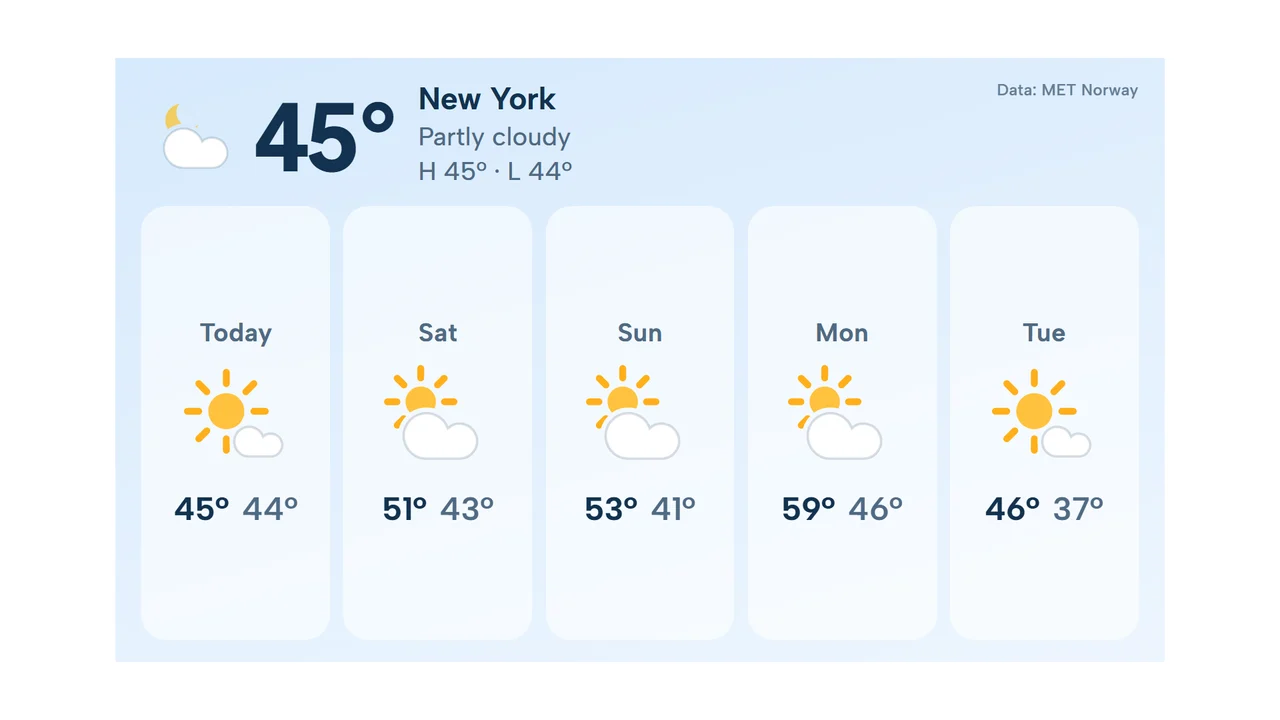
A live forecast card for your city, with the weather now, today, five days or the hours ahead.
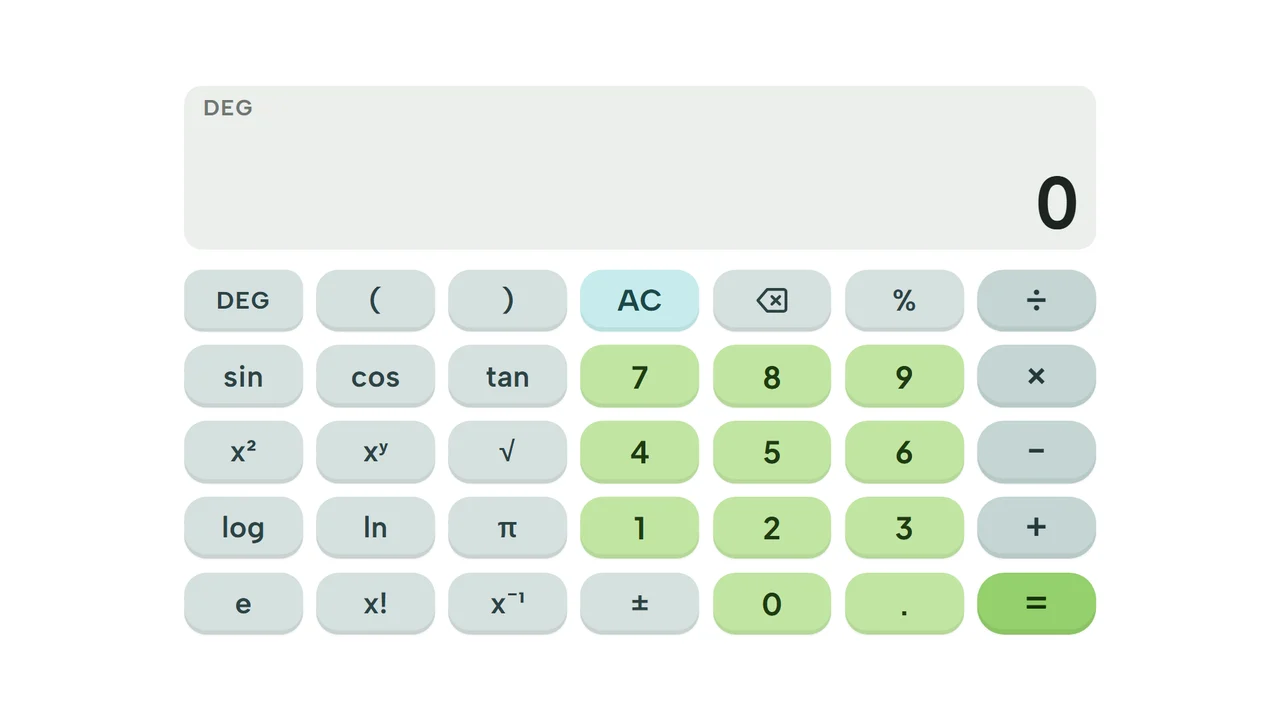
A soft scientific calculator for your Notion page, with trig, powers, roots and logs.
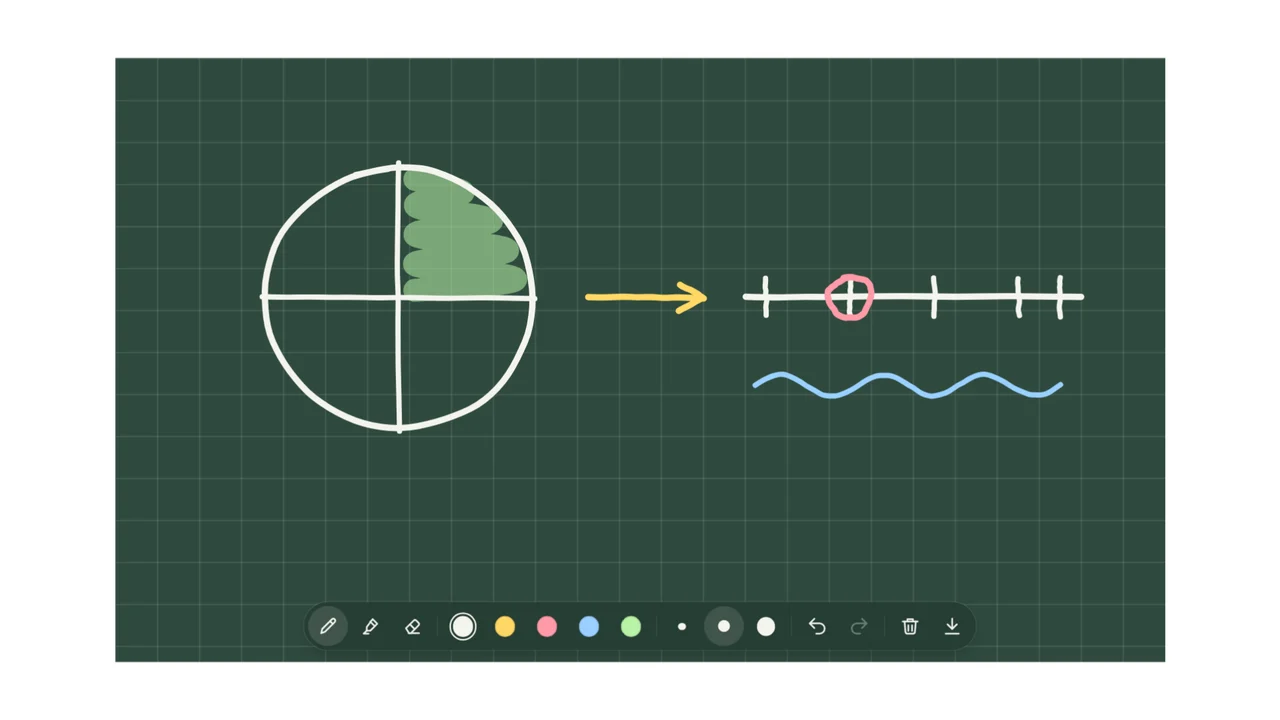
A board to draw on inside Notion, with a pen, highlighter, eraser and four kinds of paper.
Yes. The moon phase widget is free to set up, copy and use on as many Notion pages as you like. There is no account to make, no trial and no watermark, and nothing inside the widget but the moon and its dates.
Set up the moon at the top of this page and press Copy Widget Link. In Notion, click where you want it, paste the link and choose Create embed from the menu that appears. Then drag the corners of the block to make the moon the size you want.
It works the phase out in your browser from the date and time, with the formulas astronomers publish (Jean Meeus’ Astronomical Algorithms). Nothing is looked up online. We checked its full and new moon times for 2026 and 2027 against published tables, and they agree within about a minute.
From the northern half of the world, a growing moon is lit on the right and a shrinking one on the left. From the southern half it is the other way round. Choose Northern half or Southern half under Seen from, and the moon turns to match your sky.
The full moon happens at one moment for everyone, but that moment can fall on different dates in different time zones. The widget uses the calendar of the device that opens the page, so the dates it shows match the viewer’s own calendar.
No. It never asks where you are and sends nothing anywhere. The phase is the same all over the world at any moment, so the clock is all it needs. The only place it matters is which way the moon is turned, and that is the Seen from setting.
The night sky fills the block, so it looks the same on light and dark Notion pages. Choose Clear to put the moon straight on your page instead; the words then use a middle tone that reads on both light and dark pages.
Come back to this page and press Change a widget you added, under the preview. Paste the widget’s link (in Notion, ••• then View original shows it), change what you like and copy the link again. In Notion, choose ••• then Replace and paste it: the widget keeps its place and size.

The Complete Bundle has every Notion4Teachers template, with the Ultimate Teacher Planner at its heart.
Get Complete Bundle40% OFF!