A journal page
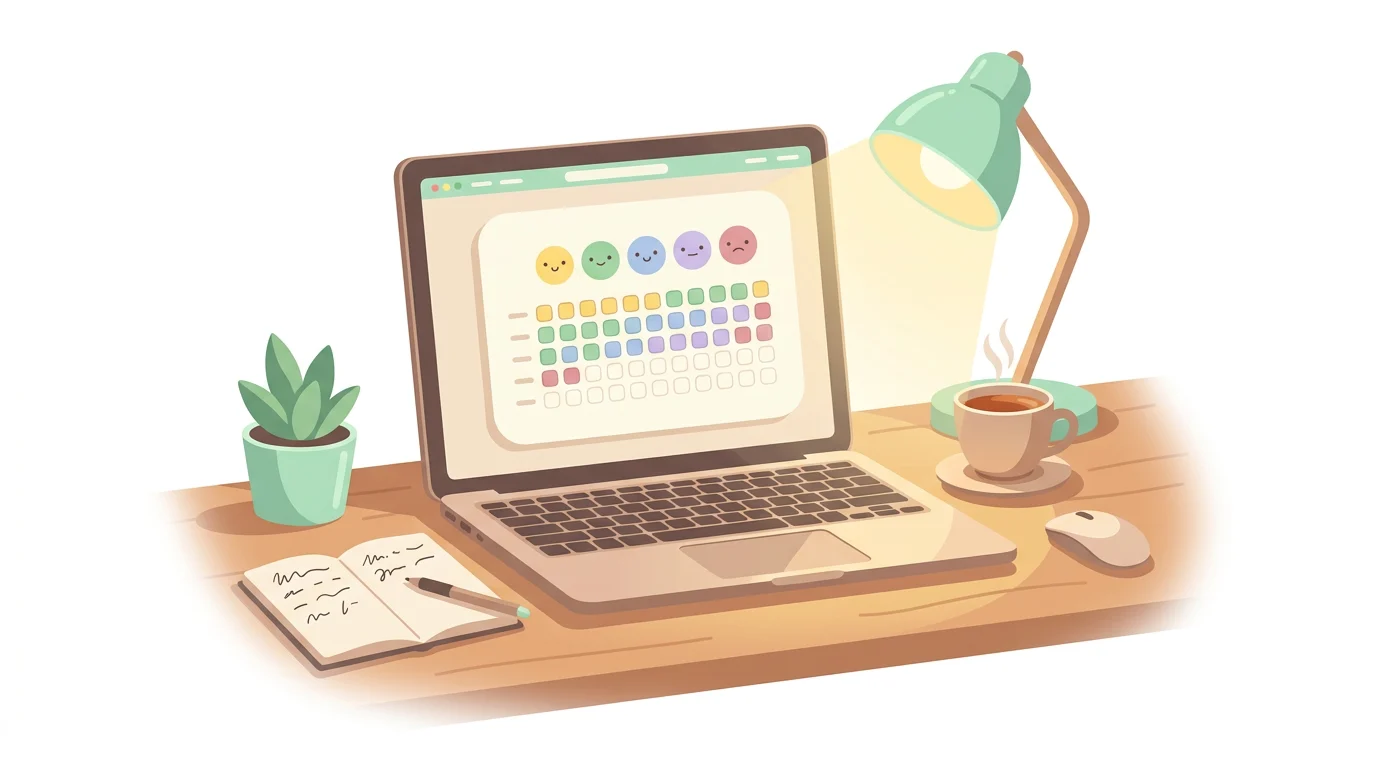
Put the tracker at the top of the page where you write. One tap at the end of the day takes a second, and the month fills in with color as you go.
Pick five moods, the colors and a view, then copy the link into any Notion page. One tap a day fills your week, your month and your Year in Pixels.
Five, the best first. A line left out keeps its name.
Moods are kept on the device that taps them.
Today in Room 12
www.notion4teachers.com/embed/mood-trackerA mood tracker widget is a small web page where you tap how each day felt, made to sit inside a Notion page. You paste its link into Notion, choose Create embed, and tap your mood right in that block. This one has five moods you can rename, drawn as faces or color swatches, and shows the week, the month or a Year in Pixels. Your moods stay in your own browser. Nothing to install, and no account.
Teacher Home
Whenever you want a quiet record of how the days went. Three places it fits:
Put the tracker at the top of the page where you write. One tap at the end of the day takes a second, and the month fills in with color as you go.

Beside the timetable and the to-do list, a row of faces asks how today was. Looking back at a month of colors shows which weeks felt easy and which felt hard.
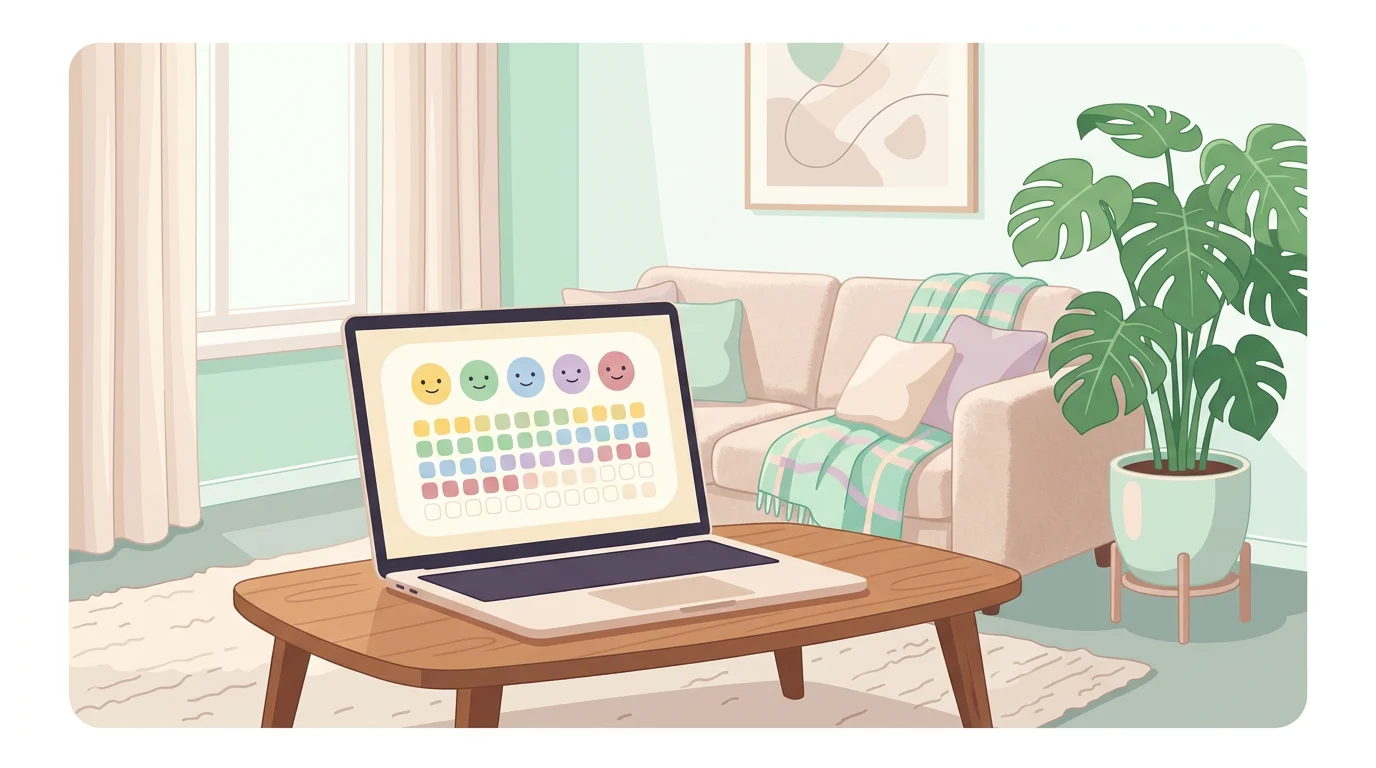
The Year in Pixels draws every day as a small square. By December it is one picture of the whole year, the long good stretches and the harder weeks.
Set it up once, copy the link, and tap your mood right inside Notion. Here is what you can change before you paste it.
Five moods sit in a row under the question. Tap one to mark today, tap it again to clear it, or press 1 to 5 on a keyboard. Today is ringed in the view.
The month view is a calendar where each day takes the color of its mood. Tap any past day to fill it in, and Back to today brings you back.
Choose Year in Pixels and every day of the year becomes a small square, twelve months by up to 31 days. A wide block lays the months across and a tall one lays them down.
Draw the moods as faces or as plain color swatches. Pick Soft, Bright, Pastel or Earth for the moods and Paper, Cream, Sage or Night for the background.
Type five names of your own, one a line, the best first, and they show under the moods as the legend. Ask your own question too, or keep How was today.
Five steps, about a minute. The same steps work for every widget on Notion4Teachers.
Choose the view, the mood names and the colors at the top of this page.
Press Copy Widget Link. Everything you chose is part of the link.
Click where the tracker should go on your Notion page and paste.
Notion asks what to do with the link. Choose Create embed.
Pull the block’s corner until the tracker is as big as you want.
The Ultimate Teacher Planner sets up your classes, lessons, grades and attendance in Notion. Put your widgets at the top of it in a minute.
See the Teacher PlannerColoring a table by hand every night gets old. Here a tap colors the day for you.
Tap a face or a color for today, or fill in a day you missed.
Every day of the year as one small square, drawn as you go.
Moods stay in your own browser. Nothing is sent to us, and there is no account.
Soft, Bright, Pastel or Earth, on Paper, Cream, Sage or Night.
Rename all five moods and ask the question your own way.
Your moods and your days, and nothing else. No pop-ups and no logos.
Anyone who keeps a journal or a study page in Notion.

On a study dashboard or a journal page, for a quick tap at the end of the day. Over a term the colors show the busy weeks, the easy ones and everything between.

On a personal planner page, away from the class pages. A tap a day takes no time, and the month shows how the term is going for you.

On the page where you already write each night. The Year in Pixels turns twelve months of one-tap days into one picture you can look back on.
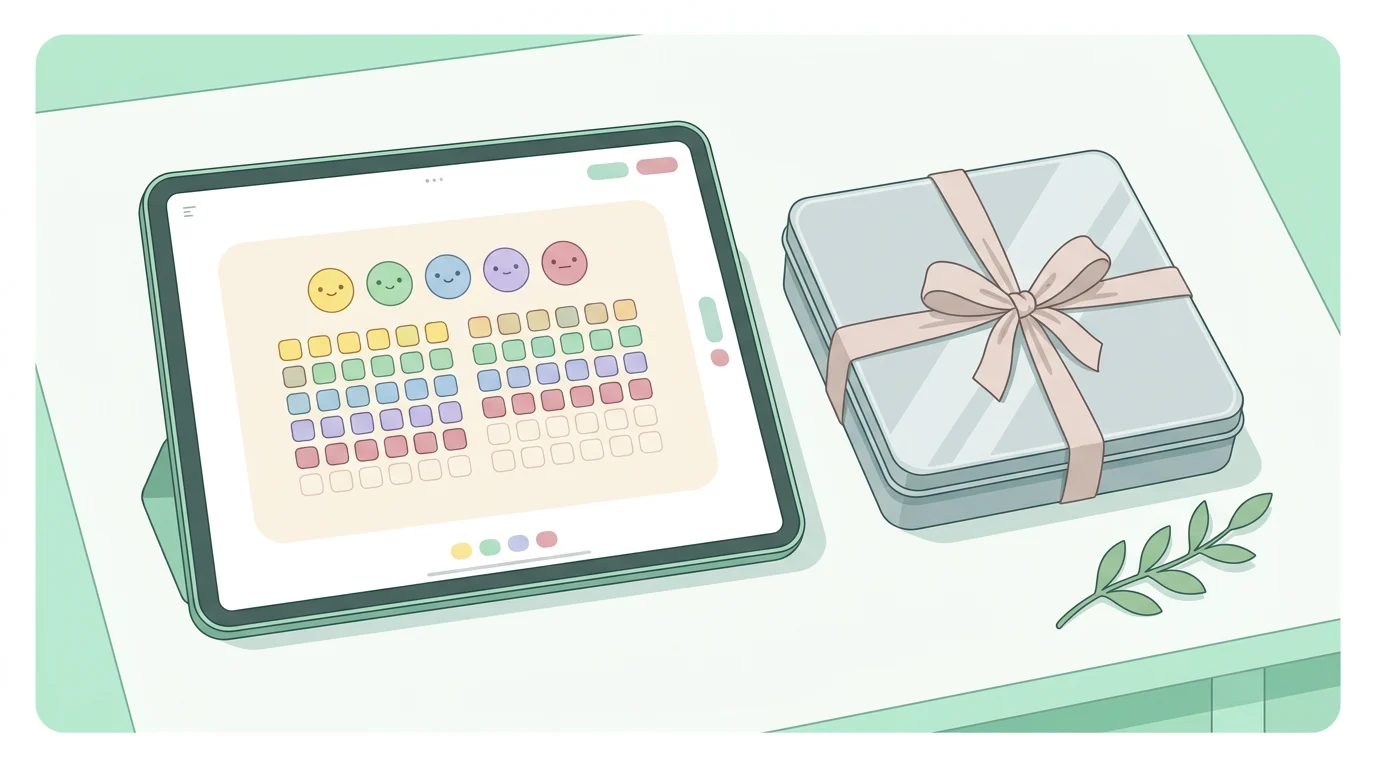
Many Notion mood trackers are tables you color one cell at a time, from a legend you keep somewhere else. Here one tap colors the day, and the week, the month and the year follow.
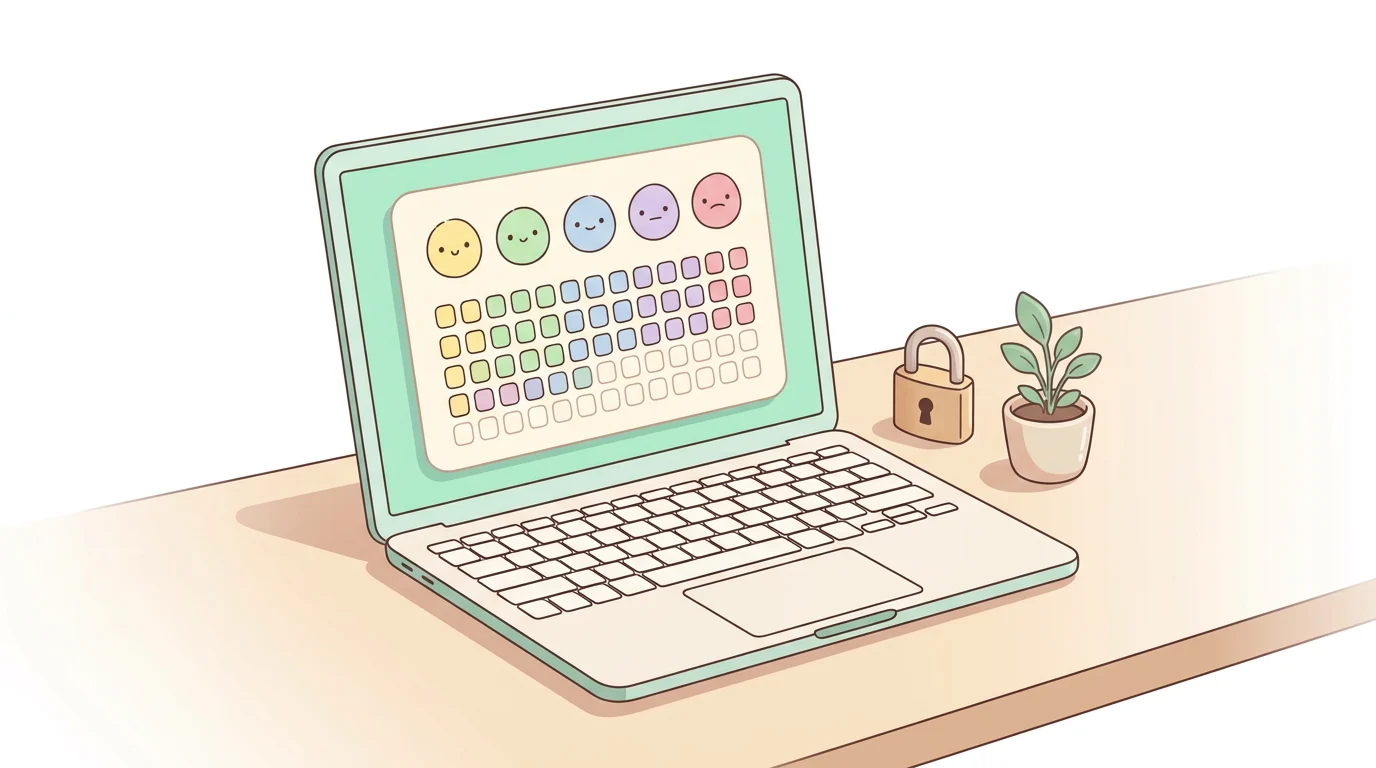
Moods are kept in the browser on your own device and never sent to us. Someone who opens the same Notion page sees an empty tracker of their own, not yours.

No sign-up, no trial and no watermark. Set the tracker up on this page, copy the link and paste it into Notion: that is all there is to it.
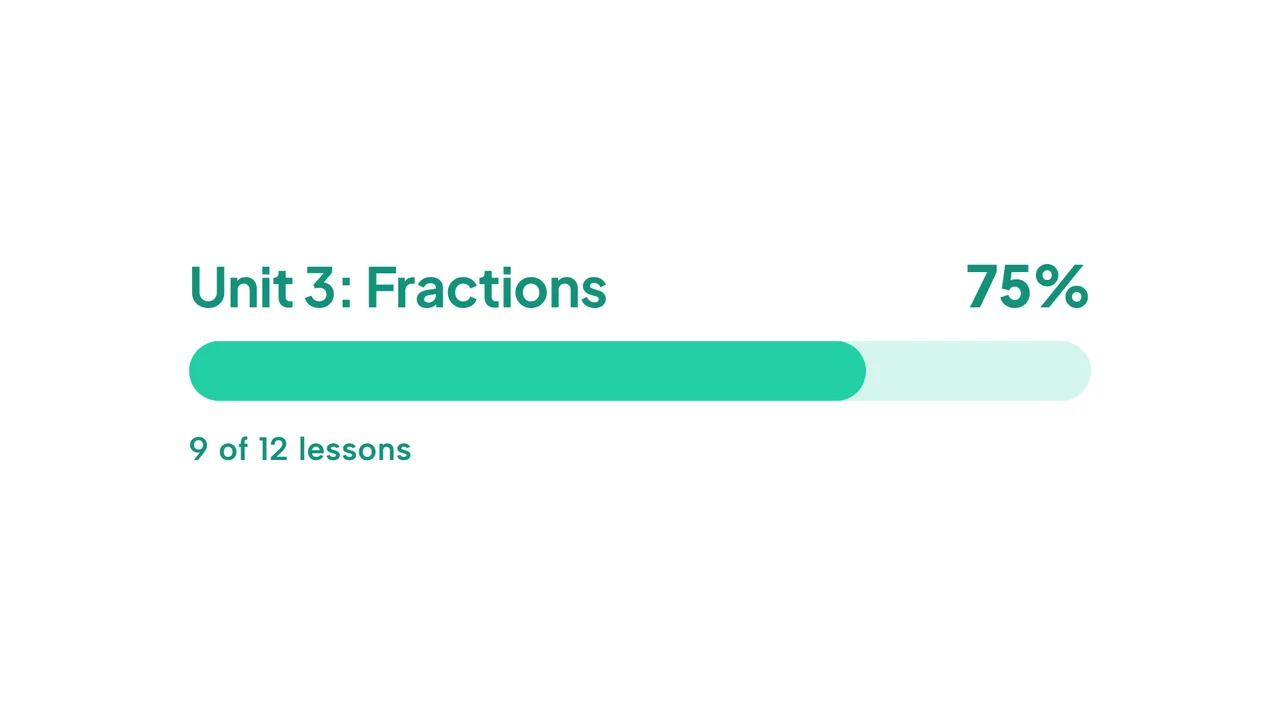
A bar, ring or battery that fills as you count lessons, pages or the days of a term.
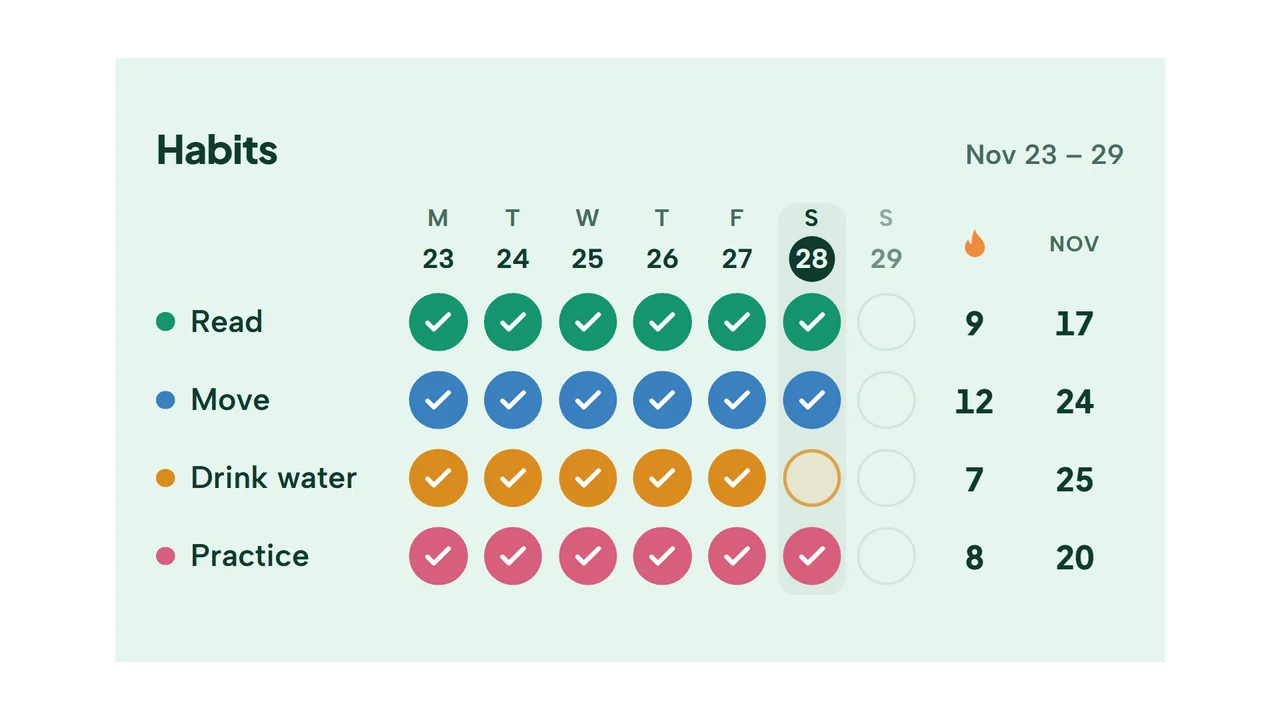
Tick off up to six habits each day and watch the streaks grow, week by week.
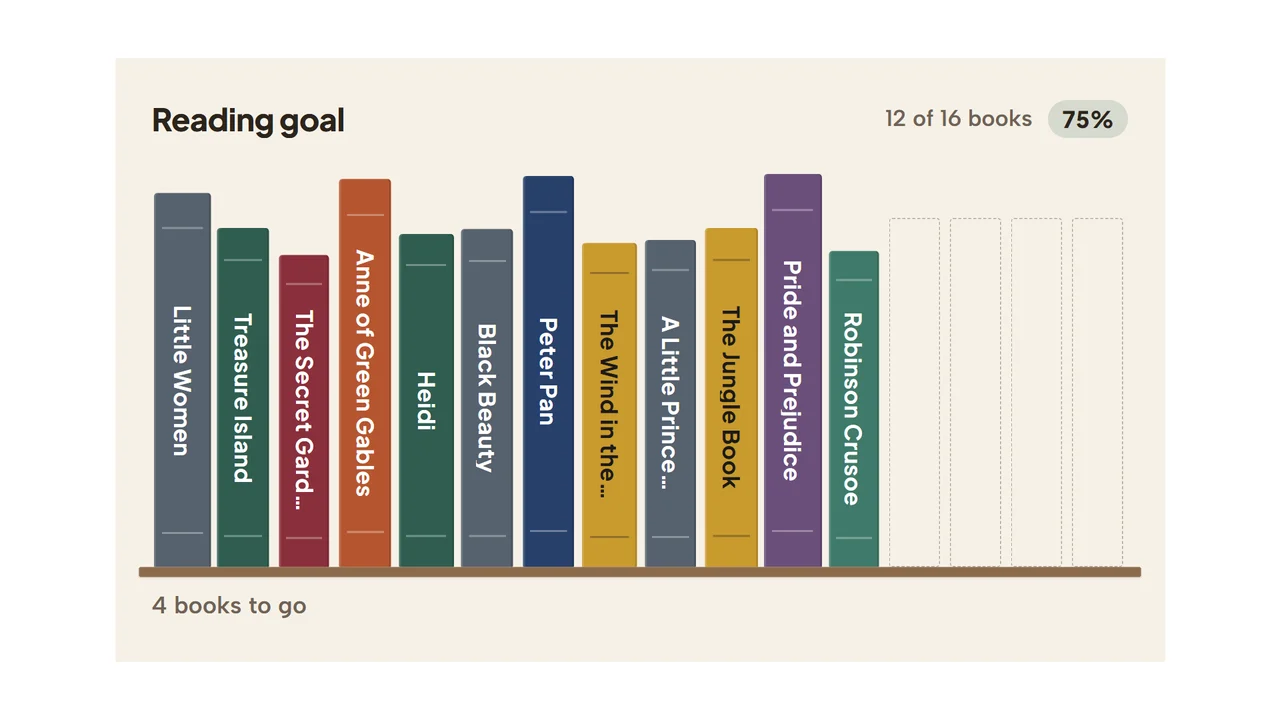
A shelf of books that fills toward your reading goal for the year.
Yes. The mood tracker is free to set up, copy and use on as many Notion pages as you like. There is no account to make, no trial, no watermark and no ads, and your moods are never sent to us.
Choose the view, the colors and the mood names at the top of this page, then press Copy Widget Link. In Notion, click where the tracker should go, paste the link and choose Create embed. Drag the corners of the block to make it the size you want.
A Year in Pixels is a grid with a small square for every day of the year, twelve months by up to 31 days, each square colored by how that day felt. Choose Year in Pixels under Show and the widget draws it from your taps, months across in a wide block and down in a tall one.
Only you, on the device you tap them on. Moods are kept in that browser and never sent to us. Someone else who opens the same Notion page sees an empty tracker of their own, and so does another computer or the Notion phone app. A private window or cleared site data starts fresh.
Yes. Under Mood names, type five names, one a line, the best first, and a line you leave out keeps its name. Choose faces or plain color swatches, one of four palettes (Soft, Bright, Pastel or Earth) and a background of Paper, Cream, Sage or Night.
Yes. Tap a past day in the week, the month or the Year in Pixels, and the question changes to that day. Tap a mood to fill it in, or tap it again to clear it. Back to today, or the Escape key, returns to today. Days still to come cannot be filled.
Use a Notion database, a page a day with a mood property, when you want to write notes beside each day, see them on every device or filter them later. Use the widget when you want one tap a day and the whole year at a glance, with nothing to build. You can keep both: notes in the database, the widget at the top.
Yes. The tracker is part of the Notion page, so it shows wherever the page opens: the Notion app on iPhone, iPad and Android, the desktop app and the browser. Each device keeps its own moods, so tap on one device if you want one Year in Pixels.

The Complete Bundle has every Notion4Teachers template, with the Ultimate Teacher Planner at its heart.
Get Complete Bundle40% OFF!