A class calendar students can see
Keep tests, trips and due dates in a public class calendar and show it on the class page in Notion. Add an event in Google Calendar and it is on the page the next time someone opens it.
Paste your calendar's public address, pick the view, the colors and the buttons you want, then copy the link and paste it into Notion. Any public Google Calendar works.
Up to five, one a line: ID, address or embed code.
Times in the zone of each device that opens it.
Today in Room 12
www.notion4teachers.com/embed/google-calendarGoogle Calendar can show a public calendar inside another page. This widget sets that view up for you and puts it in a frame that fits Notion. Paste the calendar's public address or ID, choose month, week or agenda, the colors, a light or dark calendar and which of Google's buttons show, then copy the link and paste it into Notion as an embed. Nothing to install, and no account to connect.
Teacher Home
Whenever the dates already live in Google Calendar and the plans live in Notion. Three places it helps:
Keep tests, trips and due dates in a public class calendar and show it on the class page in Notion. Add an event in Google Calendar and it is on the page the next time someone opens it.

Many schools publish their calendar in Google Calendar. Paste its address next to your own class calendar, each in its color, and plan units around holidays and testing weeks.

For a club, a team or a homeroom, the Agenda view lists the next events in order. Put it at the top of the page that members open, so nobody misses a practice or a meeting.
Set it up once, copy the link, and Google keeps the events up to date. Here is what you can change before you paste it into Notion.
Choose the view Google draws when the page opens. Month shows the events in the days, Week shows seven days hour by hour, and Agenda lists what is coming up next. Start the week on Sunday, Monday or Saturday.
Google's own embed is white only. Choose Dark and the whole frame turns dark, the calendar included, so it sits on a dark Notion page without a bright box.
Paste a school calendar, a class calendar and a club calendar, one a line, and they show together in one embed. Pick one of six color sets and each calendar gets its own color.
Google's embed comes with arrows, a Today button, the month name, a view menu, a print button and more. Turn each one on or off, or hide them all for a clean calendar.
The calendar fills the whole embed block, edge to edge, and a title of your own can sit above it. Drag the block and the calendar follows, from a narrow column to the projector.
Five steps, about a minute, once your calendar is public. The same steps work for every widget on Notion4Teachers.
Copy its public address or ID from Google Calendar and paste it at the top of this page.
Press Copy Widget Link. Your calendars and settings are part of the link.
Click where the calendar should go on your Notion page and paste.
Notion asks what to do with the link. Choose Create embed.
Pull the block's corner until the calendar is as big as you want.
The Ultimate Teacher Planner sets up your classes, lessons, grades and attendance in Notion. Put your widgets at the top of it in a minute.
See the Teacher PlannerGoogle gives you a frame to paste. This widget sets it up for you and makes it fit a Notion page.
Google's embed has no dark mode. Choose Dark and it fits a dark Notion page.
Up to five public calendars in one block, each in its own color.
Show or hide the arrows, the month name, the view menu, print and more.
No Google sign-in on this page. The widget uses the calendar's public address.
Our frame holds your calendar and a title if you add one. Nothing else.
No account and nothing saved on our side. Change a setting, copy the new link.
Anyone whose dates live in Google Calendar and whose plans live in Notion.
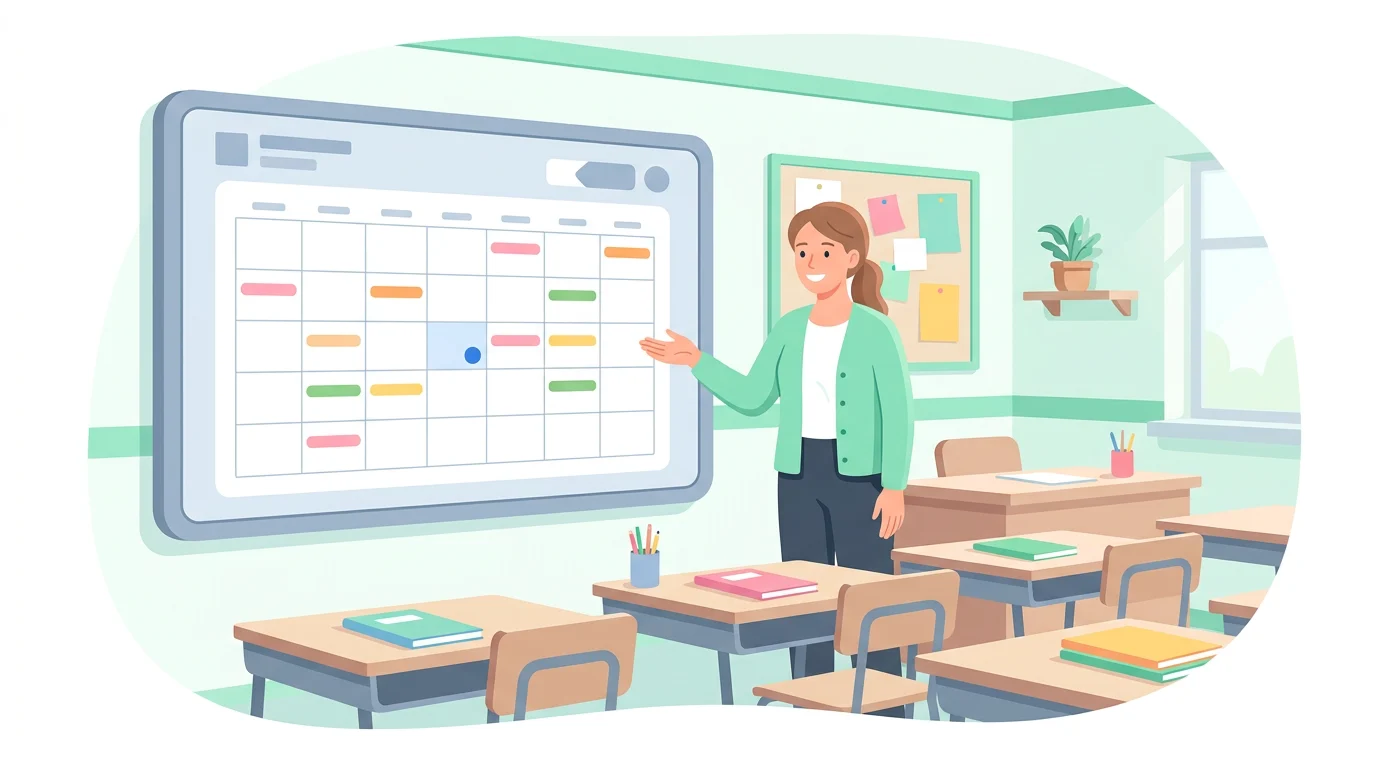
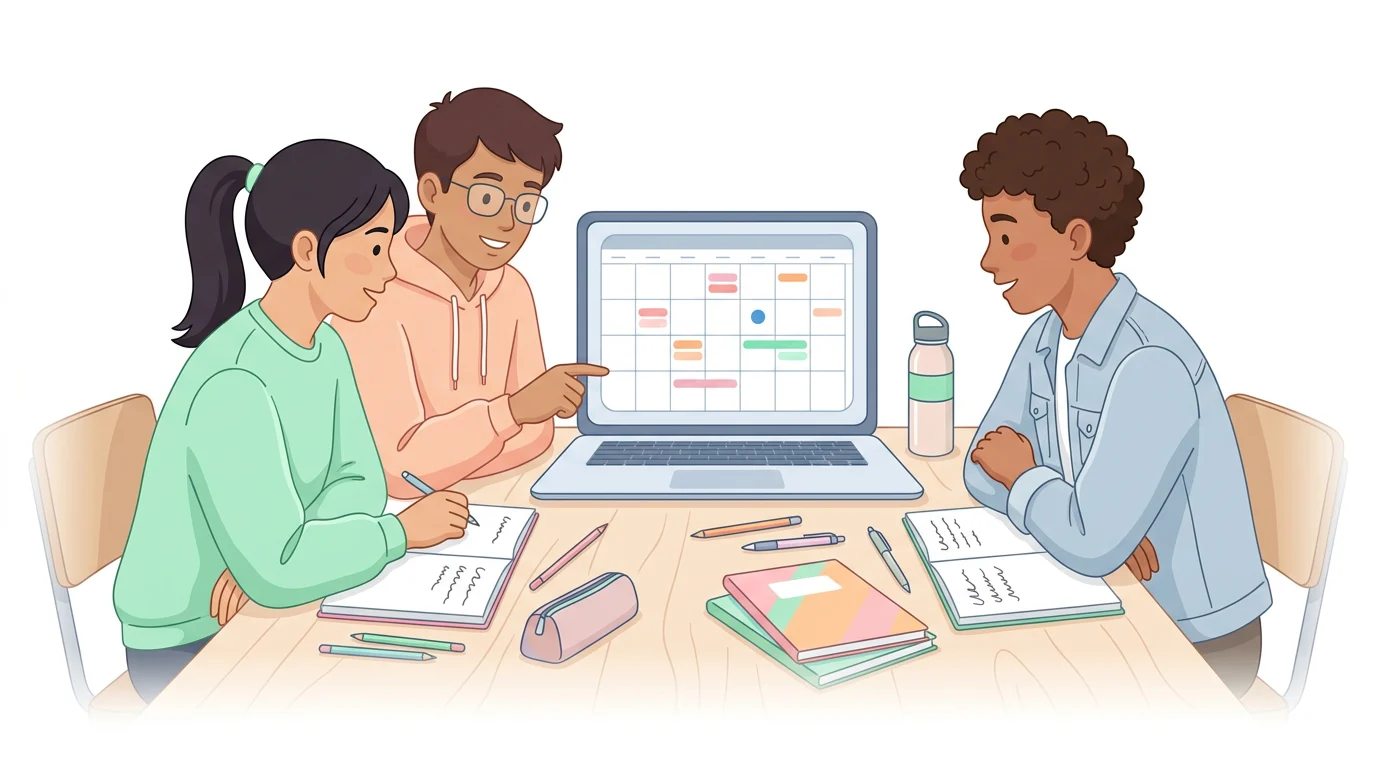
A public class calendar with tests, trips and due dates on the class page, and the school's calendar beside lesson plans, so dates are kept in one calendar and seen wherever students look.
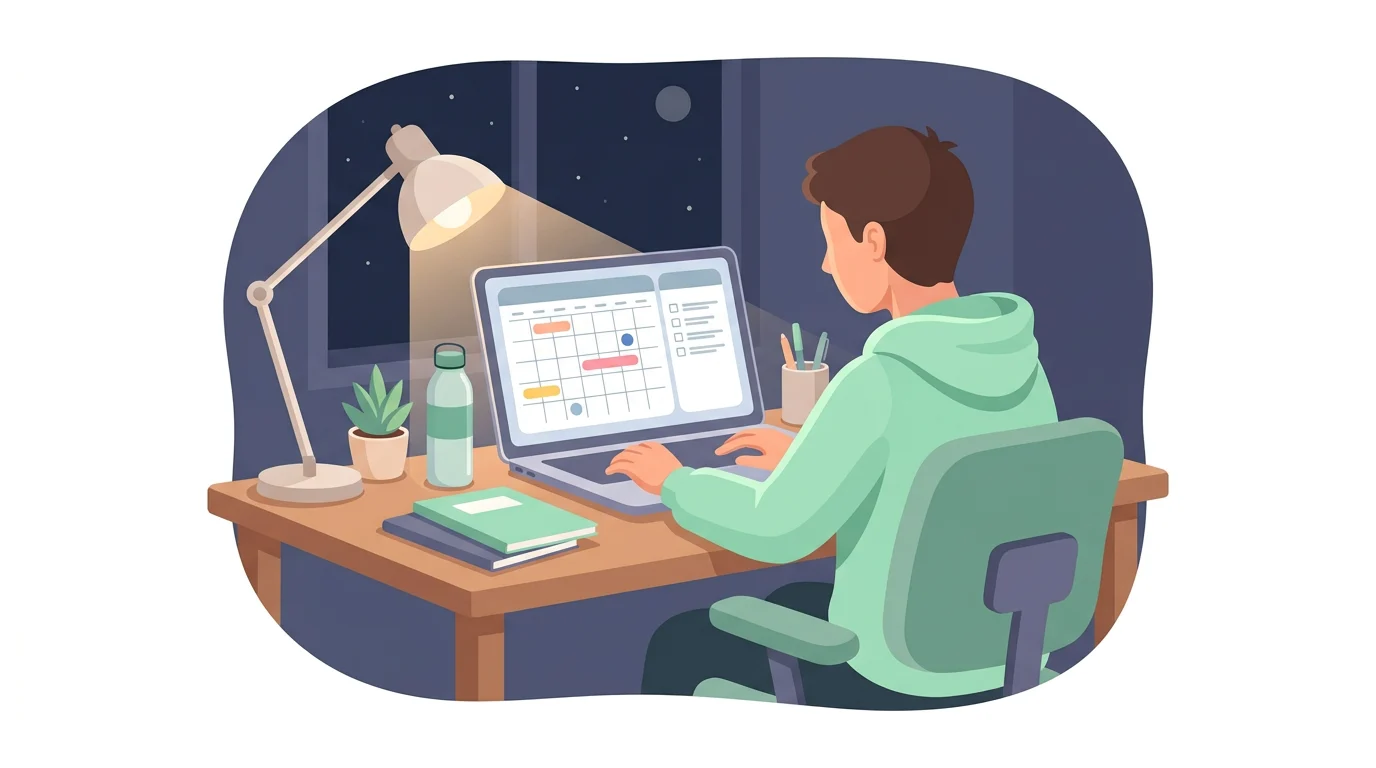
The school's public calendar or a club's on a study dashboard in Notion, next to the to-do list, to see game days, exam weeks and breaks without opening another app.

A family or tutoring calendar kept in Google Calendar, shown on the lesson page in Notion, so lessons, co-op days and appointments are in front of everyone who opens it.
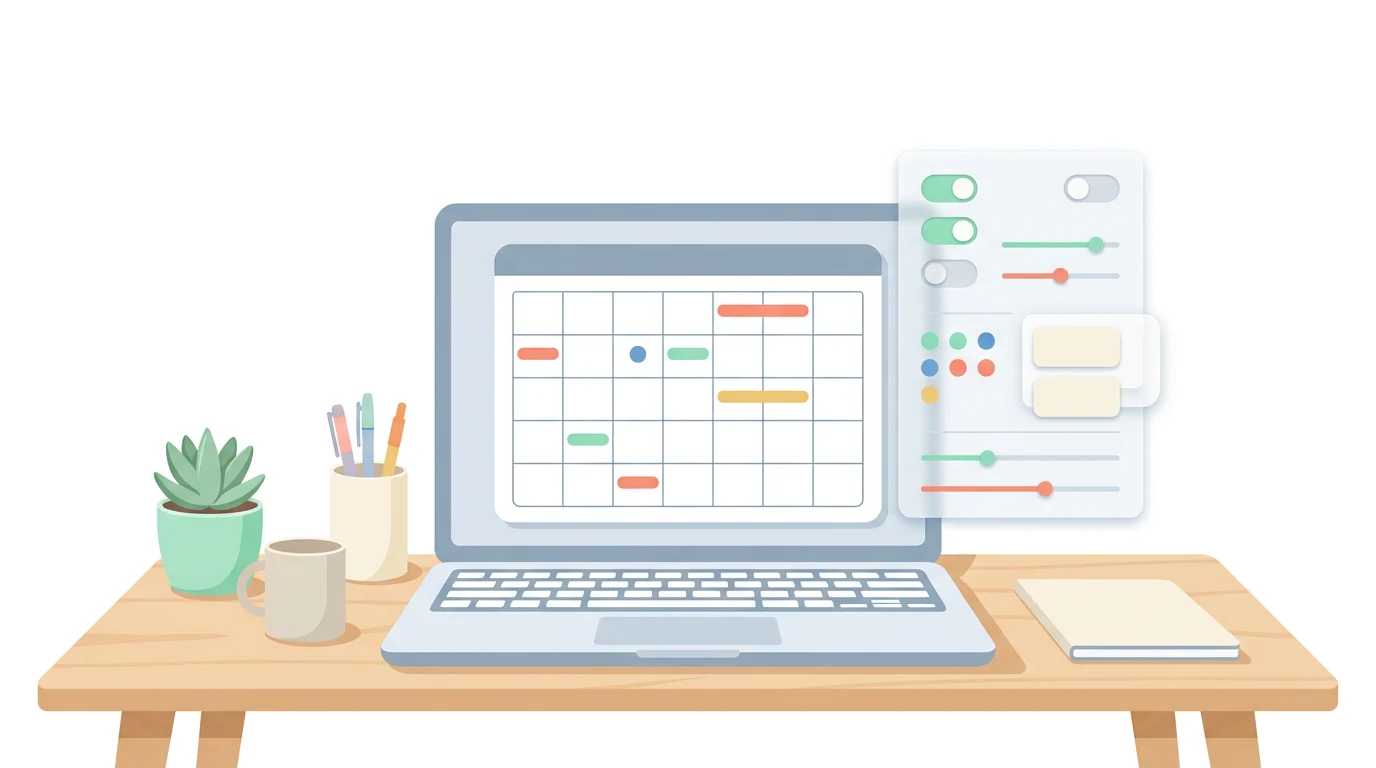
No editing Google's embed code or building its address by hand. Paste the calendar, pick the view, colors and buttons with the controls, and the widget writes the link for you.
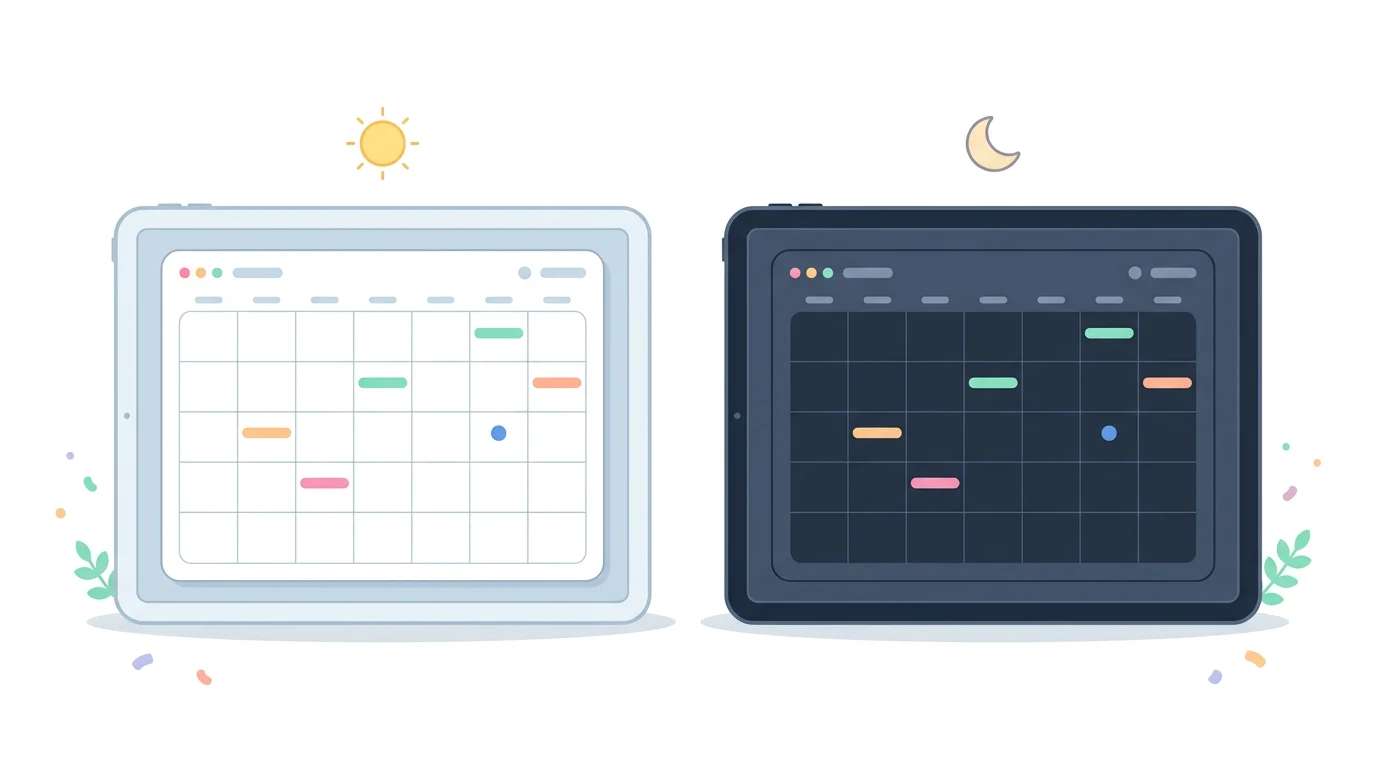
Google's calendar is always white. Here it can turn dark as a whole, frame and calendar together, so a dark Notion page keeps its look.
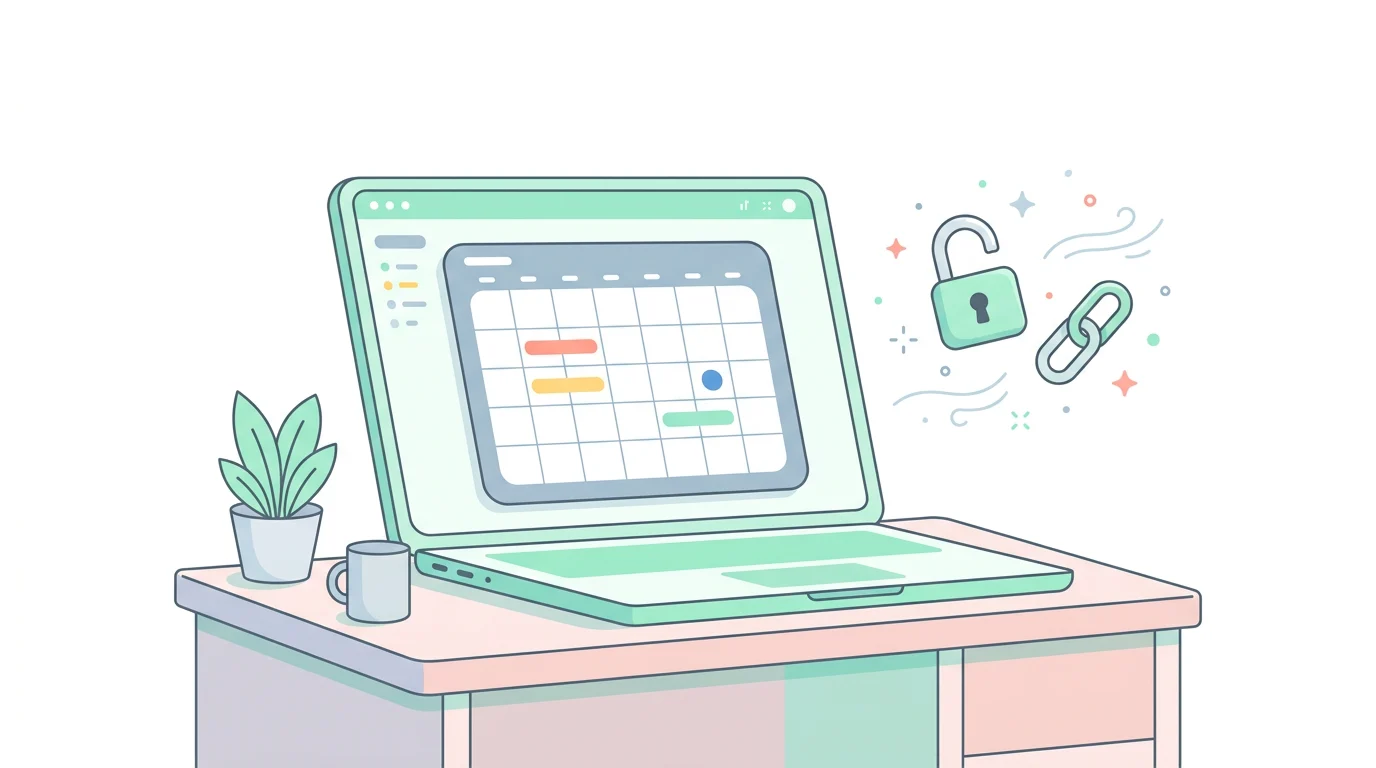
The widget never asks for your Google account. It uses the calendar's public address, the events load straight from Google in the reader's browser, and nothing passes through our side.
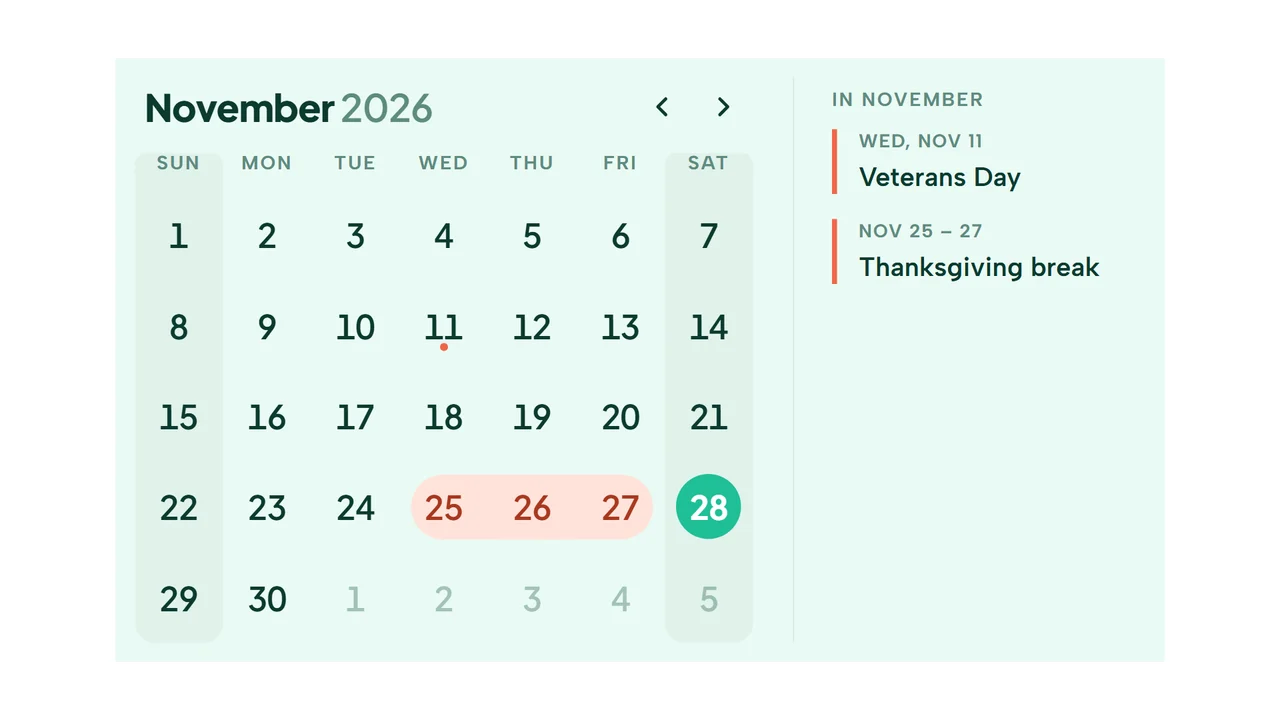
A month calendar with today marked, your colors and the holidays and tests you add.
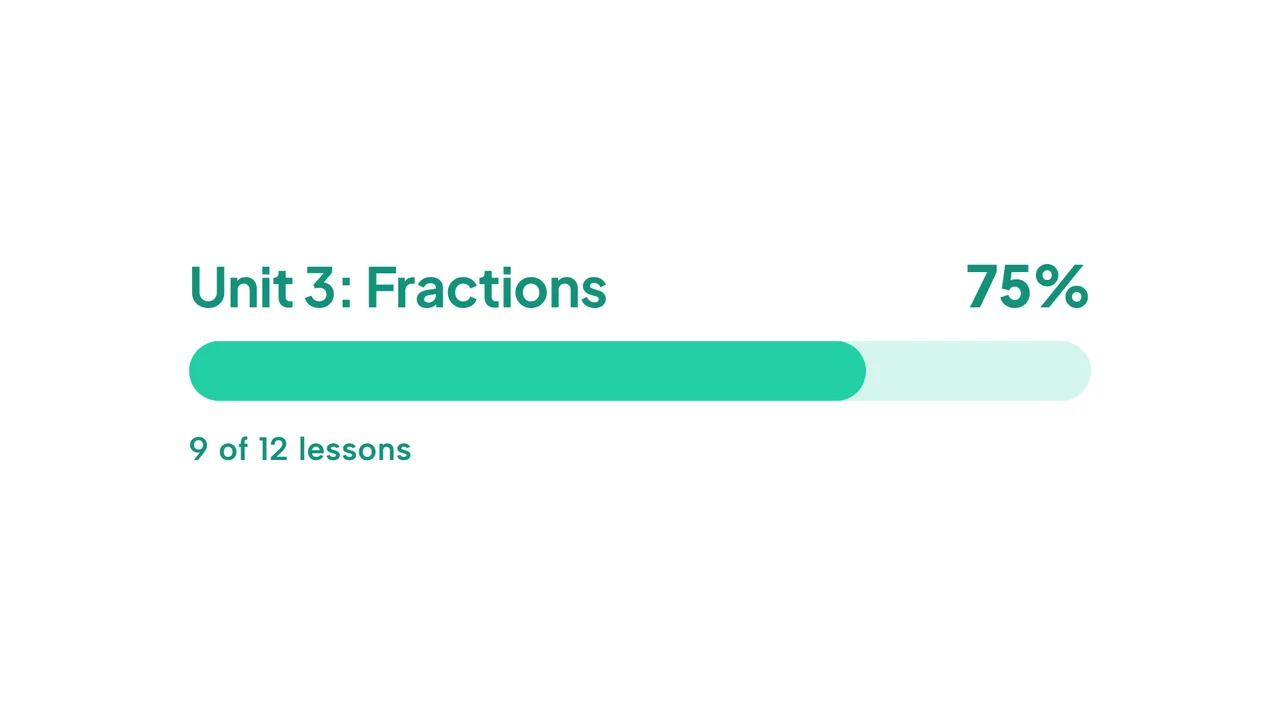
A bar, ring or battery that fills as you count lessons, pages or the days of a term.
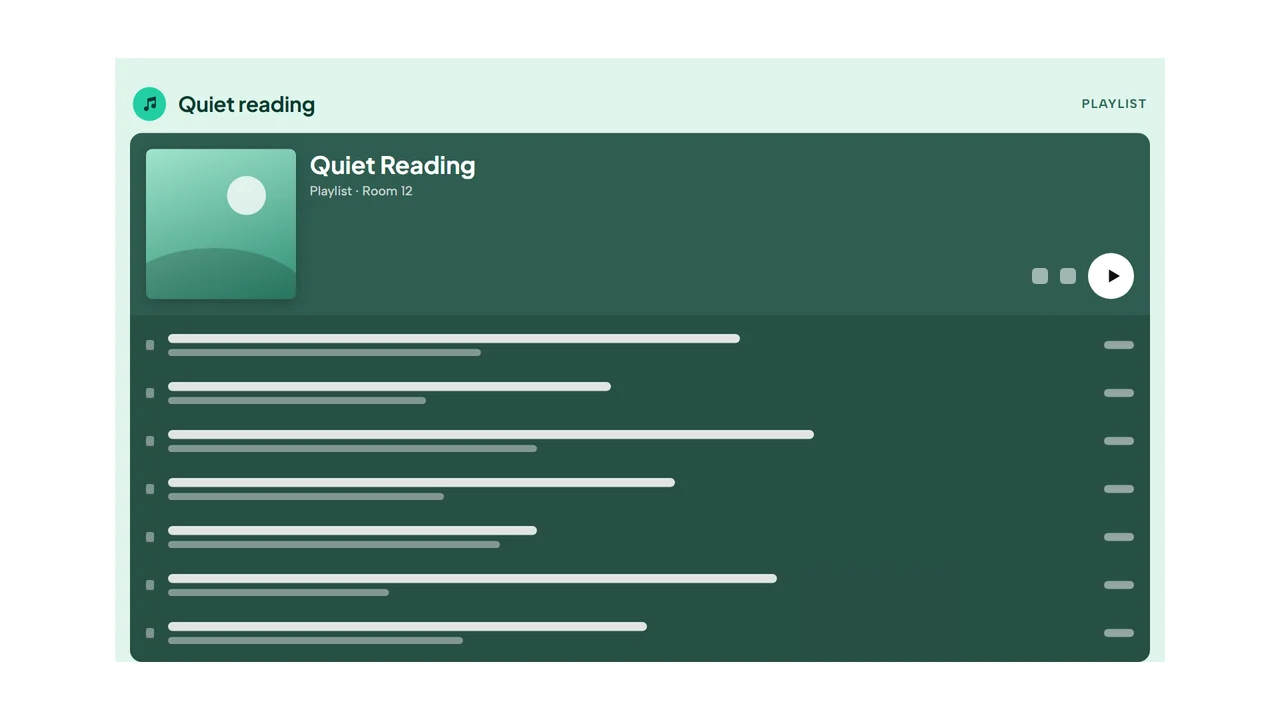
Spotify’s player for a playlist, album or podcast, in a frame that matches your page.
Make the calendar public in Google Calendar, copy its public address or ID, and paste it under Your calendar at the top of this page. Pick the view and colors, press Copy Widget Link, then paste the link in Notion and choose Create embed.
Yes. It is free to set up, copy and use on as many Notion pages as you like. There is no account to make, no trial and no watermark, and nothing in the frame but your calendar and a title if you add one.
On a computer, open Google Calendar, click the gear and choose Settings. Under Settings for my calendars, click the calendar, then scroll to Integrate calendar. Copy the Public URL to this calendar or the Calendar ID. The Embed code works too: paste any of the three.
The calendar is not public. Google shows a private calendar only to people signed in with access, and many browsers block that inside an embed. In the calendar’s settings, under Access permissions for events, turn on Make available to public. A school account’s admin may not allow this.
Make a new calendar just for the class. In Google Calendar’s settings, choose Add calendar, then Create new calendar, and make only that one public. Add tests, trips and due dates to it, and paste its address here. Your own calendar stays private.
Yes, up to five. Paste each calendar’s ID or public address on its own line under Your calendar. Each one gets its own color from the color set you pick, in the order you pasted them, so a school calendar and a class calendar are easy to tell apart.
Yes. Choose Dark under Calendar and the whole frame turns dark, Google’s calendar included, with white becoming the near black of Notion’s dark pages. Event colors keep about the same hue in a softer shade, so the words on them stay easy to read.
Yes. The widget shows Google’s own live view of the calendar, so events you add or change in Google Calendar appear the next time the Notion page is opened or reloaded. You never need to copy the link again for new events, only for new settings.

The Complete Bundle has every Notion4Teachers template, with the Ultimate Teacher Planner at its heart.
Get Complete Bundle40% OFF!