On the classroom screen
Put the tracker on the page you project in the morning. On the day, the whole class sees the party hat and the happy birthday, and everyone can see whose turn comes next.
Type the names and birthdays, copy the link, and paste it into any Notion page. See whose birthday is next and the days to go, with a party on the day.
Month, then day. First names only: the link carries the list.
Today in Room 12
www.notion4teachers.com/embed/birthday-trackerA birthday tracker widget is a small web page that reads a list of birthdays and the date, made to sit inside a Notion page. You paste its link into Notion, choose Create embed, and it shows whose birthday is next and how many days to go. This one celebrates on the day with a party hat and confetti, shows a month of birthdays, and needs only names and dates, no years. Nothing to install, and no account.
Teacher Home
Whenever a birthday should never slip by. Three moments where it helps:
Put the tracker on the page you project in the morning. On the day, the whole class sees the party hat and the happy birthday, and everyone can see whose turn comes next.

Keep the class birthdays beside the week’s lesson plans, so you see three days ahead that a birthday is coming and have time for a card or a song.

Put the birthdays of family and friends on your own home page, with the month view, and the next one is never a surprise. No years needed, so nobody’s age is on show.
Type the list once, copy the link, and the tracker keeps up with the calendar. Here is what you can change before you paste it into Notion, and what it shows.
The next birthdays in order, each with its initial, its date and the days to go, from Tomorrow to in 120 days. Show one or up to ten, and the dates or just the days.
On someone’s birthday the tracker wishes them a happy birthday at the top, puts a party hat on their initial and lets off a small burst of confetti, drawn still for anyone who prefers less motion.
A calendar of the month with every birthday marked in the person’s color and today circled. Arrows, or the arrow keys, show the months before and after, up to eleven either way.
One person a line, the name and then the month and the day, like Maya | 03-14. No years, so no ages. First names are enough, since the list travels in the link.
Six color sets, from cream Paper and soft Blush to a dark Night for Notion’s dark mode. The initials keep their own pastel colors in every set.
Five steps, about a minute. The same steps work for every widget on Notion4Teachers.
One name and birthday a line at the top of this page, then pick the colors.
Press Copy Widget Link. The list and your settings are part of the link.
Click where the tracker should go on your Notion page and paste.
Notion asks what to do with the link. Choose Create embed.
Pull the block’s corner until the tracker is the size you want.
The Ultimate Teacher Planner sets up your classes, lessons, grades and attendance in Notion. Put your widgets at the top of it in a minute.
See the Teacher PlannerA list of dates has to be read. This one does the counting and throws the party.
A happy birthday, a party hat and a small burst of confetti, every birthday.
The month with every birthday marked, and arrows to the months around it.
Names and month and day only. No years, so no ages on show.
No account and nothing saved on our side. Change the list, copy the new link.
The widget shows the birthdays and nothing else. No ads, no account and no watermark.
Six color sets, from cream Paper to a dark Night for dark mode.
Anyone who wants to remember every birthday in a group.

On the morning page for the class birthdays, so no child’s day goes by without a happy birthday, and on a planning page to see a birthday coming a few days ahead.

On a club or friends page for the birthdays in the group, so someone always remembers the card and the song. The month view shows whose birthdays fall this month.

On a family home page for the birthdays of cousins, grandparents and friends, with the next one and the days to go always in view.

Birthday templates for Notion often cost a little and need a database to fill in. Here you type a short list on this page and copy the link: nothing to register, nothing to pay.

A table of birthdays just sits there. On the day, this one wishes the birthday person a happy birthday at the top, with a party hat and confetti the whole room can see.

The tracker needs only the month and the day, so nobody’s age is stored or shown. First names are enough, which keeps a class list short and kind.
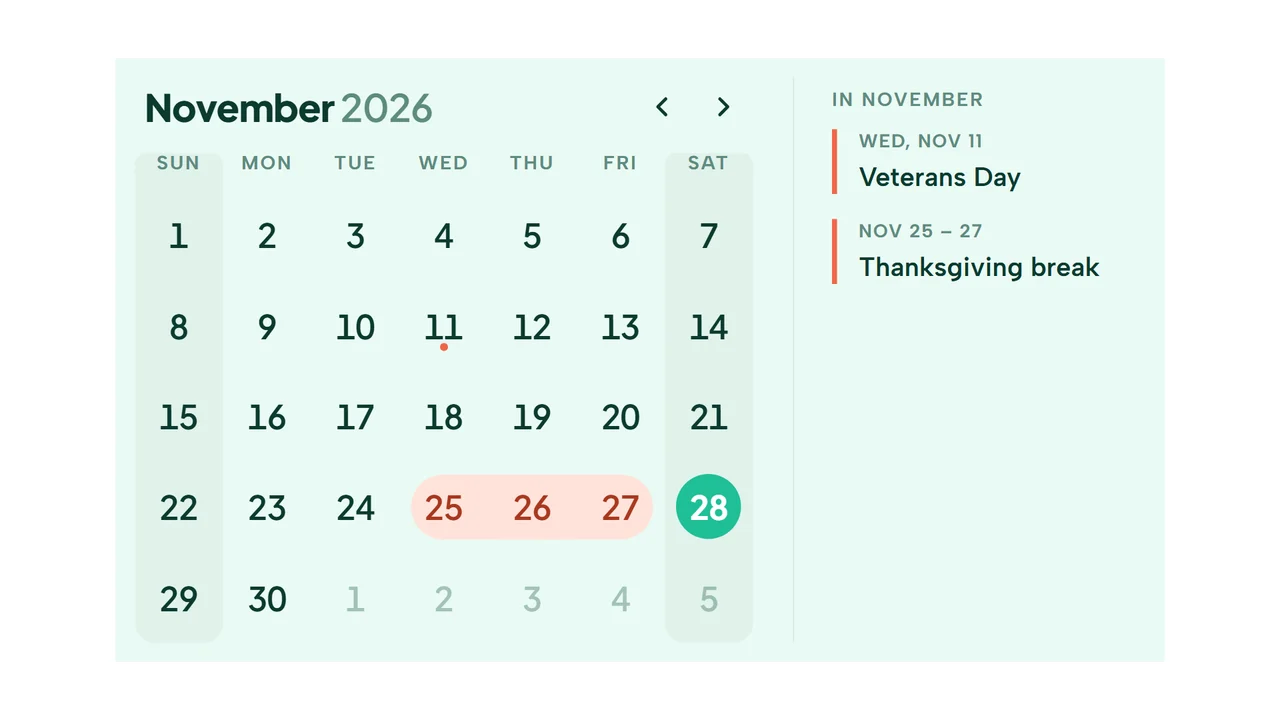
A month calendar with today marked, your colors and the holidays and tests you add.
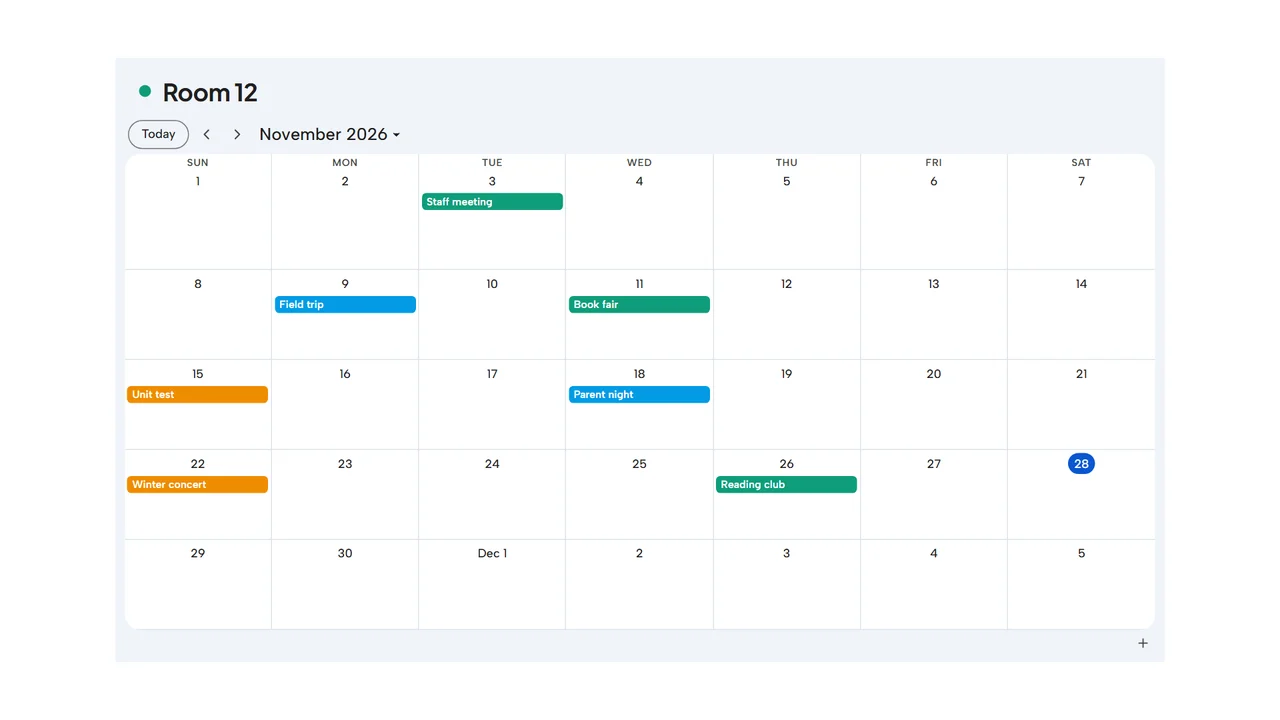
Your public Google Calendar in Notion, in month, week or agenda view, light or dark.
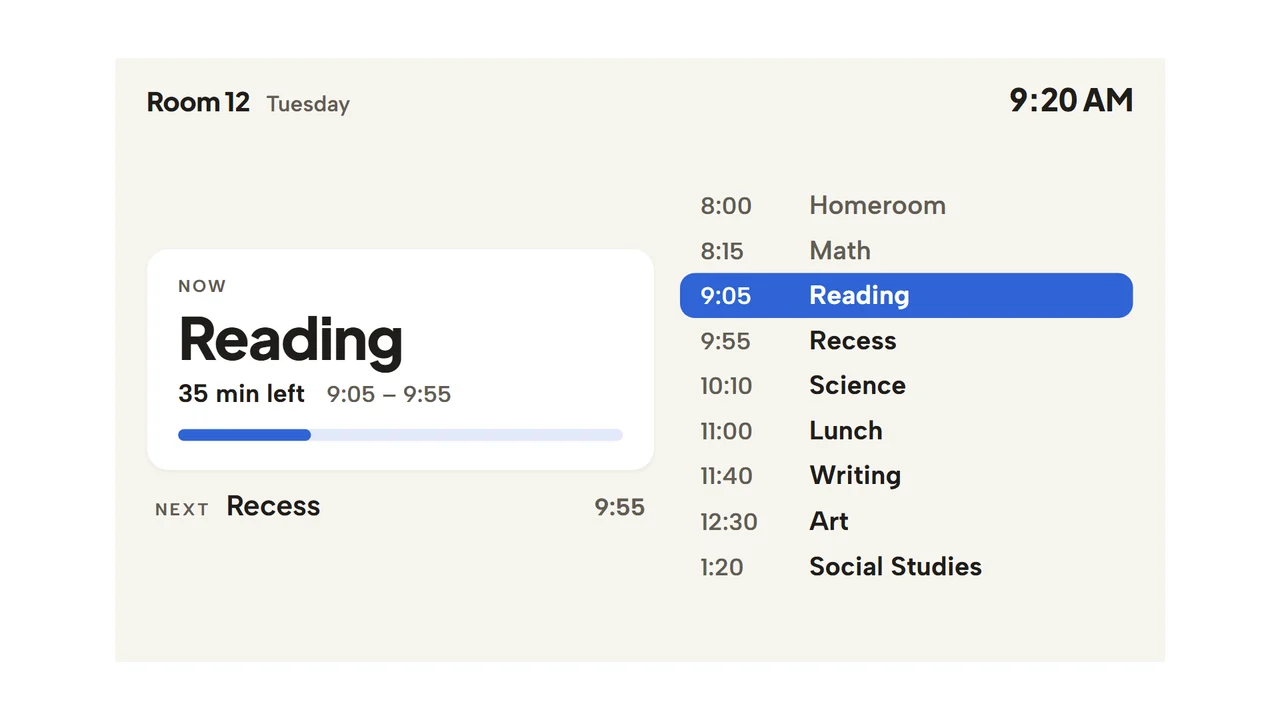
Today’s periods for the classroom screen, with what is on now and what comes next.
Yes. The birthday tracker is free to set up, copy and use on as many Notion pages as you like. There is no account to make, no trial, no watermark and no ads, and the names are kept in the link, not on our side.
Type the names and birthdays and pick the colors at the top of this page, then press Copy Widget Link. In Notion, click where the tracker should go, paste the link and choose Create embed. Drag the corners of the block to make it the size you want.
One person a line: the name, a bar, then the month and the day, like Maya | 03-14. Mar 14 and 14 March work too. There is no year, so the tracker never shows an age. A line it can’t read, like a date that doesn’t exist, is left out.
The list travels inside the link, so anyone who has the link, or can open the Notion page it is on, sees the names and birthdays. Nothing is stored on our side. For a class, use first names only, and leave out anyone whose family would rather not share a birthday.
The tracker wishes them a happy birthday at the top, with a party hat on their initial and a small burst of confetti. The burst plays once as the page opens; on a device set to reduce motion, the confetti is drawn still. Switch off Party hat and confetti for just the words.
In a leap year it shows on February 29. In the other years the tracker counts it on February 28, so the birthday is never skipped. The days to go and the month calendar both follow the same rule.
Yes. The tracker is part of the Notion page, so it shows wherever the page opens: the Notion app on iPhone, iPad and Android, the desktop app and the browser. It uses each device’s own date.
Come back to this page and press Change a widget you added, under the preview. Paste the tracker’s link (in Notion, ••• then View original shows it) and your list comes back. Add the name and copy the link again. In Notion, choose ••• then Replace and paste it: the tracker keeps its place and size.

The Complete Bundle has every Notion4Teachers template, with the Ultimate Teacher Planner at its heart.
Get Complete Bundle40% OFF!