When the class learns to tell time
Put the Classic face on the board, with the numbers 1 to 12 and a mark for every minute. Students read the hands on a real clock that moves while you teach quarter past and half past.
Pick the face, colors and second hand, copy the link, and paste it into any Notion page. A calm round clock, drawn sharp at every size, that keeps time by itself.
The time on the device that opens the page.
Today in Room 12
www.notion4teachers.com/embed/analog-clockAn analog clock widget is a small web page that shows the time on a round dial with hands, made to sit inside a Notion page. You paste its link into Notion, choose Create embed, and the clock runs in that block by itself. This one lets you choose the face, from minimal marks to the numbers 1 to 12, the colors, the frame, the second hand and the date before you copy the link. Nothing to install, and no account.
Teacher Home
Wherever a round clock says more than numbers. Three moments where it earns its place:
Put the Classic face on the board, with the numbers 1 to 12 and a mark for every minute. Students read the hands on a real clock that moves while you teach quarter past and half past.

A minimal dial with thin hands sits quietly beside your timetable and to-do list. It tells you the time at a glance and keeps the page looking tidy.

Set two or three clocks to different cities and write each city under its dial. Before a call with a partner class, everyone sees at a glance what time it is there.
Set it up once, copy the link, and the clock looks after itself. Here is what you can change before you paste it into Notion.
Minimal keeps twelve thin marks and thin hands. Classic shows the numbers 1 to 12 and every minute, Modern has bold bars and wide hands, and Roman sets I to XII in a serif face.
Sweep glides the second hand around the dial without stopping, Tick steps it once a second like a wall clock, and None leaves only the hours and minutes for the calmest dial.
Six color sets, from white Paper to navy Ocean, each with its own second hand color. Frame the dial with a soft shadow, a ring or a flat edge, on a clear or solid background.
Show the day of the month in a small window at three o’clock, as on a watch, or write the weekday, month and day under the clock. Add a line of your own there too.
Leave it on each viewer’s own time, or pick one of nine cities, so everyone sees the time in Seoul, London or New York wherever they open the page. Put three side by side for a world clock.
Five steps, about a minute. The same steps work for every widget on Notion4Teachers.
Pick the face, the colors and the second hand at the top of this page.
Press Copy Widget Link. Everything you chose is part of the link.
Click where the clock should go on your Notion page and paste.
Notion asks what to do with the link. Choose Create embed.
Pull the block’s corner until the dial is as big as you want.
The Ultimate Teacher Planner sets up your classes, lessons, grades and attendance in Notion. Put your widgets at the top of it in a minute.
See the Teacher PlannerA clock image sits still. This one keeps time, follows your settings and fits your page.
Some free clocks cover the dial with pop-ups and ads. This one shows the clock and nothing else.
The dial is drawn, not a picture, so its marks and hands stay crisp from a small column to the projector.
The dial carries its own color, so the clock reads on a white page and on a dark one.
It runs in the Notion embed on any computer, tablet or phone that opens the page.
No account and nothing saved on our side. Change a setting, copy the new link.
It reads the clock of the device it runs on, so the hands stay right without a refresh.
Anyone who likes a round clock on the page more than a row of numbers.
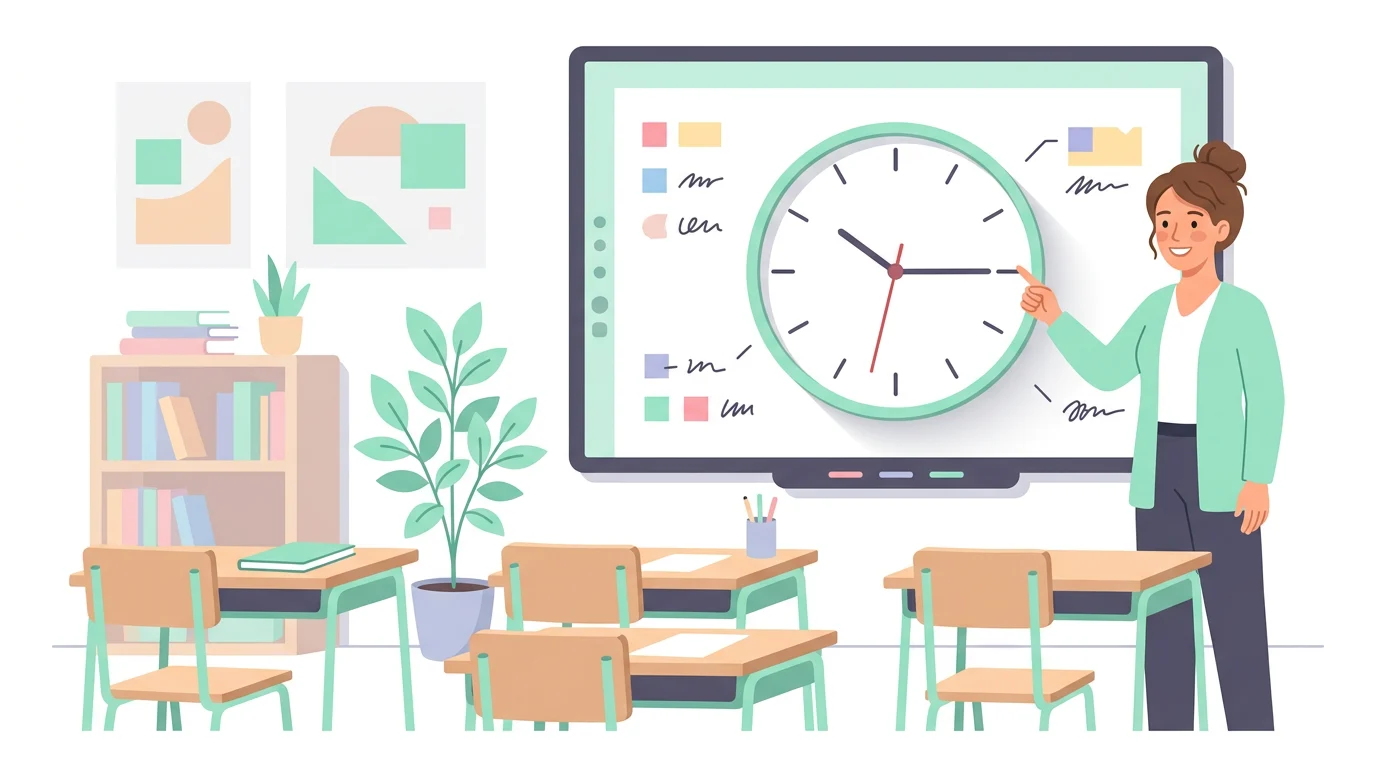
On the board while the class learns to tell time, and on a calm planning page. A Classic dial with every minute marked lets students count the minutes to the bell on a clock that moves.

On an aesthetic study dashboard, a Minimal or Roman dial in Latte or Sage beside the to-do list, to keep an eye on study time without picking up the phone.

On the day’s lesson page, so a child practices reading the hands every time they check when the next break starts.
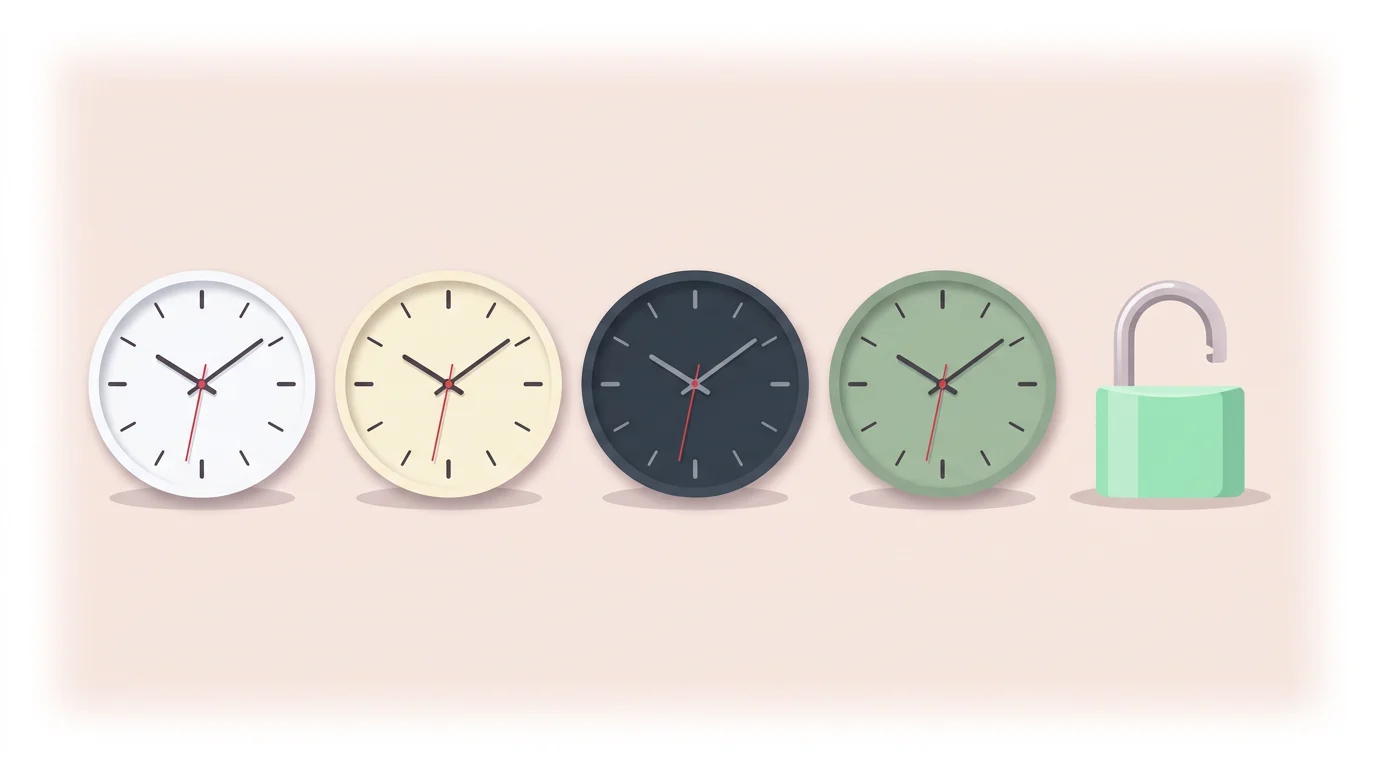
Most free analog clocks for Notion come in one fixed look. Here you choose the face, the colors, the frame and the second hand, and every choice is free: nothing to register, nothing to pay.
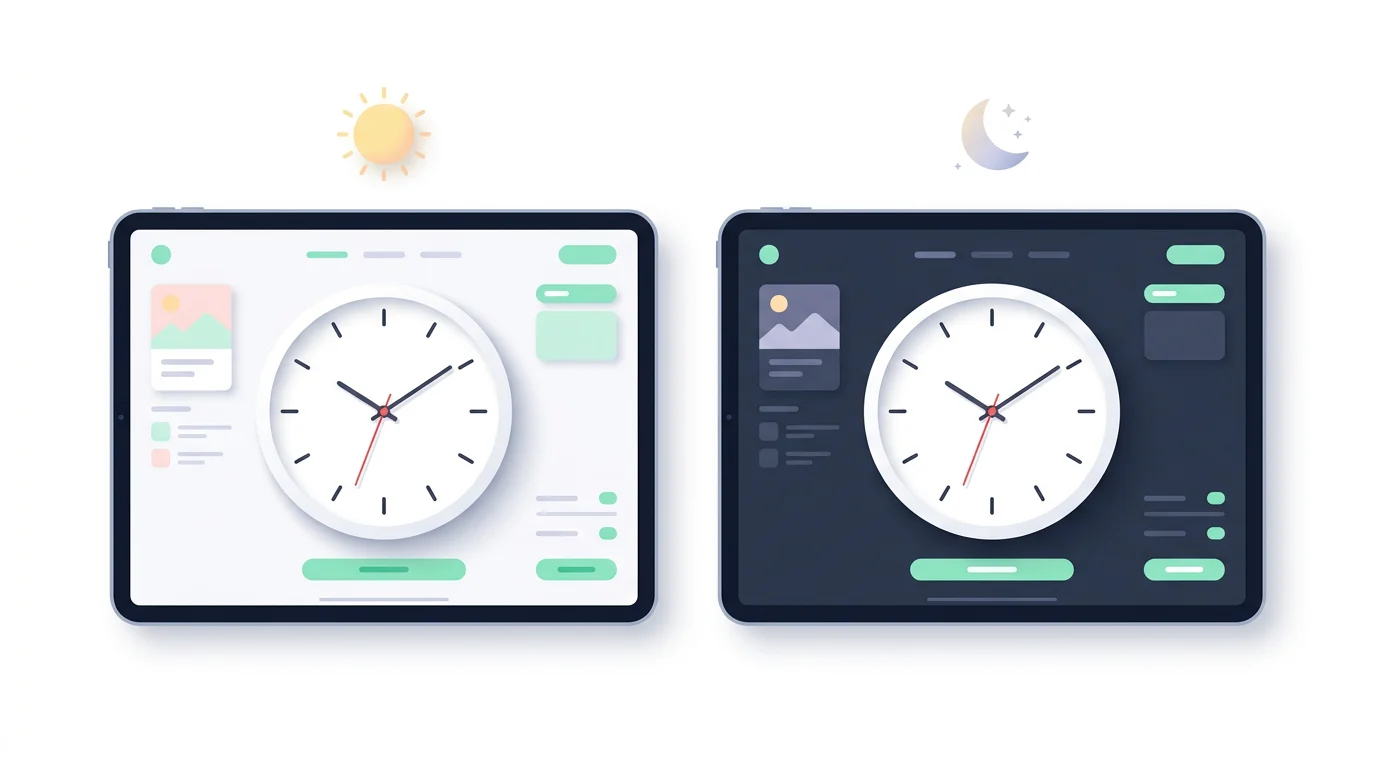
Clocks drawn in thin black lines vanish when Notion turns dark. This dial is filled with its own color, so a white or dark dial reads on any page.

There is no account and no saved widget: everything you chose is written into the link. After a change, copy the link again and paste the new one.
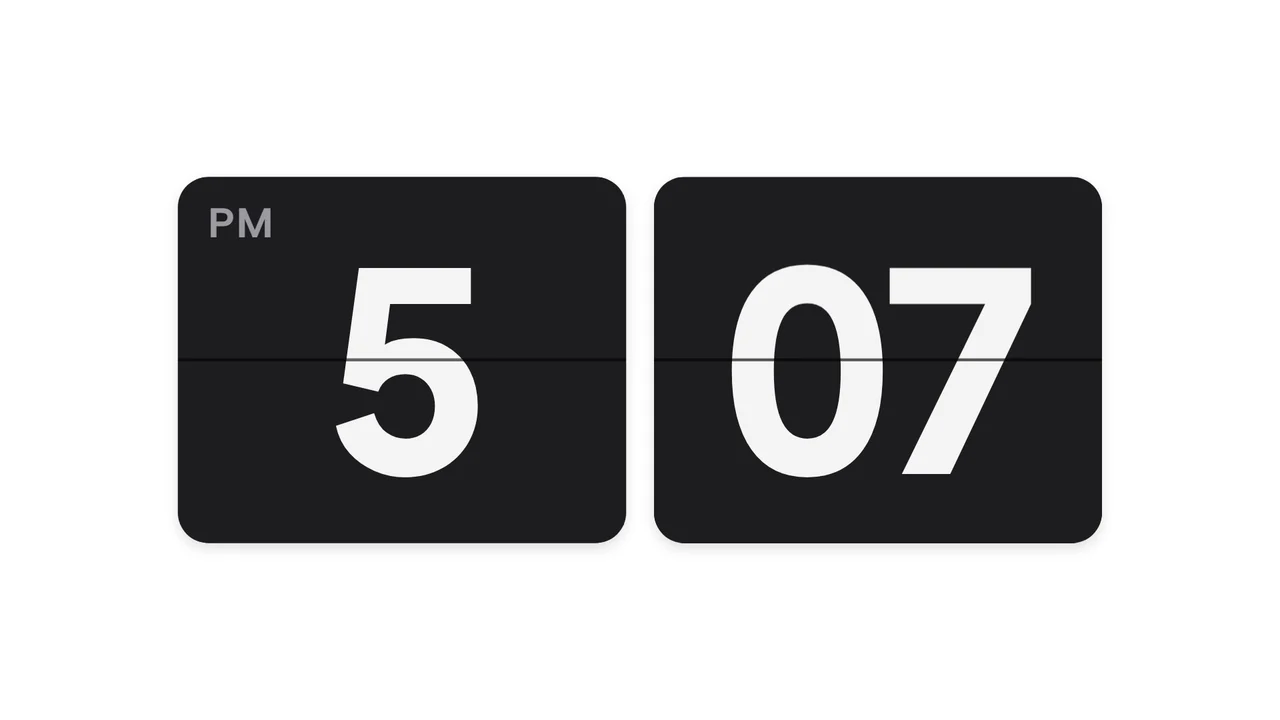
A big flip clock in your colors, with 12 or 24 hour time, seconds and the date.
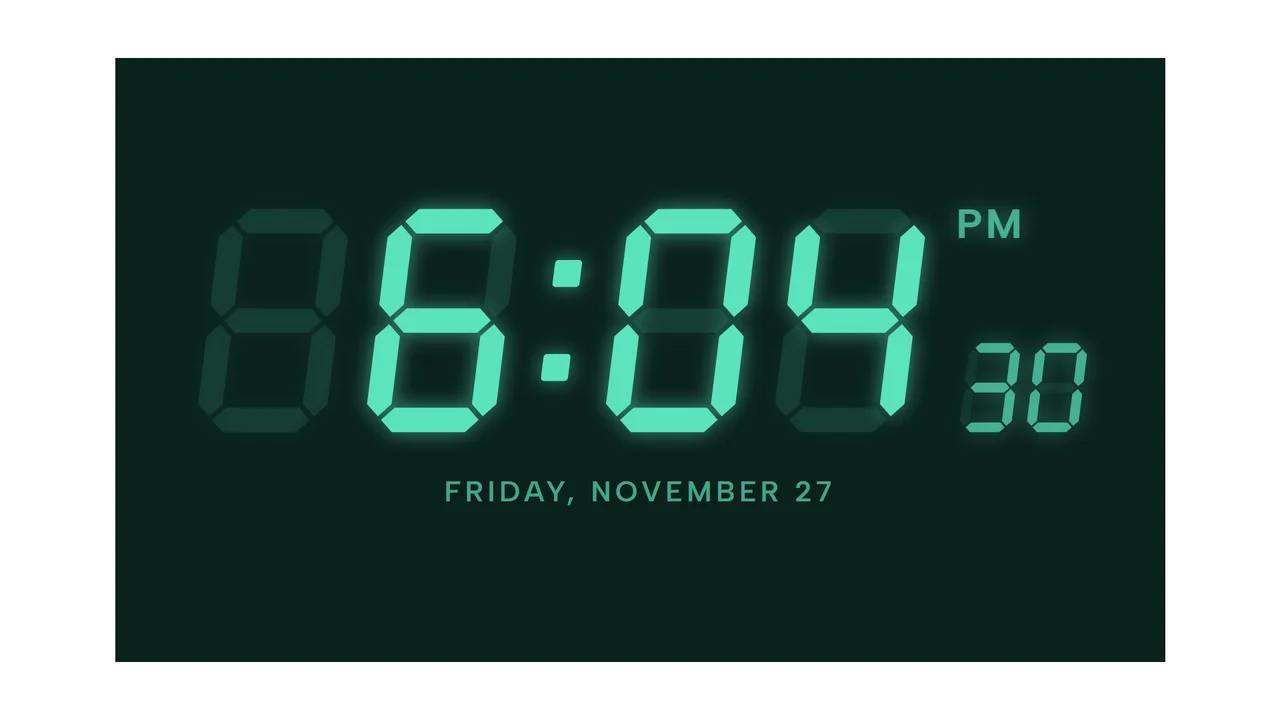
Big numbers in five fonts, from clean to LCD, with seconds, the date and your colors.
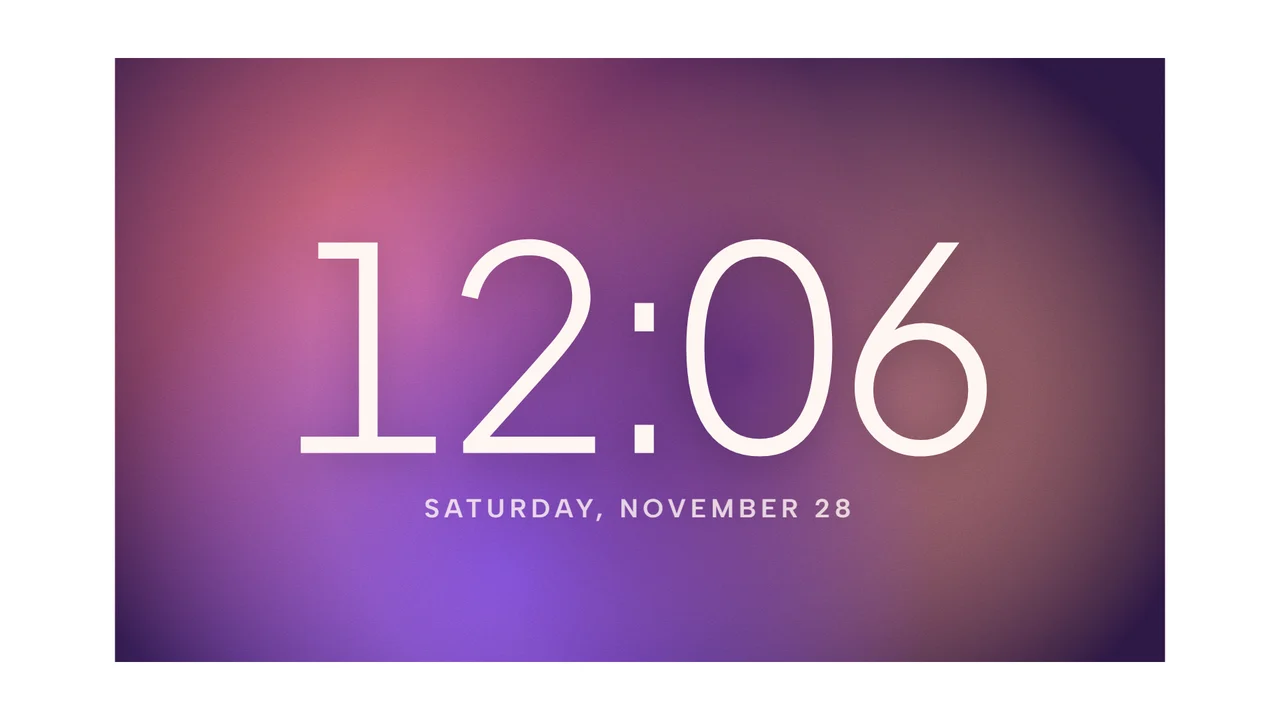
The time over a soft, slowly drifting glow, in six color moods and four fonts.
Yes. The analog clock is free to set up, copy and use on as many Notion pages as you like. There is no account to make, no trial and no watermark, and no ads inside the clock.
Set up the clock at the top of this page and press Copy Widget Link. In Notion, click where you want the clock, paste the link, and choose Create embed from the menu that appears. Then drag the corners of the block to make the clock the size you want.
Yes. Choose the Classic face for the numbers 1 to 12 with a mark for every minute, which is the dial children learn to read. Roman shows I to XII instead, Modern uses bold bars, and Minimal keeps only twelve thin marks.
Yes. Under Second hand, None leaves only the hour and minute hands, the calmest dial for a quiet room. Sweep glides the second hand around without stopping, and Tick steps it once a second like a wall clock. The widget makes no sound either way.
Yes, in two places. In the dial puts the day of the month in a small window at three o’clock, as on a watch. Under the clock writes the weekday, month and day below the dial. You can add a line of your own words there too.
The dial is always filled with its own color, so it reads on light and dark pages alike: Paper for a white dial, Night for a dark one. With a clear background your page shows around the dial, and the words under it sit on a small pill of the dial’s color.
Come back to this page and press Change a widget you added, under the preview. Paste the clock’s link (in Notion, ••• then View original shows it), change what you like and copy the link again. In Notion, choose ••• then Replace and paste it: the clock keeps its place and size.
Usually the link was cut short when it was pasted. Copy it again with Copy Widget Link, delete the block, and paste the full link into a new embed. If it still fails, open the link in your browser to check that the clock loads there.

The Complete Bundle has every Notion4Teachers template, with the Ultimate Teacher Planner at its heart.
Get Complete Bundle40% OFF!