During quiet work time
Put the aura on the classroom screen while students read or write. The colors drift slowly behind big, soft numbers, so the room can check the time without a ticking clock in view.
Pick the color mood, the font and the time format, copy the link, and paste it into any Notion page. The time over a soft glow that drifts slowly by itself.
The time on the device that opens the page.
Today in Room 12
www.notion4teachers.com/embed/aura-clockAn aesthetic clock widget is a small web page that shows the time over a soft, blurred glow of color that drifts slowly, made to sit inside a Notion page. You paste its link into Notion, choose Create embed, and the clock runs in that block by itself. This one lets you choose the color mood, the font, 12 or 24 hour time, the date and a line of your own before you copy the link. Nothing to install, and no account.
Teacher Home
When the time should be there without asking for attention. Three moments where it earns its place:
Put the aura on the classroom screen while students read or write. The colors drift slowly behind big, soft numbers, so the room can check the time without a ticking clock in view.

A pale Lilac or Sage aura above the to-do list makes a study page feel calm and finished. The date under the time and a line of your own words keep the day in view.
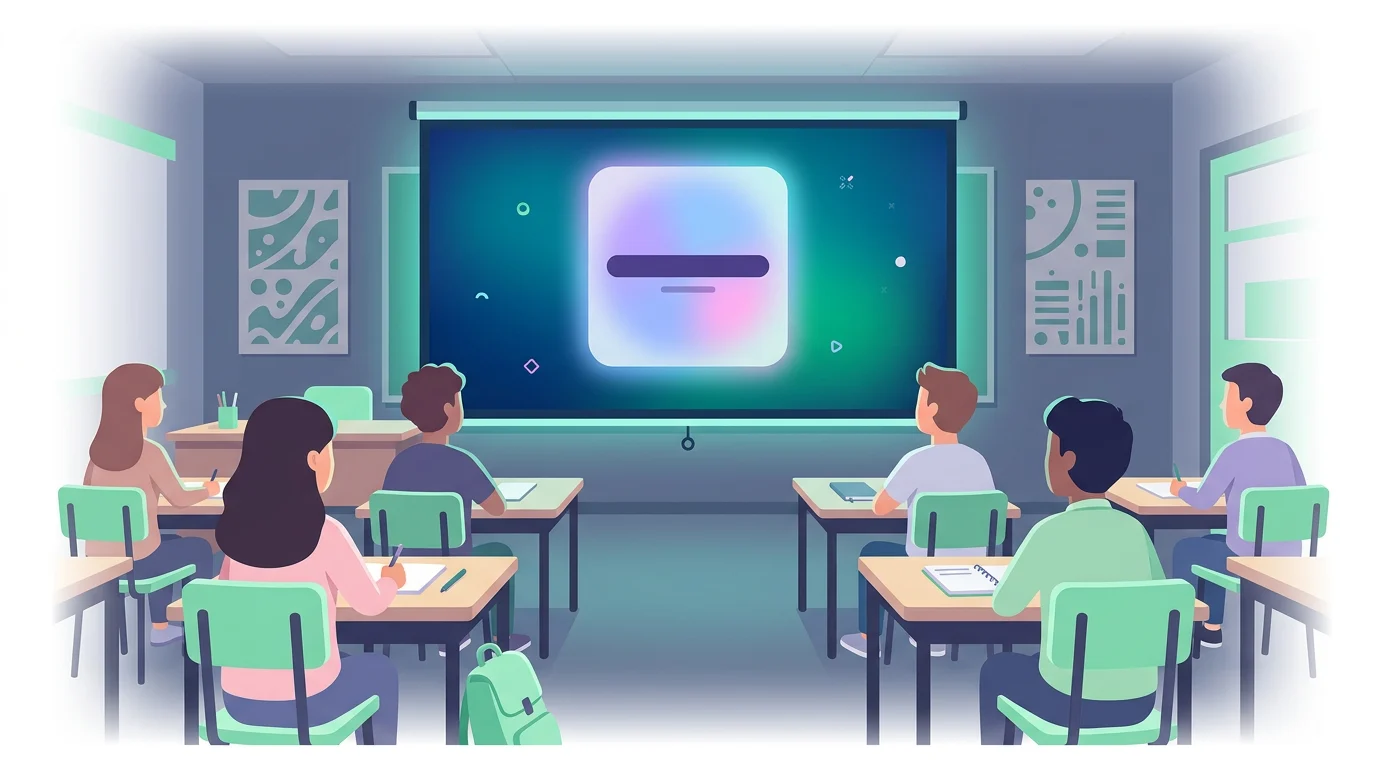
Before a test or after a loud lesson, show the aura big on the screen with a line like Breathe in, breathe out under the time. The slow color gives the room something calm to look at.
Set it up once, copy the link, and the clock looks after itself. Here is what you can change before you paste it into Notion.
Lilac, Peach and Sage are pale glows with dark time, made for light pages. Lagoon, Dusk and Aurora are deep glows with white time. Each mood mixes four colors over its own base.
Full block fills the embed with the glow, edge to edge. Halo fades a soft glow behind the time out into the page itself, so your page’s own color shows around it.
Light is thin and airy, Serif is tall and elegant, Bold reads from across the room, and Round has soft, friendly curves. The date and your words stay in a quiet face under the time.
The colors drift slowly by default. Lively makes them move faster, Still keeps them in place, and a device set to reduce motion always sees a still glow. A fine grain gives the glow a printed look.
Choose 12 or 24 hour time, with AM or PM if you like. Show today’s date under the time, and add a line of your own words, like the room, the lesson or a calm reminder.
Five steps, about a minute. The same steps work for every widget on Notion4Teachers.
Pick the color mood, the font and the time format at the top of this page.
Press Copy Widget Link. Everything you chose is part of the link.
Click where the clock should go on your Notion page and paste.
Notion asks what to do with the link. Choose Create embed.
Pull the block’s corner until the aura is as big as you want.
The Ultimate Teacher Planner sets up your classes, lessons, grades and attendance in Notion. Put your widgets at the top of it in a minute.
See the Teacher PlannerA gradient image sits still and shows no time. This one keeps time, drifts gently and follows your settings.
No pop-ups and no ads over the glow. The widget shows the time, the date and your words, nothing else.
The glow is soft color drawn live by your browser, not a video or a downloaded picture, so the embed stays light.
The aura carries its own colors, and Halo fades it into whatever page it sits on.
It runs in the Notion embed on any computer, tablet or phone that opens the page.
No account and nothing saved on our side. Change a setting, copy the new link.
It reads the clock of the device it runs on, or a city’s time, without a refresh.
Anyone who wants the time on their page to look as calm as the rest of it.

On the classroom screen during reading, writing and quiet work, and before a test. A slow glow and soft numbers tell the time without making the room feel watched.

At the top of an aesthetic study dashboard or a Pomodoro page, in a mood that matches the rest of the page, with the date and a short goal for the day under the time.

On the day’s lesson page, as a gentle clock that a child can check between lessons, with a line that names the next activity.

Aura style clocks are often part of a paid app or a paid widget plan. Here every mood and font is free: set the clock up on this page and copy the link.

Pick a pale mood for a light page or a deep one for a dark page. As a halo, the aura fades into your page’s own color instead of sitting in a box.

There is no account and no saved widget: everything you chose is written into the link. After a change, copy the link again and paste the new one.
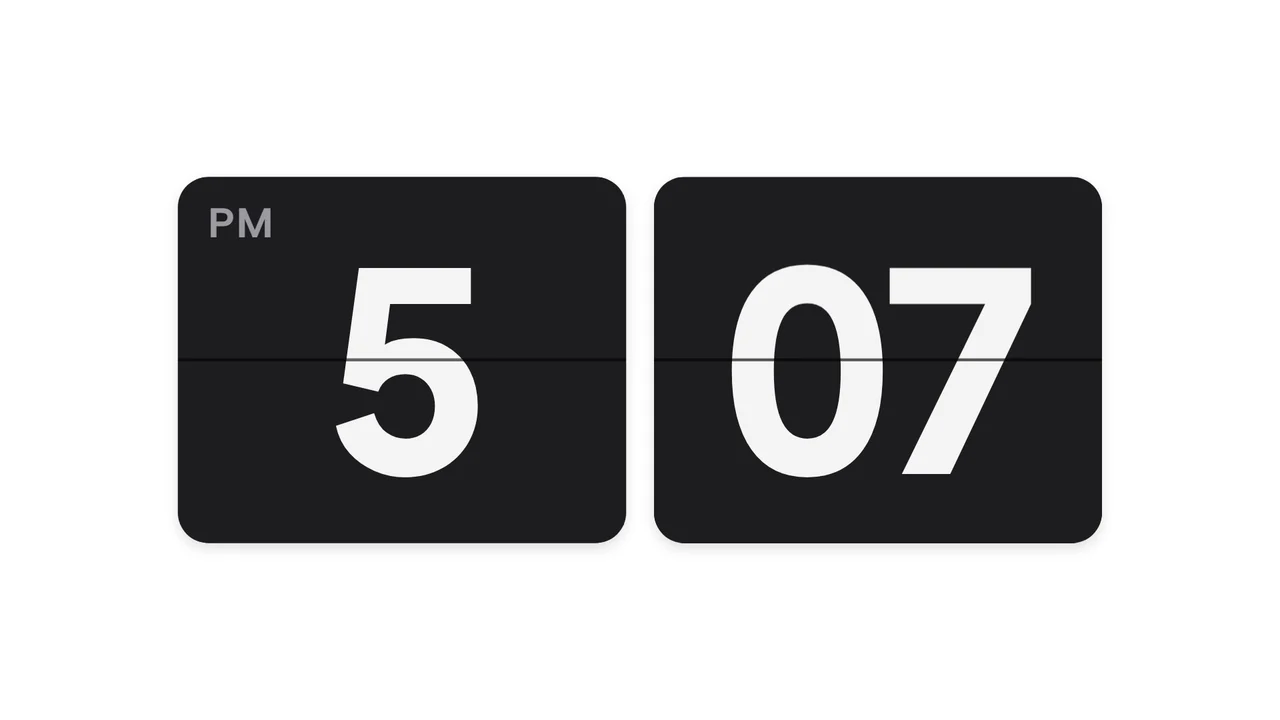
A big flip clock in your colors, with 12 or 24 hour time, seconds and the date.
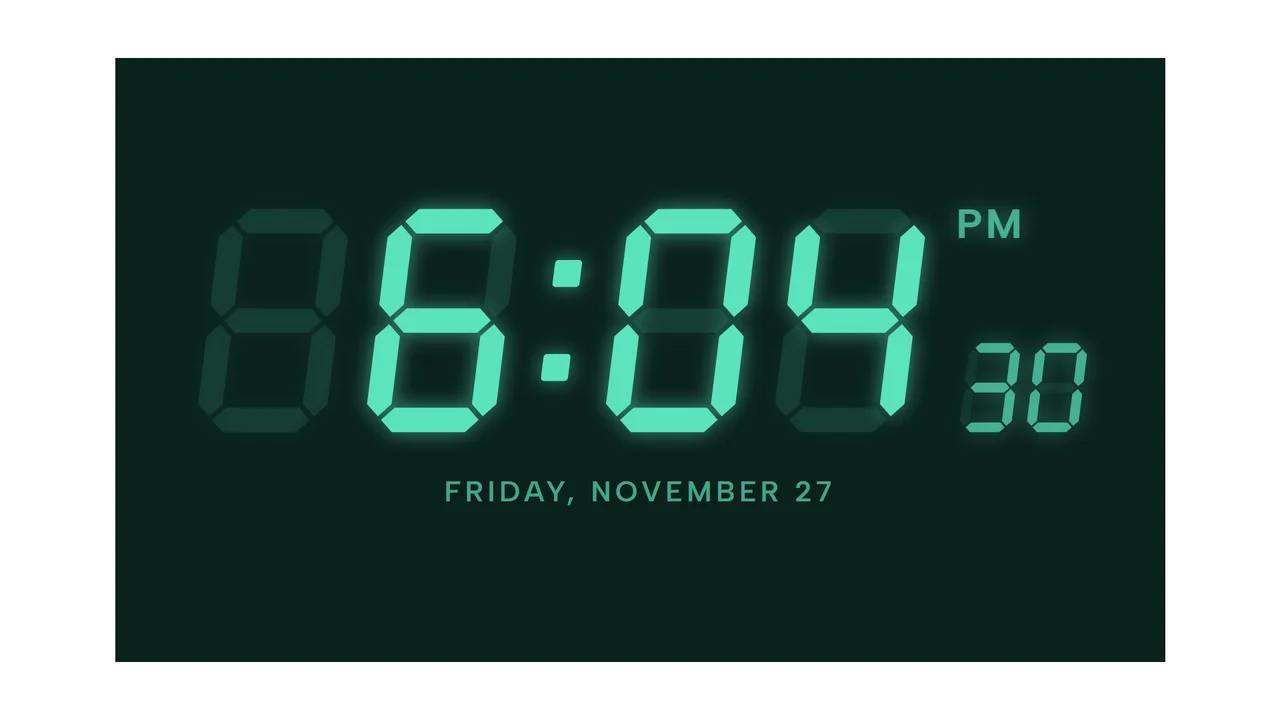
Big numbers in five fonts, from clean to LCD, with seconds, the date and your colors.
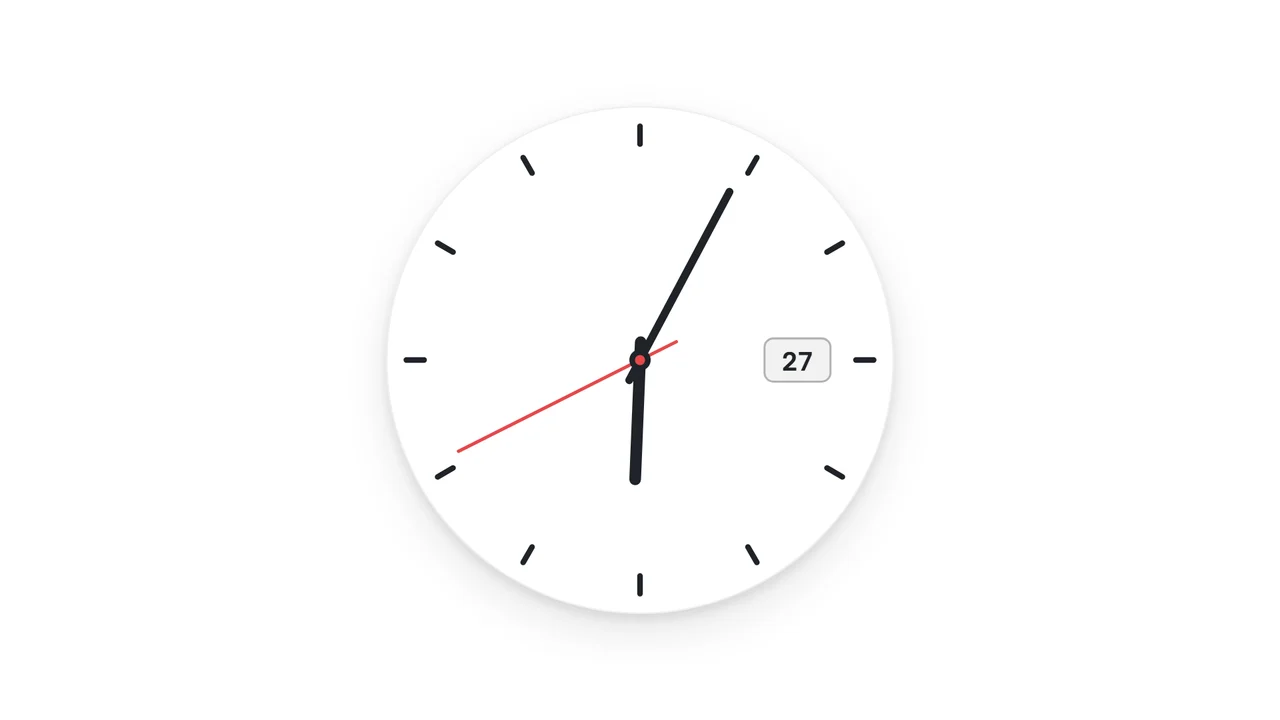
A quiet analog clock in four faces and six colors, with a sweeping second hand.
Yes. The aura clock is free to set up, copy and use on as many Notion pages as you like. There is no account to make, no trial and no watermark, and no ads inside the clock.
Set up the clock at the top of this page and press Copy Widget Link. In Notion, click where you want the clock, paste the link, and choose Create embed from the menu that appears. Then drag the corners of the block to make the clock the size you want.
Yes, slowly. The colors drift and swell over about half a minute. Choose Lively under Drift for a quicker drift, or Still to keep the glow where it is. If your device is set to reduce motion, the glow stays still by itself.
Yes. Choose one of six moods: Lilac, Peach and Sage are pale glows with dark time, and Lagoon, Dusk and Aurora are deep glows with white time. Each mood mixes four colors that drift over its own base color.
Yes. Type up to 40 characters under Line under the time, like the room, the lesson or a calm reminder such as Breathe in, breathe out. The date can sit above it too, with Show the date under Time.
The aura carries its own colors, so it reads on light and dark pages alike. Full block fills the embed with the glow, and Halo fades it out into the page itself, which looks most at home on a dark page with a deep mood.
Come back to this page and press Change a widget you added, under the preview. Paste the clock’s link (in Notion, ••• then View original shows it), change what you like and copy the link again. In Notion, choose ••• then Replace and paste it: the clock keeps its place and size.
Usually the link was cut short when it was pasted. Copy it again with Copy Widget Link, delete the block, and paste the full link into a new embed. If it still fails, open the link in your browser to check that the clock loads there.

The Complete Bundle has every Notion4Teachers template, with the Ultimate Teacher Planner at its heart.
Get Complete Bundle40% OFF!