
What Is the Best Free AI Writer in 2027?
What Is the Best Free AI Writer in 2027?

Article by
Milo
ESL Content Coordinator & Educator
ESL Content Coordinator & Educator
All Posts
Free AI writers have multiplied fast, and by 2027 almost every teacher and student has tried at least one. Some help draft a lesson plan in minutes. Others polish grammar, rewrite clunky sentences, or turn scattered notes into a clear outline. Each free plan comes with its own limits, so the best choice depends on the kind of writing you do most often.
This guide covers the free AI writers worth your time in 2027, what to check before you settle on one, and how to fit them into the Notion workspace where you already plan lessons and track assignments.
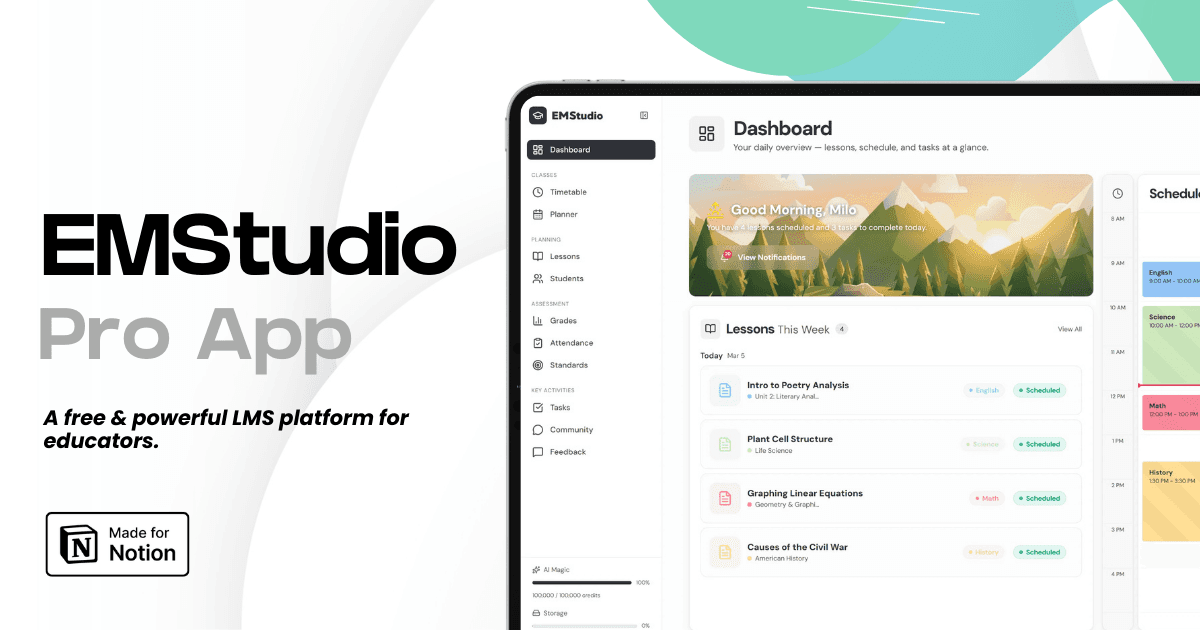
Still grading everything by hand?
EMStudio is a free teaching management app — manage your classes, students, lessons, and more!
Learn More
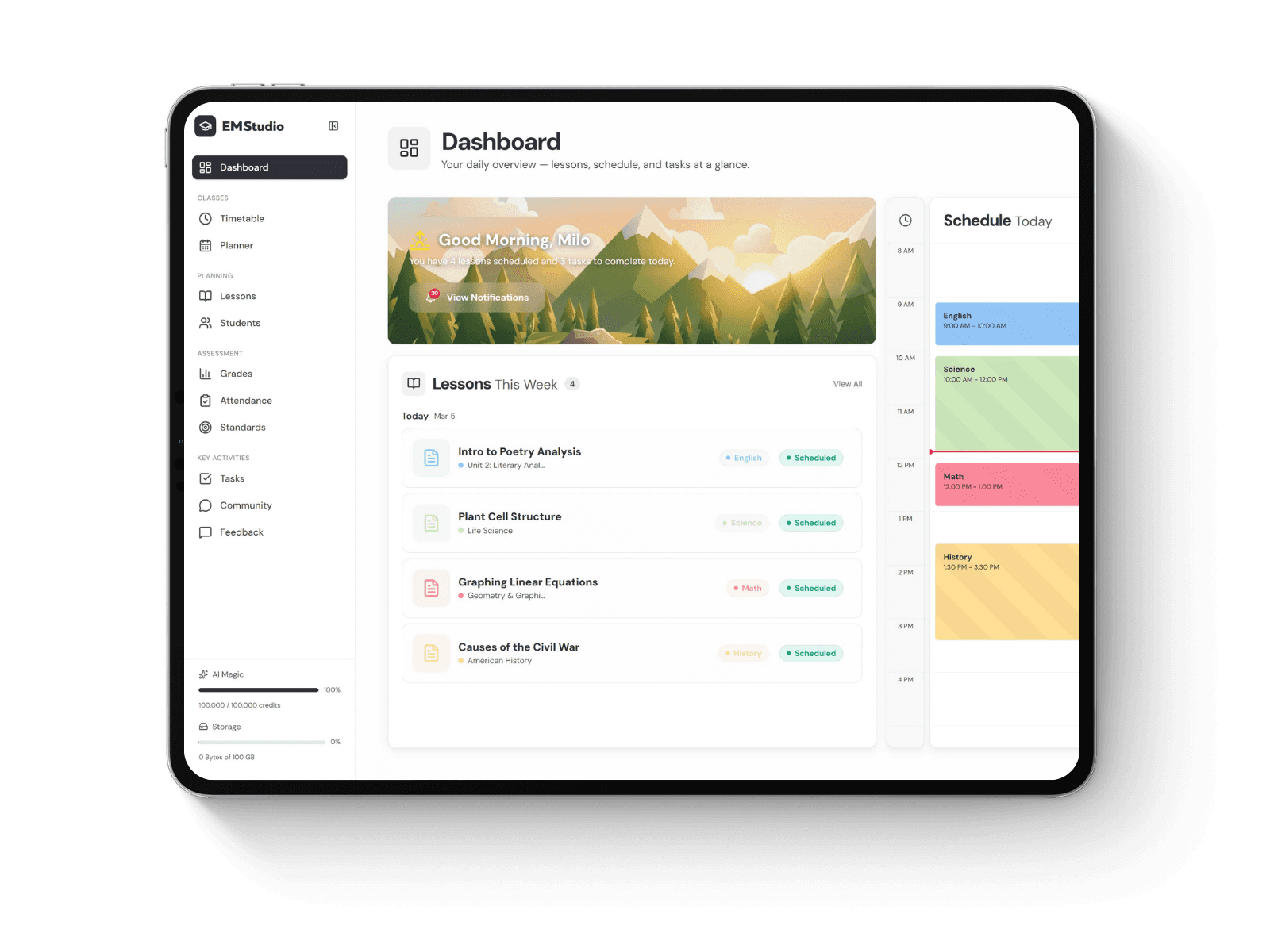
Still grading everything by hand?
EMStudio is a free teaching management app — manage your classes, students, lessons, and more!
Learn More
Table of Contents
What Makes a Free AI Writer Worth Using
A good free AI writer saves time on the parts of writing that slow people down: getting started, organizing ideas, and cleaning up language. It follows instructions closely, keeps a steady tone, and produces text you can edit in a few minutes. For schoolwork, it also needs to respect academic conventions such as clear structure, formal register, and proper citations.
Academic assignments are where general chatbots often struggle. A student asks for an argumentative essay outline and gets a loose list of talking points with no thesis, no plan for evidence, and a casual voice that a teacher would mark down. StudyPro was built for exactly this kind of task. Its AI writer is trained on academic texts and turns a topic or uploaded instructions into a structured outline and draft at the chosen academic level. The paraphraser, grammar checker, plagiarism checker, and AI detector sit in the same workspace, so a student can draft, revise, and check originality in one session. The first draft already follows essay conventions; the student spends their time improving arguments, and the teacher receives work that is easier to read and grade.
How to Judge a Free Plan Before You Commit
Free plans change often, and many "free" tools turn out to be short trials. Before you build a routine around one, test it against these points:
Usage limits. Look for daily message caps, monthly word or character quotas, and whether the allowance resets or runs out for good.
Output quality on your real tasks. Paste in an actual assignment prompt or lesson objective and judge the result, since sample prompts on landing pages always look good.
Privacy. Check whether your inputs are used to train models and whether you can switch that off. Avoid pasting student names, grades, or other personal data into any tool your school has not approved.
Editing features. Tone controls, rewrite options, and grammar suggestions make a draft usable much faster.
Workflow fit. A browser extension, a mobile app, or clean copy and paste into Notion saves small amounts of time that add up across a school year.
Upgrade path. If you might pay later, compare the cost of the first paid tier now.
The Best Free AI Writers in 2027
ChatGPT
ChatGPT remains the most versatile free option. It handles brainstorming, lesson ideas, quiz questions, rubric drafts, parent emails, and quick explanations of hard concepts. The free tier limits access to the most advanced model during busy periods, which matters most for long or complex requests.
Claude
Claude is strong with long documents and careful, natural prose. It accepts uploaded files, and teachers use it to summarize readings, adapt texts for different reading levels, and draft feedback comments. The free plan has usage limits that reset every few hours.
Google Gemini
Gemini fits naturally into Google Workspace. If your school runs on Docs, Gmail, and Classroom, it keeps drafting close to the tools you already use every day. The free version can draft emails, summarize documents, and suggest edits, and students with school Google accounts may find it already switched on by their administrator.
Microsoft Copilot
Copilot is the obvious pick for schools on Microsoft 365. It works inside Word and Edge and suits teachers who prepare materials in Office files. A personal Microsoft account gives free access to drafting, rewriting, and summarizing, and school licenses often add deeper links to Word, PowerPoint, and Teams.
StudyPro
StudyPro focuses on academic writing for students. It covers essay outlines, full drafts, paraphrasing, and originality checks in one place, which makes it a practical choice for homework and research papers.
Grammarly
Grammarly's free version is a polishing tool. It catches grammar, spelling, and clarity issues across websites and apps, including Notion pages.
QuillBot
QuillBot is popular for paraphrasing and summarizing. The free plan caps how much text you can rephrase at once, which is fine for sentences and short paragraphs.
Notion AI
Since many teachers already plan in Notion, its built-in AI is worth testing for summarizing meeting notes, drafting page content, and filling out templates. Availability on free workspaces has changed over time, so check what your current plan includes.
Matching the Tool to the Task
No single tool leads in every category. This table pairs common classroom tasks with the free option that tends to handle them best:
Task | Best free pick | Why it fits |
Lesson ideas and quiz questions | ChatGPT | Fast, flexible, good at variety |
Summarizing long readings | Claude | Handles long texts and keeps nuance |
Essays and research papers | StudyPro | Academic structure and originality |
Drafting inside Google Docs | Gemini | Built into Workspace |
Drafting inside Word | Copilot | Built into Microsoft 365 |
Final proofreading | Grammarly | Works across apps and browsers |
Rewording sentences | QuillBot | Quick paraphrase modes |
Notes and planning pages | Notion AI | Lives inside your workspace |
A simple routine works well for most teachers. Draft ideas in a general assistant, move the useful parts into a Notion page, and run a final pass through a grammar tool before sharing anything with students or parents.
Using AI Writers Responsibly in the Classroom
AI writers are most helpful when everyone knows the rules. A few habits keep their use honest and productive:
Set a clear policy. Tell students which tools they may use, for which stages of an assignment, and how to disclose that use.
Ask for process evidence. Outlines, rough drafts, and Notion page history show how a piece of writing developed over time.
Verify every fact. AI writers still produce confident errors and invented sources. Treat each claim as a draft until you confirm it.
Protect student data. Keep names, grades, and private details out of tools your school has not cleared.
Teach good prompting. Students who learn to give clear instructions, add context, and ask for revisions get better results and think more carefully about their own writing.
With these habits in place, AI works as a genuine study aid. Students learn to plan, question, and refine, and teachers spend less time on mechanical corrections.
So, Which Free AI Writer Is Best?
The best free AI writer in 2027 is the one that matches the writing you do most. ChatGPT, Claude, and Gemini cover general drafting and planning. Grammarly and QuillBot handle polishing and rewording. For students working on essays and research papers, StudyPro gives academic structure and originality checks in one free workspace.
Pick two or three tools, give each the same real task, and compare the results side by side in a Notion page. Within a week, you will know which one earns a permanent spot in your workflow.
What Makes a Free AI Writer Worth Using
A good free AI writer saves time on the parts of writing that slow people down: getting started, organizing ideas, and cleaning up language. It follows instructions closely, keeps a steady tone, and produces text you can edit in a few minutes. For schoolwork, it also needs to respect academic conventions such as clear structure, formal register, and proper citations.
Academic assignments are where general chatbots often struggle. A student asks for an argumentative essay outline and gets a loose list of talking points with no thesis, no plan for evidence, and a casual voice that a teacher would mark down. StudyPro was built for exactly this kind of task. Its AI writer is trained on academic texts and turns a topic or uploaded instructions into a structured outline and draft at the chosen academic level. The paraphraser, grammar checker, plagiarism checker, and AI detector sit in the same workspace, so a student can draft, revise, and check originality in one session. The first draft already follows essay conventions; the student spends their time improving arguments, and the teacher receives work that is easier to read and grade.
How to Judge a Free Plan Before You Commit
Free plans change often, and many "free" tools turn out to be short trials. Before you build a routine around one, test it against these points:
Usage limits. Look for daily message caps, monthly word or character quotas, and whether the allowance resets or runs out for good.
Output quality on your real tasks. Paste in an actual assignment prompt or lesson objective and judge the result, since sample prompts on landing pages always look good.
Privacy. Check whether your inputs are used to train models and whether you can switch that off. Avoid pasting student names, grades, or other personal data into any tool your school has not approved.
Editing features. Tone controls, rewrite options, and grammar suggestions make a draft usable much faster.
Workflow fit. A browser extension, a mobile app, or clean copy and paste into Notion saves small amounts of time that add up across a school year.
Upgrade path. If you might pay later, compare the cost of the first paid tier now.
The Best Free AI Writers in 2027
ChatGPT
ChatGPT remains the most versatile free option. It handles brainstorming, lesson ideas, quiz questions, rubric drafts, parent emails, and quick explanations of hard concepts. The free tier limits access to the most advanced model during busy periods, which matters most for long or complex requests.
Claude
Claude is strong with long documents and careful, natural prose. It accepts uploaded files, and teachers use it to summarize readings, adapt texts for different reading levels, and draft feedback comments. The free plan has usage limits that reset every few hours.
Google Gemini
Gemini fits naturally into Google Workspace. If your school runs on Docs, Gmail, and Classroom, it keeps drafting close to the tools you already use every day. The free version can draft emails, summarize documents, and suggest edits, and students with school Google accounts may find it already switched on by their administrator.
Microsoft Copilot
Copilot is the obvious pick for schools on Microsoft 365. It works inside Word and Edge and suits teachers who prepare materials in Office files. A personal Microsoft account gives free access to drafting, rewriting, and summarizing, and school licenses often add deeper links to Word, PowerPoint, and Teams.
StudyPro
StudyPro focuses on academic writing for students. It covers essay outlines, full drafts, paraphrasing, and originality checks in one place, which makes it a practical choice for homework and research papers.
Grammarly
Grammarly's free version is a polishing tool. It catches grammar, spelling, and clarity issues across websites and apps, including Notion pages.
QuillBot
QuillBot is popular for paraphrasing and summarizing. The free plan caps how much text you can rephrase at once, which is fine for sentences and short paragraphs.
Notion AI
Since many teachers already plan in Notion, its built-in AI is worth testing for summarizing meeting notes, drafting page content, and filling out templates. Availability on free workspaces has changed over time, so check what your current plan includes.
Matching the Tool to the Task
No single tool leads in every category. This table pairs common classroom tasks with the free option that tends to handle them best:
Task | Best free pick | Why it fits |
Lesson ideas and quiz questions | ChatGPT | Fast, flexible, good at variety |
Summarizing long readings | Claude | Handles long texts and keeps nuance |
Essays and research papers | StudyPro | Academic structure and originality |
Drafting inside Google Docs | Gemini | Built into Workspace |
Drafting inside Word | Copilot | Built into Microsoft 365 |
Final proofreading | Grammarly | Works across apps and browsers |
Rewording sentences | QuillBot | Quick paraphrase modes |
Notes and planning pages | Notion AI | Lives inside your workspace |
A simple routine works well for most teachers. Draft ideas in a general assistant, move the useful parts into a Notion page, and run a final pass through a grammar tool before sharing anything with students or parents.
Using AI Writers Responsibly in the Classroom
AI writers are most helpful when everyone knows the rules. A few habits keep their use honest and productive:
Set a clear policy. Tell students which tools they may use, for which stages of an assignment, and how to disclose that use.
Ask for process evidence. Outlines, rough drafts, and Notion page history show how a piece of writing developed over time.
Verify every fact. AI writers still produce confident errors and invented sources. Treat each claim as a draft until you confirm it.
Protect student data. Keep names, grades, and private details out of tools your school has not cleared.
Teach good prompting. Students who learn to give clear instructions, add context, and ask for revisions get better results and think more carefully about their own writing.
With these habits in place, AI works as a genuine study aid. Students learn to plan, question, and refine, and teachers spend less time on mechanical corrections.
So, Which Free AI Writer Is Best?
The best free AI writer in 2027 is the one that matches the writing you do most. ChatGPT, Claude, and Gemini cover general drafting and planning. Grammarly and QuillBot handle polishing and rewording. For students working on essays and research papers, StudyPro gives academic structure and originality checks in one free workspace.
Pick two or three tools, give each the same real task, and compare the results side by side in a Notion page. Within a week, you will know which one earns a permanent spot in your workflow.
Still grading everything by hand?
EMStudio is a free teaching management app — manage your classes, students, lessons, and more!
Learn More
Still grading everything by hand?
EMStudio is a free teaching management app — manage your classes, students, lessons, and more!
Learn More


Notion4Teachers
Notion templates to simplify administrative tasks and enhance your teaching experience.


2026 Notion4Teachers. All Rights Reserved.
Notion4Teachers
Notion templates to simplify administrative tasks and enhance your teaching experience.
2026 Notion4Teachers. All Rights Reserved.
Notion4Teachers
Notion templates to simplify administrative tasks and enhance your teaching experience.
2026 Notion4Teachers. All Rights Reserved.