
Microlearning Strategies for Modern Classrooms
Microlearning Strategies for Modern Classrooms

Article by
Milo
ESL Content Coordinator & Educator
ESL Content Coordinator & Educator
All Posts

Students often face a lot of information in a short amount of time. Long lessons, heavy reading, and back-to-back tasks can make it hard to stay focused.
Microlearning offers a simpler approach. It breaks lessons into small parts that students can complete in just a few minutes.
This method can help reduce mental overload and make learning feel more manageable. It can also give teachers more chances to review ideas, check understanding, and help students remember key points.
Still grading everything by hand?
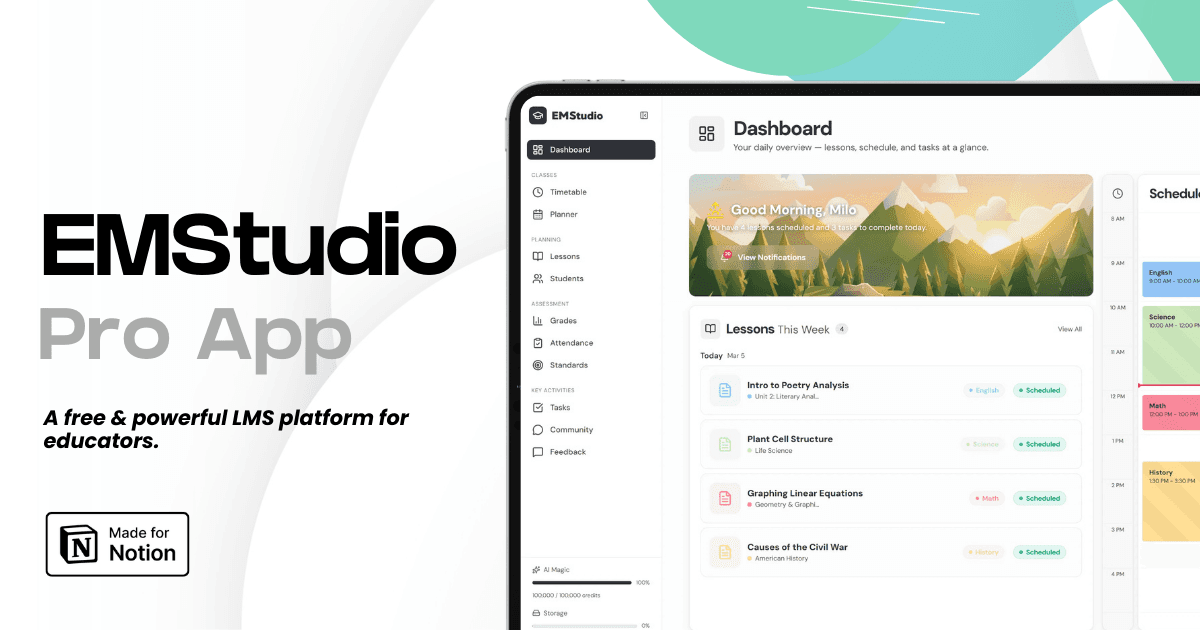
EMStudio is a free teaching management app — manage your classes, students, lessons, and more!
Learn More
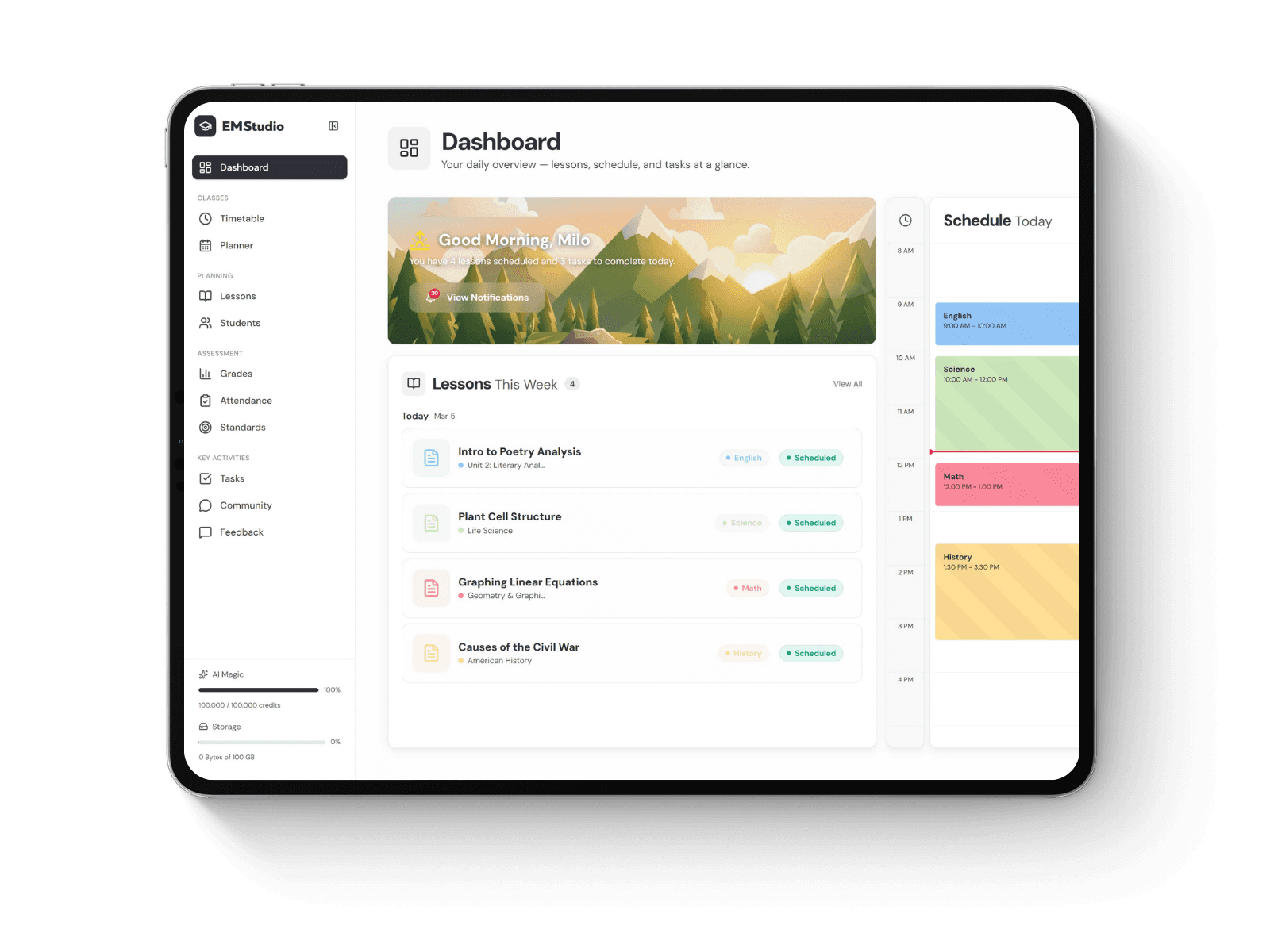
Still grading everything by hand?
EMStudio is a free teaching management app — manage your classes, students, lessons, and more!
Learn More
Table of Contents
Break Big Topics Into Small Lessons
One of the easiest ways to use microlearning is to divide a large topic into smaller parts.
Instead of teaching everything at once, a teacher can focus on one idea at a time.
For example, a science lesson on ecosystems might be split into food chains, habitats, energy flow, and human impact.
Each part can be taught in a short block.
This helps students focus on one goal before moving to the next.
Smaller lessons may also make it easier to review difficult ideas later.
The key is to keep each lesson clear and focused.
Students should know exactly what they are expected to learn from each short activity.
Use Digital Tools for Short Learning Sessions
Digital tools can support microlearning by giving students easy access to short lessons and reviews.
A useful app may include short readings, quizzes, videos, or daily learning prompts.
Teachers looking for the best microlearning app may want to compare lesson length, subject options, ease of use, and how well the tool fits classroom goals.
The app should support the lesson, not replace good teaching.
It should also be simple enough that students can focus on the content instead of learning how to use the software.
Short digital sessions can work well during warm-ups, homework, or review periods.
They may also help students learn at their own pace.
Use Short Videos and Visual Content
Short videos can work well in a microlearning plan.
A two- or three-minute clip may explain one concept, show a process, or give a quick example.
Visual content can be especially useful for topics that are hard to explain with text alone.
Charts, diagrams, images, and simple animations can also help students understand ideas faster.
The goal is not to use media just because it is available.
Each visual should support a clear learning point.
Teachers can pause after a short video and ask a few questions.
This gives students a chance to think about what they just saw instead of moving straight to the next task.
Add Quick Checks for Understanding
Microlearning works best when students get regular chances to show what they know.
Short quizzes, polls, exit tickets, or one-question checks can help.
These activities do not need to take long.
A two-minute review can show whether students understood the lesson or need more help.
Quick checks can also help teachers adjust the next activity.
If most students miss the same question, the teacher may need to explain that idea again.
Students may also benefit from instant feedback.
Knowing what they got right or wrong can make the next study step more useful.
Repeat Key Ideas Over Time
Students often forget information when they only see it once.
Microlearning makes it easier to bring important ideas back again later.
This is sometimes called spaced review.
For example, a teacher may teach a concept on Monday and then review it for a few minutes later in the week.
The same idea may appear again in a quiz, class discussion, or short homework task.
Repeated contact can help information stay fresh.
It also gives students more than one chance to understand a difficult topic.
The review does not need to be long.
Even a few minutes can help when it is done often.
Mix Different Types of Activities
Using the same activity every day can become boring.
Microlearning works better when teachers mix different formats.
One day might include a short video.
Another might use a quick matching game, a short reading, or a mini group task.
Students may also respond well to flashcards, simple puzzles, or one-minute writing prompts.
Different activity types can keep attention from dropping.
They can also support different learning preferences.
The important part is to keep the activity tied to one clear goal.
Short does not always mean simple.
A well-planned five-minute task can still ask students to think deeply.
Use Microlearning for Review and Test Prep
Microlearning can be very useful before tests.
Instead of asking students to review a large chapter at once, teachers can break the material into smaller parts.
Each day can focus on one group of ideas.
Students might review five terms, answer three questions, or explain one concept in their own words.
This approach can make test prep feel less stressful.
It can also help students spot weak areas early.
Teachers can use short review sessions at the start or end of class.
These small sessions can add up over time and reduce the need for last-minute studying.
Keep Lessons Focused and Simple
Microlearning can lose its value if each short lesson tries to cover too much.
Every activity should have one main purpose.
Teachers should avoid adding extra details that do not support the goal.
Simple instructions also matter.
Students should be able to start the task quickly without spending several minutes trying to understand what to do.
It can help to ask one question before planning: what is the one thing students should know after this activity?
That question keeps the lesson focused.
A clear structure also makes it easier to connect short lessons into a larger unit.
Conclusion: Make Small Lessons Part of a Bigger Plan
Microlearning works best when it supports a full classroom plan.
Short lessons can reduce overload, improve focus, and give students more chances to review important ideas.
They can also make it easier for teachers to check progress and adjust instruction.
Videos, apps, short quizzes, visual content, and spaced review can all play a role.
The main goal is not to make every lesson shorter.
It is to make each learning step clearer and easier to manage.
When small lessons connect to larger goals, students can build knowledge one piece at a time.
With careful planning, microlearning can become a simple and flexible tool for modern classrooms.
Break Big Topics Into Small Lessons
One of the easiest ways to use microlearning is to divide a large topic into smaller parts.
Instead of teaching everything at once, a teacher can focus on one idea at a time.
For example, a science lesson on ecosystems might be split into food chains, habitats, energy flow, and human impact.
Each part can be taught in a short block.
This helps students focus on one goal before moving to the next.
Smaller lessons may also make it easier to review difficult ideas later.
The key is to keep each lesson clear and focused.
Students should know exactly what they are expected to learn from each short activity.
Use Digital Tools for Short Learning Sessions
Digital tools can support microlearning by giving students easy access to short lessons and reviews.
A useful app may include short readings, quizzes, videos, or daily learning prompts.
Teachers looking for the best microlearning app may want to compare lesson length, subject options, ease of use, and how well the tool fits classroom goals.
The app should support the lesson, not replace good teaching.
It should also be simple enough that students can focus on the content instead of learning how to use the software.
Short digital sessions can work well during warm-ups, homework, or review periods.
They may also help students learn at their own pace.
Use Short Videos and Visual Content
Short videos can work well in a microlearning plan.
A two- or three-minute clip may explain one concept, show a process, or give a quick example.
Visual content can be especially useful for topics that are hard to explain with text alone.
Charts, diagrams, images, and simple animations can also help students understand ideas faster.
The goal is not to use media just because it is available.
Each visual should support a clear learning point.
Teachers can pause after a short video and ask a few questions.
This gives students a chance to think about what they just saw instead of moving straight to the next task.
Add Quick Checks for Understanding
Microlearning works best when students get regular chances to show what they know.
Short quizzes, polls, exit tickets, or one-question checks can help.
These activities do not need to take long.
A two-minute review can show whether students understood the lesson or need more help.
Quick checks can also help teachers adjust the next activity.
If most students miss the same question, the teacher may need to explain that idea again.
Students may also benefit from instant feedback.
Knowing what they got right or wrong can make the next study step more useful.
Repeat Key Ideas Over Time
Students often forget information when they only see it once.
Microlearning makes it easier to bring important ideas back again later.
This is sometimes called spaced review.
For example, a teacher may teach a concept on Monday and then review it for a few minutes later in the week.
The same idea may appear again in a quiz, class discussion, or short homework task.
Repeated contact can help information stay fresh.
It also gives students more than one chance to understand a difficult topic.
The review does not need to be long.
Even a few minutes can help when it is done often.
Mix Different Types of Activities
Using the same activity every day can become boring.
Microlearning works better when teachers mix different formats.
One day might include a short video.
Another might use a quick matching game, a short reading, or a mini group task.
Students may also respond well to flashcards, simple puzzles, or one-minute writing prompts.
Different activity types can keep attention from dropping.
They can also support different learning preferences.
The important part is to keep the activity tied to one clear goal.
Short does not always mean simple.
A well-planned five-minute task can still ask students to think deeply.
Use Microlearning for Review and Test Prep
Microlearning can be very useful before tests.
Instead of asking students to review a large chapter at once, teachers can break the material into smaller parts.
Each day can focus on one group of ideas.
Students might review five terms, answer three questions, or explain one concept in their own words.
This approach can make test prep feel less stressful.
It can also help students spot weak areas early.
Teachers can use short review sessions at the start or end of class.
These small sessions can add up over time and reduce the need for last-minute studying.
Keep Lessons Focused and Simple
Microlearning can lose its value if each short lesson tries to cover too much.
Every activity should have one main purpose.
Teachers should avoid adding extra details that do not support the goal.
Simple instructions also matter.
Students should be able to start the task quickly without spending several minutes trying to understand what to do.
It can help to ask one question before planning: what is the one thing students should know after this activity?
That question keeps the lesson focused.
A clear structure also makes it easier to connect short lessons into a larger unit.
Conclusion: Make Small Lessons Part of a Bigger Plan
Microlearning works best when it supports a full classroom plan.
Short lessons can reduce overload, improve focus, and give students more chances to review important ideas.
They can also make it easier for teachers to check progress and adjust instruction.
Videos, apps, short quizzes, visual content, and spaced review can all play a role.
The main goal is not to make every lesson shorter.
It is to make each learning step clearer and easier to manage.
When small lessons connect to larger goals, students can build knowledge one piece at a time.
With careful planning, microlearning can become a simple and flexible tool for modern classrooms.
Still grading everything by hand?
EMStudio is a free teaching management app — manage your classes, students, lessons, and more!
Learn More
Still grading everything by hand?
EMStudio is a free teaching management app — manage your classes, students, lessons, and more!
Learn More


Notion4Teachers
Notion templates to simplify administrative tasks and enhance your teaching experience.


2026 Notion4Teachers. All Rights Reserved.
Notion4Teachers
Notion templates to simplify administrative tasks and enhance your teaching experience.
2026 Notion4Teachers. All Rights Reserved.
Notion4Teachers
Notion templates to simplify administrative tasks and enhance your teaching experience.
2026 Notion4Teachers. All Rights Reserved.