On the board every morning
Project the class page and the date is already there in big type, so students copy it into their books without asking what day it is. It turns over at midnight, so nobody has to change it.
Pick the look, the language and the colors, then copy the link into any Notion page. The date shows in big type and turns to the new day by itself.
A city: that city’s date on every device, turning at its midnight.
Today in Room 12
www.notion4teachers.com/embed/todays-dateA date widget is a small web page that shows today’s date, made to sit inside a Notion page. You paste its link into Notion, choose Create embed, and the date shows in that block and turns over at midnight by itself. This one shows the weekday, day, month and year as a big number, a calendar page or one line, in ten languages, with the week number if you want it. Nothing to install, and no account.
Teacher Home
Whenever the day’s date belongs at the top of the page. Three moments where it helps:
Project the class page and the date is already there in big type, so students copy it into their books without asking what day it is. It turns over at midnight, so nobody has to change it.

Put the date above today’s lessons, to-dos and notes. A calendar page or one clean line tells you at a glance which day you are planning, without a date to type every morning.

Show the date in Spanish, French or German and let the class read it aloud each morning. The weekday and month names come out spelled the way that language spells them.
Set it up once, copy the link, and the date keeps itself current. Here is what you can change before you paste it into Notion.
Three looks for three kinds of page. The big number puts the day first, the tear-off calendar page looks like the one on a desk, and one line reads like a heading at the top of a daily page.
English in its US or UK order, Spanish, French, German, Portuguese, Italian, Dutch, Swedish and Polish. The browser writes the weekday and month names, so each language reads the way it should.
Add the week number and the day of the year under the date, written in the date’s own language. A line of your own fits there too, like the room or what happens today.
Leave it on each viewer’s own date, or pick a city so everyone sees the date there. Friday evening in Los Angeles is already Saturday in Tokyo, and the widget turns over at that city’s midnight.
A bold sans, a soft serif and a light, thin face, in six color sets from Slate to Rose. With a clear background the date sits on your Notion page’s own color, light or dark.
Five steps, about a minute. The same steps work for every widget on Notion4Teachers.
Pick the look, the language, the font and the colors at the top of this page.
Press Copy Widget Link. Everything you chose is part of the link.
Click where the date should go on your Notion page and paste.
Notion asks what to do with the link. Choose Create embed.
Pull the block’s corner until the date is as big as you want.
The Ultimate Teacher Planner sets up your classes, lessons, grades and attendance in Notion. Put your widgets at the top of it in a minute.
See the Teacher PlannerA date you type is right for one day. This one is right every day, without a change.
The widget shows the date and nothing else: no pop-ups, no banners, no logo.
At midnight the new day appears on its own, on the board and in your planner.
It measures the date in each language and font, so long months never spill out.
Clear backgrounds and middle tones read on light and dark Notion pages alike.
No account and nothing saved on our side. Change a setting, copy the new link.
The date fills the block, so a wide embed on the projector reads across the room.
Anyone who starts the day on a Notion page.

On the class page projected every morning, at the top of a lesson planner, and in language classes where the date is read aloud. One link, and the date stays right all year.

At the top of a study dashboard or a daily journal page, next to the to-do list and a timer. The date sets the day’s page before any work begins.

On the day’s lesson page, so a child starts each morning by reading the weekday, the date and the month, in English or the language they are learning.

Some date icons and widgets ask you to sign in before you can copy a link. Here you set the date up on this page and copy it: nothing to register, nothing to pay.

The weekday and month names come from the browser’s own language data, so a Spanish or German class sees its own words in its own order, not a translation we typed.

There is no account and no saved widget: everything you chose is written into the link. After a change, copy the link again and paste the new one.
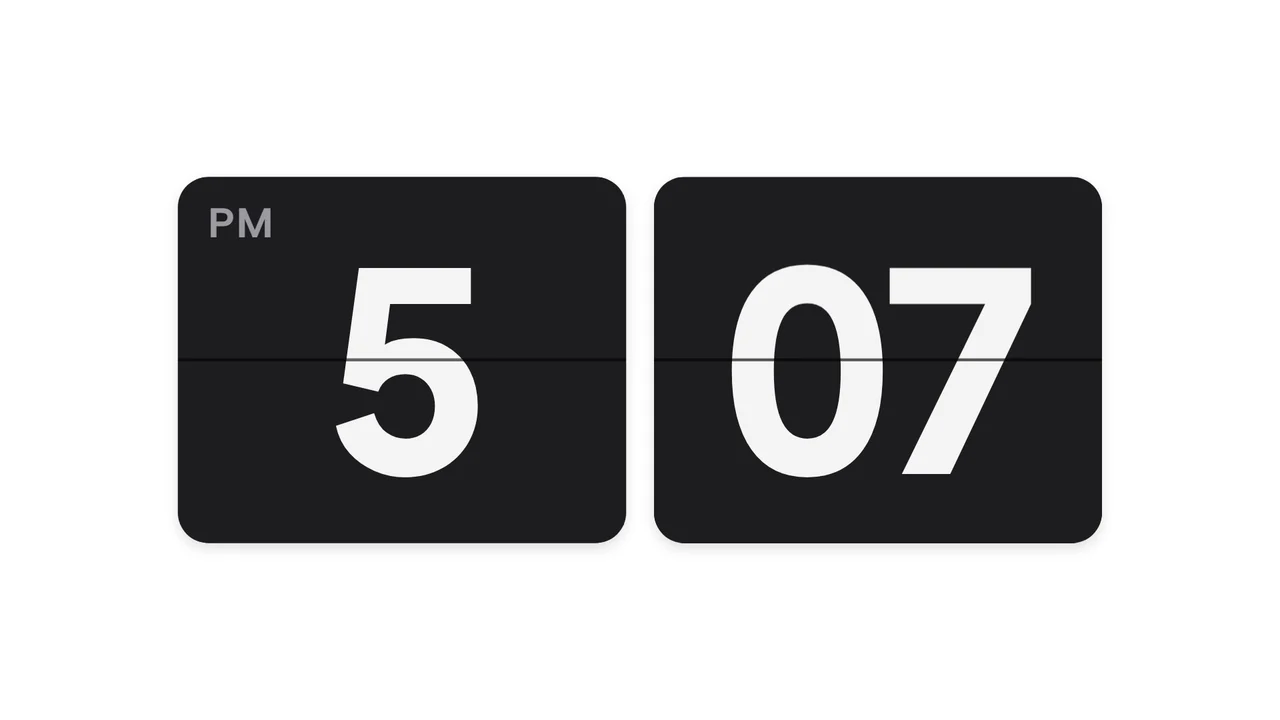
A big flip clock in your colors, with 12 or 24 hour time, seconds and the date.
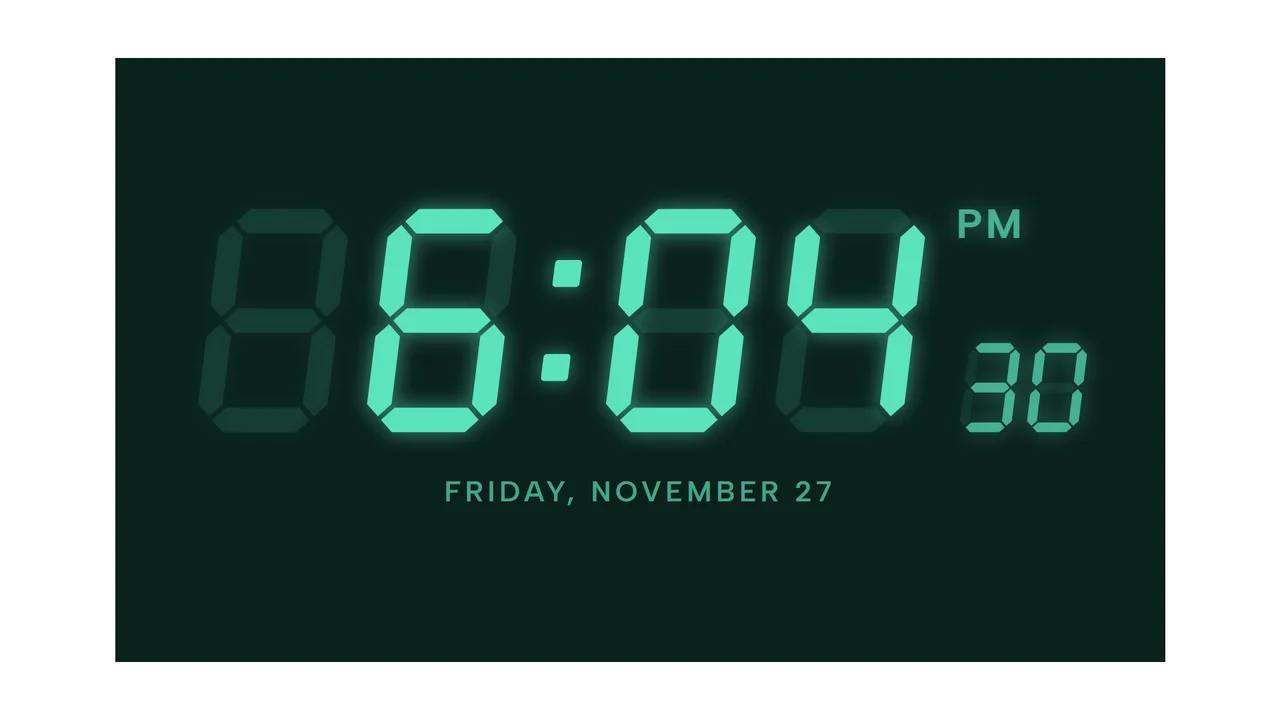
Big numbers in five fonts, from clean to LCD, with seconds, the date and your colors.
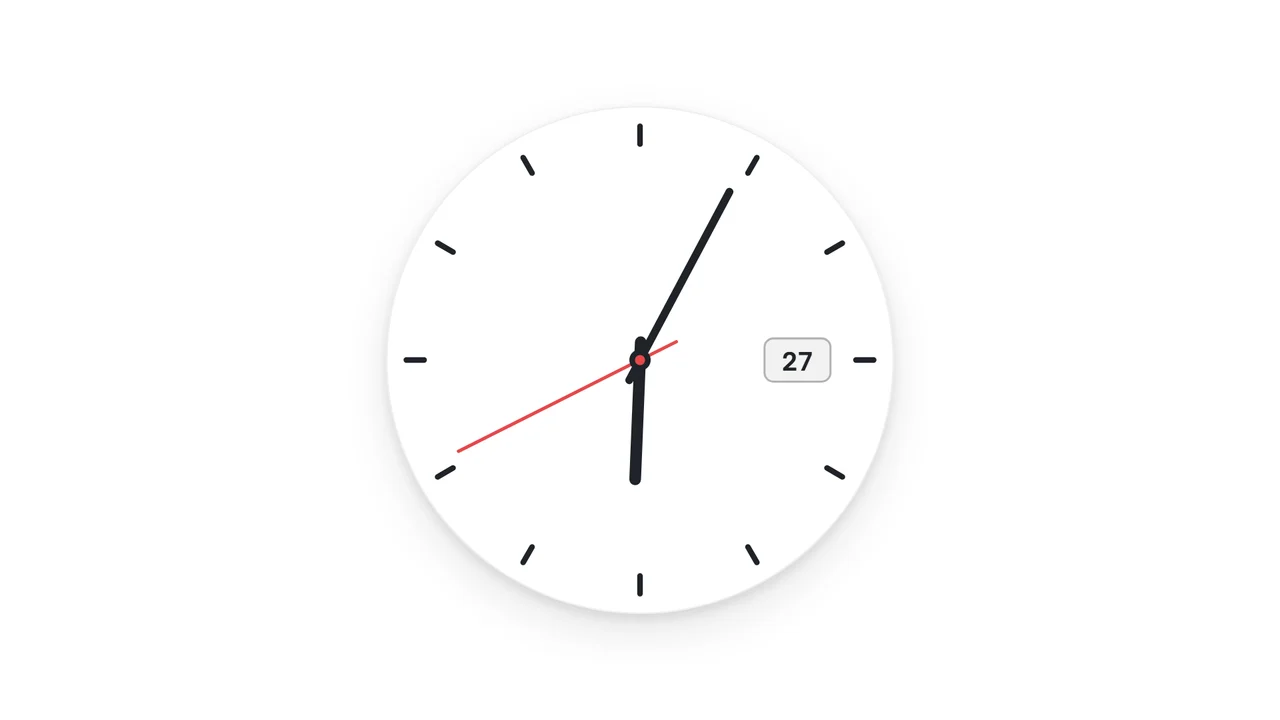
A quiet analog clock in four faces and six colors, with a sweeping second hand.
Yes. The date widget is free to set up, copy and use on as many Notion pages as you like. There is no account to make, no trial and no watermark, and nothing inside the widget but the date.
Set up the date at the top of this page and press Copy Widget Link. In Notion, click where you want the date, paste the link and choose Create embed from the menu that appears. Then drag the corners of the block to make the date as big as you want.
Yes. The widget looks at the clock every few seconds and turns to the new day as soon as midnight passes, with no refresh. It shows the date on the device that opens the page, or a city’s date for everyone if you pick a city under Time zone.
Yes. Choose from ten languages: English (US or UK), Spanish, French, German, Portuguese, Italian, Dutch, Swedish and Polish. The browser writes the weekday and month names, so they are spelled the way that language spells them, like viernes, 27 de noviembre.
The ISO week number, the one most calendars in Europe print. Weeks run Monday to Sunday, and week 1 is the week with the year’s first Thursday in it. Near New Year it can differ by one from a calendar whose weeks start on Sunday.
Typing @today adds today’s date as a mention, and that mention keeps the day you typed it. In a database, a formula with now() always shows the current date. The widget is for a date in big type at the top of a page that changes by itself every day.
Keep the background on Clear. The colors of the words are middle tones that read on Notion’s light and dark pages alike, and the calendar page keeps its own white paper. Choose Solid if you want a block of color behind the date.
Come back to this page and press Change a widget you added, under the preview. Paste the date widget’s link (in Notion, ••• then View original shows it), change what you like and copy the link again. In Notion, choose ••• then Replace and paste it: the date keeps its place and size.

The Complete Bundle has every Notion4Teachers template, with the Ultimate Teacher Planner at its heart.
Get Complete Bundle40% OFF!