Before a test
Put the exercise on the board while the papers go out. Four rounds of box breathing take about a minute, and everyone starts the test at the same calm pace.
Pick a pattern, a shape and a scene, copy the link, and paste it into any Notion page. Press Start and the whole room breathes with one calm shape.
In 4, hold 4, out 4, hold 4 seconds.
0 keeps going until you press Stop.
Grows as you breathe in, shrinks as you breathe out.
Today in Room 12
www.notion4teachers.com/embed/breathing-exerciseA breathing exercise widget is a small web page that guides a slow breath, made to sit inside a Notion page. You paste its link into Notion, choose Create embed, and press Start. A shape grows as you breathe in, rests while you hold and shrinks as you breathe out, with the words and a count in the middle. Choose box breathing, 4-7-8 or your own seconds, the rounds, the shape and the scene. Nothing to install, and no account.
Teacher Home
Whenever the room needs a slow minute before the next thing. Three moments where it earns its place:
Put the exercise on the board while the papers go out. Four rounds of box breathing take about a minute, and everyone starts the test at the same calm pace.

After a loud break, project the flower and press Start. The class follows the petals open and close for a few rounds, then the lesson begins in a quieter room.

Leave a tablet in the calm corner with the exercise open. A student who needs a minute presses Start, follows the square, and comes back to the group when the rounds are done.
Set it up once, copy the link, and press Start when the moment comes. Here is what it does and what you can change.
A circle that grows and shrinks, a flower whose petals open and close, or a square with a dot that traces one side a step. With reduced motion turned on, the shape stays still and the words and count lead.
Four patterns are built in, and Own lets you set the seconds for each step. A hold set to 0 drops out, so in and out alone makes a simple, even rhythm for younger students.
Breathe in, Hold and Breathe out sit in the middle of the shape, with the seconds counting down and the round at the top. Add a title of your own, like the class or the moment.
Dawn, Sea, Forest, Night, Lavender and Paper, each drawn in soft gradients with slow light that drifts in the background. Paper is plain and quiet for a busy dashboard.
Drag the block’s corner and the scene, the shape and the words grow or shrink with it. A wide block fills the projector; a small one sits in a column beside the day’s plan.
Five steps, about a minute. The same steps work for every widget on Notion4Teachers.
Pick the pattern, the rounds, the shape and the scene at the top of this page.
Press Copy Widget Link. Everything you chose is part of the link.
Click where the exercise should go on your Notion page and paste.
Notion asks what to do with the link. Choose Create embed.
Pull the block’s corner until the shape is as big as you want.
The Ultimate Teacher Planner sets up your classes, lessons, grades and attendance in Notion. Put your widgets at the top of it in a minute.
See the Teacher PlannerA still picture cannot keep time. This one moves with the breath, counts each step and ends gently.
The scene, the shape and the words, and nothing else in the block.
The shape and the words fill the block, so a projected exercise reads across the room.
No sound at all, or a soft tone at each change that starts only after Start.
It keeps time from the clock, so a slow moment on the device never puts it out of step.
Six scenes from a pale Paper to a starry Night, so it suits any page.
No account and nothing saved on our side. Change a setting, copy the new link.
Anyone who wants a slow, shared minute on a page they already open every day.

On the classroom screen before a test, after recess and at the end of a busy day. One press and the class follows the same shape and the same words, without a video or an app.

On a study dashboard beside the to-do list, for a minute between subjects or before an exam. The square and its moving dot make box breathing easy to keep count of.

On the day’s lesson page, so a child can take a calm minute before reading or math, with a parent following the flower alongside.

Many breathing guides are phone apps that ask for an account or a subscription. Here you set it up on this page and copy the link: nothing to register, nothing to pay, nothing to install.

The shape and the words grow with the block, so a projected exercise reads from every desk. The class follows one guide together instead of each student on a phone.

There is no sound unless you switch on the soft tone, and even then it waits until someone presses Start. A bell button in the widget mutes it at any time.
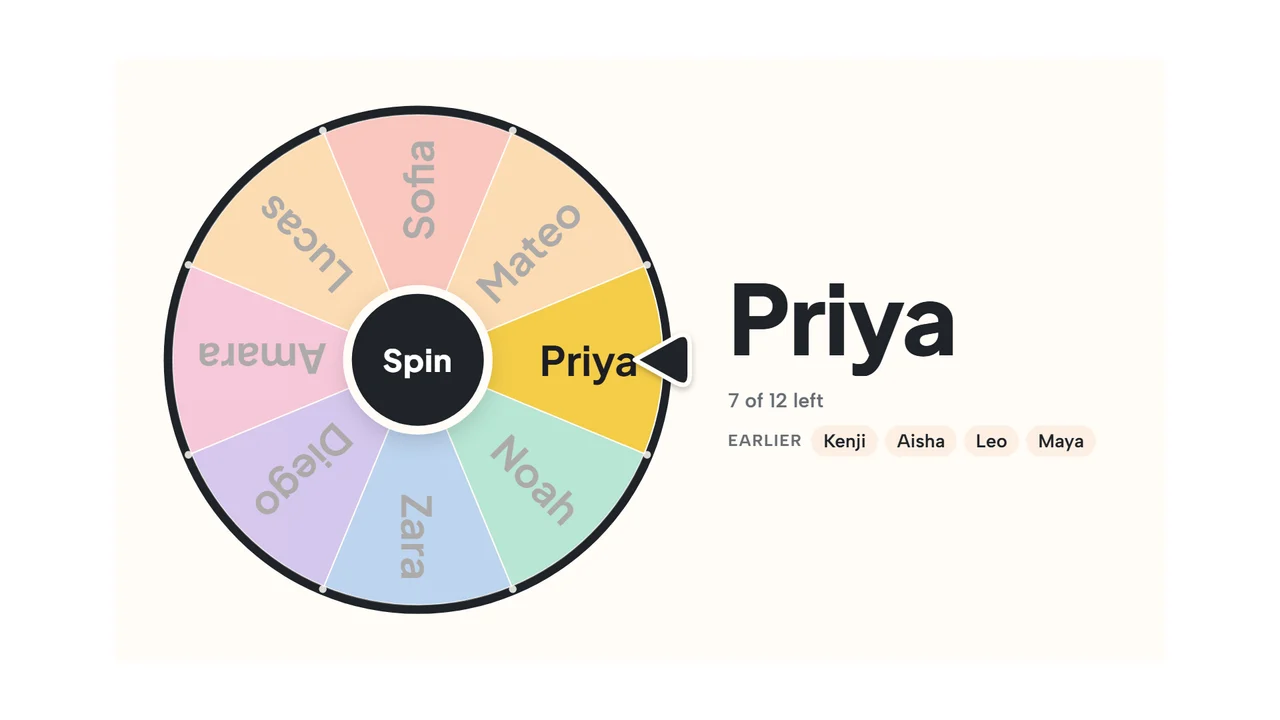
Spin a wheel of your class list and land on one name, fairly and with no repeats.
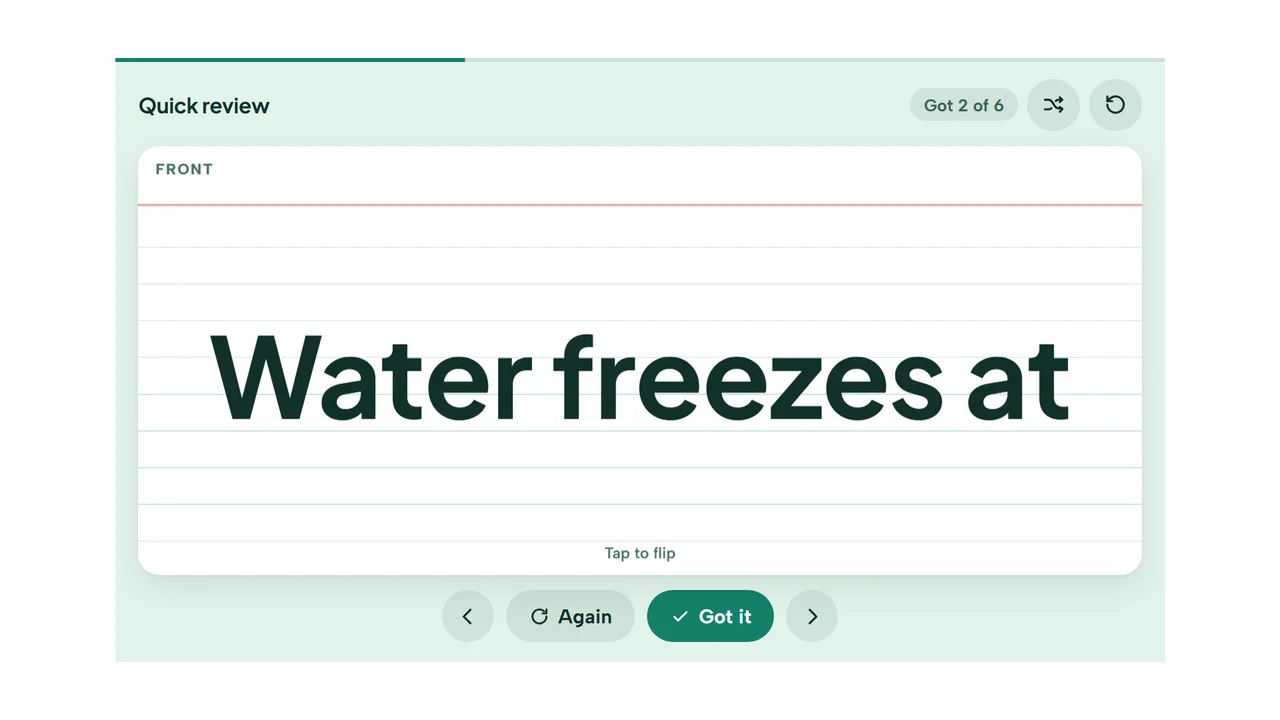
Type your cards once, then flip, shuffle and sort them into Got it and Again.
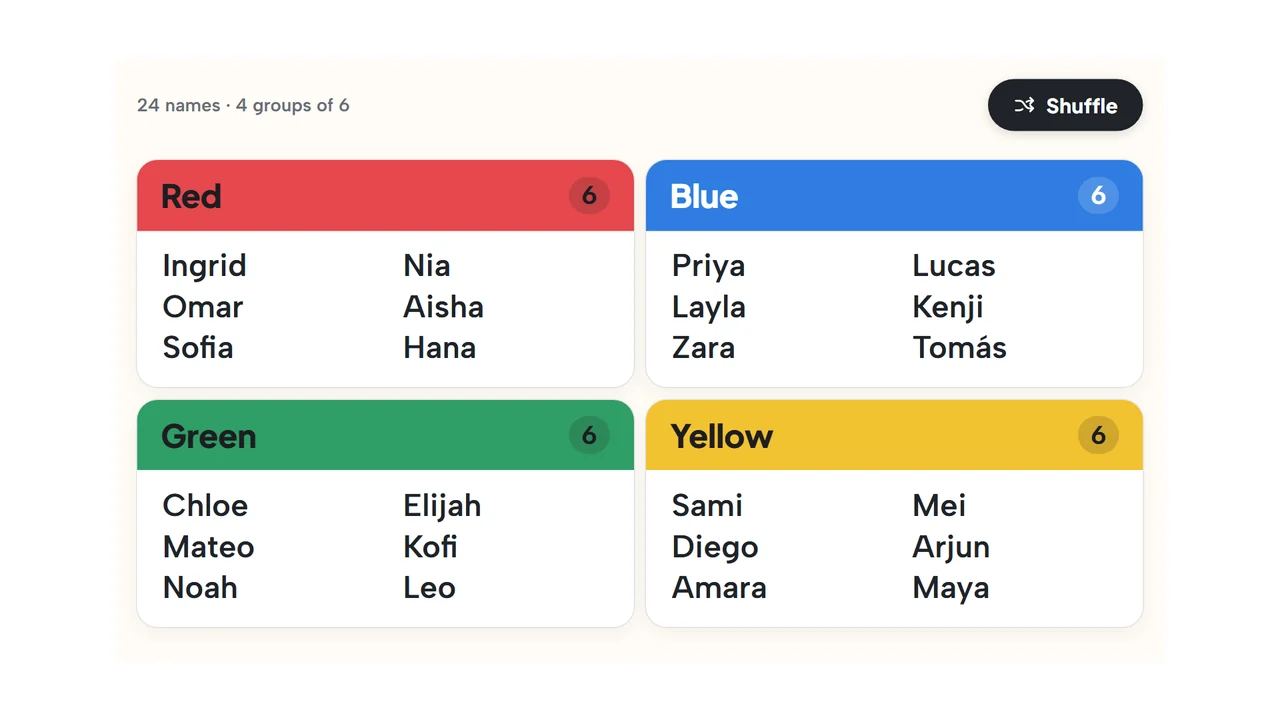
Split your class into fair groups or pairs, named your way, on cards the room can read.
Yes. The breathing widget is free to set up, copy and use on as many Notion pages as you like. There is no account to make, no trial, no watermark and no ads, and nothing inside the block but the scene, the shape and its words.
Choose the pattern, the shape and the scene at the top of this page and press Copy Widget Link. In Notion, click where the exercise should go, paste the link and choose Create embed. Drag the corners of the block to make it the size you want.
Box breathing is four steps of the same length, usually four counts each. Breathe in for four, hold for four, breathe out for four, hold for four, then begin again. Choose the Square shape and a dot traces one side of the square for each step, so the box is easy to follow.
Box (4-4-4-4), 4-7-8 (in 4, hold 7, out 8), Calm (in 4, out 6) and Equal (in 5, out 5). Own lets you set each step yourself: breathe in and out from 1 to 12 seconds, and the two holds from 0 to 12, where 0 leaves that hold out.
Yes, if you want one. Switch on A soft tone at each change and a gentle note plays as each step begins, rising for breathe in and falling for breathe out. It only sounds after someone presses Start, and the bell button in the widget mutes it.
Four rounds unless you change it, and anything from 1 to 30. Set Rounds to 0 and it keeps going until someone presses Stop. After the last round the shape settles slowly, the words say All done, and Again starts it from the beginning.
Yes. The words are big, the shape is easy to follow and the Calm or Equal pattern keeps the counts short. You can set your own, like 3 seconds in and 3 out. It is a calm activity, not a treatment: let anyone stop whenever they like and breathe as usual.
Yes. The widget is part of the Notion page, so it shows wherever the page opens: the Notion app on iPhone, iPad and Android, the desktop app and the browser. Tap Start on the widget to begin.

The Complete Bundle has every Notion4Teachers template, with the Ultimate Teacher Planner at its heart.
Get Complete Bundle40% OFF!