At the start of the school day
In a faith-based school, a Bible class or a homeschool morning, project the class page and the day’s verse is already there. Read it together before the first lesson, with no planning on your part.
Pick a topic, the colors and the font, copy the link, and paste it into any Notion page. A new verse from the King James Version shows up every morning by itself.
All 365 verses, one a day for a year.
For a light Notion page.
Today in Room 12
www.notion4teachers.com/embed/bible-verseA Bible verse widget is a small web page that shows one verse inside your Notion page. You paste its link into Notion, choose Create embed, and the block shows a new verse each day by itself, with its reference. This one picks from 365 well-known verses of the King James Version, each checked word for word, and lets you choose the topic, colors, background and font before you copy the link. Nothing to install, and no account.
Teacher Home
Wherever a class, a family or a reader starts the day. Three moments where it earns its place:
In a faith-based school, a Bible class or a homeschool morning, project the class page and the day’s verse is already there. Read it together before the first lesson, with no planning on your part.

Put the widget at the top of a reading plan or a journal page in Notion. A topic like Wisdom or Peace and rest keeps the verse close to what you are reading and writing about.

Beside the calendar and the to-do list on your Notion home page, one short verse to read before the day begins. Choose Gratitude and joy, or Strength and courage for a busy week.
Set it up once, copy the link, and a new verse arrives every day. Here is what you can change before you paste it into Notion.
The verse changes with the date on the device that opens the page, so a class or a family sees the same verse on the same day. Leave the page open overnight and the next verse appears after midnight.
Keep to every topic, or choose one of seven, from Encouragement and hope to Learning and teaching. Each verse belongs to one topic, and the verses of a topic take turns day by day.
Six soft gradients fill the whole block, from Dawn and Sky to Dusk and Night. Or choose a clear background, with dark words for a light page or light words for a dark one, and pick a serif, book or sans font.
Drag the corners of the embed block and the verse resizes to fill it. A short verse grows large for the projector, and a long one still fits a narrow column beside your notes.
Every verse shows its reference, with the KJV label if you want it. Add today’s date and a short line above the verse, set the words to the left, and a small button shows one more verse.
Five steps, about a minute. The same steps work for every widget on Notion4Teachers.
Pick the topic, the colors and the font at the top of this page.
Press Copy Widget Link. Everything you chose is part of the link.
Click where the verse should go on your Notion page and paste.
Notion asks what to do with the link. Choose Create embed.
Pull the block’s corner until the verse is as big as you want.
The Ultimate Teacher Planner sets up your classes, lessons, grades and attendance in Notion. Put your widgets at the top of it in a minute.
See the Teacher PlannerA verse picture never changes. This one brings a new verse every day and fits your page.
The block shows the verse and its reference, nothing else. No pop-ups, no logos and no links out.
Every verse matches the King James text published by Project Gutenberg, with its book, chapter and verse.
Soft gradients fill the block, and a clear background has dark or light words for your page.
The verse fills the block, so a wide embed on the projector reads across the room.
No account and nothing saved on our side. Change a setting, copy the new link.
It reads the date on the device it runs on, so there is nothing to update.
Anyone who opens Notion every day and likes to start with a verse.

In faith-based schools, Bible classes and Sunday school, on the classroom screen for the morning and at the top of a lesson page. A topic like Love and kindness or Learning and teaching fits the week.

On a study dashboard or a reading plan, for one verse before the work starts. The clear background sits right on a dark Notion page.

On the day’s lesson page or a group’s shared page, so each morning or meeting starts with a verse to read aloud and talk about.

Every verse was matched word for word with the King James Version as Project Gutenberg publishes it, with its reference. Where we kept part of a long verse, it ends at a whole clause and shows three dots.

Six soft gradients fill the block edge to edge, or a clear background lets the verse sit right on your page, light or dark. Three fonts, centered or left, with nothing else in the block.

Most verse widgets are phone apps to install, some with purchases inside. This one lives on your Notion page: set it up here, copy the link, and there is nothing to register or pay.
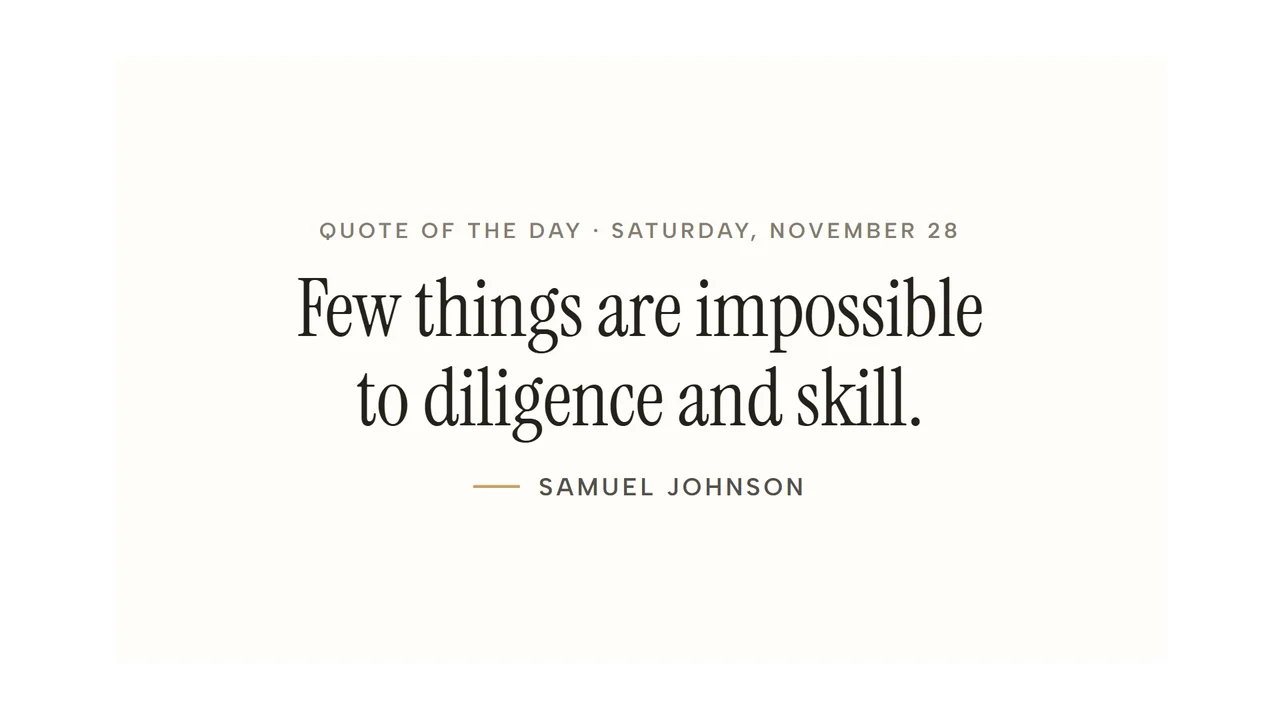
A new quote every day in soft colors, from real authors or your own list.

Calm quotes over slowly moving scenes, from a misty lake to rain on a window.
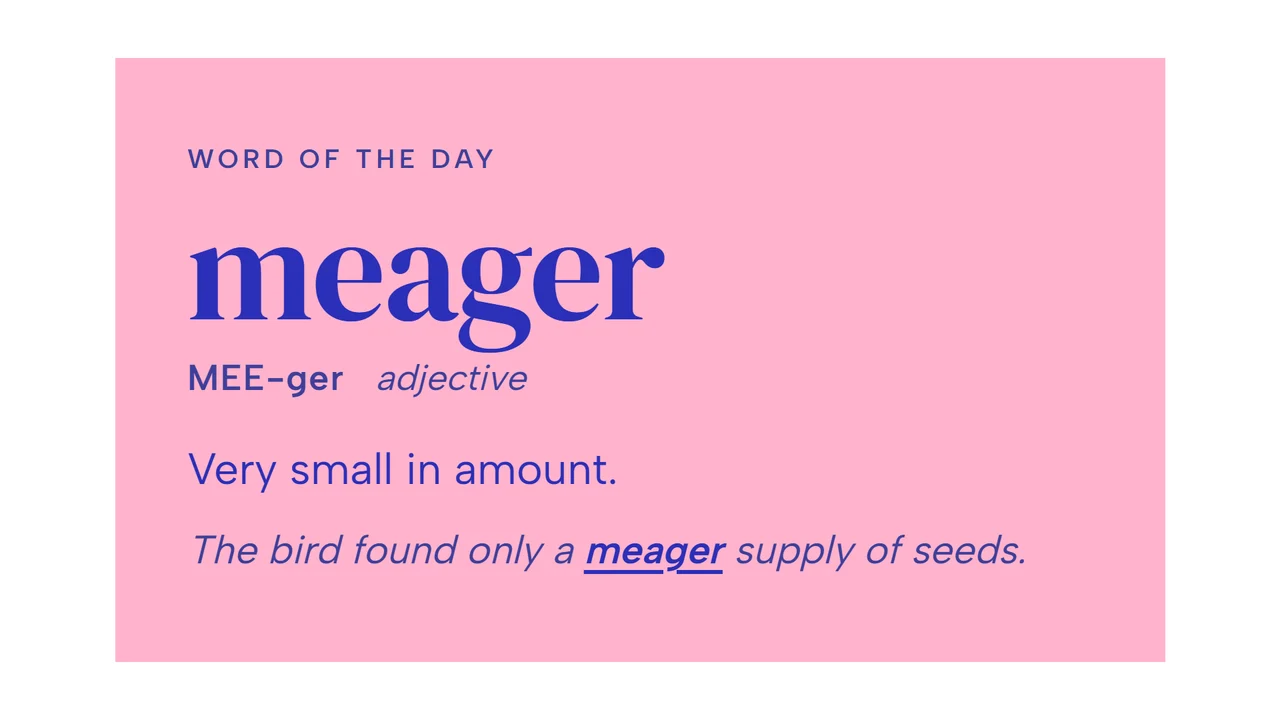
One new word a day with how to say it, its meaning and an example, at your class’s level.
Yes. The widget is free to set up, copy and use on as many Notion pages as you like. There is no account to make, no trial and no watermark, and nothing inside the block but the verse and its reference.
Set up the widget at the top of this page and press Copy Widget Link. In Notion, click where you want the verse, paste the link, and choose Create embed from the menu that appears. Then drag the corners of the block to the size you want.
The King James Version, which is free for anyone to share. Every verse was matched word for word with the King James text published by Project Gutenberg, and each one shows its reference, like John 3:16. You can hide the KJV label next to the reference if you like.
Yes, on the same date. The widget picks the verse from the date on the device that opens the page, so a class or a group opening your page that day sees the same verse. It changes at midnight by itself, even on a page left open overnight.
Yes. Under Topic, choose one of seven: Encouragement and hope, Wisdom, Love and kindness, Peace and rest, Strength and courage, Gratitude and joy, or Learning and teaching. Every topic, the default, takes turns through all 365 verses before any comes back.
The dots show where the words go on. For a few long verses we kept one whole clause, like Be still, and know that I am God, and some verses end in the middle of a sentence that runs on into the next verse. The words shown are always the King James text.
Yes. The widget fills its block with a soft gradient, so it looks right on light and dark pages, and the Dusk and Night colors have light words. Or choose a clear background with light words, and the verse sits right on your dark page.
Come back to this page and press Change a widget you added, under the preview. Paste the widget’s link (in Notion, ••• then View original shows it), change what you like and copy the link again. In Notion, choose ••• then Replace and paste it: the widget keeps its place and size.

The Complete Bundle has every Notion4Teachers template, with the Ultimate Teacher Planner at its heart.
Get Complete Bundle40% OFF!