How Technology Is Transforming Teacher Evaluation
How Technology Is Transforming Teacher Evaluation

Article by
Milo
ESL Content Coordinator & Educator
ESL Content Coordinator & Educator
All Posts

Image Credit: Pexels
The role of a teacher has always been complex, but the tools available to support it are changing dramatically. Beyond just digital whiteboards and online gradebooks, technology now offers powerful ways to track professional growth, refine teaching strategies, and manage the administrative tasks that often pull focus from the classroom. When educators embrace these digital tools, they can build a clearer picture of their performance, turning evaluation from a yearly checkbox into a continuous cycle of improvement. This shift doesn't just change how data is stored; it changes how teachers and administrators use that data to foster meaningful professional development.
The broader digital transformation in teacher performance is opening up new possibilities for educators to take charge of their professional journey. Instead of relying on scattered notes and memories, you can now build a rich, evidence-based portfolio of your work. This organized approach helps you spot patterns in your teaching, pinpoint areas for growth, and celebrate successes with concrete proof.
Still grading everything by hand?
EMStudio is a free teaching management app — manage your classes, students, lessons, and more!
Learn More

Still grading everything by hand?
EMStudio is a free teaching management app — manage your classes, students, lessons, and more!
Learn More
Table of Contents
The Evolution of Teacher Evaluation
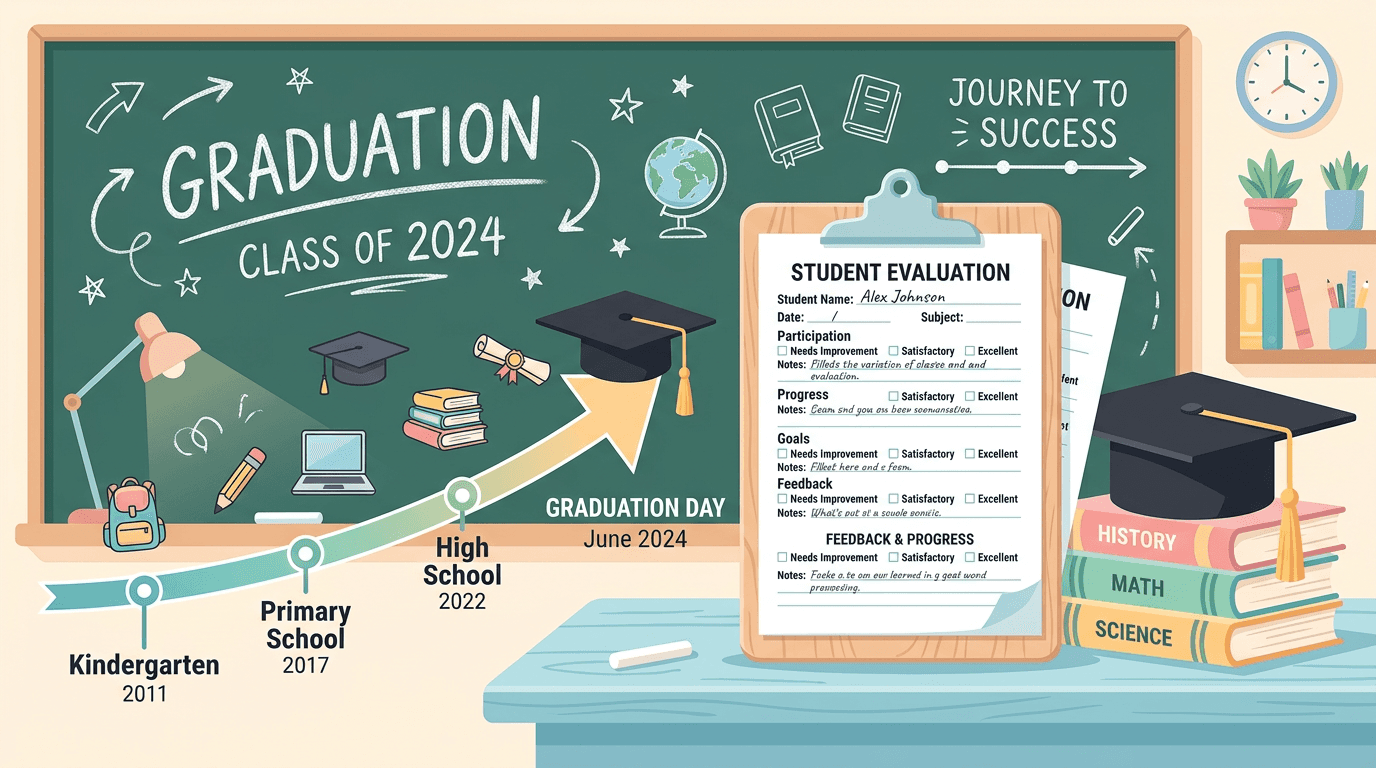
For decades, teacher evaluation was often a static, once-a-year event. An administrator would visit a classroom with a clipboard, take notes, and later deliver a summary that was filed away until the next year. This model couldn't really capture the dynamic nature of teaching or provide timely, useful feedback. The process felt more like a judgment than a tool for growth, often creating anxiety and offering little practical support. The feedback was often too general or came too late to make a real difference in daily instruction.
Today, the philosophy behind teacher evaluation is shifting from compliance to coaching. The goal is no longer just to rate performance but to improve it. This change is powered by digital tools that allow for more fluid, ongoing conversations about teaching. Instead of a single high-stakes observation, administrators can conduct shorter, more frequent walkthroughs, capturing evidence on a tablet or laptop. This data might include photos of student work, short video clips of instruction, or specific notes tied to a school's teaching framework.
This modern approach provides a much richer and more accurate picture of what's happening in the classroom over time. It lets observers see growth, identify trends, and offer specific, evidence-based feedback. For teachers, it transforms evaluation from something that happens *to* them into a collaborative process they are actively part of.
Organizing Performance Data Digitally
With more frequent observations and a focus on evidence, the amount of performance data can quickly become overwhelming. A stray observation note in an email, a goal-setting document on a shared drive, and student performance data in another system create a fragmented view of your professional practice. To make sense of it all, you need a central way to organize and connect these different pieces of information.
Many teachers use personal productivity systems like Notion or Google Keep to create their own digital portfolios. You can set up pages to track professional goals, link to lesson plans, and upload artifacts like student work samples or photos of classroom activities. This DIY approach gives you complete control and is a great way to start organizing your thoughts and evidence. However, for school-wide consistency and direct integration with formal evaluation processes, more specialized platforms are necessary. Digital tools that allow for real-time data collection during walkthroughs are becoming standard in many districts.
For districts looking for a dedicated platform, specialized teacher evaluation software for schools can help centralize this information and connect classroom observations with professional development goals. These systems give teachers and administrators a shared place to access observation notes, track progress against specific standards, and manage the feedback cycle. This ensures that everyone is working from the same information and that conversations are grounded in shared evidence.
Feedback Loops for Continuous Improvement
The whole point of collecting performance data is to create a powerful feedback loop for growth. A feedback loop is a simple but effective cycle: you take an action, measure and analyze the results, and then use that information to guide your next action. In teaching, this looks like:
1. Observation: An administrator or peer watches a specific part of your instruction.
2. Feedback: You get timely, specific, and evidence-based feedback on what was observed.
3. Action: You use that feedback to refine your technique or try a new strategy.
4. Follow-up: A later observation checks in on your progress, starting the cycle over again.
Digital tools make this process more efficient and effective. When feedback is delivered through a digital platform, it can be directly linked to the evidence it's based on, whether that's a specific quote, a video timestamp, or a rubric indicator. This clarity helps you understand exactly what the feedback is referring to. Plus, these platforms can document the entire conversation, making it easy to review goals and track progress over weeks and months. The goal is to create a system that can support professional growth in a meaningful, sustained way.
Imagine you're working on increasing student engagement during math lessons. A digital tool could help you and your instructional coach track the use of specific strategies, like "turn and talk" or using manipulatives. After each observation, you could review notes and data together, decide on a new strategy to try, and schedule a follow-up. This creates a focused, supportive cycle that leads to measurable improvement.
Streamlining Administrative Tasks
Every minute spent on administrative paperwork is a minute not spent planning engaging lessons or working with students. Digital tools can automate or simplify many of the routine tasks that consume a teacher's day, freeing up valuable time and mental energy. Adopting the right tools helps you redirect your focus back to the art and craft of teaching.
Consider these areas where digital solutions can make a big impact:
Tools like Planboard or even a well-organized Notion database can help you build, store, and share lesson plans, similar to how a digital teacher planner keeps teaching materials organized. You can easily link to resources, align lessons with standards, and collaborate with colleagues, ensuring your curriculum is coherent and accessible.
Grading and Feedback: Platforms like Google Forms can automatically grade multiple-choice quizzes, providing instant feedback to students.
Communication: Keeping parents and students in the loop is crucial but can be time-consuming. Apps like Remind or TalkingPoints streamline communication, allowing you to send class-wide announcements or have private conversations with parents safely and efficiently.
Finding the right tools can feel like a challenge, but resources exist to help. For example, the American Library Association curates an annual list of the best digital tools for teaching & learning, which is a great starting point for discovering new and effective apps for your classroom. By strategically adopting these tools, you reduce administrative friction and create more space for what truly matters.
Ultimately, integrating digital tools into your professional practice is about working smarter, not harder. By using technology to organize data, facilitate feedback, and streamline administrative work, you can gain a clearer understanding of your impact and devote more of your energy to the students in front of you.
The Evolution of Teacher Evaluation
For decades, teacher evaluation was often a static, once-a-year event. An administrator would visit a classroom with a clipboard, take notes, and later deliver a summary that was filed away until the next year. This model couldn't really capture the dynamic nature of teaching or provide timely, useful feedback. The process felt more like a judgment than a tool for growth, often creating anxiety and offering little practical support. The feedback was often too general or came too late to make a real difference in daily instruction.
Today, the philosophy behind teacher evaluation is shifting from compliance to coaching. The goal is no longer just to rate performance but to improve it. This change is powered by digital tools that allow for more fluid, ongoing conversations about teaching. Instead of a single high-stakes observation, administrators can conduct shorter, more frequent walkthroughs, capturing evidence on a tablet or laptop. This data might include photos of student work, short video clips of instruction, or specific notes tied to a school's teaching framework.
This modern approach provides a much richer and more accurate picture of what's happening in the classroom over time. It lets observers see growth, identify trends, and offer specific, evidence-based feedback. For teachers, it transforms evaluation from something that happens *to* them into a collaborative process they are actively part of.
Organizing Performance Data Digitally
With more frequent observations and a focus on evidence, the amount of performance data can quickly become overwhelming. A stray observation note in an email, a goal-setting document on a shared drive, and student performance data in another system create a fragmented view of your professional practice. To make sense of it all, you need a central way to organize and connect these different pieces of information.
Many teachers use personal productivity systems like Notion or Google Keep to create their own digital portfolios. You can set up pages to track professional goals, link to lesson plans, and upload artifacts like student work samples or photos of classroom activities. This DIY approach gives you complete control and is a great way to start organizing your thoughts and evidence. However, for school-wide consistency and direct integration with formal evaluation processes, more specialized platforms are necessary. Digital tools that allow for real-time data collection during walkthroughs are becoming standard in many districts.
For districts looking for a dedicated platform, specialized teacher evaluation software for schools can help centralize this information and connect classroom observations with professional development goals. These systems give teachers and administrators a shared place to access observation notes, track progress against specific standards, and manage the feedback cycle. This ensures that everyone is working from the same information and that conversations are grounded in shared evidence.
Feedback Loops for Continuous Improvement
The whole point of collecting performance data is to create a powerful feedback loop for growth. A feedback loop is a simple but effective cycle: you take an action, measure and analyze the results, and then use that information to guide your next action. In teaching, this looks like:
1. Observation: An administrator or peer watches a specific part of your instruction.
2. Feedback: You get timely, specific, and evidence-based feedback on what was observed.
3. Action: You use that feedback to refine your technique or try a new strategy.
4. Follow-up: A later observation checks in on your progress, starting the cycle over again.
Digital tools make this process more efficient and effective. When feedback is delivered through a digital platform, it can be directly linked to the evidence it's based on, whether that's a specific quote, a video timestamp, or a rubric indicator. This clarity helps you understand exactly what the feedback is referring to. Plus, these platforms can document the entire conversation, making it easy to review goals and track progress over weeks and months. The goal is to create a system that can support professional growth in a meaningful, sustained way.
Imagine you're working on increasing student engagement during math lessons. A digital tool could help you and your instructional coach track the use of specific strategies, like "turn and talk" or using manipulatives. After each observation, you could review notes and data together, decide on a new strategy to try, and schedule a follow-up. This creates a focused, supportive cycle that leads to measurable improvement.
Streamlining Administrative Tasks
Every minute spent on administrative paperwork is a minute not spent planning engaging lessons or working with students. Digital tools can automate or simplify many of the routine tasks that consume a teacher's day, freeing up valuable time and mental energy. Adopting the right tools helps you redirect your focus back to the art and craft of teaching.
Consider these areas where digital solutions can make a big impact:
Tools like Planboard or even a well-organized Notion database can help you build, store, and share lesson plans, similar to how a digital teacher planner keeps teaching materials organized. You can easily link to resources, align lessons with standards, and collaborate with colleagues, ensuring your curriculum is coherent and accessible.
Grading and Feedback: Platforms like Google Forms can automatically grade multiple-choice quizzes, providing instant feedback to students.
Communication: Keeping parents and students in the loop is crucial but can be time-consuming. Apps like Remind or TalkingPoints streamline communication, allowing you to send class-wide announcements or have private conversations with parents safely and efficiently.
Finding the right tools can feel like a challenge, but resources exist to help. For example, the American Library Association curates an annual list of the best digital tools for teaching & learning, which is a great starting point for discovering new and effective apps for your classroom. By strategically adopting these tools, you reduce administrative friction and create more space for what truly matters.
Ultimately, integrating digital tools into your professional practice is about working smarter, not harder. By using technology to organize data, facilitate feedback, and streamline administrative work, you can gain a clearer understanding of your impact and devote more of your energy to the students in front of you.
Still grading everything by hand?
EMStudio is a free teaching management app — manage your classes, students, lessons, and more!
Learn More
Still grading everything by hand?
EMStudio is a free teaching management app — manage your classes, students, lessons, and more!
Learn More




Notion4Teachers
Notion templates to simplify administrative tasks and enhance your teaching experience.



2026 Notion4Teachers. All Rights Reserved.
Notion4Teachers
Notion templates to simplify administrative tasks and enhance your teaching experience.
2026 Notion4Teachers. All Rights Reserved.
Notion4Teachers
Notion templates to simplify administrative tasks and enhance your teaching experience.
2026 Notion4Teachers. All Rights Reserved.