Managing Digital Clutter: A Teacher’s Guide to Staying Organized
Managing Digital Clutter: A Teacher’s Guide to Staying Organized

Article by
Milo
ESL Content Coordinator & Educator
ESL Content Coordinator & Educator
All Posts
Meta title: Managing Digital Clutter: A Teacher’s Guide to Staying Organized
Meta description: A practical guide for teachers to clear digital clutter from email, drives, and devices, with a system that keeps files organized through the school year.
Digital clutter builds up gradually. A folder you meant to rename, a worksheet downloaded twice, a screenshot from three months ago still on your desktop for no reason you can remember. None of it feels like a problem in the moment. Then you’re ten minutes into a search for a file you know you saved somewhere, and the cost of ignoring it becomes obvious. Getting organized isn’t really about one big cleanup weekend. It’s about setting up a system loose enough to live with, but tight enough that the clutter doesn’t return by October.
Still grading everything by hand?
EMStudio is a free teaching management app — manage your classes, students, lessons, and more!
Learn More

Still grading everything by hand?
EMStudio is a free teaching management app — manage your classes, students, lessons, and more!
Learn More
Table of Contents
Figure Out Where the Mess Actually Is
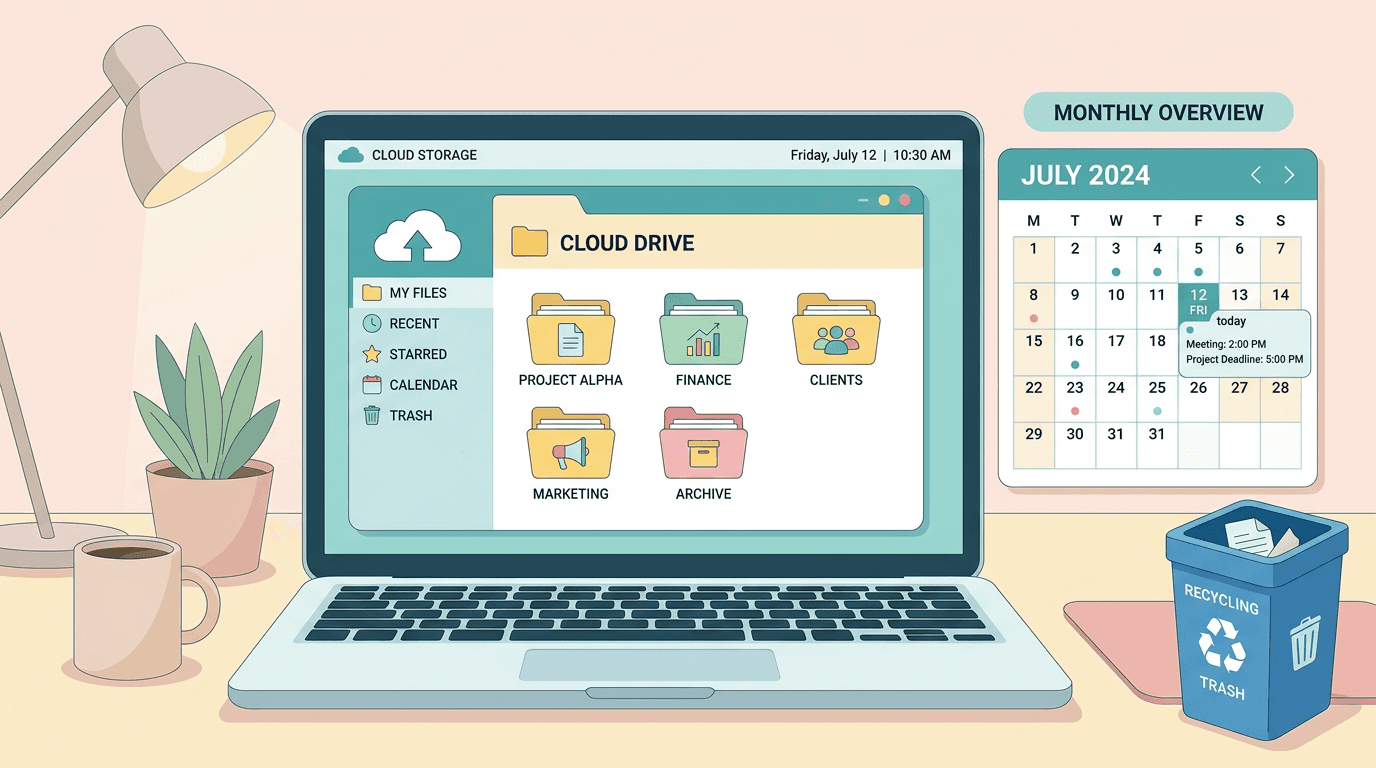
Ask most teachers where their clutter lives and they’ll point at the desktop. Fair enough, but the desktop is rarely the real problem. The heavier mess tends to sit in three places: your inbox, your cloud drive, and whatever folder your downloads land in by default.
Email backs up because deleting feels optional until it isn’t. Cloud drives fill with three versions of the same lesson plan, each named something slightly different because you weren’t sure which one was final when you saved it. Downloads folders end up full of PDFs and images you opened once and never dealt with again.
Before touching any of it, just look. Open all three, scroll through, get a feel for what’s piled up where. You’re not fixing anything yet. You’re figuring out which pile is worth tackling first.
Keep Only What You’ll Reach For Again
The first instinct when clutter piles up is to build folders for everything. It rarely lasts. More folders means more decisions every time you save a file, and decision fatigue is exactly what got you into this mess in the first place.
A better test: will I open this again before the year ends? If yes, it earns a spot in your working folders, grouped by subject or unit, wherever makes sense for how you teach. If no, archive it somewhere out of sight or delete it outright.
This is also the moment to split reference material from working drafts. A rubric you’ll reuse every term deserves a stable home. A worksheet draft that’s already been finalized into a cleaner version doesn’t need to hang around taking up space.
Give Photos and Video Their Own Sweep
Photos and video take up more storage than any other file type, and teachers accumulate plenty of both without noticing. Classroom shots for the newsletter, recorded lessons for the kid who was out sick, clips from a project showcase. These files are heavy, and they tend to pile up inside app libraries you never think to check, rather than in a folder you’d naturally browse.
If you edit lesson videos on a Mac, iMovie is a common choice, and its library keeps cached files, render data, and duplicate clips long after you’ve exported the version you actually wanted. Clearing that out every so often keeps your storage from running low at the worst possible time.
There’s a good walkthrough on how to clear an iMovie library without touching your finished projects, worth bookmarking if video is any part of your routine.
Photos need the same pass. Pull out what you’ll need for the year, cut the duplicates, and let go of the instinct to save every shot from every classroom moment.
Build Something That Survives Past September
Cleaning up once is the easy part. Staying organized through a full year, with new units and new files landing every week, is where most systems break down. The one that actually holds up is the one you barely have to think about.
Block off a recurring slot, even fifteen minutes every other Friday, to clear out downloads and file away anything new. Keep folder structures shallow. Three or four levels is plenty, and anything deeper makes files harder to find.
If Notion is already part of how you plan your teaching year, it makes sense to build your file organization around that same structure instead of running two separate systems side by side. We put together a roundup of task manager templates built for exactly this kind of workflow, and it pairs naturally with a cleaned-up file system since both are solving the same problem: too much stuff spread across too many places.
Final Thoughts
Digital clutter never fully goes away. New files show up every week of the school year, and some amount of mess is just part of the job. What changes is how much time it costs you. A clear folder structure, a regular habit of clearing out downloads and media, and a willingness to delete what you won’t touch again turns a chaotic digital workspace into one that actually works for you instead of against you.
Figure Out Where the Mess Actually Is
Ask most teachers where their clutter lives and they’ll point at the desktop. Fair enough, but the desktop is rarely the real problem. The heavier mess tends to sit in three places: your inbox, your cloud drive, and whatever folder your downloads land in by default.
Email backs up because deleting feels optional until it isn’t. Cloud drives fill with three versions of the same lesson plan, each named something slightly different because you weren’t sure which one was final when you saved it. Downloads folders end up full of PDFs and images you opened once and never dealt with again.
Before touching any of it, just look. Open all three, scroll through, get a feel for what’s piled up where. You’re not fixing anything yet. You’re figuring out which pile is worth tackling first.
Keep Only What You’ll Reach For Again
The first instinct when clutter piles up is to build folders for everything. It rarely lasts. More folders means more decisions every time you save a file, and decision fatigue is exactly what got you into this mess in the first place.
A better test: will I open this again before the year ends? If yes, it earns a spot in your working folders, grouped by subject or unit, wherever makes sense for how you teach. If no, archive it somewhere out of sight or delete it outright.
This is also the moment to split reference material from working drafts. A rubric you’ll reuse every term deserves a stable home. A worksheet draft that’s already been finalized into a cleaner version doesn’t need to hang around taking up space.
Give Photos and Video Their Own Sweep
Photos and video take up more storage than any other file type, and teachers accumulate plenty of both without noticing. Classroom shots for the newsletter, recorded lessons for the kid who was out sick, clips from a project showcase. These files are heavy, and they tend to pile up inside app libraries you never think to check, rather than in a folder you’d naturally browse.
If you edit lesson videos on a Mac, iMovie is a common choice, and its library keeps cached files, render data, and duplicate clips long after you’ve exported the version you actually wanted. Clearing that out every so often keeps your storage from running low at the worst possible time.
There’s a good walkthrough on how to clear an iMovie library without touching your finished projects, worth bookmarking if video is any part of your routine.
Photos need the same pass. Pull out what you’ll need for the year, cut the duplicates, and let go of the instinct to save every shot from every classroom moment.
Build Something That Survives Past September
Cleaning up once is the easy part. Staying organized through a full year, with new units and new files landing every week, is where most systems break down. The one that actually holds up is the one you barely have to think about.
Block off a recurring slot, even fifteen minutes every other Friday, to clear out downloads and file away anything new. Keep folder structures shallow. Three or four levels is plenty, and anything deeper makes files harder to find.
If Notion is already part of how you plan your teaching year, it makes sense to build your file organization around that same structure instead of running two separate systems side by side. We put together a roundup of task manager templates built for exactly this kind of workflow, and it pairs naturally with a cleaned-up file system since both are solving the same problem: too much stuff spread across too many places.
Final Thoughts
Digital clutter never fully goes away. New files show up every week of the school year, and some amount of mess is just part of the job. What changes is how much time it costs you. A clear folder structure, a regular habit of clearing out downloads and media, and a willingness to delete what you won’t touch again turns a chaotic digital workspace into one that actually works for you instead of against you.
Still grading everything by hand?
EMStudio is a free teaching management app — manage your classes, students, lessons, and more!
Learn More
Still grading everything by hand?
EMStudio is a free teaching management app — manage your classes, students, lessons, and more!
Learn More






Notion4Teachers
Notion templates to simplify administrative tasks and enhance your teaching experience.



2026 Notion4Teachers. All Rights Reserved.
Notion4Teachers
Notion templates to simplify administrative tasks and enhance your teaching experience.
2026 Notion4Teachers. All Rights Reserved.
Notion4Teachers
Notion templates to simplify administrative tasks and enhance your teaching experience.
2026 Notion4Teachers. All Rights Reserved.