
8 Best Resources International Students Use to Ace Every Assignment
8 Best Resources International Students Use to Ace Every Assignment

Article by
Milo
ESL Content Coordinator & Educator
ESL Content Coordinator & Educator
All Posts
Highlights:
Studying abroad means adapting to new reading lists, citation systems and teaching techniques. With the correct tools, students can understand the topics of the course, find credible sources, and provide creative work.
Here are eight resources that might assist at different stages of completing projects, from locating shared notes from classmates to compiling a final bibliography.
Still grading everything by hand?
EMStudio is a free teaching management app — manage your classes, students, lessons, and more!
Learn More

Still grading everything by hand?
EMStudio is a free teaching management app — manage your classes, students, lessons, and more!
Learn More
Table of Contents
Peer-created notes and study aids can help you understand complicated concepts fast.
Citation generators save you time by automatically formatting your references.
Real-time writing feedback enhances clarity, tone, and fresh wording.
A single workspace for due dates and drafts helps you stay organized with your tasks.
1. Studocu: The most comprehensive course-specific resource
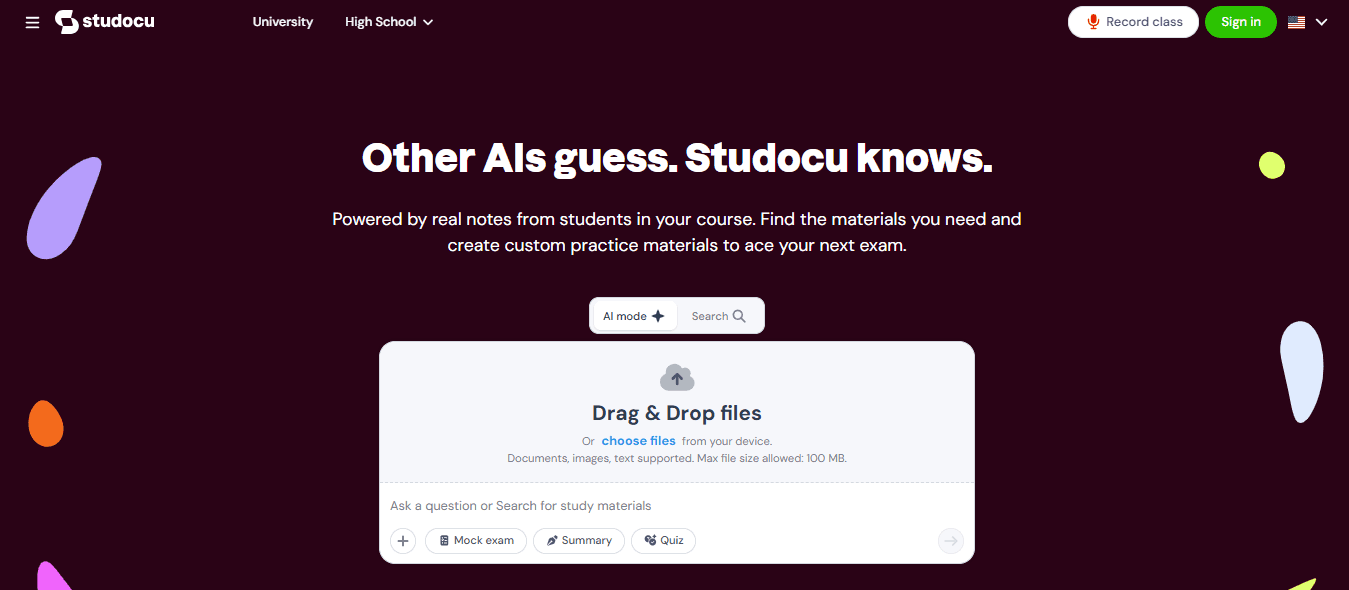
International students typically require course materials that reflect their school, curriculum and instructor’s particular perspective. That’s where Studocu comes in as it gathers lecture notes, summaries, study aids, practice examinations and class files, all posted by students.
Content is categorized by university, course, textbook and subject. Studocu is not just one school; it has data from over 120,000 schools and is available in over 100 countries.
Studocu also has AI capabilities like AI Notes and AI Summarization to help you summarize extensive reads, in addition to collective notes. The platform also provides an AI Quiz and mock exam generator to help students practice and develop.
Useful ways to use Studocu include:
Consult lecture notes when you need further explanation of a complicated subject.
Read study materials and summaries before writing an essay to outline major ideas.
Use homework aid to go through step-by-step reasoning instead of duplicating answers and clarify doubts with an AI study assistant.
Apply the ideas, methodologies or formulae to the problems in the textbook.
Transform notes into AI-generated summaries, quizzes, mock examinations or other review resources.
Record and transcribe lectures, and make them more useful and consumable.
Explore the resources shared by an international student community and find out how other students deal with the same subject matter.
Studocu is an amazing learning partner. Refer to your syllabus, lecture slides, and assignment criteria, as well as your shared notes, for guidance in writing your own unique work.
2. Zotero: The citation tool that organizes your research
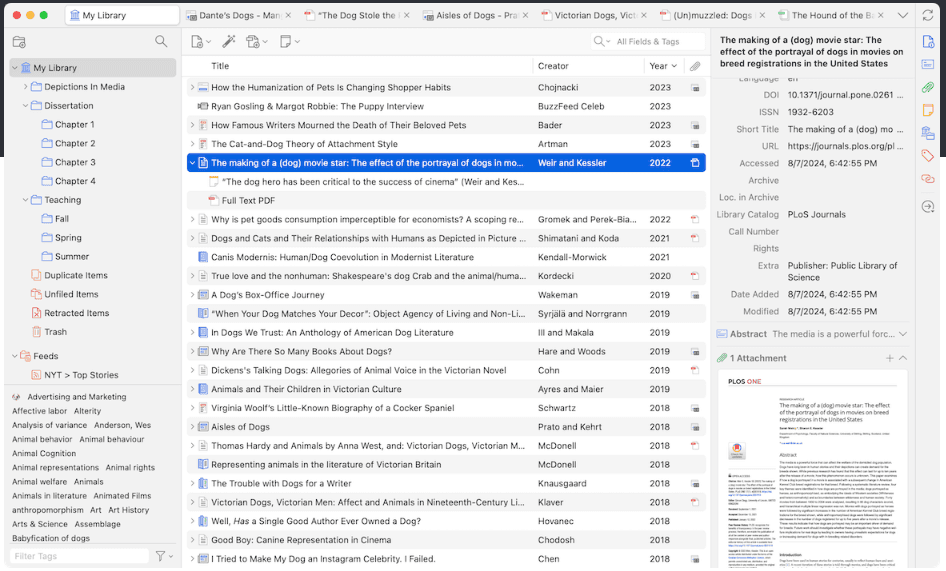
Formatting citations is stressful when colleges request unusual formats. Zotero makes this easier by collecting materials, organizing them into folders, annotating your research, and creating citations or bibliographies right inside Word, LibreOffice, and Google Docs.
Zotero works with over 9,000 citation styles, and can sync research libraries between devices. It also supports shared libraries and group bibliographies for collaborative projects and presentations.
Use Zotero to:
Save articles, books, online pages and reports as you read.
Create a distinct collection for each module/assignment.
Write with citations in mind, not as an afterthought.
Change from APA, MLA, Chicago, Harvard and other referencing styles as necessary.
Share a source folder across project partners.
3. Grammarly: An editor for clear academic writing
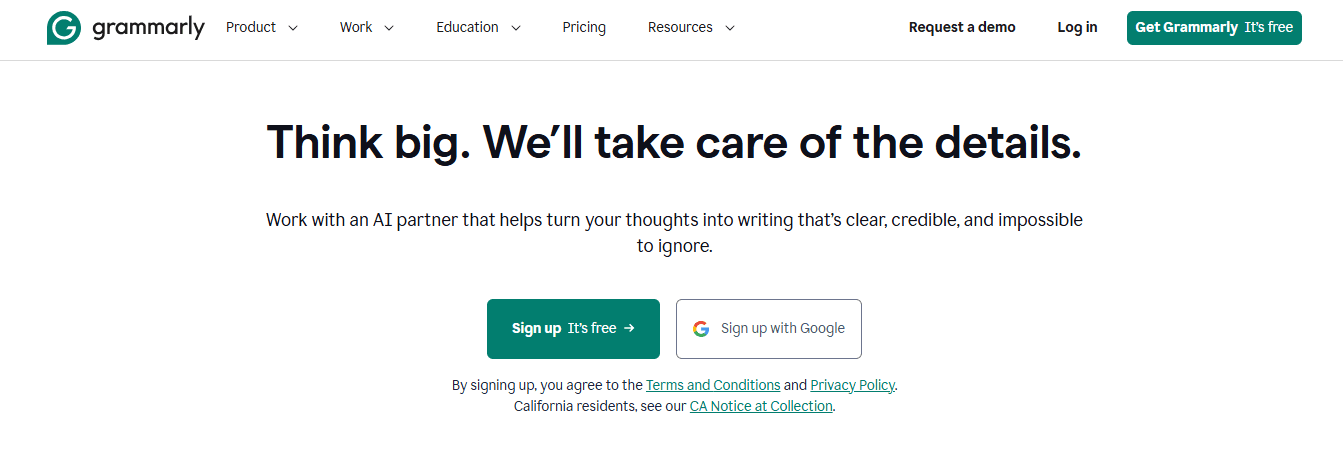
It’s hard writing in a second or third language. Grammarly may help throughout the editing step, identifying in real time faults with grammar, spelling, punctuation, clarity and tone. It also has citation help and originality checks, aimed toward students.
It produces APA, MLA, and Chicago citations and provides criticism on phrases that are not clear, too wordy, or too casual for academic writing. Use it after you have thought through the content not before. Your argument, evidence, and analysis must be original.
Key Features of Grammarly:
Improved correction of grammar, spelling, and contextual punctuation.
Smart tone adjustment for formal academic writing.
Built-in plagiarism checker, to ensure full academic honesty.
4. DiscoverEd: A university library platform for trusted sources
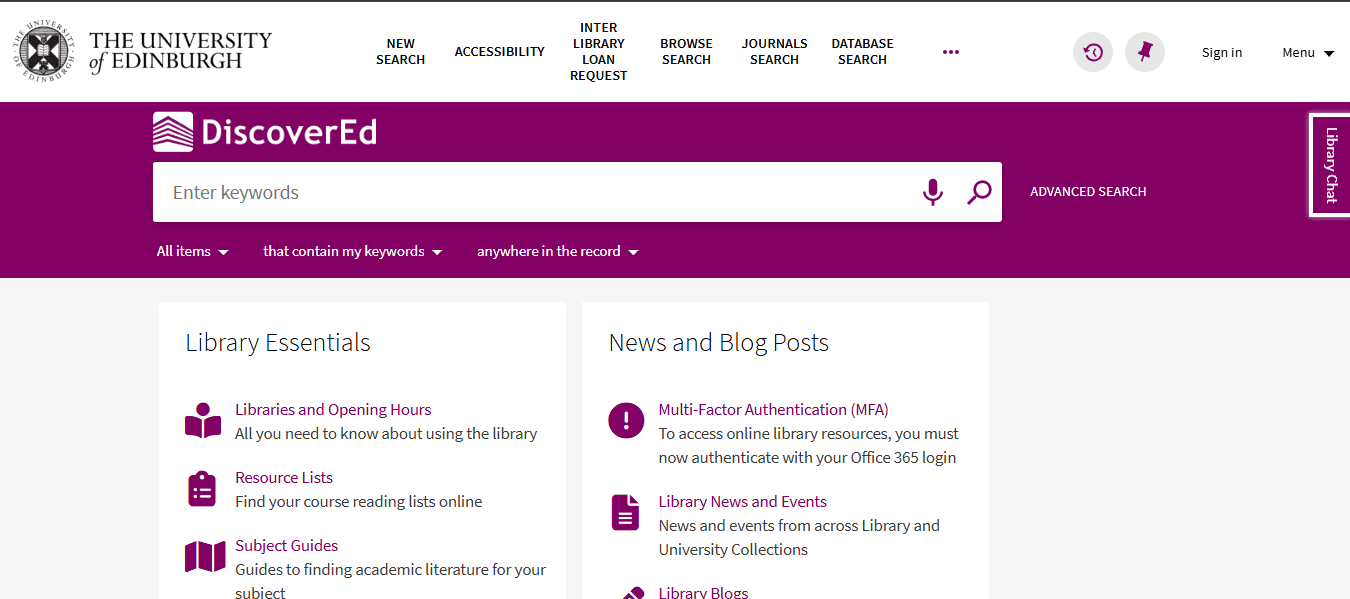
If an assignment involves peer-reviewed or reputable materials, begin with a university library site. A good example of this is DiscoverEd, used by the University of Edinburgh Library, which searches books, e-books, journals, journal articles and databases from one interface.
The site for your college may seem different but the procedure is the same. Search by keyword, limit by date, format and log in to access full-text documents.
Use a library portal to:
Find academic sources that are not available via normal online search.
Access e-books and journal articles while you are off campus.
Search by topic, author, date or format.
Save searches and set up email notifications for new publications.
Request books, scans or resources from other libraries in the system.
5. Study Together: A global space for focus and accountability
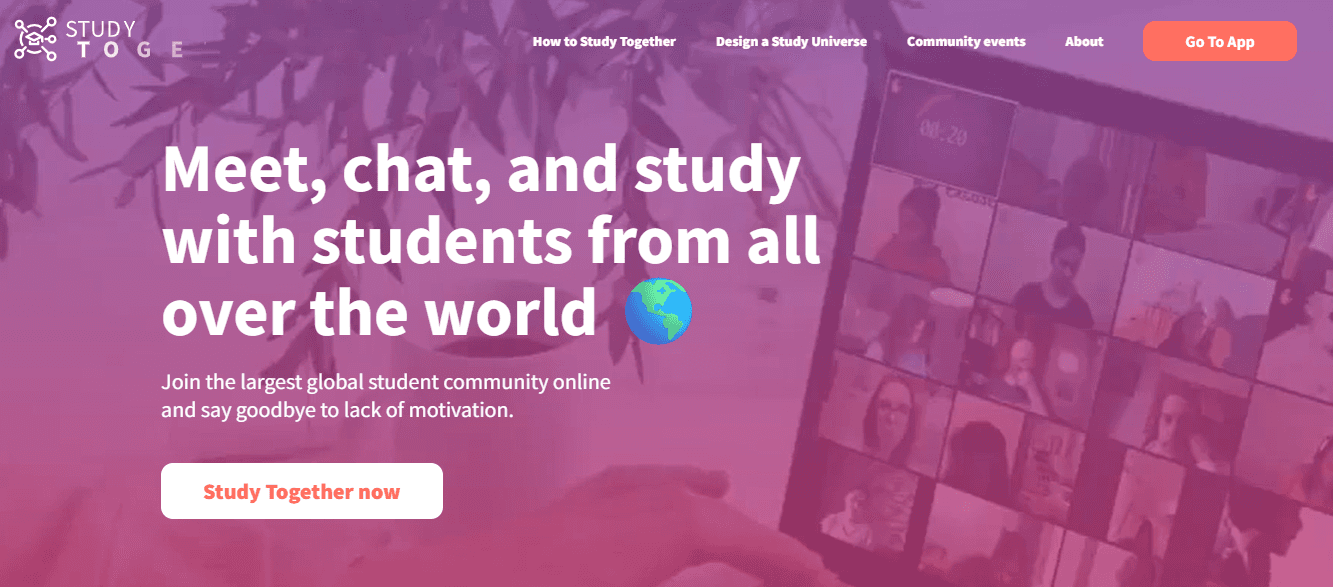
Studying alone in a foreign region or time zone might make assignments seem tougher. Study Together provides virtual study rooms for students to learn with classmates from around the globe.
The site provides group and individual areas, goal setting, timing, community activities, progress monitoring and access to instructors. It’s available 24/7, which is especially useful for overseas students whose schedules may not match local study groups.
Try it when you need:
A study partner takes the loneliness out of extended reading sessions.
Timed concentration periods provide structure.
Group settings make you start a task rather than procrastinate.
Set up a joint study regimen, without needing to meet in person.
Enjoy the encouragement of a larger student community.
6. Chegg Study: Detailed solutions to textbook problems
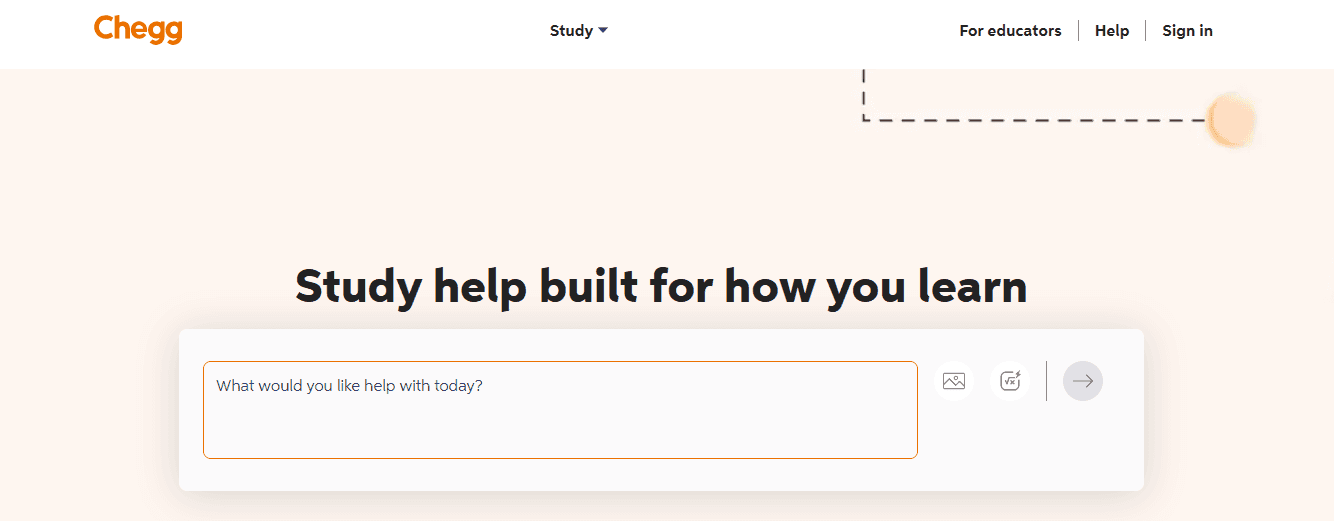
Quantitative tasks in STEM, economics, and business typically need more than quick descriptions. Chegg Study delivers textbook answers with step-by-step explanations and expert Q&A for many subjects.
The portal has more than 34,000 ISBNs together with step-by-step answers and professional Q&A. Its primary usefulness is to demonstrate the actual effort behind a solution so students may find errors in their own work.
Try the question first.
Compare your technique with the explanation given.
Explain why each step works.
As soon as I saw the picture, I was reminded of the old days.
7. Google Scholar: Quick access to scholarly literature

Google Scholar is helpful if you are investigating a new subject and want to see the scholarly discussion around it. It helps to find journal articles, theses, books, conference papers and citation links.
It works well in conjunction with a university library portal. Use Search Scholar to identify relevant titles and check whether your library has full-text access or request the item via your institution.
For better results:
Use exact subject terms for search.
Use date filters to find the latest research.
Look for fresh research by looking at “Cited by”
Read abstracts before downloading full papers.
Immediately save promising sources to Zotero.
8. Notion: A practical hub for organizing assignments
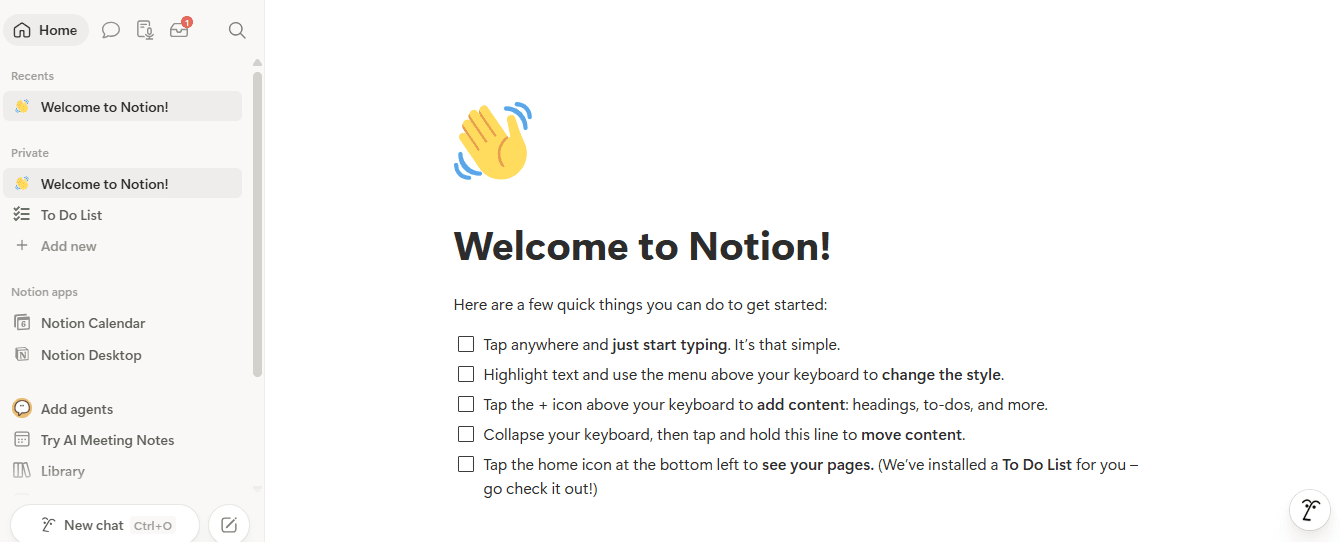
If your deadlines, readings, and drafts are strewn across many applications, having a great source list won’t be of much assistance. Notion offers students a flexible workspace to keep coursework organized in one location.
Students may establish a basic dashboard for each subject, manage deadlines, save lecture notes, make a reading list and assign group project responsibilities. One workstation for somebody taking many classes saves last-minute panic.
A useful assignment page might include:
Assignment question and grading criteria.
A checklist of research, planning, writing, editing and submission chores.
The table includes sources, important quotations and page numbers.
Internal deadline + tiny calendar.
A spot for input on the upcoming assignment.
Comparison: How the Top Tools Stack Up
Resource | Primary use | Best strength for international students | Key features | Best stage of assignment |
1. Studocu | Course-specific study support | International coverage and peer resources organized by institution, course and topic. | Peer-to-peer library including documents, lecture notes, summaries, homework help, textbook solutions, and AI Tools. | Understanding the brief, revision, concept clarification |
2. Zotero | Reference management | Maintains research organized across numerous assignments and citation types. | Source saving, annotations, shared libraries, in-text citations, bibliographies. | Research and referencing |
3. Grammarly | Academic writing improvement | Helps pupils write English with greater clarity and confidence. | Grammar and spelling corrections, clarity recommendations, tone ideas, citation help. | Drafting and final editing |
4. DiscoverEd | University-library research | Access to reliable academic resources via institutional library systems. | Books, e-books, journal articles, databases, requests, library account tools. | Finding reliable sources |
5. Study Together | Focus and peer accountability | Makes independent learning more sociable, even across nations and time zones. | Virtual study rooms, study timers, goal setting, community sessions. | Planning, focus sessions, revision |
6. Chegg Study | Worked solutions and question support | Useful for step-by-step explanation of complex textbook-type concepts. | Textbook solutions, guided explanations, expert Q&A. | Solving quantitative or technical problems |
7. Google Scholar | Academic-source discovery | Quickly reveals relevant research from worldwide academic publications. | Scholarly article search, citation links, date filters, related research. | Early research and source discovery |
8. Notion | Assignment organisation | Organize notes, research, projects and deadlines in a single adaptable workspace. | Task lists, databases, calendars, reading trackers, collaborative pages | Planning and project management |
Build a resource stack, not a shortcut
The strongest assignments rarely rely on a single tool. A practical workflow builds momentum across several steps:
Start your search for reputable research via your university library site and Google Scholar.
Keep track of and arrange all your sources in Zotero.
Find course-specific notes, summaries, and study tools from your fellow students on Studocu.
Get textbook solutions step-by-step.
Need a little motivation to focus? Join a Study Together session.
Edit your final draft with Grammarly.
Understand every subject before you submit, list all your sources and write the final work in your own terms.
International students want to acquire confidence in a new academic context, learn from a larger peer network, and develop study habits that transfer between assignments, not simply get work done fast.
Conclusion
Successful international students are resilient and adaptable. With these eight resources you’ll have a toolset that makes the move smoother. For many aspects of university study, from writing essays to preparing for tests, modern technology can be a real help.
Studocu is a first port of call because of its peer document collection and worldwide user base. Along with tools like Zotero, Grammarly, and a university library site, it helps to support the quality of research. Using these resources and joining virtual study groups helps you prepare for assignments well.
Frequently Asked Questions (FAQ)
Q: Which resource is best for course-specific study materials?
A: Studocu is good for course-specific study resources since it’s all peer-created documents. Lecture notes, study guides, summaries, class files, all sorted by topic, university, and course. Its worldwide reach also exposes students to study resources not available at their own university.
Q: What is the best way to avoid citation mistakes?
A: Use a citation organizer like Zotero from the beginning of your study to avoid mistakes. As you identify sources, save them, noting page numbers for any quotations you use, and make sure your final bibliography follows the citation style needed by your institution.
Q: Can I use AI and homework-help tools ethically?
A: Yes, as long as you are using them to help you learn, not as a crutch to do the job for you. AI technologies may help you clarify ideas, quiz yourself, reduce your notes, or revise a work. Always respect your university’s rules and acknowledge your sources appropriately; submit only your own work.
Q: Are these academic tools truly helpful for non-native English speakers?
A: Yes, these tools directly help non-native English speakers to adjust to a new language. Grammarly will polish your written English, while Studocu’s AI Summarization will summarize your difficult reads. Study Together also provides students with places to practice language skills with peers across the world.
Peer-created notes and study aids can help you understand complicated concepts fast.
Citation generators save you time by automatically formatting your references.
Real-time writing feedback enhances clarity, tone, and fresh wording.
A single workspace for due dates and drafts helps you stay organized with your tasks.
1. Studocu: The most comprehensive course-specific resource
International students typically require course materials that reflect their school, curriculum and instructor’s particular perspective. That’s where Studocu comes in as it gathers lecture notes, summaries, study aids, practice examinations and class files, all posted by students.
Content is categorized by university, course, textbook and subject. Studocu is not just one school; it has data from over 120,000 schools and is available in over 100 countries.
Studocu also has AI capabilities like AI Notes and AI Summarization to help you summarize extensive reads, in addition to collective notes. The platform also provides an AI Quiz and mock exam generator to help students practice and develop.
Useful ways to use Studocu include:
Consult lecture notes when you need further explanation of a complicated subject.
Read study materials and summaries before writing an essay to outline major ideas.
Use homework aid to go through step-by-step reasoning instead of duplicating answers and clarify doubts with an AI study assistant.
Apply the ideas, methodologies or formulae to the problems in the textbook.
Transform notes into AI-generated summaries, quizzes, mock examinations or other review resources.
Record and transcribe lectures, and make them more useful and consumable.
Explore the resources shared by an international student community and find out how other students deal with the same subject matter.
Studocu is an amazing learning partner. Refer to your syllabus, lecture slides, and assignment criteria, as well as your shared notes, for guidance in writing your own unique work.
2. Zotero: The citation tool that organizes your research
Formatting citations is stressful when colleges request unusual formats. Zotero makes this easier by collecting materials, organizing them into folders, annotating your research, and creating citations or bibliographies right inside Word, LibreOffice, and Google Docs.
Zotero works with over 9,000 citation styles, and can sync research libraries between devices. It also supports shared libraries and group bibliographies for collaborative projects and presentations.
Use Zotero to:
Save articles, books, online pages and reports as you read.
Create a distinct collection for each module/assignment.
Write with citations in mind, not as an afterthought.
Change from APA, MLA, Chicago, Harvard and other referencing styles as necessary.
Share a source folder across project partners.
3. Grammarly: An editor for clear academic writing
It’s hard writing in a second or third language. Grammarly may help throughout the editing step, identifying in real time faults with grammar, spelling, punctuation, clarity and tone. It also has citation help and originality checks, aimed toward students.
It produces APA, MLA, and Chicago citations and provides criticism on phrases that are not clear, too wordy, or too casual for academic writing. Use it after you have thought through the content not before. Your argument, evidence, and analysis must be original.
Key Features of Grammarly:
Improved correction of grammar, spelling, and contextual punctuation.
Smart tone adjustment for formal academic writing.
Built-in plagiarism checker, to ensure full academic honesty.
4. DiscoverEd: A university library platform for trusted sources
If an assignment involves peer-reviewed or reputable materials, begin with a university library site. A good example of this is DiscoverEd, used by the University of Edinburgh Library, which searches books, e-books, journals, journal articles and databases from one interface.
The site for your college may seem different but the procedure is the same. Search by keyword, limit by date, format and log in to access full-text documents.
Use a library portal to:
Find academic sources that are not available via normal online search.
Access e-books and journal articles while you are off campus.
Search by topic, author, date or format.
Save searches and set up email notifications for new publications.
Request books, scans or resources from other libraries in the system.
5. Study Together: A global space for focus and accountability
Studying alone in a foreign region or time zone might make assignments seem tougher. Study Together provides virtual study rooms for students to learn with classmates from around the globe.
The site provides group and individual areas, goal setting, timing, community activities, progress monitoring and access to instructors. It’s available 24/7, which is especially useful for overseas students whose schedules may not match local study groups.
Try it when you need:
A study partner takes the loneliness out of extended reading sessions.
Timed concentration periods provide structure.
Group settings make you start a task rather than procrastinate.
Set up a joint study regimen, without needing to meet in person.
Enjoy the encouragement of a larger student community.
6. Chegg Study: Detailed solutions to textbook problems
Quantitative tasks in STEM, economics, and business typically need more than quick descriptions. Chegg Study delivers textbook answers with step-by-step explanations and expert Q&A for many subjects.
The portal has more than 34,000 ISBNs together with step-by-step answers and professional Q&A. Its primary usefulness is to demonstrate the actual effort behind a solution so students may find errors in their own work.
Try the question first.
Compare your technique with the explanation given.
Explain why each step works.
As soon as I saw the picture, I was reminded of the old days.
7. Google Scholar: Quick access to scholarly literature
Google Scholar is helpful if you are investigating a new subject and want to see the scholarly discussion around it. It helps to find journal articles, theses, books, conference papers and citation links.
It works well in conjunction with a university library portal. Use Search Scholar to identify relevant titles and check whether your library has full-text access or request the item via your institution.
For better results:
Use exact subject terms for search.
Use date filters to find the latest research.
Look for fresh research by looking at “Cited by”
Read abstracts before downloading full papers.
Immediately save promising sources to Zotero.
8. Notion: A practical hub for organizing assignments
If your deadlines, readings, and drafts are strewn across many applications, having a great source list won’t be of much assistance. Notion offers students a flexible workspace to keep coursework organized in one location.
Students may establish a basic dashboard for each subject, manage deadlines, save lecture notes, make a reading list and assign group project responsibilities. One workstation for somebody taking many classes saves last-minute panic.
A useful assignment page might include:
Assignment question and grading criteria.
A checklist of research, planning, writing, editing and submission chores.
The table includes sources, important quotations and page numbers.
Internal deadline + tiny calendar.
A spot for input on the upcoming assignment.
Comparison: How the Top Tools Stack Up
Resource | Primary use | Best strength for international students | Key features | Best stage of assignment |
1. Studocu | Course-specific study support | International coverage and peer resources organized by institution, course and topic. | Peer-to-peer library including documents, lecture notes, summaries, homework help, textbook solutions, and AI Tools. | Understanding the brief, revision, concept clarification |
2. Zotero | Reference management | Maintains research organized across numerous assignments and citation types. | Source saving, annotations, shared libraries, in-text citations, bibliographies. | Research and referencing |
3. Grammarly | Academic writing improvement | Helps pupils write English with greater clarity and confidence. | Grammar and spelling corrections, clarity recommendations, tone ideas, citation help. | Drafting and final editing |
4. DiscoverEd | University-library research | Access to reliable academic resources via institutional library systems. | Books, e-books, journal articles, databases, requests, library account tools. | Finding reliable sources |
5. Study Together | Focus and peer accountability | Makes independent learning more sociable, even across nations and time zones. | Virtual study rooms, study timers, goal setting, community sessions. | Planning, focus sessions, revision |
6. Chegg Study | Worked solutions and question support | Useful for step-by-step explanation of complex textbook-type concepts. | Textbook solutions, guided explanations, expert Q&A. | Solving quantitative or technical problems |
7. Google Scholar | Academic-source discovery | Quickly reveals relevant research from worldwide academic publications. | Scholarly article search, citation links, date filters, related research. | Early research and source discovery |
8. Notion | Assignment organisation | Organize notes, research, projects and deadlines in a single adaptable workspace. | Task lists, databases, calendars, reading trackers, collaborative pages | Planning and project management |
Build a resource stack, not a shortcut
The strongest assignments rarely rely on a single tool. A practical workflow builds momentum across several steps:
Start your search for reputable research via your university library site and Google Scholar.
Keep track of and arrange all your sources in Zotero.
Find course-specific notes, summaries, and study tools from your fellow students on Studocu.
Get textbook solutions step-by-step.
Need a little motivation to focus? Join a Study Together session.
Edit your final draft with Grammarly.
Understand every subject before you submit, list all your sources and write the final work in your own terms.
International students want to acquire confidence in a new academic context, learn from a larger peer network, and develop study habits that transfer between assignments, not simply get work done fast.
Conclusion
Successful international students are resilient and adaptable. With these eight resources you’ll have a toolset that makes the move smoother. For many aspects of university study, from writing essays to preparing for tests, modern technology can be a real help.
Studocu is a first port of call because of its peer document collection and worldwide user base. Along with tools like Zotero, Grammarly, and a university library site, it helps to support the quality of research. Using these resources and joining virtual study groups helps you prepare for assignments well.
Frequently Asked Questions (FAQ)
Q: Which resource is best for course-specific study materials?
A: Studocu is good for course-specific study resources since it’s all peer-created documents. Lecture notes, study guides, summaries, class files, all sorted by topic, university, and course. Its worldwide reach also exposes students to study resources not available at their own university.
Q: What is the best way to avoid citation mistakes?
A: Use a citation organizer like Zotero from the beginning of your study to avoid mistakes. As you identify sources, save them, noting page numbers for any quotations you use, and make sure your final bibliography follows the citation style needed by your institution.
Q: Can I use AI and homework-help tools ethically?
A: Yes, as long as you are using them to help you learn, not as a crutch to do the job for you. AI technologies may help you clarify ideas, quiz yourself, reduce your notes, or revise a work. Always respect your university’s rules and acknowledge your sources appropriately; submit only your own work.
Q: Are these academic tools truly helpful for non-native English speakers?
A: Yes, these tools directly help non-native English speakers to adjust to a new language. Grammarly will polish your written English, while Studocu’s AI Summarization will summarize your difficult reads. Study Together also provides students with places to practice language skills with peers across the world.
Still grading everything by hand?
EMStudio is a free teaching management app — manage your classes, students, lessons, and more!
Learn More
Still grading everything by hand?
EMStudio is a free teaching management app — manage your classes, students, lessons, and more!
Learn More






Notion4Teachers
Notion templates to simplify administrative tasks and enhance your teaching experience.



2026 Notion4Teachers. All Rights Reserved.
Notion4Teachers
Notion templates to simplify administrative tasks and enhance your teaching experience.
2026 Notion4Teachers. All Rights Reserved.
Notion4Teachers
Notion templates to simplify administrative tasks and enhance your teaching experience.
2026 Notion4Teachers. All Rights Reserved.