
8 Creative Ways Teachers Can Make Digital Learning Materials More Engaging
8 Creative Ways Teachers Can Make Digital Learning Materials More Engaging

Article by
Milo
ESL Content Coordinator & Educator
ESL Content Coordinator & Educator
All Posts

Digital learning materials are now a regular part of teaching, from interactive worksheets to online presentations and classroom activities.
However, simply moving textbook content onto a screen does not automatically make lessons interesting.
Students need materials that are clear, visually appealing, and easy to follow. Teachers also need practical methods that do not require expensive software or hours of preparation.
With a few thoughtful changes, educators can create digital learning resources that encourage participation and make difficult topics easier to understand.
Still grading everything by hand?
EMStudio is a free teaching management app — manage your classes, students, lessons, and more!
Learn More
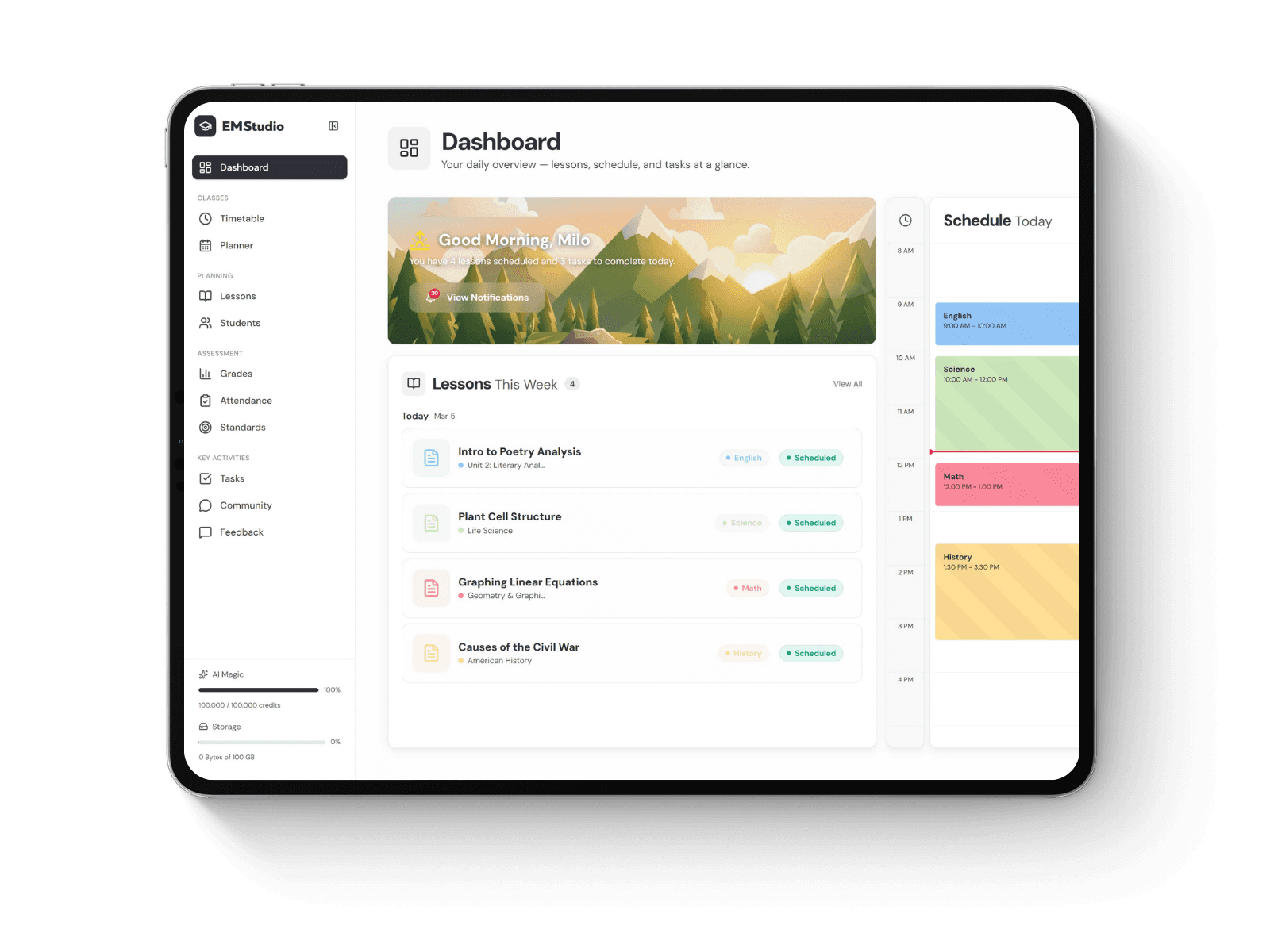
Still grading everything by hand?
EMStudio is a free teaching management app — manage your classes, students, lessons, and more!
Learn More
Table of Contents
1. Use Visuals That Explain Ideas Clearly
Images can make complicated subjects easier to understand, especially when students are learning something unfamiliar. However, visuals should support the lesson rather than simply decorate the page.
For example, a science lesson about plant growth becomes clearer when students can see labeled illustrations of each development stage.
Teachers can improve educational visuals by:
Choosing clear, high-resolution images.
Using diagrams to explain processes.
Adding short labels to important details.
Removing unnecessary decorative elements.
The goal is to help students understand information without creating visual distractions.
2. Create Interactive Worksheets Instead of Static Documents
Traditional worksheets often ask students to read questions and write answers. Digital worksheets can offer additional ways to practise the same skills.
Teachers can include clickable questions, matching exercises, drag-and-drop activities, or short quizzes.
For example, geography students might match country names with locations on a map rather than memorizing information from a printed list.
Keep instructions simple and test activities before sharing them. Interactive features should support learning objectives, not make assignments harder to complete.
3. Improve Educational Graphics With Simple Editing Tools
Teachers frequently use photographs, illustrations, and icons when preparing classroom presentations. Unfortunately, downloaded images sometimes contain distracting backgrounds or unnecessary objects.
Simple image-editing techniques can help create cleaner educational materials.
For instance, when designing vocabulary flashcards, teachers may use background-removal technology, sometimes described as tirar fundo, to isolate objects from their original surroundings.
A picture of an apple, for example, becomes easier to recognize when placed against a plain background.
Teachers should also check image quality, copyright permissions, and readability before adding edited visuals to their learning materials.
4. Turn Long Explanations Into Short Learning Sections
Large blocks of text can make digital lessons difficult to follow, particularly for younger students.
Instead of presenting an entire topic on one slide, divide information into smaller sections with clear headings.
A history lesson could follow this structure:
Introduce the historical event.
Explain its main causes.
Present a timeline.
Discuss important outcomes.
Ask students to summarize what they learned.
This approach creates a logical learning sequence and helps students identify the most important information.
5. Use Short Videos to Explain Difficult Concepts
Videos can demonstrate processes that are difficult to explain through written instructions alone.
For example, a short mathematics animation might show how fractions represent parts of a whole.
However, longer videos are not automatically better.
Teachers should select clips that directly support the lesson and pause at appropriate moments to ask questions.
Providing captions, written summaries, or alternative explanations also helps students who cannot access video content easily.
6. Add Real-Life Examples Students Can Recognize
Students often understand abstract concepts more clearly when they connect with familiar situations.
Instead of teaching percentages only through formulas, teachers might create a digital shopping activity where students calculate discounts.
Similarly, environmental science lessons could use examples involving household recycling, electricity use, or water conservation.
Real-life activities help students practise applying classroom knowledge beyond memorizing definitions.
Choose examples that match students' ages and experiences, and explain any unfamiliar context.
7. Encourage Participation Through Digital Challenges
Digital learning materials should give students opportunities to respond, practise, and reflect.
Small challenges can turn passive reading into active classroom participation.
Useful options include:
Quick knowledge-check quizzes.
Picture-based problem-solving activities.
Digital word puzzles.
Group brainstorming boards.
Short reflection questions.
For example, after a reading activity, students might arrange story events in the correct order.
Teachers should provide constructive feedback so students understand both their mistakes and their progress.
8. Make Learning Materials Accessible and Easy to Navigate
Even beautifully designed resources become frustrating when students cannot read instructions or find important information.
Accessibility should be considered throughout the design process.
Teachers can improve digital resources by using:
Readable fonts and suitable text sizes.
Strong contrast between text and backgrounds.
Descriptive headings and meaningful image descriptions.
Captions for instructional videos.
Consistent navigation across pages.
Materials should also be tested on different devices, particularly when students use tablets or smartphones.
Simple layouts often work better than complicated designs with too many interactive elements.
Conclusion
Creating effective digital learning materials does not require advanced design skills. Teachers can make lessons more interesting through clear visuals, interactive activities, practical examples, and thoughtful organization.
The most useful approach is to focus on how students understand and use information rather than adding technology for its own sake.
By applying these eight creative strategies, educators can develop classroom resources that support different learning needs, encourage participation, and make everyday teaching more effective.
1. Use Visuals That Explain Ideas Clearly
Images can make complicated subjects easier to understand, especially when students are learning something unfamiliar. However, visuals should support the lesson rather than simply decorate the page.
For example, a science lesson about plant growth becomes clearer when students can see labeled illustrations of each development stage.
Teachers can improve educational visuals by:
Choosing clear, high-resolution images.
Using diagrams to explain processes.
Adding short labels to important details.
Removing unnecessary decorative elements.
The goal is to help students understand information without creating visual distractions.
2. Create Interactive Worksheets Instead of Static Documents
Traditional worksheets often ask students to read questions and write answers. Digital worksheets can offer additional ways to practise the same skills.
Teachers can include clickable questions, matching exercises, drag-and-drop activities, or short quizzes.
For example, geography students might match country names with locations on a map rather than memorizing information from a printed list.
Keep instructions simple and test activities before sharing them. Interactive features should support learning objectives, not make assignments harder to complete.
3. Improve Educational Graphics With Simple Editing Tools
Teachers frequently use photographs, illustrations, and icons when preparing classroom presentations. Unfortunately, downloaded images sometimes contain distracting backgrounds or unnecessary objects.
Simple image-editing techniques can help create cleaner educational materials.
For instance, when designing vocabulary flashcards, teachers may use background-removal technology, sometimes described as tirar fundo, to isolate objects from their original surroundings.
A picture of an apple, for example, becomes easier to recognize when placed against a plain background.
Teachers should also check image quality, copyright permissions, and readability before adding edited visuals to their learning materials.
4. Turn Long Explanations Into Short Learning Sections
Large blocks of text can make digital lessons difficult to follow, particularly for younger students.
Instead of presenting an entire topic on one slide, divide information into smaller sections with clear headings.
A history lesson could follow this structure:
Introduce the historical event.
Explain its main causes.
Present a timeline.
Discuss important outcomes.
Ask students to summarize what they learned.
This approach creates a logical learning sequence and helps students identify the most important information.
5. Use Short Videos to Explain Difficult Concepts
Videos can demonstrate processes that are difficult to explain through written instructions alone.
For example, a short mathematics animation might show how fractions represent parts of a whole.
However, longer videos are not automatically better.
Teachers should select clips that directly support the lesson and pause at appropriate moments to ask questions.
Providing captions, written summaries, or alternative explanations also helps students who cannot access video content easily.
6. Add Real-Life Examples Students Can Recognize
Students often understand abstract concepts more clearly when they connect with familiar situations.
Instead of teaching percentages only through formulas, teachers might create a digital shopping activity where students calculate discounts.
Similarly, environmental science lessons could use examples involving household recycling, electricity use, or water conservation.
Real-life activities help students practise applying classroom knowledge beyond memorizing definitions.
Choose examples that match students' ages and experiences, and explain any unfamiliar context.
7. Encourage Participation Through Digital Challenges
Digital learning materials should give students opportunities to respond, practise, and reflect.
Small challenges can turn passive reading into active classroom participation.
Useful options include:
Quick knowledge-check quizzes.
Picture-based problem-solving activities.
Digital word puzzles.
Group brainstorming boards.
Short reflection questions.
For example, after a reading activity, students might arrange story events in the correct order.
Teachers should provide constructive feedback so students understand both their mistakes and their progress.
8. Make Learning Materials Accessible and Easy to Navigate
Even beautifully designed resources become frustrating when students cannot read instructions or find important information.
Accessibility should be considered throughout the design process.
Teachers can improve digital resources by using:
Readable fonts and suitable text sizes.
Strong contrast between text and backgrounds.
Descriptive headings and meaningful image descriptions.
Captions for instructional videos.
Consistent navigation across pages.
Materials should also be tested on different devices, particularly when students use tablets or smartphones.
Simple layouts often work better than complicated designs with too many interactive elements.
Conclusion
Creating effective digital learning materials does not require advanced design skills. Teachers can make lessons more interesting through clear visuals, interactive activities, practical examples, and thoughtful organization.
The most useful approach is to focus on how students understand and use information rather than adding technology for its own sake.
By applying these eight creative strategies, educators can develop classroom resources that support different learning needs, encourage participation, and make everyday teaching more effective.
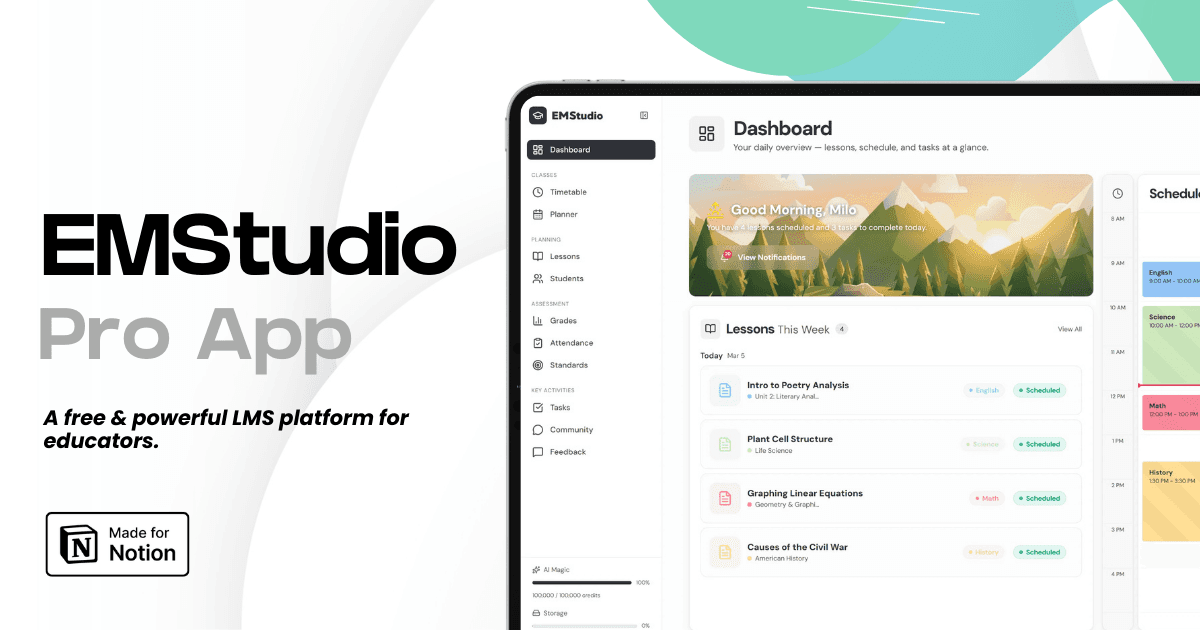
Still grading everything by hand?
EMStudio is a free teaching management app — manage your classes, students, lessons, and more!
Learn More
Still grading everything by hand?
EMStudio is a free teaching management app — manage your classes, students, lessons, and more!
Learn More


Notion4Teachers
Notion templates to simplify administrative tasks and enhance your teaching experience.



2026 Notion4Teachers. All Rights Reserved.
Notion4Teachers
Notion templates to simplify administrative tasks and enhance your teaching experience.
2026 Notion4Teachers. All Rights Reserved.
Notion4Teachers
Notion templates to simplify administrative tasks and enhance your teaching experience.
2026 Notion4Teachers. All Rights Reserved.