
3 Digital Safety Habits Teachers Should Use
3 Digital Safety Habits Teachers Should Use

Article by
Milo
ESL Content Coordinator & Educator
ESL Content Coordinator & Educator
All Posts
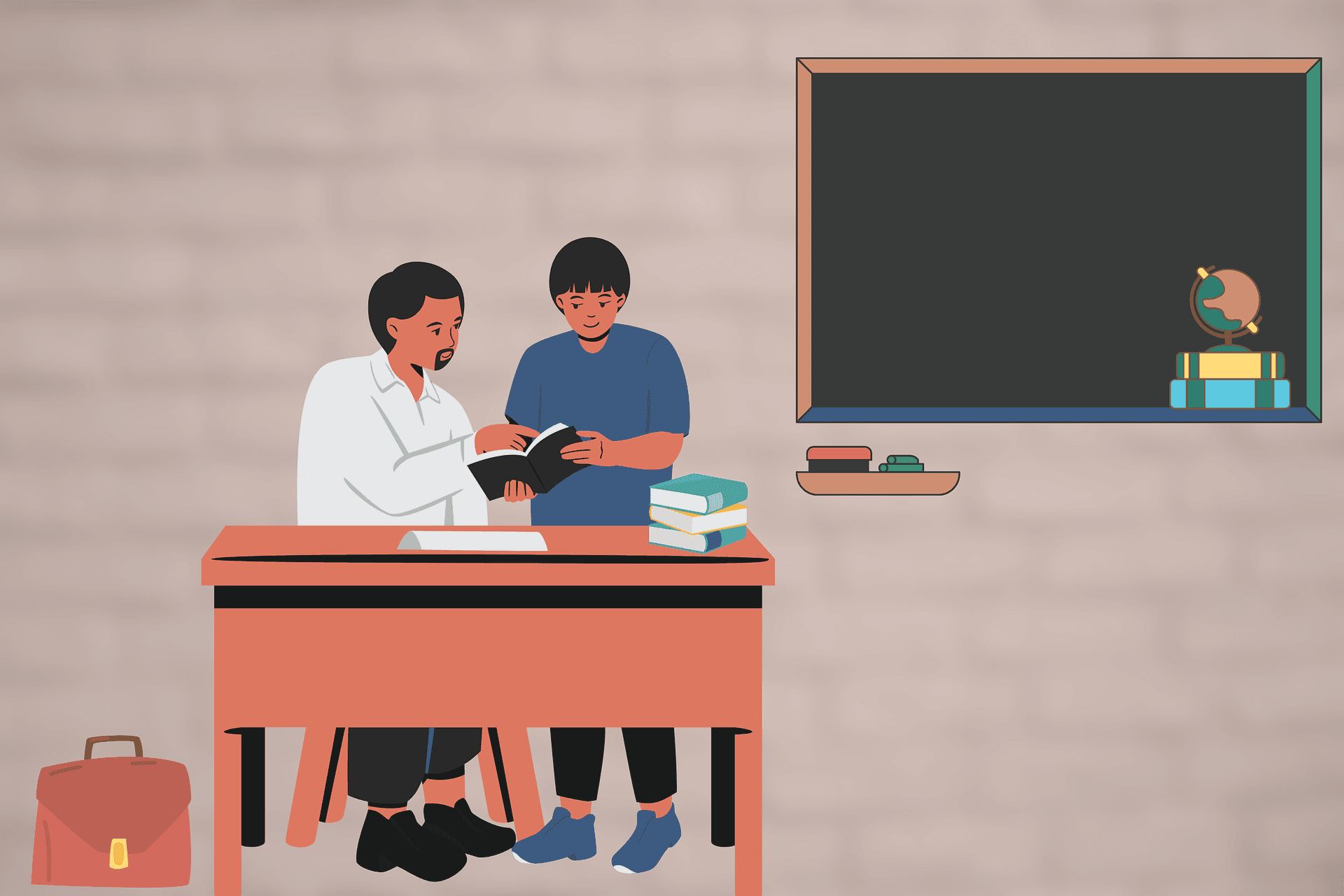
https://pixabay.com/illustrations/school-teacher-education-student-7052873/
It only takes a single weak password for a stranger to access your grade book. Such sensitive data is increasingly subject to stringent compliance regulations, so even student records need to be locked down.
If you look closely at your student records, you'll see they actually contain a lot of sensitive personal data; for example, there are parents' contact details.
This article explores some simple but effective digital safety habits that teachers can use to safeguard their students' information.
Still grading everything by hand?
EMStudio is a free teaching management app — manage your classes, students, lessons, and more!
Learn More

Still grading everything by hand?
EMStudio is a free teaching management app — manage your classes, students, lessons, and more!
Learn More
Table of Contents
1: Refresh Passwords Each Term
In many schools, there's a clear IT policy mandating that all staff create a fresh password every term. But, not all schools implement such standards. if yours doesn't, you should keep the habit for yourself.
One of the big ways cybercriminals get access to accounts is by searching the dark web for leaked password lists. Despite institutional strong password policies, many sidestep the rules, reusing the same passwords across multiple platforms. Criminals exploit this tendency by attempting to use leaked passwords across different services that are using the same account name or email address.
They might also use search engines to find out where people work so they can break into institutions like schools or hospitals where the systems are full of confidential data.
Consider using a free password generator and password manager so you don't have to memorize every password.
2: Two Factor Authentication
Two-factor authentication, or 2F, is one of the most effective ways to lock down an account. The way it works is simple:e, when you log in to an account, you receive a confirmation code through a secondary device or service.
One of the most common ways to do 2FA is by sending a confirmation code to a cell phone number. If a cyber criminal tries to take advantage of a weak or leaked password, 2FA acts as a secondary layer of defense.
Instead of just needing your password, intruders now need both your password and access to your phone. CISA notes that this single step makes account takeover far harder.
3: Unique Logins
While it might be convenient to share accounts with teaching assistants and volunteers, it's not a good cybersecurity practice.
Separate logins are essential for the following reasons:
Network segmentation: As a teacher, you need greater access to sensitive information than a volunteer helper; having separate accounts means everyone has access to the information they need and nothing more.
Accountability: When everyone signs in under their own login, you can see exactly who accessed or changed something, which matters the moment a grade goes missing or a shared file gets deleted.
Clean offboarding: When a volunteer or assistant moves on, you can switch off their single account in seconds, with no scramble to reset a shared password or guess what they can still reach.
Calibrated software: Account sharing means software preferences and settings will affect other users on the same account.
Individual logins create shared liability and a clear chain of access. The moment someone's role changes, it's possible to change their user account.
Good Cybersecurity Habits for Teachers
None of these habits is complicated, and that's the point. Cybercriminals go after easy targets, the accounts sitting behind a weak password or no second layer of defense. The way you beat them is simple: you make yourself a harder target than the next person along.
Simple security measures like two-factor authentication and unique accounts could save you and your students from a cybersecurity nightmare. If you're interested in learning more about similar topics relating to cybersecurity and technology, see our other blog posts.
1: Refresh Passwords Each Term
In many schools, there's a clear IT policy mandating that all staff create a fresh password every term. But, not all schools implement such standards. if yours doesn't, you should keep the habit for yourself.
One of the big ways cybercriminals get access to accounts is by searching the dark web for leaked password lists. Despite institutional strong password policies, many sidestep the rules, reusing the same passwords across multiple platforms. Criminals exploit this tendency by attempting to use leaked passwords across different services that are using the same account name or email address.
They might also use search engines to find out where people work so they can break into institutions like schools or hospitals where the systems are full of confidential data.
Consider using a free password generator and password manager so you don't have to memorize every password.
2: Two Factor Authentication
Two-factor authentication, or 2F, is one of the most effective ways to lock down an account. The way it works is simple:e, when you log in to an account, you receive a confirmation code through a secondary device or service.
One of the most common ways to do 2FA is by sending a confirmation code to a cell phone number. If a cyber criminal tries to take advantage of a weak or leaked password, 2FA acts as a secondary layer of defense.
Instead of just needing your password, intruders now need both your password and access to your phone. CISA notes that this single step makes account takeover far harder.
3: Unique Logins
While it might be convenient to share accounts with teaching assistants and volunteers, it's not a good cybersecurity practice.
Separate logins are essential for the following reasons:
Network segmentation: As a teacher, you need greater access to sensitive information than a volunteer helper; having separate accounts means everyone has access to the information they need and nothing more.
Accountability: When everyone signs in under their own login, you can see exactly who accessed or changed something, which matters the moment a grade goes missing or a shared file gets deleted.
Clean offboarding: When a volunteer or assistant moves on, you can switch off their single account in seconds, with no scramble to reset a shared password or guess what they can still reach.
Calibrated software: Account sharing means software preferences and settings will affect other users on the same account.
Individual logins create shared liability and a clear chain of access. The moment someone's role changes, it's possible to change their user account.
Good Cybersecurity Habits for Teachers
None of these habits is complicated, and that's the point. Cybercriminals go after easy targets, the accounts sitting behind a weak password or no second layer of defense. The way you beat them is simple: you make yourself a harder target than the next person along.
Simple security measures like two-factor authentication and unique accounts could save you and your students from a cybersecurity nightmare. If you're interested in learning more about similar topics relating to cybersecurity and technology, see our other blog posts.
Still grading everything by hand?
EMStudio is a free teaching management app — manage your classes, students, lessons, and more!
Learn More
Still grading everything by hand?
EMStudio is a free teaching management app — manage your classes, students, lessons, and more!
Learn More





Notion4Teachers
Notion templates to simplify administrative tasks and enhance your teaching experience.



2026 Notion4Teachers. All Rights Reserved.
Notion4Teachers
Notion templates to simplify administrative tasks and enhance your teaching experience.
2026 Notion4Teachers. All Rights Reserved.
Notion4Teachers
Notion templates to simplify administrative tasks and enhance your teaching experience.
2026 Notion4Teachers. All Rights Reserved.