
7 Notion and AI Workflows That Save Teacher Time
7 Notion and AI Workflows That Save Teacher Time

Article by
Milo
ESL Content Coordinator & Educator
ESL Content Coordinator & Educator
All Posts
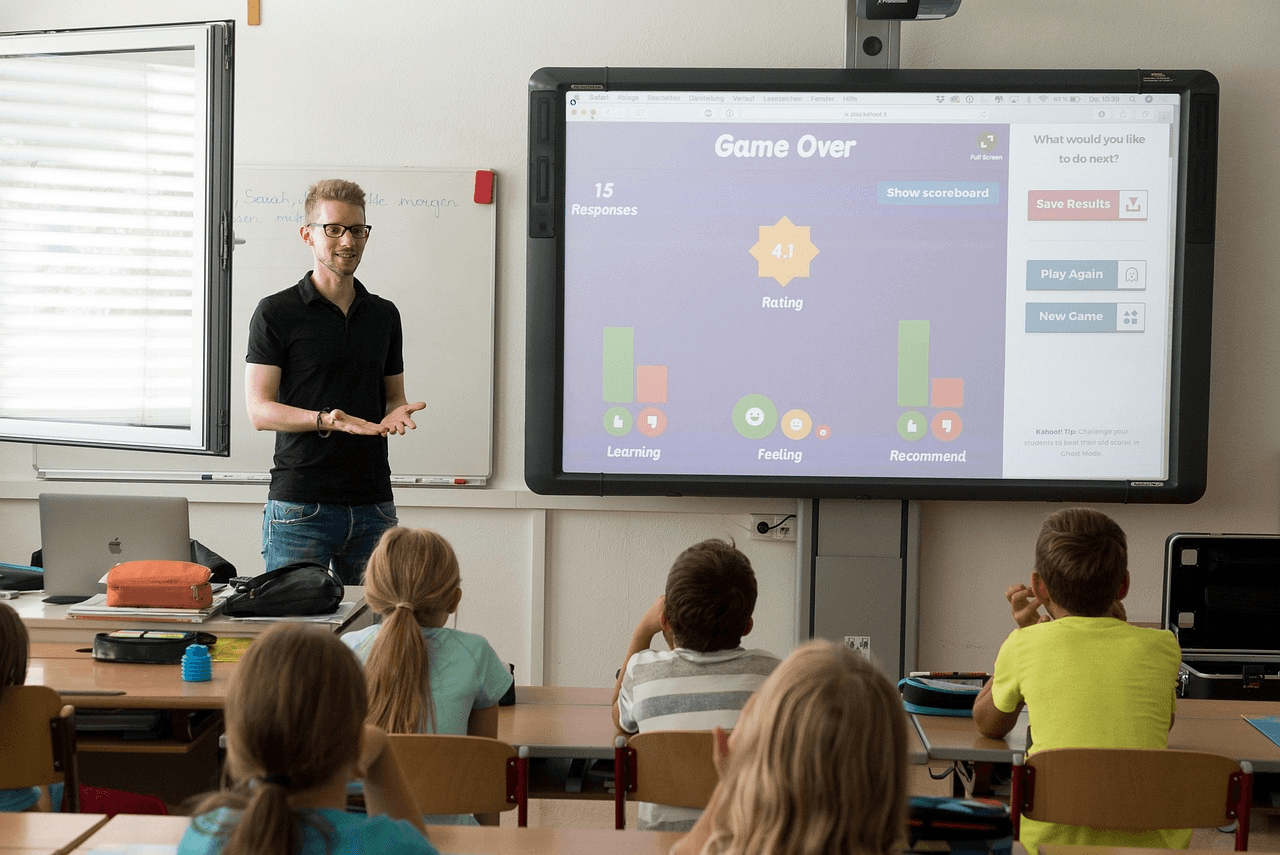
Image source: Pixabay
Teachers do not need another app to babysit. They need a faster way to handle the emails, reminders, and updates that eat into planning time long after the final bell.
That is where Notion and AI can help. Teachers who use AI weekly report saving about 5.9 hours a week, according to Gallup, and the right workflow can turn that saved time into less stress and more focus.
In this list, you will find six practical setups for parent communication, attendance follow-ups, late-work nudges, and newsletters that are simple to build and easy to reuse for busy teachers.
Still grading everything by hand?
EMStudio is a free teaching management app — manage your classes, students, lessons, and more!
Learn More

Still grading everything by hand?
EMStudio is a free teaching management app — manage your classes, students, lessons, and more!
Learn More
Table of Contents
First Week Parent Introductions
The first week shapes how families see your classroom, so a generic welcome email can miss the mark. A Notion database stores student names, guardian contacts, language preferences, and intro status in a single, organized view.
An AI prompt can draft a short, warm message for each family using one student strength and one class goal. Teachers save time while still sounding thoughtful, personal, and prepared. That balance becomes even more important when classes are large, and outreach needs to scale.
In those cases, a market platform, such as ZoomInfo, can be a useful reference for comparing top AI outreach software built around personalization and deliverability. Having the right tool means you'll spend less time managing logistics and more time building meaningful relationships.
Weekly Learning Highlights
Parents want a simple picture of what happened in class, not a long recap they will skim past. A weekly highlights workflow in Notion keeps lessons, class wins, and upcoming dates organized in one place.
After the notes are collected, AI can turn them into a short update that sounds clear and friendly. Teachers spend less time drafting from scratch, and families get a steady rhythm of communication that feels useful instead of rushed.
Permission Slip Reminders
Permission slips are easy to lose track of when deadlines pile up fast. Thanks to Notion, teachers can stay ahead without chasing paperwork by hand.
Track Due Dates
A Notion database keeps trip names, deadlines, and family contacts in one place. Teachers can sort by class and spot missing forms early.
Draft Quick Messages
An AI prompt writes short reminders with the event name and return date. Parents get clear instructions without extra back-and-forth.
Trigger Follow-Ups
Set an automation to send a reminder when a form is still missing. The process stays organized, timely, and much easier to manage.
Late Work Nudges
Missing assignments rarely need a long email. What helps more is a quick, clear reminder that tells families what is overdue and what the student can do next.
Inside Notion, teachers can filter a view for late work and pull the right details in seconds. AI can then shape those notes into a message that sounds calm, specific, and encouraging.
Keep each nudge focused on:
The missing assignment
The updated deadline
The help available
Tutoring Invitations
Some students need extra help, but the message home should feel encouraging, not heavy. A well-timed invitation can make support feel normal, useful, and easy to accept.
In Notion, teachers can track each student's skill gaps, subjects, and best meeting times. That gives AI enough context to draft a note that sounds specific instead of generic.
The best invitations show families what support looks like in real terms. A clear reason, a simple schedule, and a low-pressure tone can make all the difference.
Attendance Follow-Ups
Attendance patterns are easier to address when teachers can see the full picture at a glance. A Notion tracker can hold absences, family notes, and next steps so each follow-up starts with context instead of guesswork.
From there, AI can help draft a message that sounds steady, respectful, and ready for a real conversation. Rather than sending another generic notice, teachers can reach out in a way that feels timely and genuinely supportive.
Class Newsletter Assembly
Pulling together a class newsletter gets easier when updates already live in Notion. Instead of starting from scratch, teachers can gather highlights from the week in one organized view.
A simple prompt can shape those notes into a polished draft with a clean flow and friendly tone. Families get one clear update instead of scattered messages across different days.
Strong newsletters usually include:
Class highlights
Upcoming dates
Quick reminders
Turn Small Systems Into Time Savings
A good workflow does more than save a few minutes. It helps teachers stay consistent, reduce mental clutter, and keep family communication clear without having to rebuild the same message every week.
Pick one of these Notion and AI workflows and test it first. Once it starts saving time, you can expand the system and shape the rest of your outreach around what works best for your classroom.
First Week Parent Introductions
The first week shapes how families see your classroom, so a generic welcome email can miss the mark. A Notion database stores student names, guardian contacts, language preferences, and intro status in a single, organized view.
An AI prompt can draft a short, warm message for each family using one student strength and one class goal. Teachers save time while still sounding thoughtful, personal, and prepared. That balance becomes even more important when classes are large, and outreach needs to scale.
In those cases, a market platform, such as ZoomInfo, can be a useful reference for comparing top AI outreach software built around personalization and deliverability. Having the right tool means you'll spend less time managing logistics and more time building meaningful relationships.
Weekly Learning Highlights
Parents want a simple picture of what happened in class, not a long recap they will skim past. A weekly highlights workflow in Notion keeps lessons, class wins, and upcoming dates organized in one place.
After the notes are collected, AI can turn them into a short update that sounds clear and friendly. Teachers spend less time drafting from scratch, and families get a steady rhythm of communication that feels useful instead of rushed.
Permission Slip Reminders
Permission slips are easy to lose track of when deadlines pile up fast. Thanks to Notion, teachers can stay ahead without chasing paperwork by hand.
Track Due Dates
A Notion database keeps trip names, deadlines, and family contacts in one place. Teachers can sort by class and spot missing forms early.
Draft Quick Messages
An AI prompt writes short reminders with the event name and return date. Parents get clear instructions without extra back-and-forth.
Trigger Follow-Ups
Set an automation to send a reminder when a form is still missing. The process stays organized, timely, and much easier to manage.
Late Work Nudges
Missing assignments rarely need a long email. What helps more is a quick, clear reminder that tells families what is overdue and what the student can do next.
Inside Notion, teachers can filter a view for late work and pull the right details in seconds. AI can then shape those notes into a message that sounds calm, specific, and encouraging.
Keep each nudge focused on:
The missing assignment
The updated deadline
The help available
Tutoring Invitations
Some students need extra help, but the message home should feel encouraging, not heavy. A well-timed invitation can make support feel normal, useful, and easy to accept.
In Notion, teachers can track each student's skill gaps, subjects, and best meeting times. That gives AI enough context to draft a note that sounds specific instead of generic.
The best invitations show families what support looks like in real terms. A clear reason, a simple schedule, and a low-pressure tone can make all the difference.
Attendance Follow-Ups
Attendance patterns are easier to address when teachers can see the full picture at a glance. A Notion tracker can hold absences, family notes, and next steps so each follow-up starts with context instead of guesswork.
From there, AI can help draft a message that sounds steady, respectful, and ready for a real conversation. Rather than sending another generic notice, teachers can reach out in a way that feels timely and genuinely supportive.
Class Newsletter Assembly
Pulling together a class newsletter gets easier when updates already live in Notion. Instead of starting from scratch, teachers can gather highlights from the week in one organized view.
A simple prompt can shape those notes into a polished draft with a clean flow and friendly tone. Families get one clear update instead of scattered messages across different days.
Strong newsletters usually include:
Class highlights
Upcoming dates
Quick reminders
Turn Small Systems Into Time Savings
A good workflow does more than save a few minutes. It helps teachers stay consistent, reduce mental clutter, and keep family communication clear without having to rebuild the same message every week.
Pick one of these Notion and AI workflows and test it first. Once it starts saving time, you can expand the system and shape the rest of your outreach around what works best for your classroom.
Still grading everything by hand?
EMStudio is a free teaching management app — manage your classes, students, lessons, and more!
Learn More
Still grading everything by hand?
EMStudio is a free teaching management app — manage your classes, students, lessons, and more!
Learn More




Notion4Teachers
Notion templates to simplify administrative tasks and enhance your teaching experience.



2026 Notion4Teachers. All Rights Reserved.
Notion4Teachers
Notion templates to simplify administrative tasks and enhance your teaching experience.
2026 Notion4Teachers. All Rights Reserved.
Notion4Teachers
Notion templates to simplify administrative tasks and enhance your teaching experience.
2026 Notion4Teachers. All Rights Reserved.