
How Teachers Can Use AI Tools to Create Engaging Classroom Materials
How Teachers Can Use AI Tools to Create Engaging Classroom Materials

Article by
Milo
ESL Content Coordinator & Educator
ESL Content Coordinator & Educator
All Posts
Getting students' attention has always been a challenge for teachers, but keeping them engaged is even harder. Teachers have long looked for ways to grab students’ attention, like using presentations, worksheets, quizzes, and interactive activities. However, creating these resources takes time.
This is where AI tools can help. They can make the process easier by helping teachers create and customize learning materials in minutes. From illustrations and presentations to practice exercises and classroom games, here are seven ways teachers can use AI to create engaging classroom materials.
Still grading everything by hand?
EMStudio is a free teaching management app — manage your classes, students, lessons, and more!
Learn More
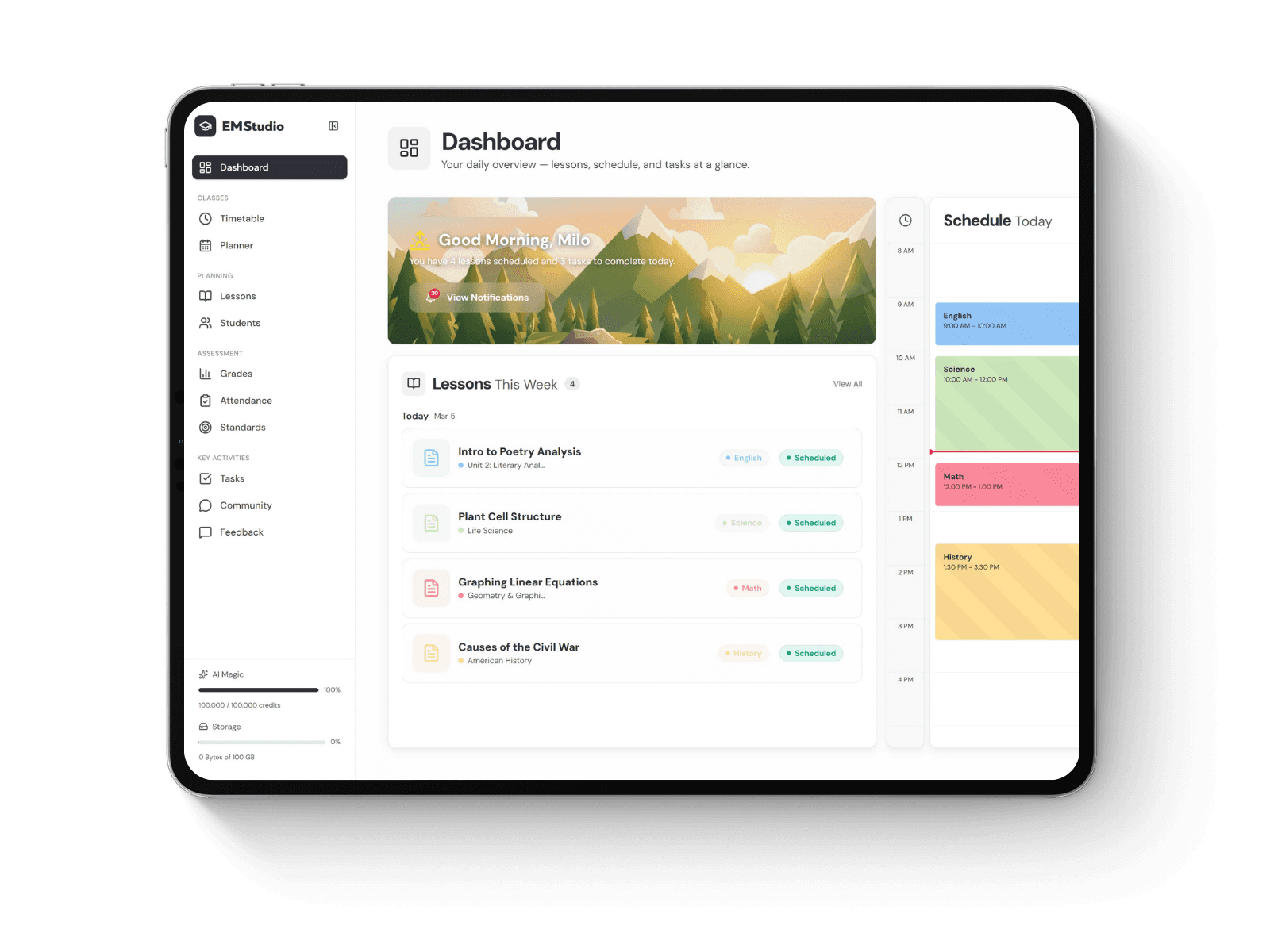
Still grading everything by hand?
EMStudio is a free teaching management app — manage your classes, students, lessons, and more!
Learn More
Table of Contents
1. Create Custom Illustrations and Visual Learning Aids
In the past, teachers had to draw illustrations manually or search for stock images to create visual aids like diagrams and flashcards. These materials help make complex concepts easier to understand, especially in subjects like science, history, geography, and language arts. However, finding or creating visuals that match a specific lesson can take time.
AI image generators make this process easier by allowing teachers to create custom visuals from simple text prompts. For example, Design.com's AI Image Generator lets teachers describe the illustrations they need and generate them in minutes. Here's how:
Prompt:
"Create a colorful, educational illustration of the water cycle for Grade 4 students. Show the sun heating a lake, water evaporating, clouds forming, and rain falling back to the ground. Use a simple, child-friendly illustration style with clearly separated stages."
Result:

2. Build Engaging Lesson Presentations
PowerPoint presentations have long helped teachers explain lessons and keep students engaged during lectures. However, gathering information, preparing outlines, and organizing content already take considerable time. Creating slides from scratch adds another task to their workload.
AI presentation tools like Design.com's AI Presentation Maker and Gamma can simplify this process by generating presentation designs that teachers can customize. With Gamma, for example:
Prompt:
Create a 10-slide presentation for a Grade 5 science lesson about the solar system. Include an introduction, simple explanations of the eight planets, interesting facts, and three review questions. Use colorful visuals and short, age-appropriate text.
Result:



3. Generate Worksheets and Practice Exercises
Worksheets give students opportunities to practice new skills and gauge their understanding. To accommodate different learning levels, teachers often need several versions.
AI writing assistants ChatGPT can help teachers prepare these materials. They can generate exercises based on a subject, grade level, and specific learning objective. They can also create answer keys, vary question difficulty, and suggest alternative activities. For example:
Prompt:
Create a Grade 3 math worksheet with 10 multiplication word problems using numbers from 1 to 10. Start with simple problems and gradually increase the difficulty. Include clear instructions and a separate answer key.
Result:

Teachers can also request different versions of the same worksheet. For example, one version might use smaller numbers and simpler wording, while another includes more challenging, multi-step problems.
4. Design Interactive Quizzes and Classroom Games
Quizzes are traditionally done on paper. But nowadays, teachers can make quizzes fun and exciting by making them interactive.
AI-assisted quiz platforms can help teachers generate questions from their lesson topics or existing materials. Some also support game-based activities where students answer questions individually or compete in teams.
Kahoot! and Wayground (formerly Quizizz) are examples of platforms that support interactive classroom assessments and AI-assisted question creation.


However, the goal isn't simply to make assessments more entertaining. Interactive quizzes can also help provide meaningful feedback and help students recognize what they already understand.
5. Adapt Reading Materials for Different Learning Levels
Students in the same classroom may have different reading abilities, vocabulary knowledge, and levels of familiarity with a topic. Preparing separate reading materials for these differences can be challenging, especially when everyone needs to work toward the same learning objective.
ChatGPT is useful here again, but another option is Diffit. These AI tools can rewrite passages using simpler vocabulary, shorter sentences, or more advanced explanations while retaining the main ideas.
Here’s a sample prompt:
"Rewrite this passage about climate change for three reading levels: beginner, intermediate, and advanced. Keep the main scientific concepts consistent across all versions. Include five comprehension questions for each level."
However, teachers should review the adapted texts carefully, as simplifying the language can sometimes remove important details or change the original meaning. This helps ensure the revised versions remain accurate and retain the key information.
6. Create Classroom Posters and Instructional Displays
Classroom posters can help explain important concepts and reinforce information students need to remember. While ready-made posters are available in bookstores, they may not include specific details teachers want to mention in their lessons.
AI tools make it easier to create posters tailored to students' learning needs. Aside from Design.com, Canva is another option. It has customizable templates and AI features. Teachers can start with an existing template or use Canva AI to generate a poster based on a prompt. For example:
Prompt:
"Create a classroom poster for Grade 4 students titled '5 Steps to Solve a Math Word Problem.' Include these steps: Read, Identify, Plan, Solve, and Check. Use large headings, simple icons, and a clean, colorful layout."

7. Develop Creative Writing Prompts and Storytelling Activities
Creative writing helps students develop their imagination, organize ideas, and express themselves. However, brainstorming fresh writing prompts for different topics and age groups can be challenging.
AI writing assistants can help teachers brainstorm new ideas for creative writing activities. They can use ChatGPT or other platforms like Gemini to generate prompts based on specific themes, grade levels, or learning objectives. Here's how:
Prompt:
"Generate five creative writing prompts for Grade 6 students about discovering a mysterious island. Each prompt should introduce an interesting situation, encourage descriptive writing, and leave the ending open for students to decide."
Results:

Tips for Using AI-Generated Classroom Materials Effectively
AI can simplify classroom preparation, but teachers still need to review them before using them in their lessons. Here are four practices to keep in mind:
1. Check the accuracy of AI-generated content: AI tools can produce incorrect facts, misleading illustrations, or flawed answer keys. Review materials carefully, especially those involving scientific explanations, historical information, and mathematical calculations.
2. Keep learning objectives in focus: Every worksheet, presentation, or activity should support a specific learning goal. An attractive design or entertaining quiz isn't necessarily effective if it doesn't help students understand the subject.
3. Make materials accessible: Use readable fonts, clear instructions, sufficient color contrast, and age-appropriate language. When necessary, prepare alternative formats or adjust activities to accommodate different learning needs.
4. Protect student information: Do not enter students' personal details or other sensitive information into AI tools without appropriate authorization. Follow your school's policies on AI use and student data privacy.
5. Test materials before classroom use: Review AI-generated materials before sharing them with students to identify confusing instructions, overly difficult questions, or visuals that fail to communicate the intended concepts.
Final Thoughts
Creating engaging classroom materials doesn't have to take hours of preparation. With AI tools, teachers can develop everything from illustrations and presentations to worksheets, quizzes, and creative activities in less time.
However, keeping students engaged involves more than making materials visually appealing or interactive. The content must also be relevant, easy to understand, and fitting for their learning needs.
By using AI to create teaching materials, teachers can focus more time on what matters most.
1. Create Custom Illustrations and Visual Learning Aids
In the past, teachers had to draw illustrations manually or search for stock images to create visual aids like diagrams and flashcards. These materials help make complex concepts easier to understand, especially in subjects like science, history, geography, and language arts. However, finding or creating visuals that match a specific lesson can take time.
AI image generators make this process easier by allowing teachers to create custom visuals from simple text prompts. For example, Design.com's AI Image Generator lets teachers describe the illustrations they need and generate them in minutes. Here's how:
Prompt:
"Create a colorful, educational illustration of the water cycle for Grade 4 students. Show the sun heating a lake, water evaporating, clouds forming, and rain falling back to the ground. Use a simple, child-friendly illustration style with clearly separated stages."
Result:
2. Build Engaging Lesson Presentations
PowerPoint presentations have long helped teachers explain lessons and keep students engaged during lectures. However, gathering information, preparing outlines, and organizing content already take considerable time. Creating slides from scratch adds another task to their workload.
AI presentation tools like Design.com's AI Presentation Maker and Gamma can simplify this process by generating presentation designs that teachers can customize. With Gamma, for example:
Prompt:
Create a 10-slide presentation for a Grade 5 science lesson about the solar system. Include an introduction, simple explanations of the eight planets, interesting facts, and three review questions. Use colorful visuals and short, age-appropriate text.
Result:
3. Generate Worksheets and Practice Exercises
Worksheets give students opportunities to practice new skills and gauge their understanding. To accommodate different learning levels, teachers often need several versions.
AI writing assistants ChatGPT can help teachers prepare these materials. They can generate exercises based on a subject, grade level, and specific learning objective. They can also create answer keys, vary question difficulty, and suggest alternative activities. For example:
Prompt:
Create a Grade 3 math worksheet with 10 multiplication word problems using numbers from 1 to 10. Start with simple problems and gradually increase the difficulty. Include clear instructions and a separate answer key.
Result:
Teachers can also request different versions of the same worksheet. For example, one version might use smaller numbers and simpler wording, while another includes more challenging, multi-step problems.
4. Design Interactive Quizzes and Classroom Games
Quizzes are traditionally done on paper. But nowadays, teachers can make quizzes fun and exciting by making them interactive.
AI-assisted quiz platforms can help teachers generate questions from their lesson topics or existing materials. Some also support game-based activities where students answer questions individually or compete in teams.
Kahoot! and Wayground (formerly Quizizz) are examples of platforms that support interactive classroom assessments and AI-assisted question creation.
However, the goal isn't simply to make assessments more entertaining. Interactive quizzes can also help provide meaningful feedback and help students recognize what they already understand.
5. Adapt Reading Materials for Different Learning Levels
Students in the same classroom may have different reading abilities, vocabulary knowledge, and levels of familiarity with a topic. Preparing separate reading materials for these differences can be challenging, especially when everyone needs to work toward the same learning objective.
ChatGPT is useful here again, but another option is Diffit. These AI tools can rewrite passages using simpler vocabulary, shorter sentences, or more advanced explanations while retaining the main ideas.
Here’s a sample prompt:
"Rewrite this passage about climate change for three reading levels: beginner, intermediate, and advanced. Keep the main scientific concepts consistent across all versions. Include five comprehension questions for each level."
However, teachers should review the adapted texts carefully, as simplifying the language can sometimes remove important details or change the original meaning. This helps ensure the revised versions remain accurate and retain the key information.
6. Create Classroom Posters and Instructional Displays
Classroom posters can help explain important concepts and reinforce information students need to remember. While ready-made posters are available in bookstores, they may not include specific details teachers want to mention in their lessons.
AI tools make it easier to create posters tailored to students' learning needs. Aside from Design.com, Canva is another option. It has customizable templates and AI features. Teachers can start with an existing template or use Canva AI to generate a poster based on a prompt. For example:
Prompt:
"Create a classroom poster for Grade 4 students titled '5 Steps to Solve a Math Word Problem.' Include these steps: Read, Identify, Plan, Solve, and Check. Use large headings, simple icons, and a clean, colorful layout."
7. Develop Creative Writing Prompts and Storytelling Activities
Creative writing helps students develop their imagination, organize ideas, and express themselves. However, brainstorming fresh writing prompts for different topics and age groups can be challenging.
AI writing assistants can help teachers brainstorm new ideas for creative writing activities. They can use ChatGPT or other platforms like Gemini to generate prompts based on specific themes, grade levels, or learning objectives. Here's how:
Prompt:
"Generate five creative writing prompts for Grade 6 students about discovering a mysterious island. Each prompt should introduce an interesting situation, encourage descriptive writing, and leave the ending open for students to decide."
Results:
Tips for Using AI-Generated Classroom Materials Effectively
AI can simplify classroom preparation, but teachers still need to review them before using them in their lessons. Here are four practices to keep in mind:
1. Check the accuracy of AI-generated content: AI tools can produce incorrect facts, misleading illustrations, or flawed answer keys. Review materials carefully, especially those involving scientific explanations, historical information, and mathematical calculations.
2. Keep learning objectives in focus: Every worksheet, presentation, or activity should support a specific learning goal. An attractive design or entertaining quiz isn't necessarily effective if it doesn't help students understand the subject.
3. Make materials accessible: Use readable fonts, clear instructions, sufficient color contrast, and age-appropriate language. When necessary, prepare alternative formats or adjust activities to accommodate different learning needs.
4. Protect student information: Do not enter students' personal details or other sensitive information into AI tools without appropriate authorization. Follow your school's policies on AI use and student data privacy.
5. Test materials before classroom use: Review AI-generated materials before sharing them with students to identify confusing instructions, overly difficult questions, or visuals that fail to communicate the intended concepts.
Final Thoughts
Creating engaging classroom materials doesn't have to take hours of preparation. With AI tools, teachers can develop everything from illustrations and presentations to worksheets, quizzes, and creative activities in less time.
However, keeping students engaged involves more than making materials visually appealing or interactive. The content must also be relevant, easy to understand, and fitting for their learning needs.
By using AI to create teaching materials, teachers can focus more time on what matters most.
Still grading everything by hand?
EMStudio is a free teaching management app — manage your classes, students, lessons, and more!
Learn More
Still grading everything by hand?
EMStudio is a free teaching management app — manage your classes, students, lessons, and more!
Learn More


Notion4Teachers
Notion templates to simplify administrative tasks and enhance your teaching experience.



2026 Notion4Teachers. All Rights Reserved.
Notion4Teachers
Notion templates to simplify administrative tasks and enhance your teaching experience.
2026 Notion4Teachers. All Rights Reserved.
Notion4Teachers
Notion templates to simplify administrative tasks and enhance your teaching experience.
2026 Notion4Teachers. All Rights Reserved.